
It's time to take flight! In this lesson, you will complete your first drone flight in the VEX AIR Flight Simulator. You will get hands-on experience piloting the virtual VEX AIR Drone using your physical VEX AIR Drone Controller.
Watch this video to learn more about:
- Taking off and landing the drone in the simulator.
- How upward motion is created in drones.
- Safety considerations using the Propeller Lock.
Hover & Discover
In the video, you learned that the movement of the drone's propellers create force. The force that moves the drone upward is called lift.
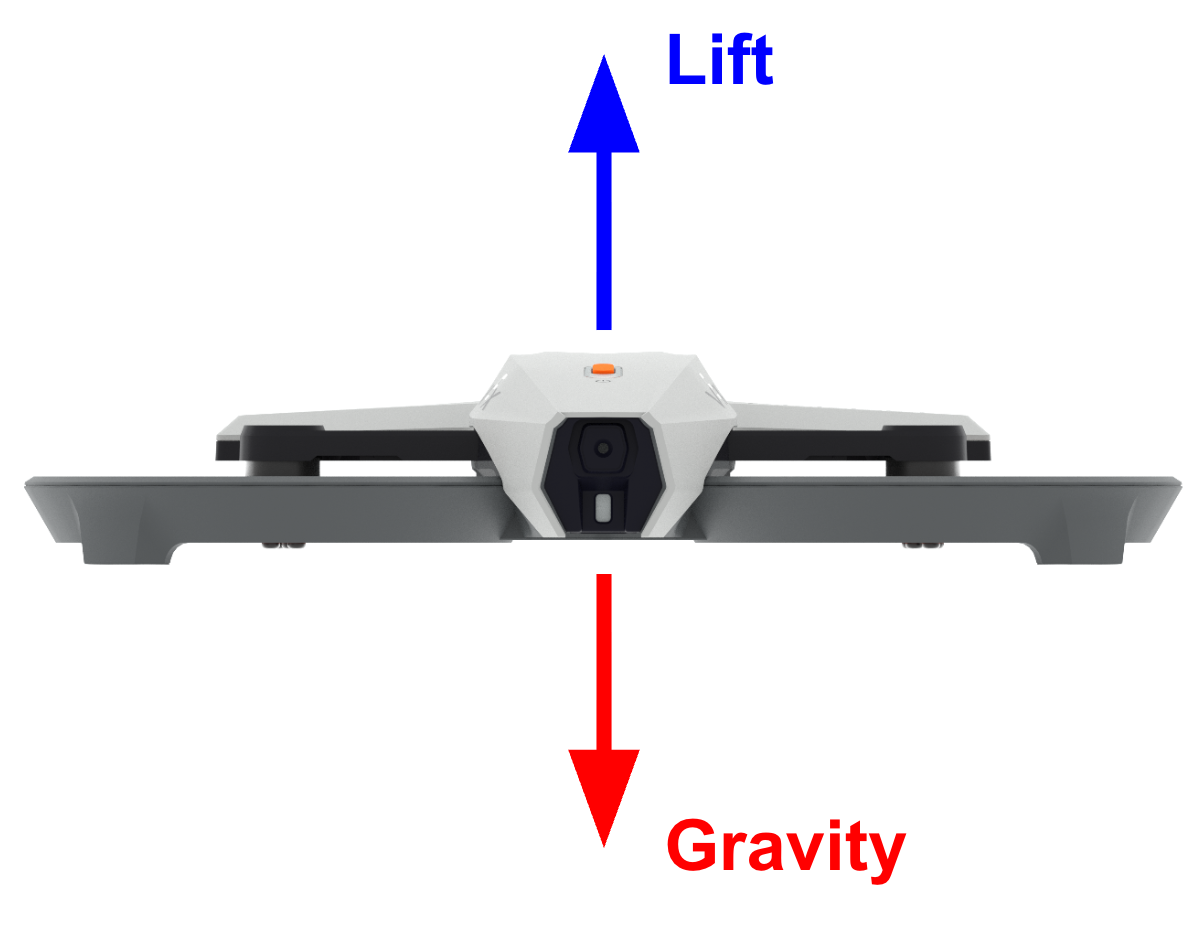
Lift counteracts gravity (the downward pull of the Earth on the drone). When the force of lift is greater than gravity, the drone will rise. When the force of lift is less than gravity, the drone will lower.
Before You Fly...
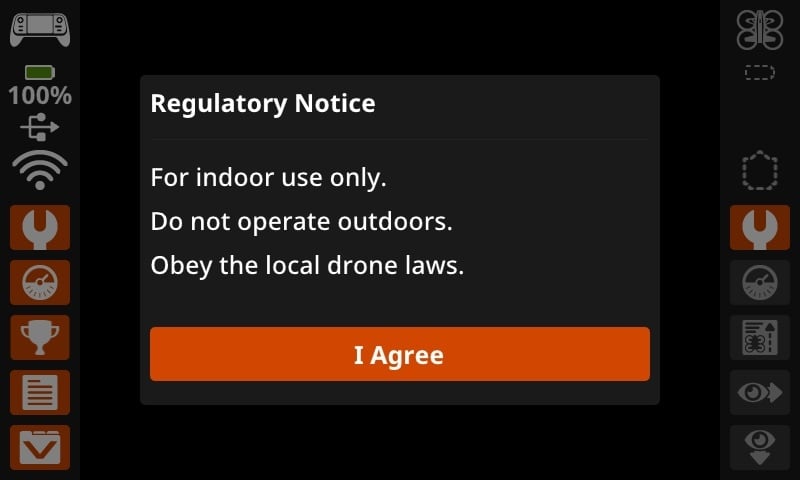
Each time you turn on your VEX AIR Drone Controller, a regulatory notice will appear. This is a reminder that the VEX AIR Drone is intended for indoor use only and should not be flown outside. Select I Agree to acknowledge your understanding and use your controller with the VEX AIR Flight Simulator or physical drone.
Mission: Takeoff and Land
In this mission, you will take your first flight in the VEX AIR Flight Simulator! Follow these steps to complete your mission.
- Connect your controller to VEXcode AIR and select the Simulator tab. Read this article to learn more about using the VEX AIR Flight Simulator.
- Fly the drone to take off and land back on the platform as shown in this video. Follow the prompts on the controller screen to land safely.
- Use this Mission Log to document your flight (Google Doc / .docx / .pdf).
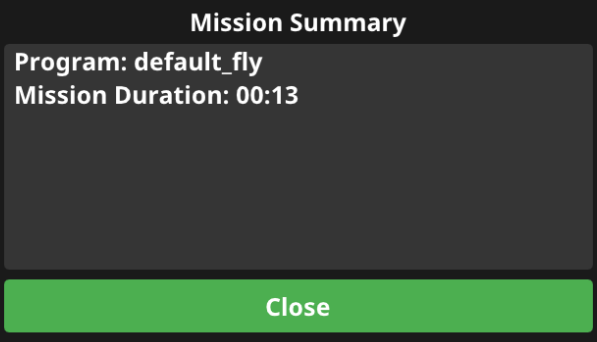
- Record the mission duration from the Mission Summary screen before you select Close to end the program.
- Remember to press the Propeller Lock button in the simulator before you try to take off.
Practice this mission multiple times. Make sure you take notes on each flight in your Mission Log.
- Once you have practiced the mission and logged your practice flights in your Mission Log, complete the Takeoff and Land mission in Flight School.
- Read the VEX Library article Using Flight School in the VEX AIR Flight Simulator for instructions on how to access and use Flight School.
- Find badge criteria for the mission in the Mission Log.
- When you have completed your Flight School mission, add your name to your badge.
- Save your badge, and share it with your instructor as directed.
Real-World Connections
This lesson focuses on your first flight in the simulator and some of the safety considerations that apply to every flight. Before any drone leaves the ground—virtual or physical—safety comes first. As you practice in the Virtual Flight Course, remember that the physical VEX AIR Drone is designed to be flown indoors only, in a safe space approved by your teacher.
Real-world drone pilots follow strict checklists to make sure propellers can only spin when it’s safe to do so. The VEX AIR Drone's Propeller Lock works just like the safety systems used on professional drones to prevent accidents during setup, transport, or maintenance.
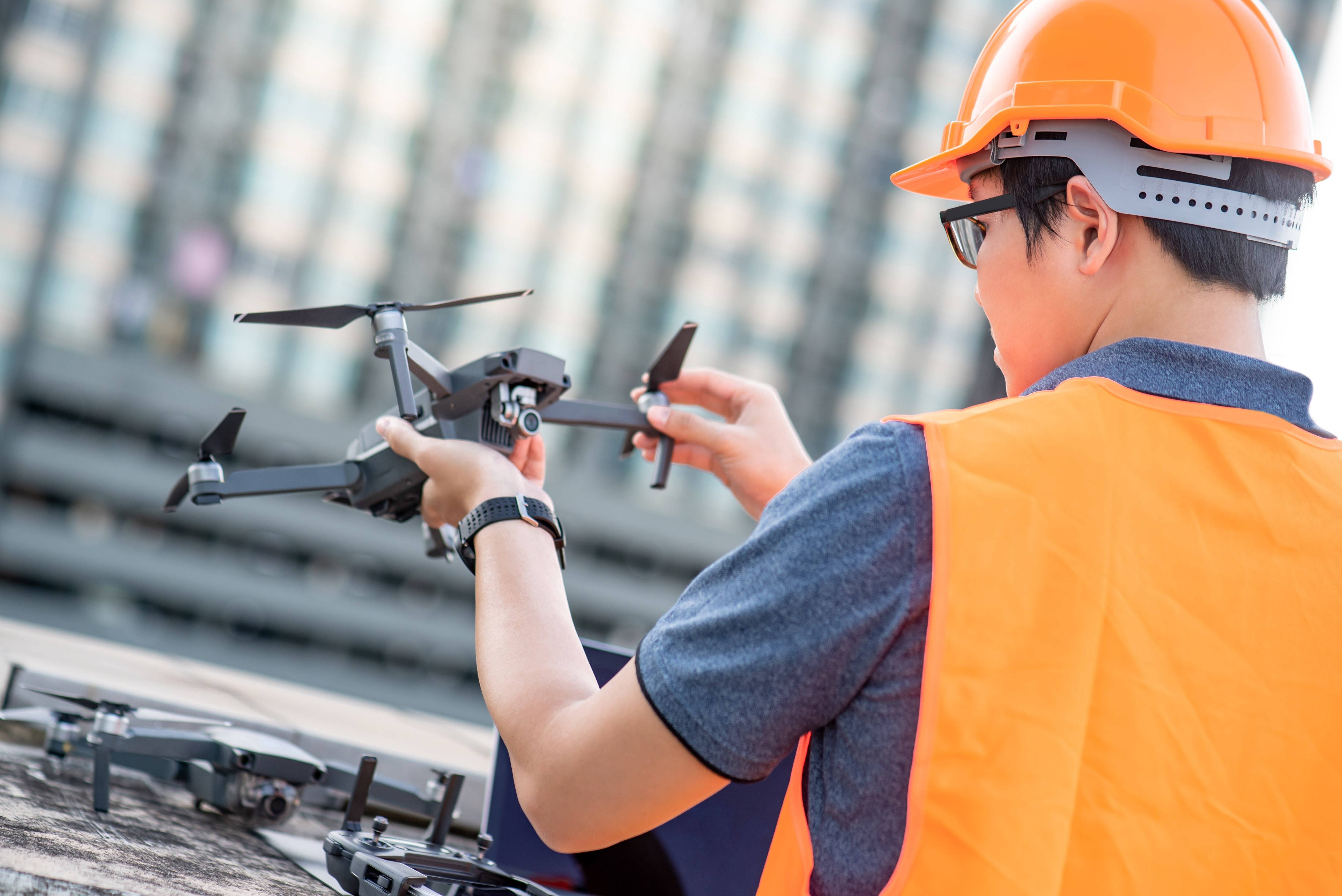
In industries like aerial photography, delivery, and public safety, safety features protect both the equipment, like the commercial drone shown here, and the people working nearby. Pilots must confirm that all systems are locked and safe before handling the drone—and that locks are released only when the drone is in a safe takeoff area.
The VEX AIR Flight Simulator includes the Propeller Lock feature to help you practice safe habits before flying the drone in your indoor flight space. Every flight starts with safety—making sure the drone only moves when you’re ready and in control.
Check Your Understanding
Before moving on, ensure that you understand the concepts in this lesson by answering the questions here (Google Doc / .docx / .pdf).
Select Next > to move to the next lesson.