
VEX IQ Session 2
Now that you've been introduced to Level Up, it's time to build your first competition robot! In this session, your team will build this year's Hero Bot, Flop. Hero Bots are designed with different features and functions to help you get started with this year's game.
Since Flop is a large build, your team will build it in stages. Everyone on the team will have a chance to build a part of Flop. When it's not your turn to build, you'll be practicing your skills in other areas as you rotate through four stations.
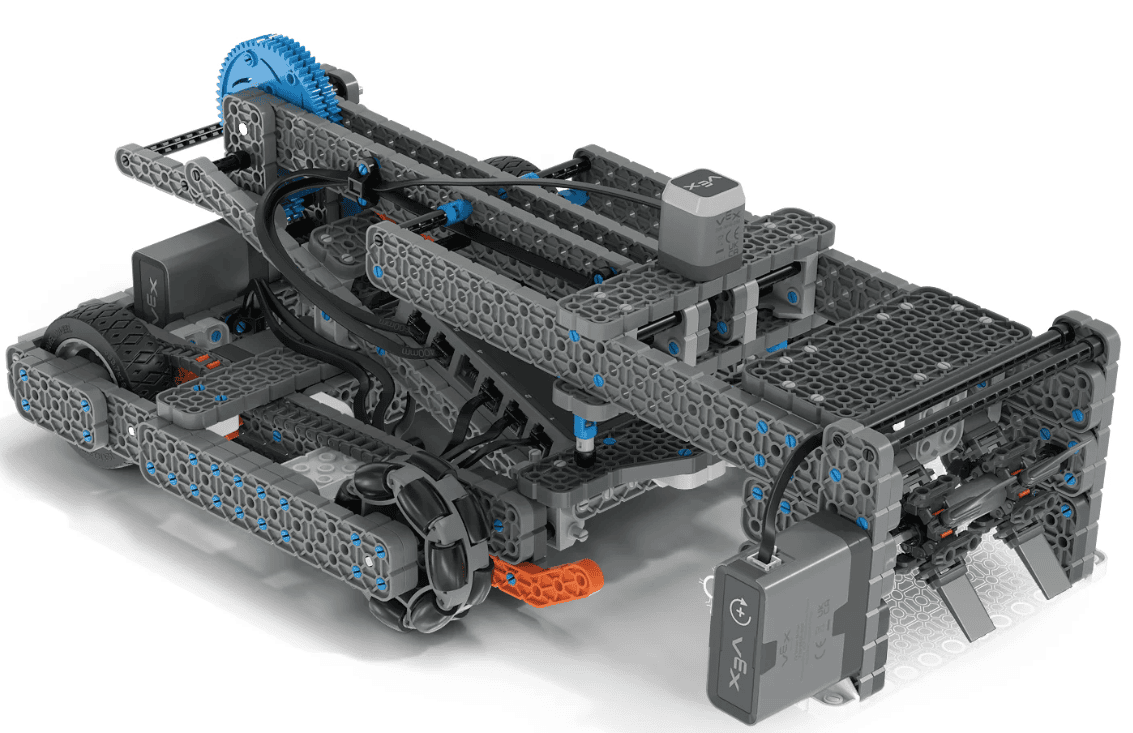
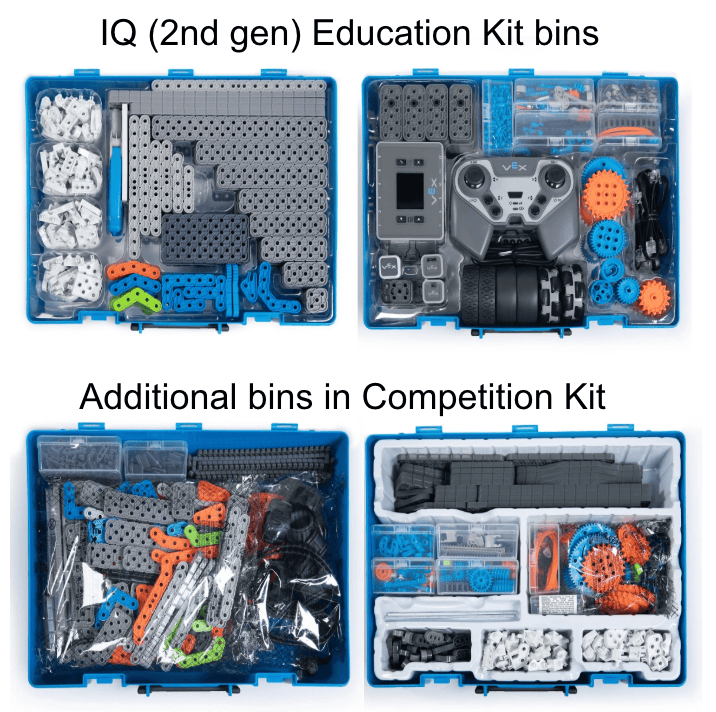
Before you begin, make sure you have the following ready:
- A complete IQ Competition Kit
- Your Team Number and Virtual Skills Key
- An engineering notebook

Get ready for building! You will use 3D Build Instructions to construct part of the Hero Bot, Flop, with your partner. If you've never used 3D Build Instructions before, watch the video below to get started.
Use this task card (Google doc / .pdf / .docx) to guide you through what to do in this station.
- Take turns with your partner to build and check each step as you go.
- 3D Build Instructions for Flop can be found here.
Have fun building Flop!
It's time to hone your driving skills! You will take turns driving and scoring with Flop in Virtual Driving Skills Practice. This is your chance to learn more about the Hero Bot and its controls while you try to score points.
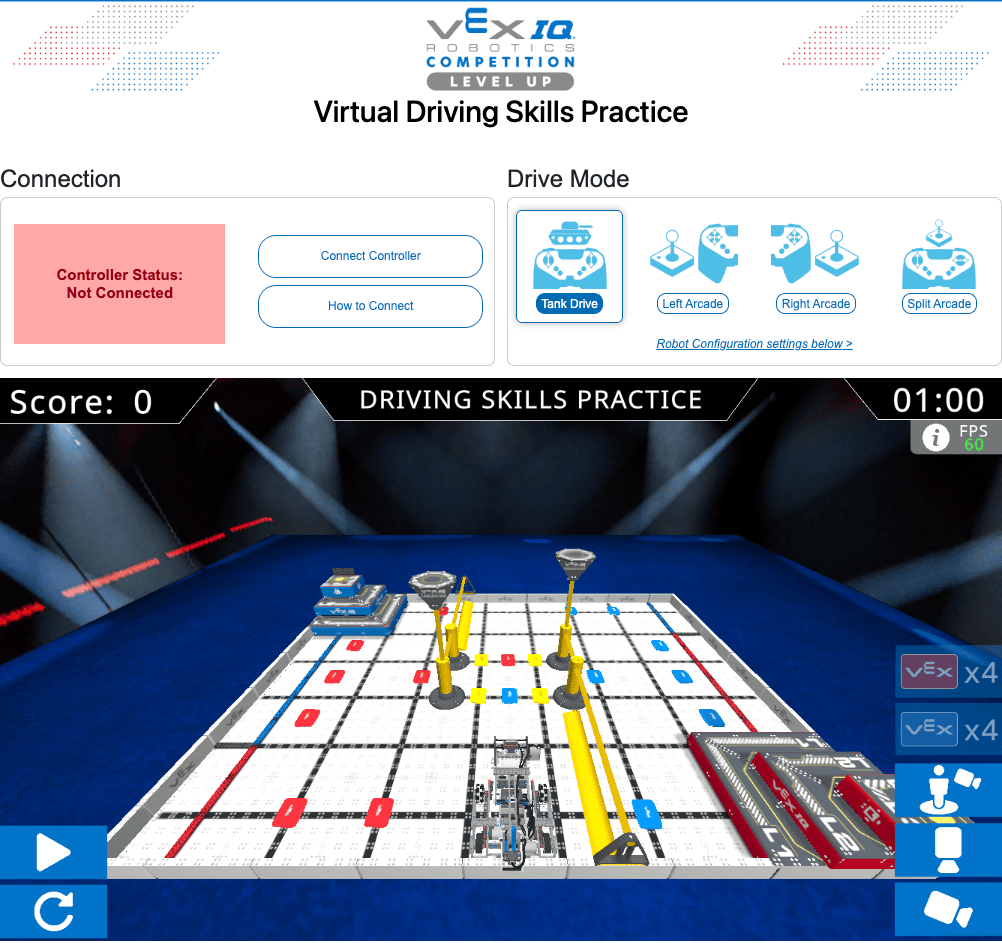
Use this task card (Google doc / .pdf / .docx) to guide you through what to do in this station.
- Take turns driving and documenting with your partner.
- Follow the steps in this article to connect your IQ (2nd gen) Controller to Virtual Driving Skills Practice.
- Use the Practicing Using VIQRC Virtual Driving Skills article to help you as you drive.
Have fun driving virtual Flop and playing Level Up!
Now you're ready to try your coding skills with Flop! You will work with your partner to code Flop in VEX IQ Virtual Coding Skills in VEXcode VR. Watch this video to see how to get started!
You are going to try to code Flop to pick up and score a Blue Bean Bag. Watch this recording to see virtual Flop drive to a Blue Bean Bag and pick it up.
Use this task card (Google doc / .pdf / .docx) to guide you through what to do in this station.
- You can access Virtual Coding Skills at vrskills.vex.com.
- You can go back to the video above to see one way to get your project started.
- Learn about the VEX IQ Robotics Competition Level Up Playground, Flop, and every block in the Toolbox at api.vex.com.
Have fun coding Flop!
It's time to dive deeper into VEX IQ Level Up! You will watch the game unveil video again, this time looking for more game play specific and scoring details. Then you're going to ask and answer some questions to help get you thinking about the game and competition as a whole. This is your chance to get into the game so you can be ready to start strategizing when the time comes.
Watch the game unveil video below.
Use this task card (Google doc / .pdf / .docx) to guide you through what to do in this station.
- Take notes as you watch the video, and use them to help you answer the questions on the task card.
- You can also use the game manual to help you answer your questions.
- Talk with your partner to make sure that you're in agreement about your answers to each question.
Get excited about VEX IQ Robotics Competition Level Up!
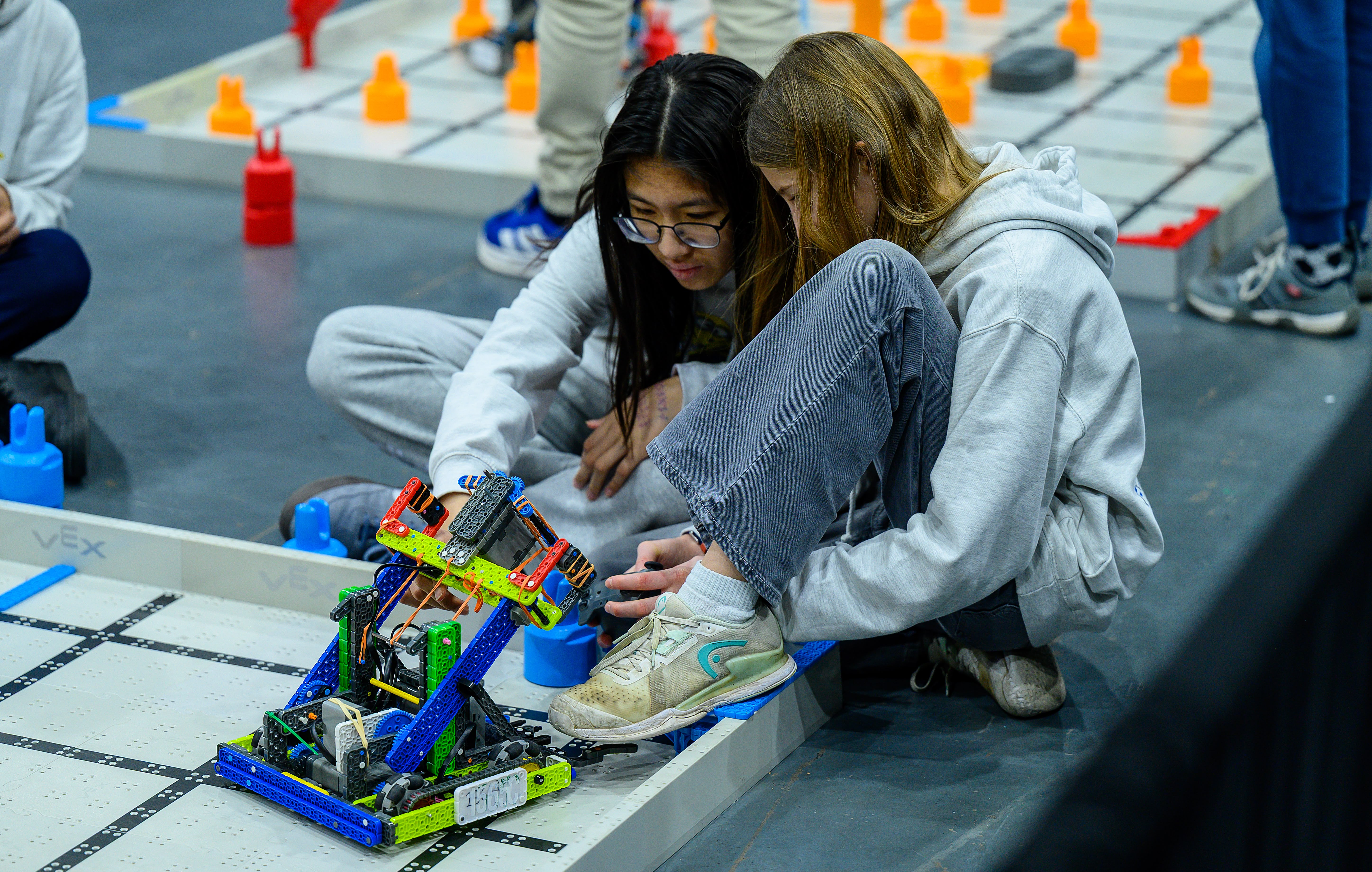
Now that you've got your Hero Bot ready to go, and you understand more about Robot Skills and Teamwork Matches, you're ready to dive into using Flop on the Level Up Field!
Select Next Session > to move on to the next session.