フルボリューム
4 レッスン
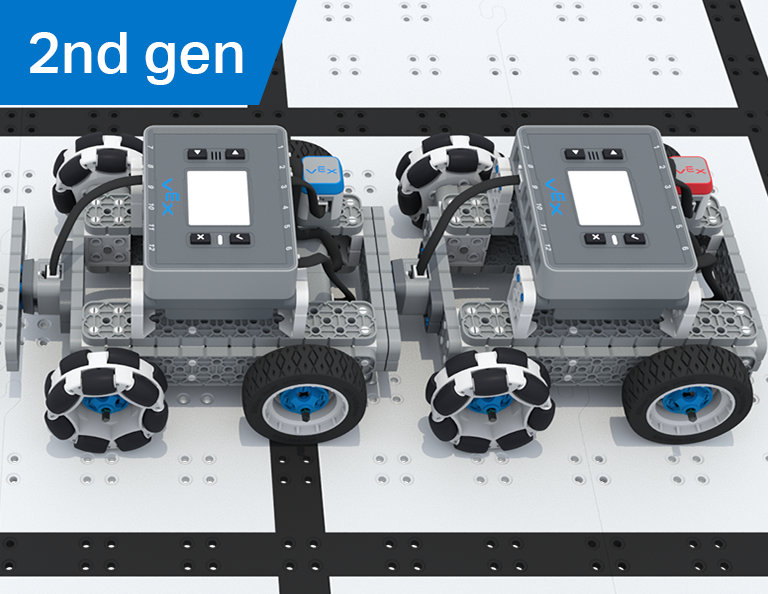
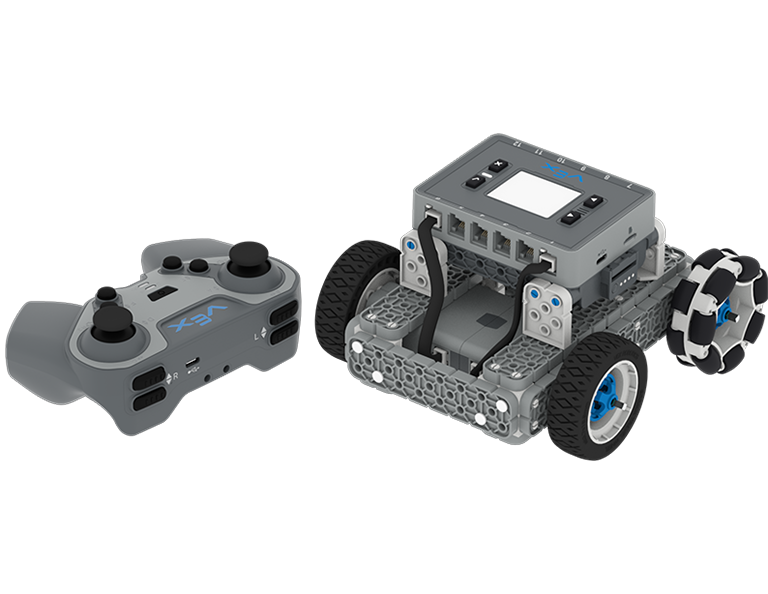
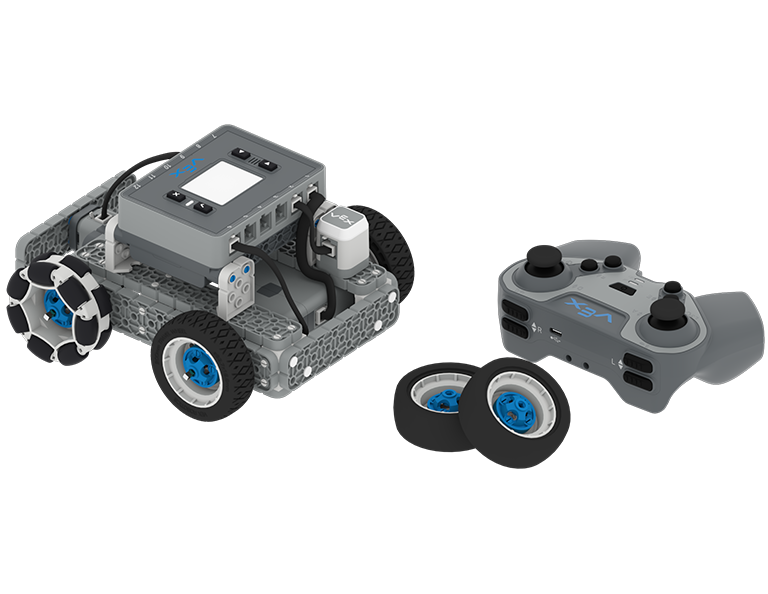
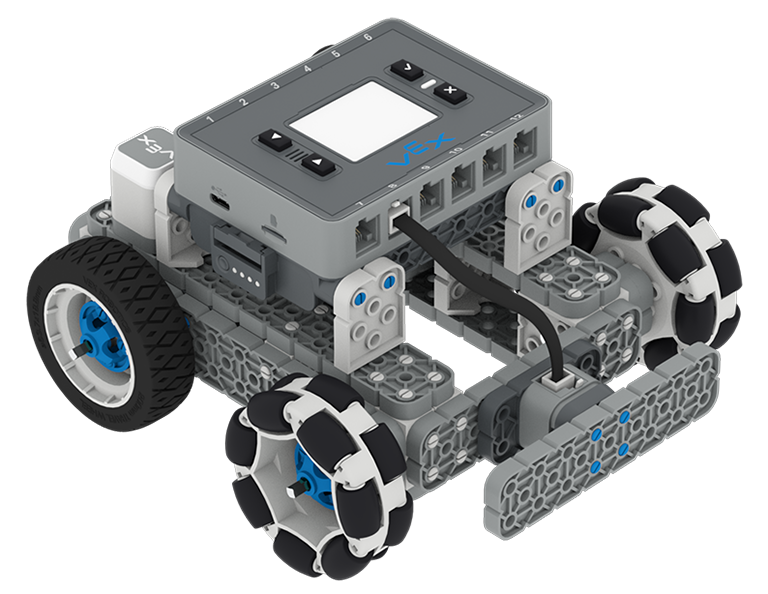
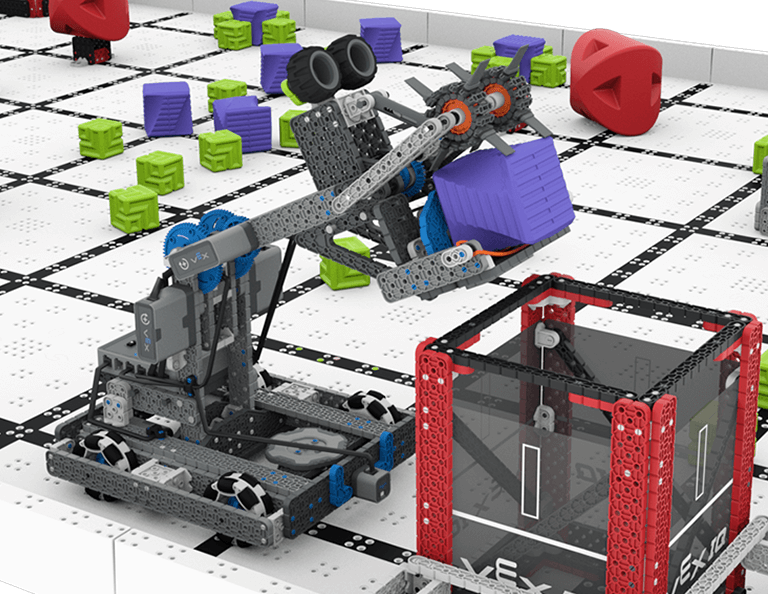
この単元では、2023 ~ 2024 年の VIQRC フル ボリューム ゲーム用の HeroBot である Byte を構築し、スコアの付け方を学びます。 この単元を通して、Byte の運転方法と、競技シーズン中にロボット スキル チャレンジに参加できるように、自律移動用に Byte のコーディングを開始する方法を学びます。
*IQ (第 2 世代) コンペティション キットが必要です
教師用ポータルにアクセスして、フルボリューム レッスンの内容とファシリテーションに関する教師サポート資料やビデオをご覧ください。
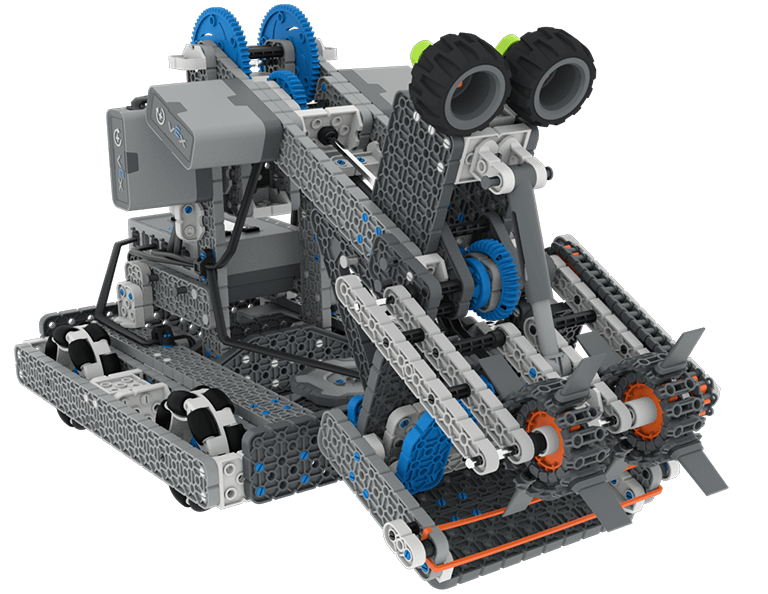
Lesson 1: Building and Driving Byte
In this Lesson you will build Byte, the HeroBot for the 2023-2024 Full Volume game and learn how to drive it with the IQ Controller.
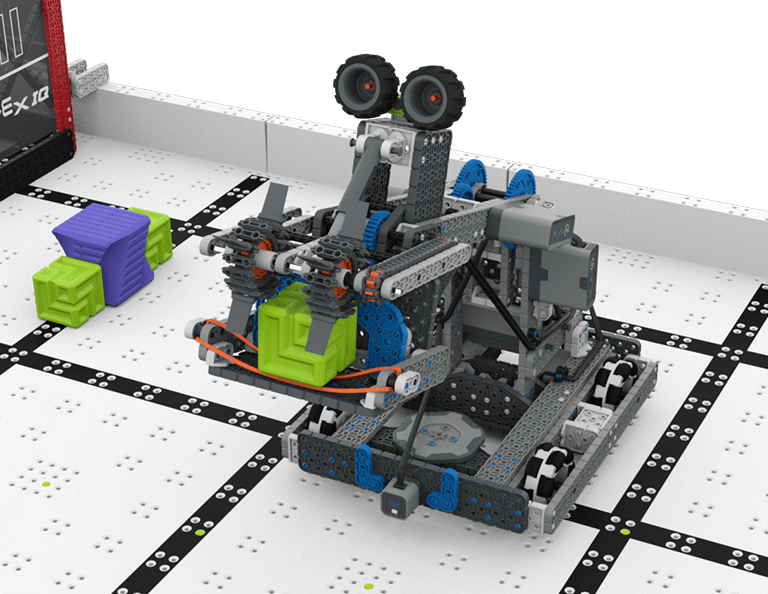
Lesson 2: Driving Skills
In this Lesson, you will learn about the Full Volume Competition so that you can compete in a Driving Skills Match.
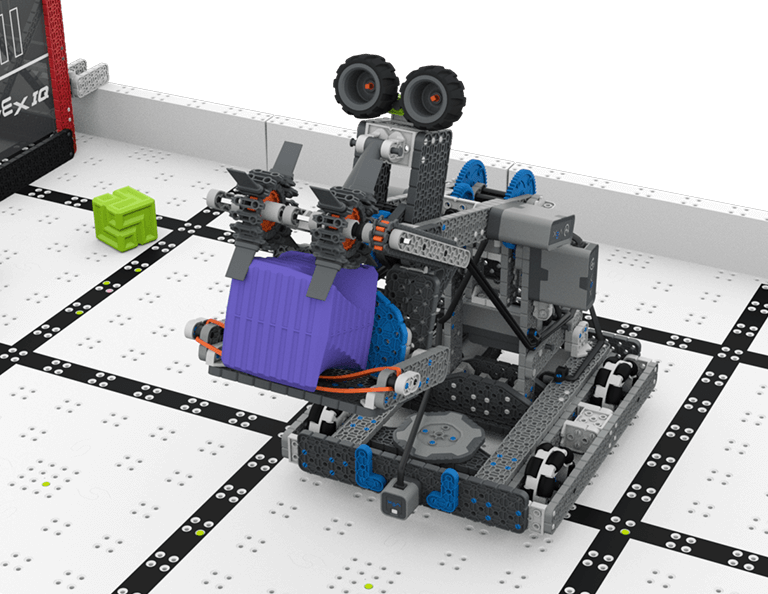
Lesson 3: Autonomous Coding Skills
In this Lesson, you will learn how to code the drivetrain, intake, and arm of Byte so that you can compete in an Autonomous Coding Skills Match.
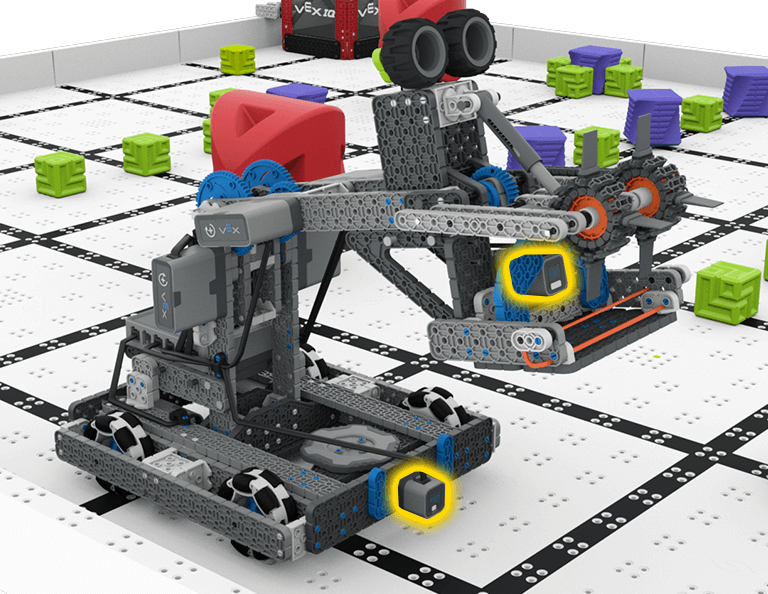
Lesson 4: Sensors on Byte
In this Lesson, you will learn about the sensors that are a part of Byte. Then you will apply your skills from the previous Lessons and participate in a Robot Skills Challenge.

上へ上へ
6 レッスン
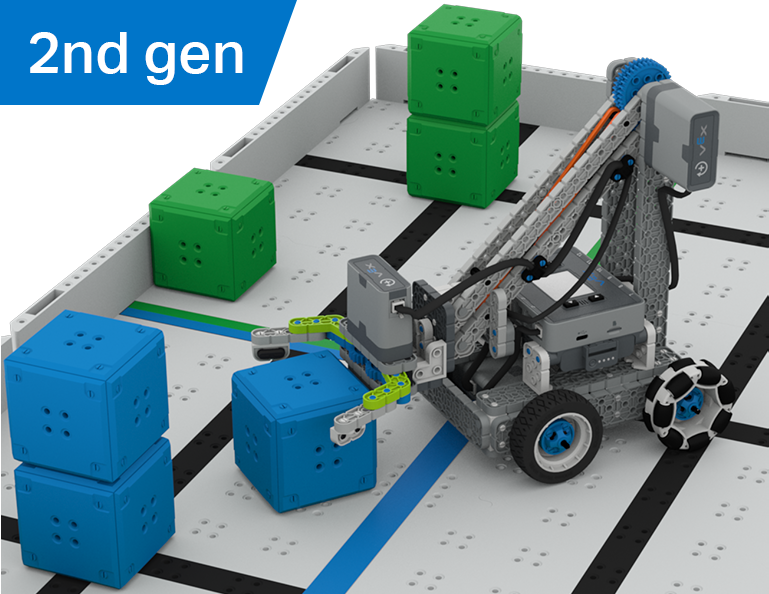
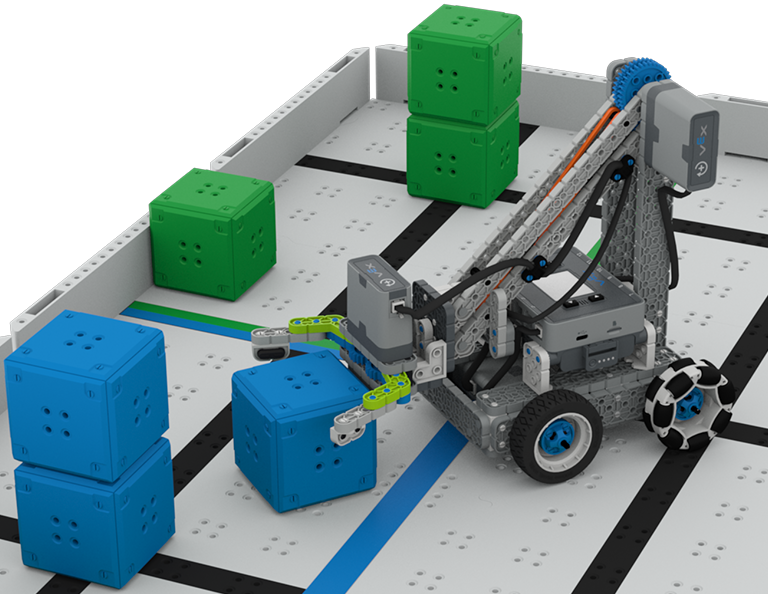
このユニットでは、Up and Over 競技でキューブを収集、拾い上げ、フィールドの片側から反対側へ移動するクローボットの設計方法を学びます。
教師向けポータルにアクセスして、アップ アンド オーバー レッスンの内容と進行に関する教師サポート資料とビデオをご覧ください。

Lesson 1: Introduction
In this Lesson, you will be introduced to the Up and Over competition, set up the Battery and Controller, get ready to code, and build the Clawbot.
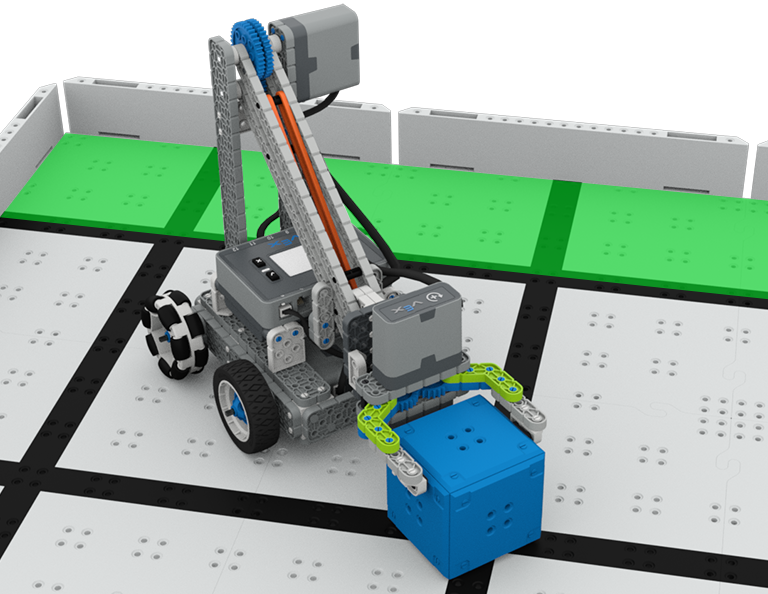
Lesson 2: Claw Design
In this Lesson, you will learn what a claw is, how an effective claw works, and how scouting can benefit your team's designs and strategy. Then, you will apply what you have learned in the Grab and Go challenge.
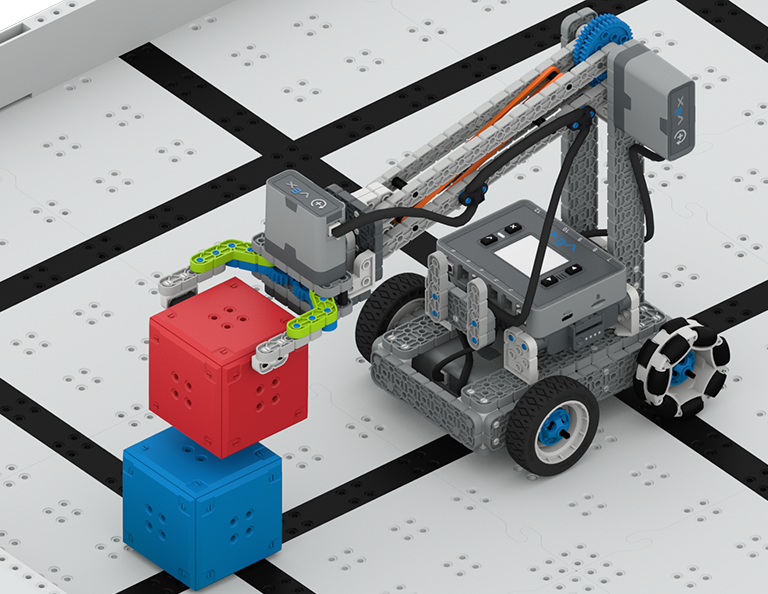
Lesson 3: Arm Designs
In this Lesson, you will learn about different elements of robotic arms, how they work, and what makes an effective arm design, in order to stack as many cubes as you can within a minute in the Stacked Up challenge.
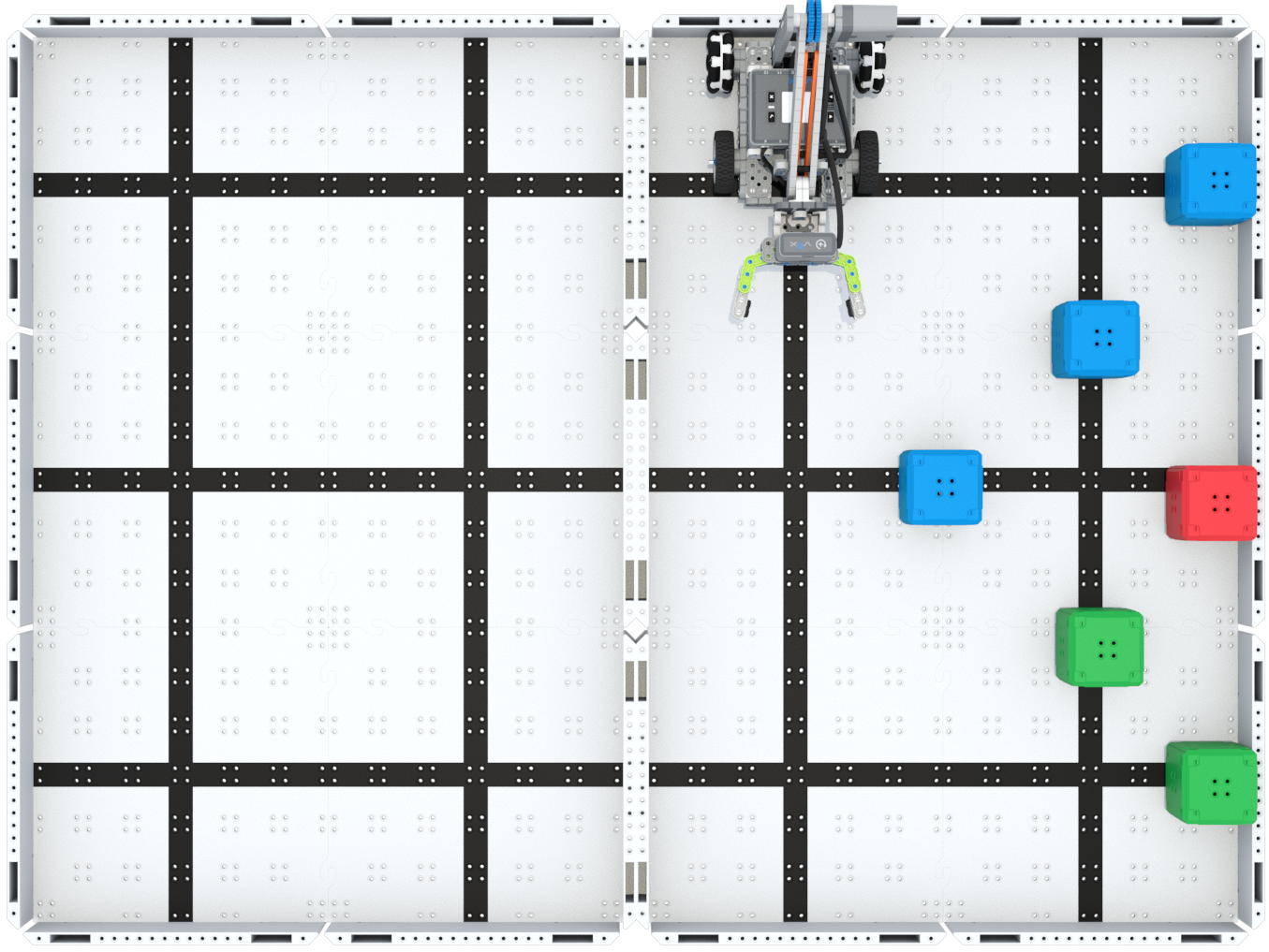
Lesson 4: Motor Groups
In this Lesson, you will learn what motor groups are, how they can be helpful, and how to configure motor groups in VEXcode IQ in order to iterate on your robot to complete the Up and Over challenge.
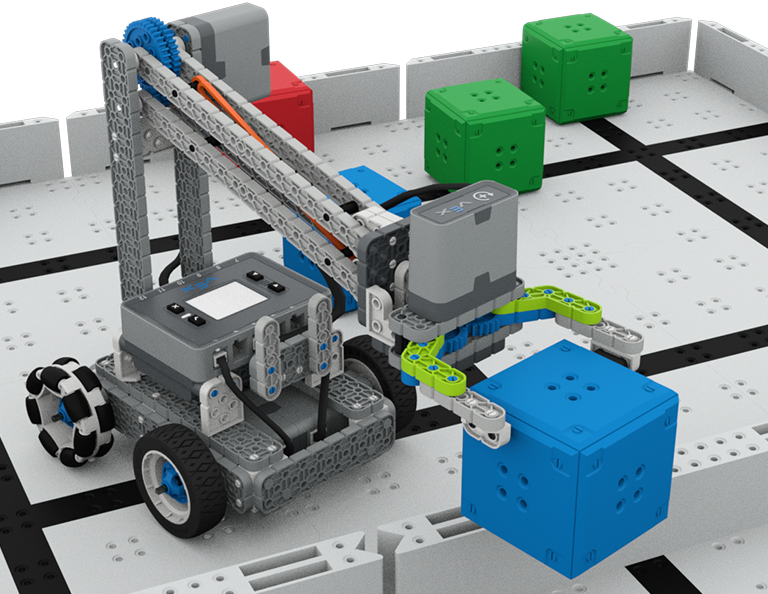
Lesson 5: Up and Over Competition
In this Lesson, you will apply your learning from the previous Lessons to compete in the Up and Over competition!

Lesson 6: Conclusion
In this Lesson, you will reflect on the Unit and identify connections between what you have done and a STEM career.
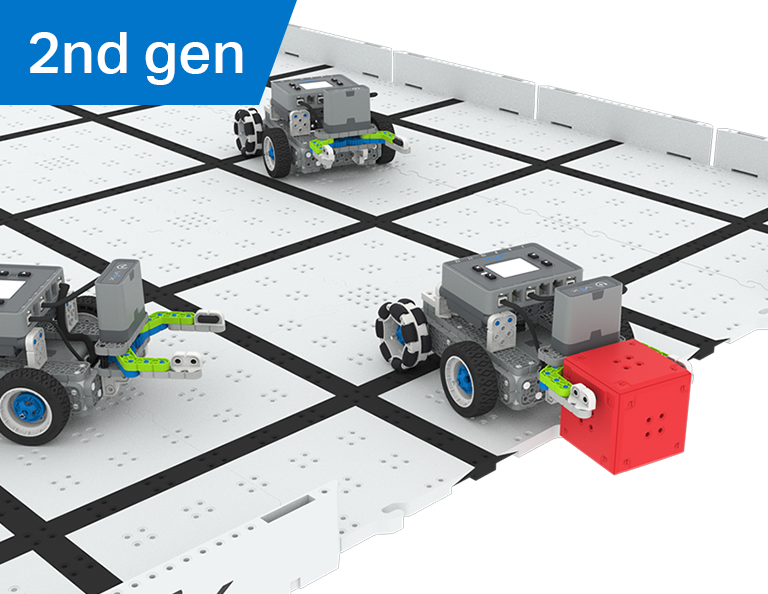
ロボットサッカー
4 レッスン
この単元では、ロボット サッカー競技会でロボット サッカー選手として最も多くのゴールを奪い、パスし、得点するためのマニピュレーターをロボットに作成する方法を学びます。
教師用ポータルにアクセスして、ロボット サッカー レッスンの内容と進行に関する教師サポート資料やビデオをご覧ください。
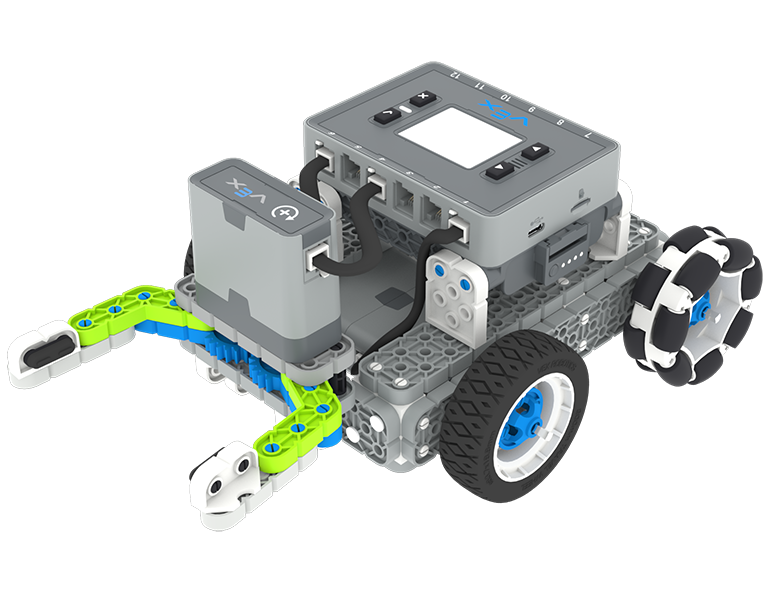
レッスン 1: はじめに
このレッスンでは、シンプルなクローボットを組み立て、コントローラーとバッテリーを充電し、コーディングの準備をします。
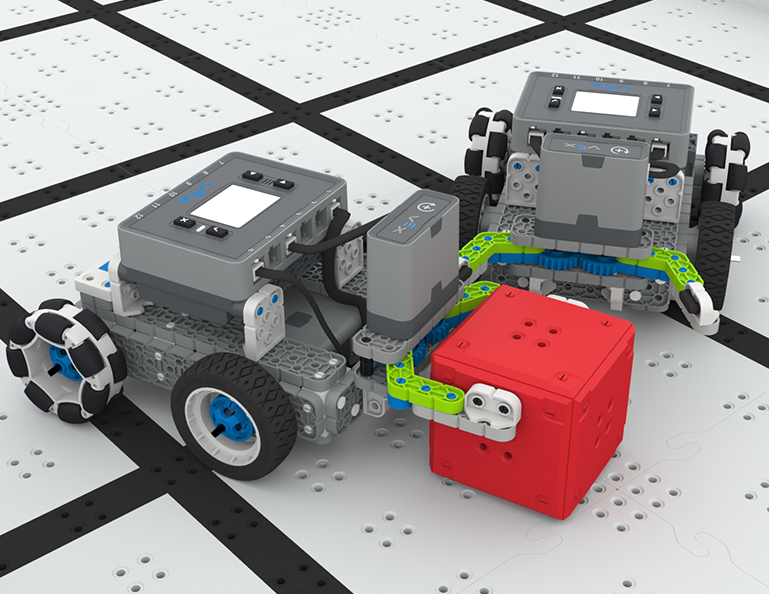
レッスン 2: マニピュレーター
このレッスンでは、ロボット設計を繰り返し、1対1のロボットサッカー チャレンジで競うために、パッシブおよびアクティブ マニピュレーターとインテーク設計について学習します。
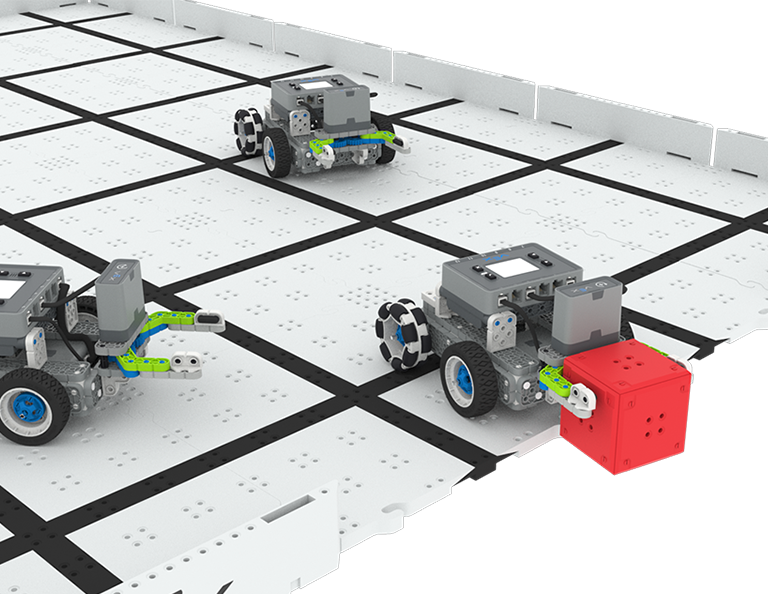
レッスン3: ロボットサッカー大会
このレッスンでは、前回のレッスンで学んだことを応用して、ロボットサッカー競技に参加します。
レッスン4: 結論
このレッスンでは、ユニットを振り返り、自分が行ったことと関連する STEM キャリアとのつながりを特定します。
キューブコレクター
6 レッスン
この単元では、Clawbot の運転方法を学び、Cube Collector コンテストでキューブを並べ替えたり積み重ねたりするコードを作成しながら、ドライバー制御と自律型チャレンジの違いを探ります。
教師用ポータルにアクセスして、キューブ コレクター レッスンの内容と進行に関する教師サポート資料やビデオをご覧ください。
Lesson 1: Introduction
In this Lesson, you will be introduced to the Cube Collector competition, build the Clawbot, and get ready to code.
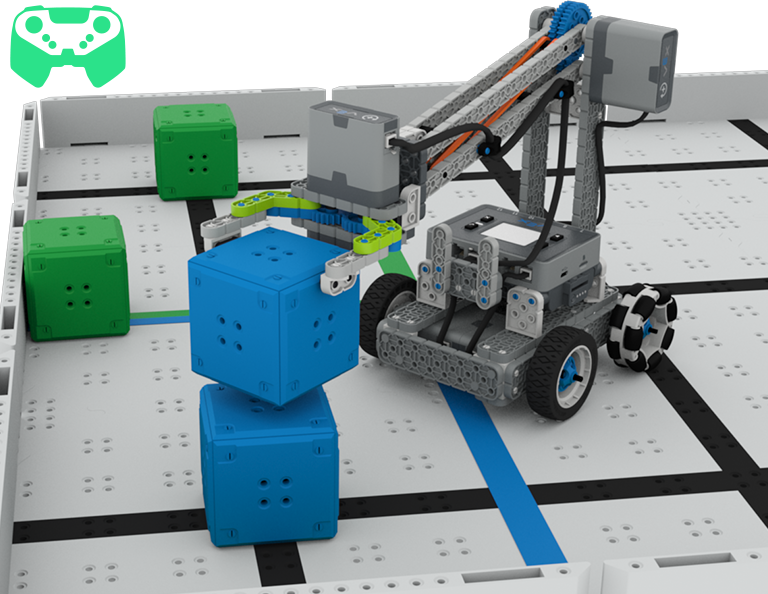
Lesson 2: Driver Control
In this Lesson, you will learn about using the Driver Control program on the IQ Brain so that you can drive the Clawbot to stack and score cubes on the Field and participate in the Speed Stack Challenge.
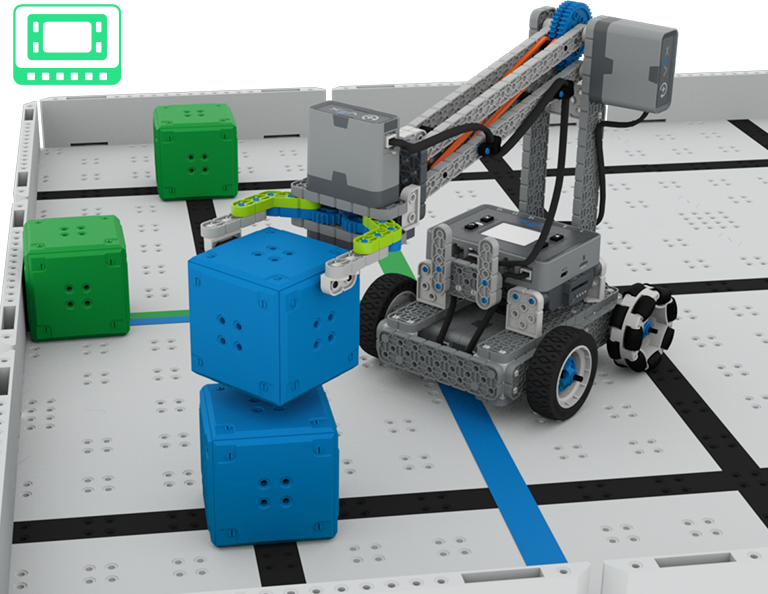
Lesson 3: Coding for Autonomous Movements
In this Lesson, you will learn about coding your robot for autonomous movements, including how to plan the path of your robot. Then, you will create a VEXcode IQ project to score and stack cubes in the Coding for Cubes autonomous challenge.
Lesson 4: Using Multiple Programs (Autonomous & Driver)
In this Lesson, you will learn about customizing driver controls and how you can use the Controller and VEXcode IQ to optimize your driver strategy for competing in a challenge with driver control and autonomous runs.

Lesson 5: Cube Collector Competition
In this Lesson, you will apply your learning from the previous Lessons to compete in the Cube Collector competition!
Lesson 6: Conclusion
In this Lesson, you will reflect on the Unit and identify connections between what you have done and a related STEM career.
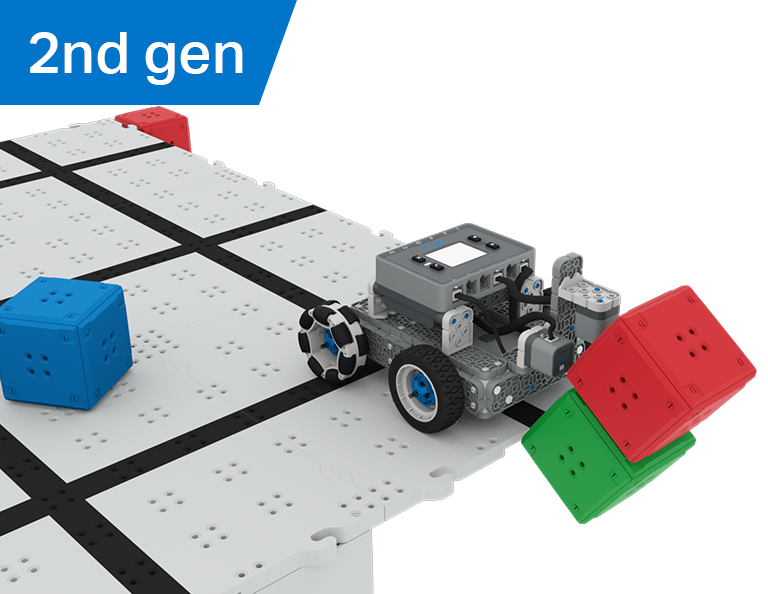
キャッスルクラッシャー
6 レッスン
このユニットでは、光学センサーと距離センサーを使用してキューブの「城」を探し、破壊し、クリアして、Castle Crasher コンテストでポイントを獲得する方法を学びます。
教師用ポータルにアクセスして、キャッスル クラッシャー レッスンの内容と進行に関する教師サポート資料とビデオをご覧ください。

Lesson 1: Introduction
In this Lesson, you will be introduced to the Castle Crasher Competition, build the BaseBot, and get ready to code.
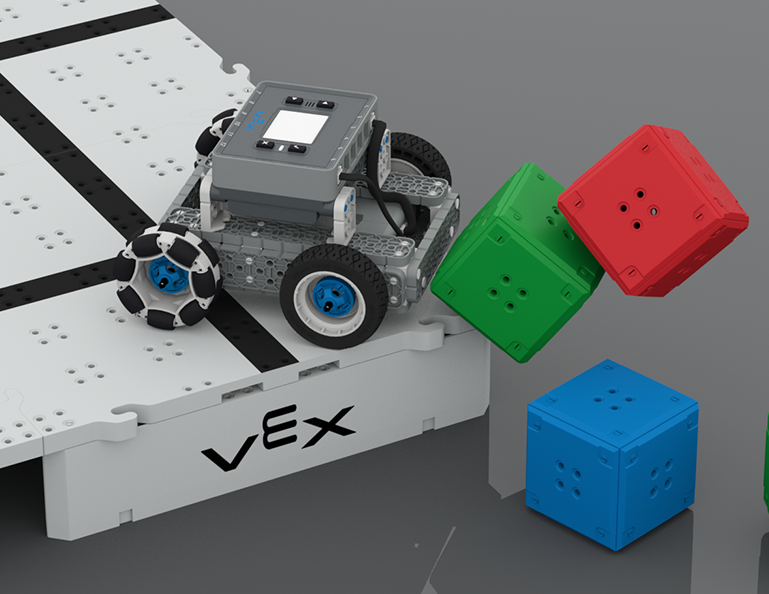
Lesson 2: Castle Crasher No Sensors
In this Lesson, you will learn about calculating angles and changing the velocity of your robot so that you can compete in the Tower Over Challenge.
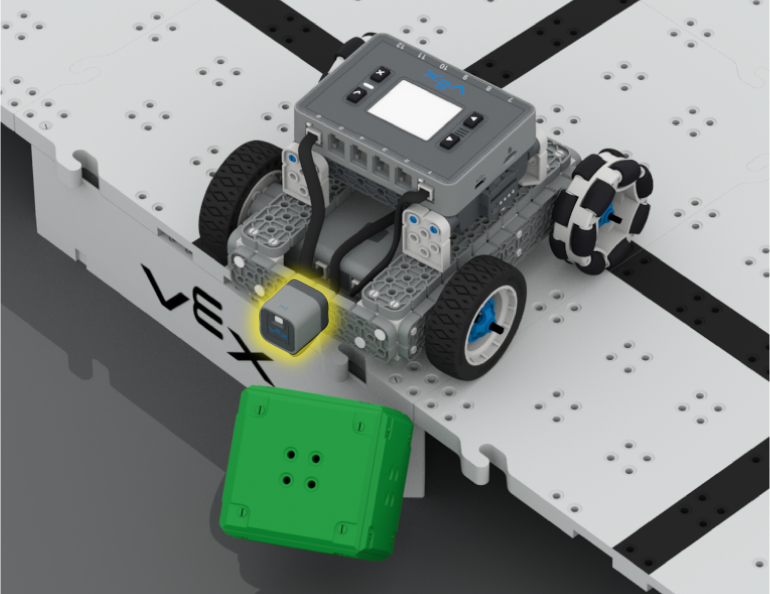
Lesson 3: Castle Crasher + Distance Sensor
In this Lesson you will learn about what the Distance Sensor is and how it can be used on your robot. You will also learn about the [Wait until] block and how it can be used in a VEXcode IQ project. Then you will apply what you have learned to compete in the Cube Crasher Challenge!
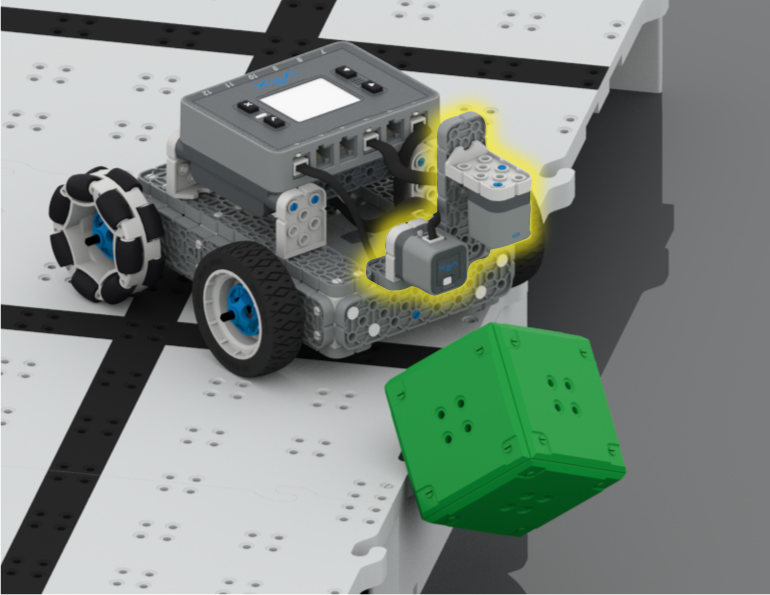
Lesson 4: Creating Algorithms
In this Lesson, you will learn about the Optical Sensor, and about how to create an algorithm that uses sensor feedback. Then you will code your robot to autonomously find cubes and push them off the Field in the Sweep the Field Challenge.
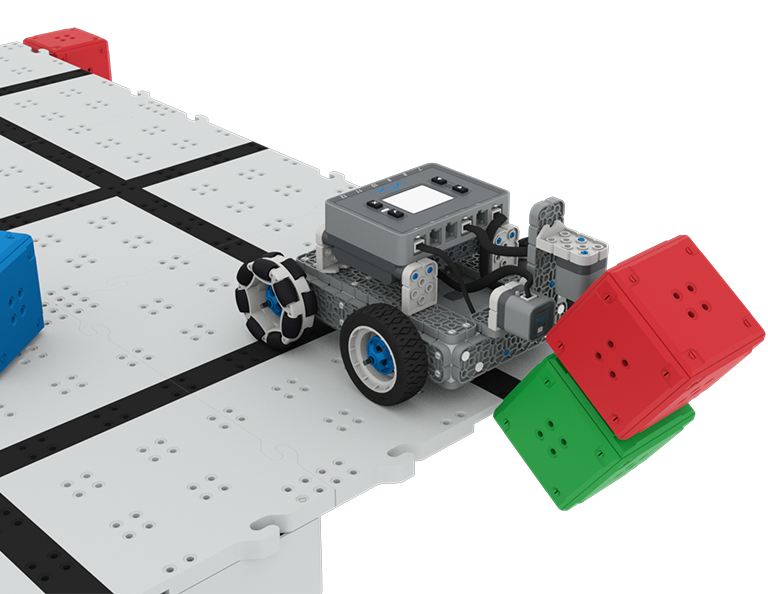
Lesson 5: Castle Crasher Competition
In this Lesson you will apply your learning from the previous Lessons to compete in a Castle Crasher competition!
Lesson 6: Conclusion
In this Lesson, you will reflect on the Unit and identify connections between what you have done and a STEM career.
宝探し
5 レッスン
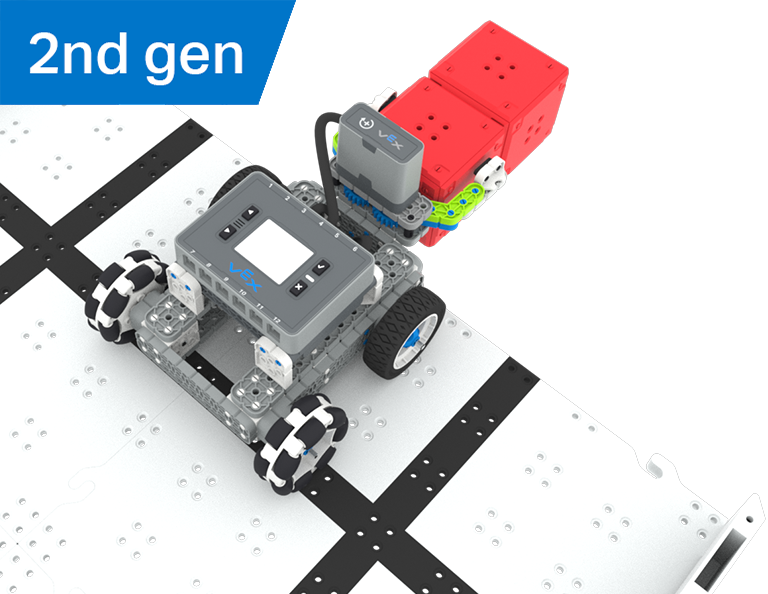
この単元では、光学センサーを備えたシンプルなクローボットを構築してコーディングし、赤い立方体を認識して収集し、宝探しコンテストに出場します。
教師用ポータルにアクセスして、宝探しレッスンの内容と進行に関する教師向けサポート資料やビデオをご覧ください。
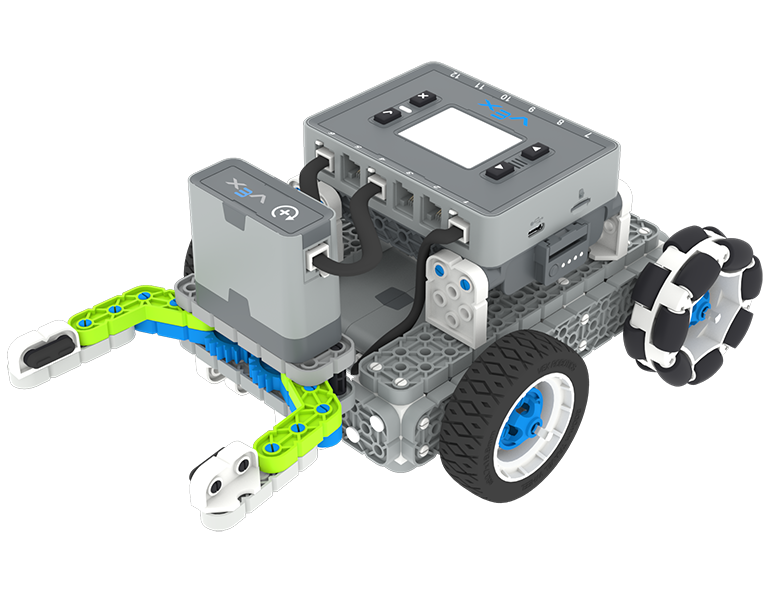
Lesson 1: Introduction
You will be introduced to the Treasure Hunt competition, build the Simple Clawbot, and get ready to code.
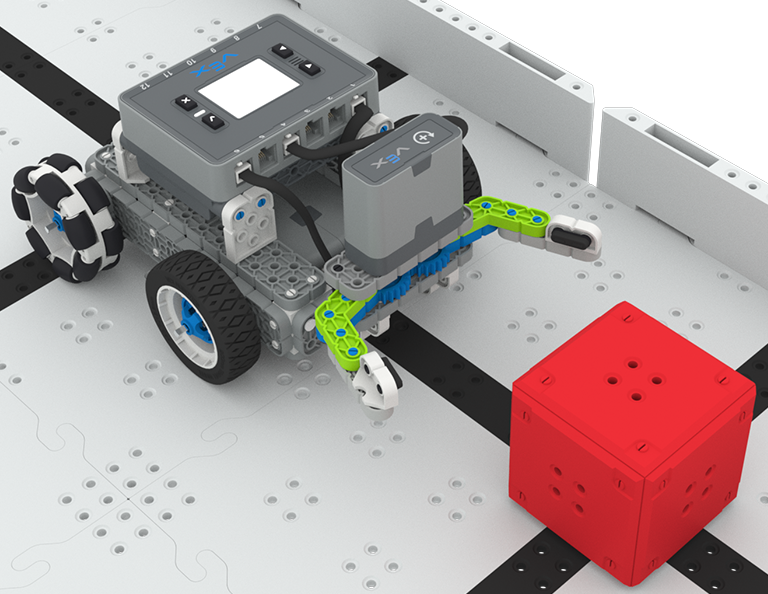
Lesson 2: Claw No Sensor
In this Lesson, you will learn about using Drivetrain and Motion blocks in VEXcode IQ to code your Simple Clawbot to collect and move cubes in the Clawbot Collector challenge.
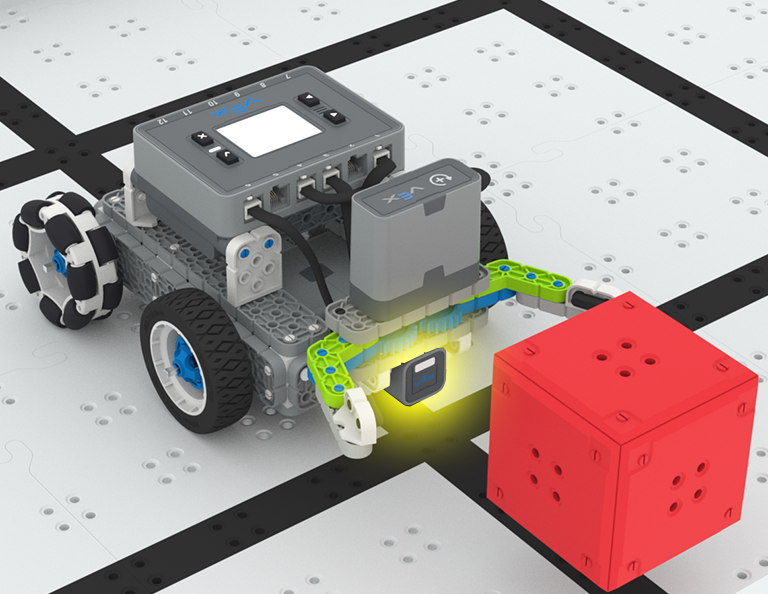
Lesson 3: Claw With Sensor
In this Lesson, you will learn about coding the Optical Sensor in order to detect, collect, and move a red cube in the Treasure Mover challenge!
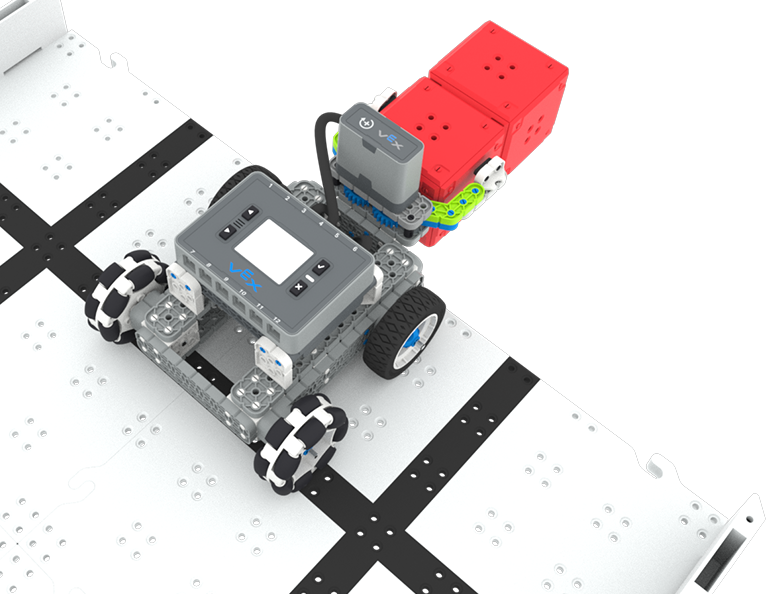
Lesson 4: Treasure Hunt Competition
In this Lesson you will apply your learning from the previous Lessons to compete in a Treasure Hunt competition!
Lesson 5: Conclusion
In this Lesson, you will reflect on the Unit and identify connections between what you have done and a STEM career.
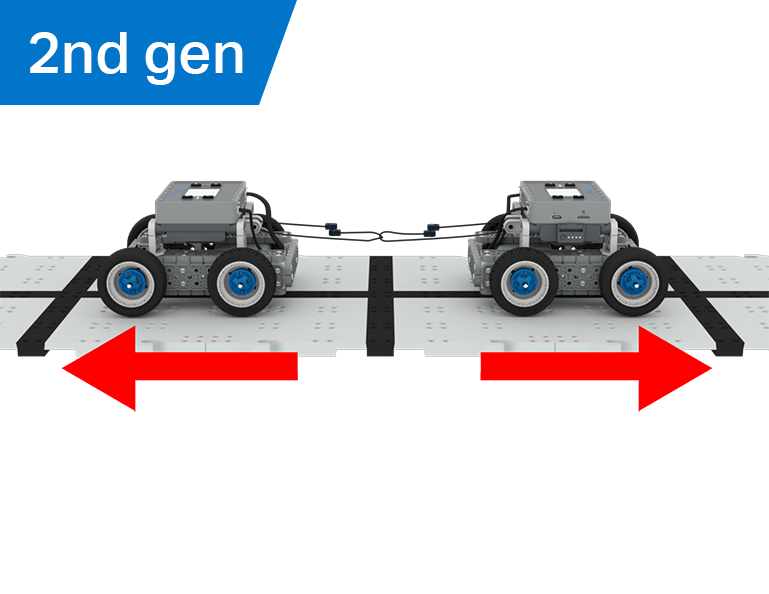
綱引き
6 レッスン
この単元では、機械的利点と質量の中心が BaseBot の物体を引っ張る能力にどのように影響するかを探り、綱引きゲームに最適なロボットを設計します。
教師用ポータルにアクセスして、綱引きのレッスンの内容と促進に関する教師向けサポート資料やビデオをご覧ください。
Lesson 1: Introduction
In this Lesson, you will be introduced to the Tug of War competition and build the BaseBot.
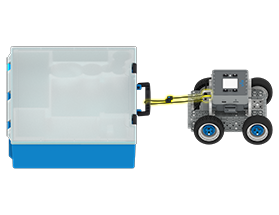
Lesson 2: Pulling Objects with the BaseBot
In this Lesson, you will design a rope attachment to practice pulling objects with your BaseBot. Then you will compete in a Robot Tractor Pull challenge.

Lesson 3: Using a Gear Train
In this Lesson, you will add a gear train to your BaseBot to explore how different gear configurations affect your robot's ability to pull an object. Then you will compete in a Gear Train Tractor Pull challenge.
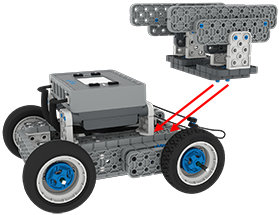
Lesson 4: Adding Mass
In this Lesson, you will add mass to your BaseBot to explore how changing the center of mass affects your robot's ability to pull an object. Then you will compete in a Tug of War challenge.
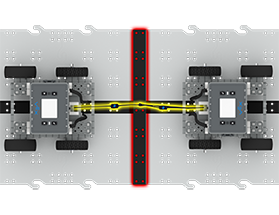
Lesson 5: Tug of War Competition
In this Lesson, you will apply your learning from the previous Lessons to compete in a Tug of War competition!
Lesson 6: Conclusion
In this Lesson, you will reflect on your learning in this Unit and identify connections between what you have done and a STEM career.