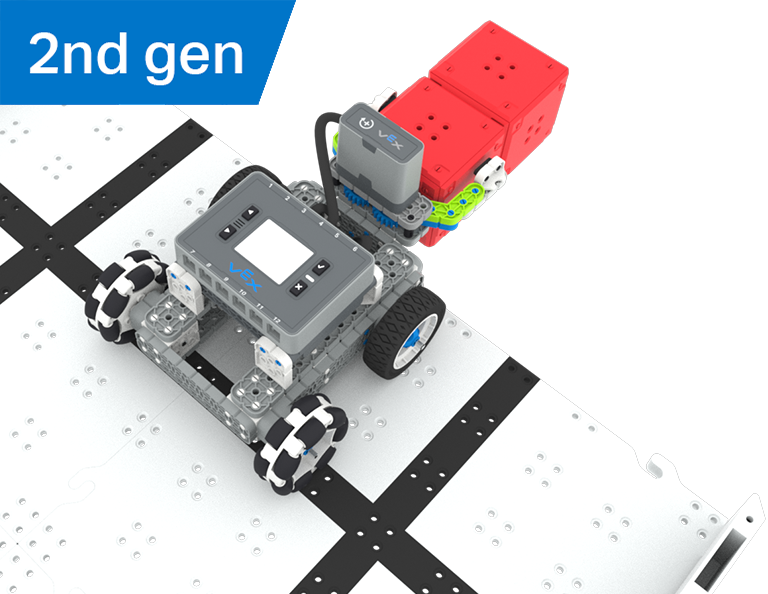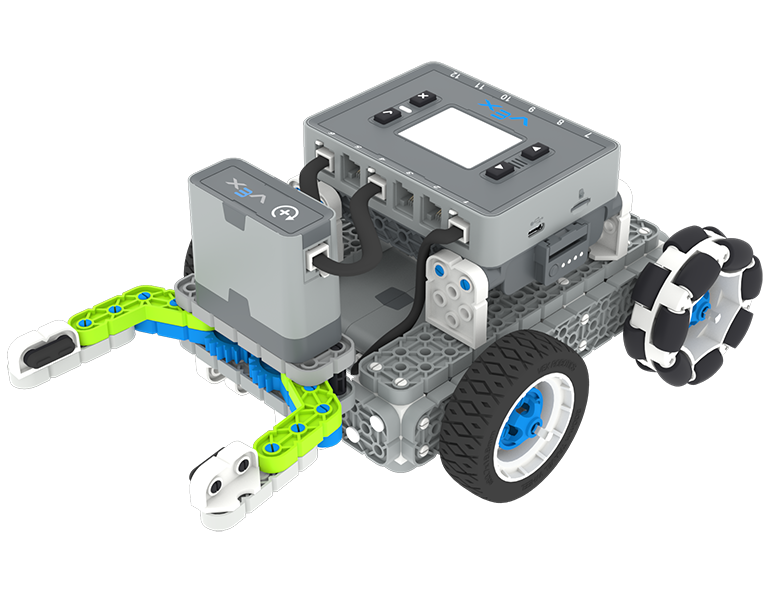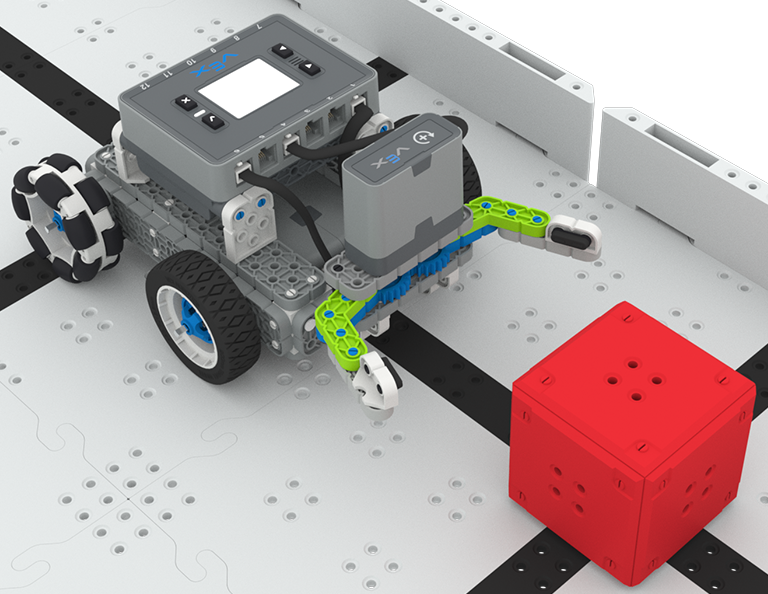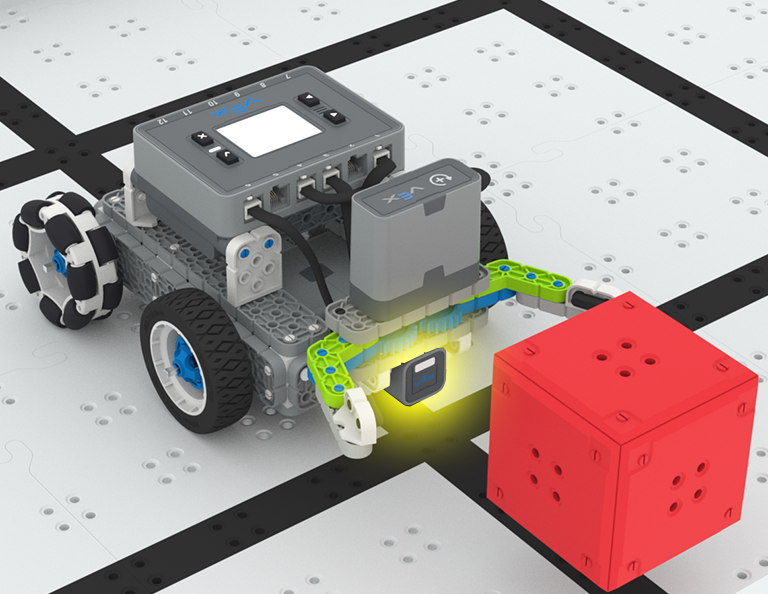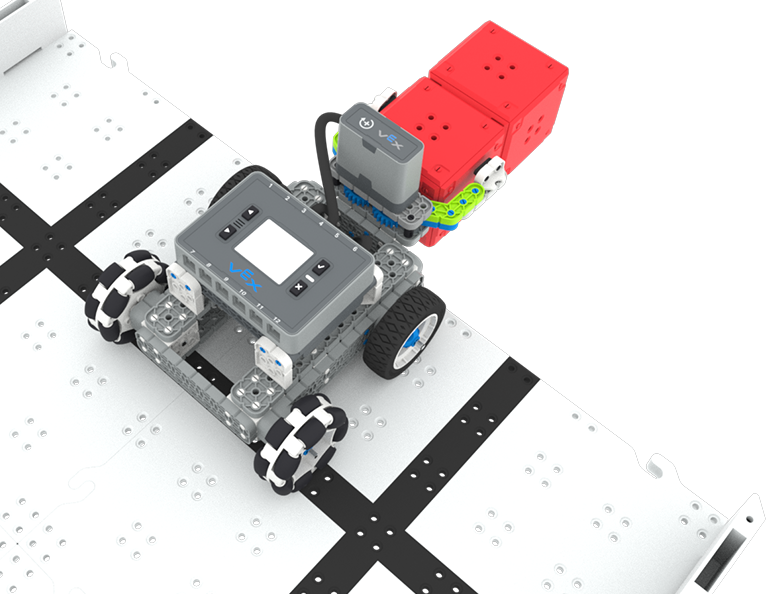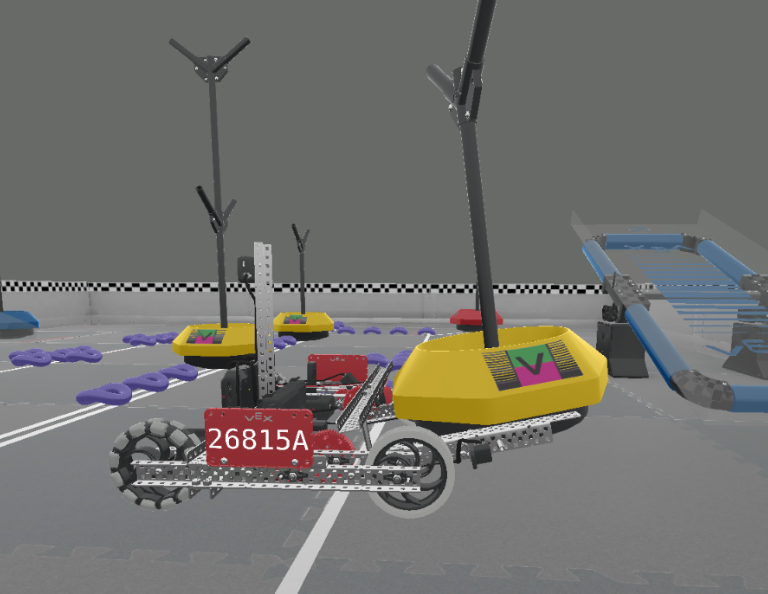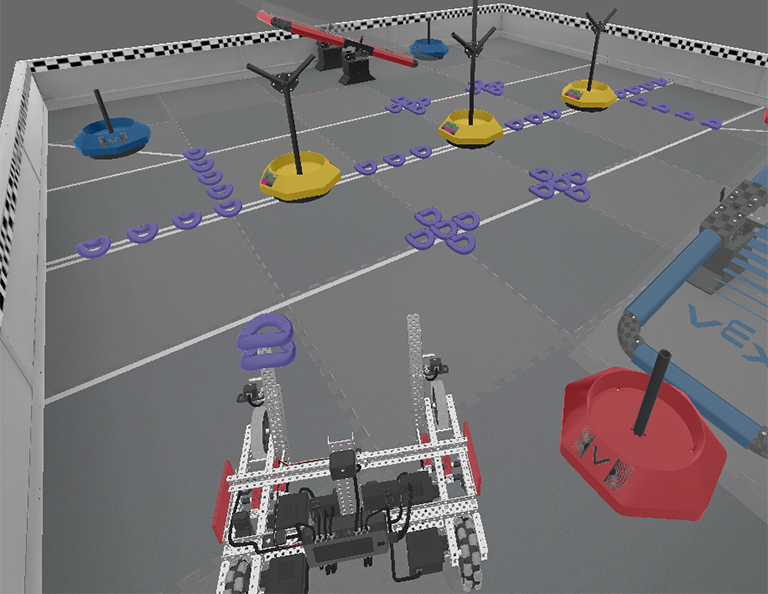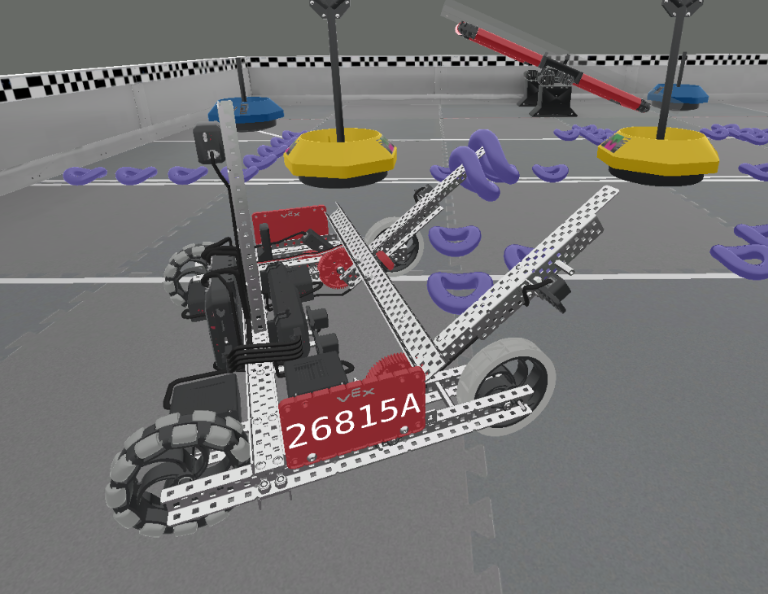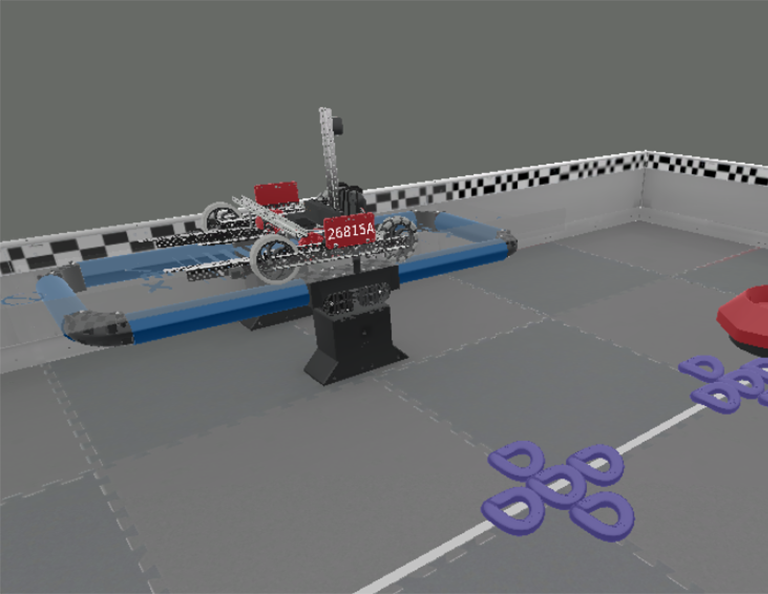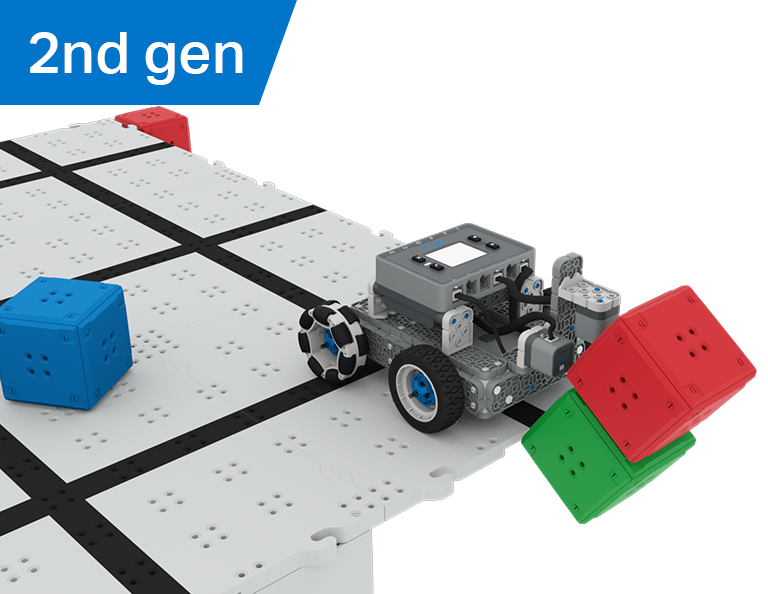

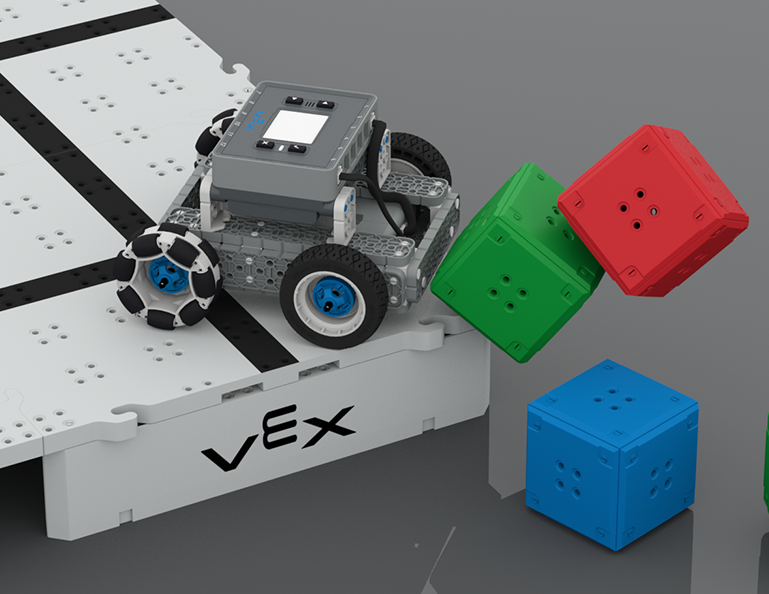
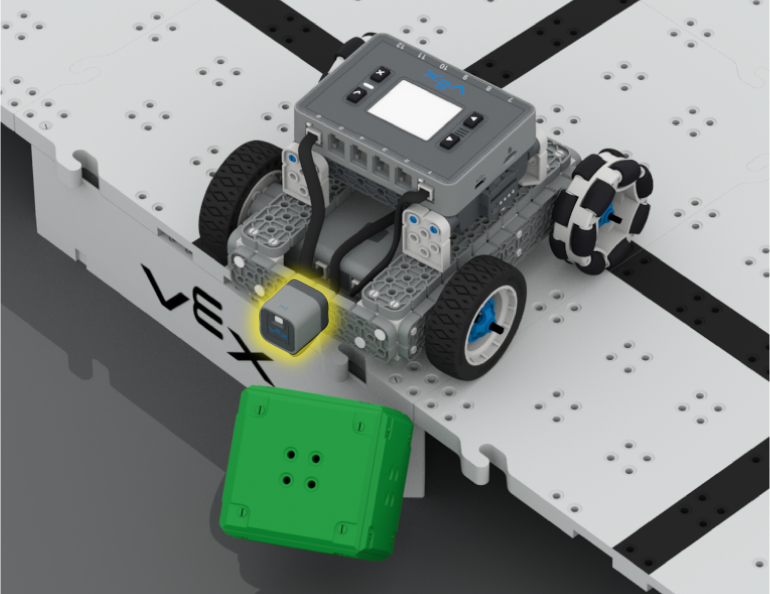
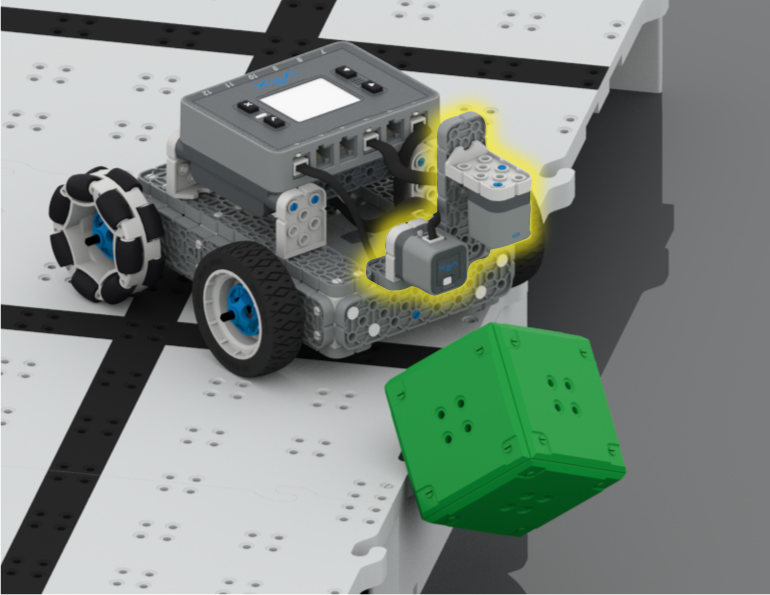
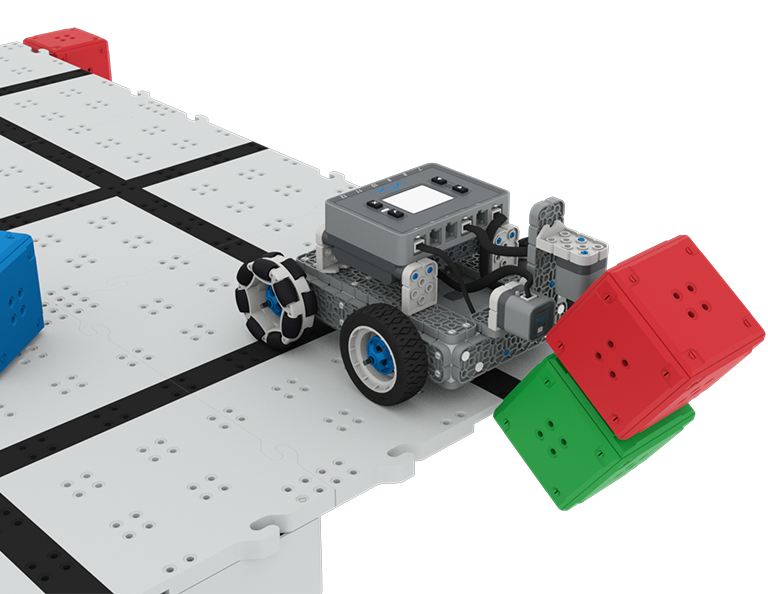

거리 및 광학 센서가 부착된 BaseBot이 Castle Crasher Competition에서 높은 필드 모서리에서 두 개의 큐브 성을 떨어뜨리는 모습

캐슬 크래셔

6 수업

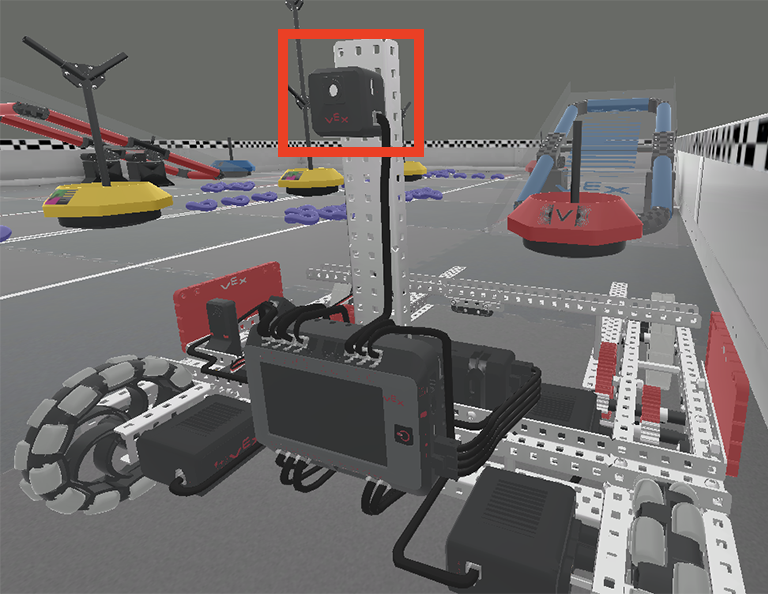
이 단원에서는 광학 센서와 거리 센서를 사용하여 큐브 '성'을 찾고, 부수고, 클리어하여 Castle Crasher 대회에서 점수를 얻는 방법을 알아봅니다!

Castle Crasher 수업의 내용과 진행에 관한 교사 지원 자료와 비디오를 보려면 교사 포털을 방문하세요.

캐슬 크래셔 교사 포털  >

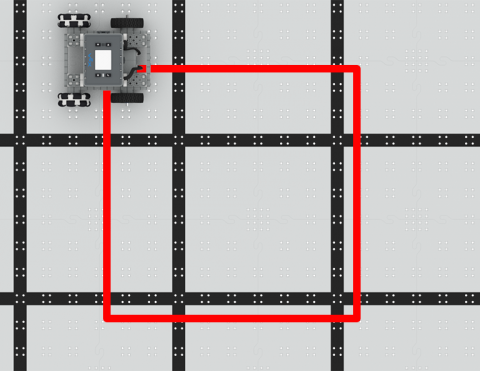
BaseBot을 정사각형으로 주행하도록 코딩하세요!

Activity Image
이미지
Square Dance
VEX Platform
Subject
Builds
Activity PDF Link
https://content.vexrobotics.com/assets/education/stem-labs/docs/iq/Activities/IQ Activity - Square Dance.pdf
Activity Image Alt
표시된 정사각형 모양을 따라 주행하는 IQ 필드 위의 IQ BaseBot을 위에서 내려다본 모습.
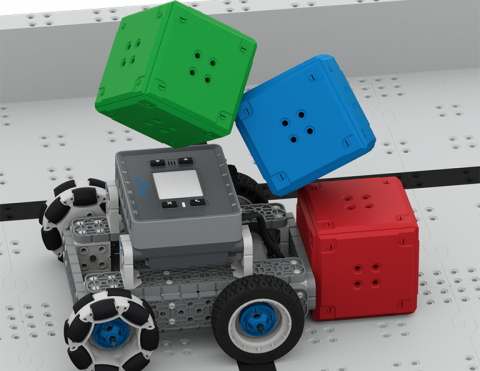
베이스봇에 코드를 입력하여 큐브를 쓰러뜨리세요!

Activity Image
이미지
Cube Crasher Challenge
VEX Platform
Subject
Builds
Activity PDF Link
https://content.vexrobotics.com/assets/education/stem-labs/docs/iq/Activities/IQ Activity - Cube Crasher Challenge.pdf
Activity Image Alt
IQ 필드 타일 위에 있는 IQ 베이스봇이 3개의 큐브로 이루어진 탑에 충돌하여 무너뜨렸습니다.

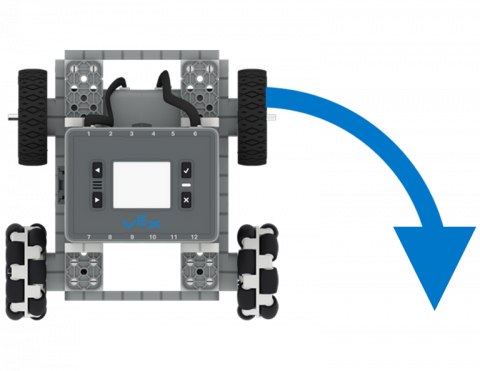
큐브를 밀어내는 BaseBot의 방향에 대해 알아보세요!

Activity Image
이미지
Turn Around
VEX Platform
Subject
Builds
Activity PDF Link
https://content.vexrobotics.com/assets/education/stem-labs/docs/iq/Activities/IQ Activity - Turn Around.pdf
Activity Image Alt
화살표는 90도 우회전을 나타내는 IQ BaseBot의 위에서 내려다본 모습입니다.

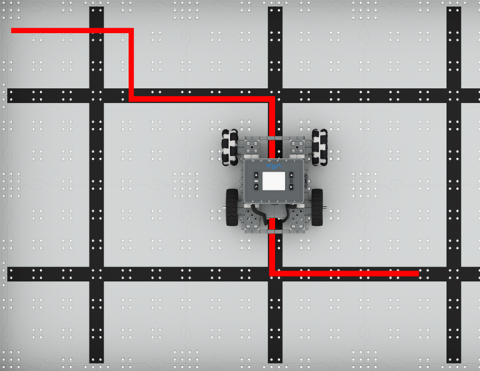
BaseBot에 좌우로 회전하도록 코드를 작성하세요.

Activity Image
이미지
To the Left, To the Right!
VEX Platform
Subject
Builds
Activity PDF Link
https://content.vexrobotics.com/assets/education/stem-labs/docs/iq/Activities/IQ Activity - To the Left To the Right.pdf
Activity Image Alt
IQ 필드에서 IQ BaseBot이 표시된 지그재그 선을 따라 주행하고 90도 각도로 좌우로 회전하는 모습을 위에서 본 모습입니다.

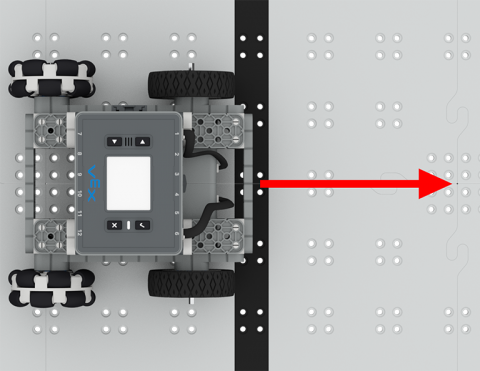
로봇을 자율적으로 앞뒤로 움직여보세요!

Activity Image
이미지
Drive Forward and Reverse Tile
VEX Platform
Subject
Builds
Activity PDF Link
https://content.vexrobotics.com/assets/education/stem-labs/docs/iq/Activities/IQ Activity - Drive Forward and Reverse.pdf
Activity Image Alt
로봇 앞에 빨간색 화살표가 앞을 가리키고 있는 IQ 필드 위에 있는 IQ BaseBot의 위에서 내려다본 모습.
심플한 클로봇이 들판 가장자리에 있는데, 발톱에 빨간 큐브를 움켜쥐고 있고, 그 앞에는 두 번째 빨간 큐브가 있어서 보물찾기 도전에서 점수를 얻습니다.

보물찾기

5 수업

이 단원에서는 광학 센서가 장착된 간단한 클로봇을 만들고 코딩하여 빨간 큐브를 인식하고 수집하여 보물찾기 대회에 참가하게 됩니다!

보물 찾기 수업의 내용과 진행에 관한 교사 지원 자료와 비디오를 보려면 교사 포털을 방문하세요.

보물찾기 교사 포털  >

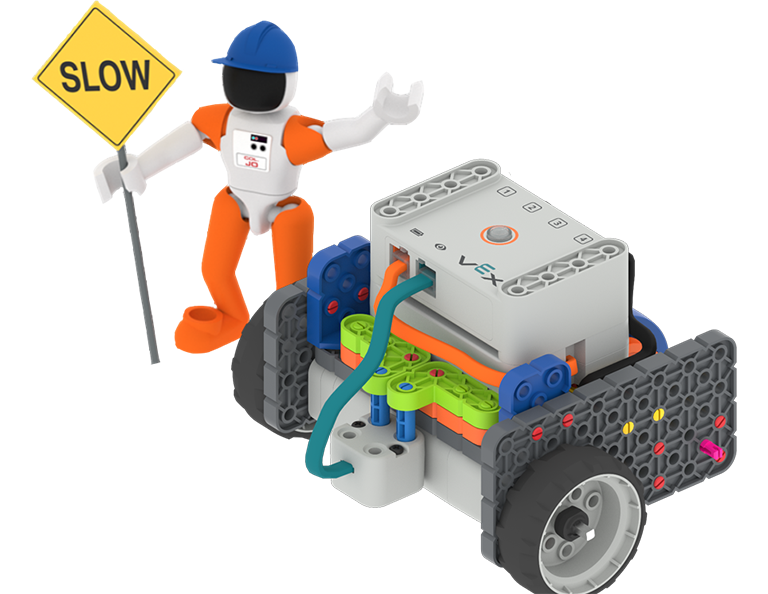
안전모를 쓰고 '느린 건설' 표지판을 든 콜 조 우주인이 GO 코드 베이스 - 눈을 아래로 향한 빌드 옆에 서 있습니다.

자율주행 코드 베이스

0 실험실

이 활동 시리즈에서 밝기와 색상을 감지하는 눈 센서를 사용하여 자율 주행 코드 기반을 코딩해 보세요.

VRC 가상 기술

6 수업

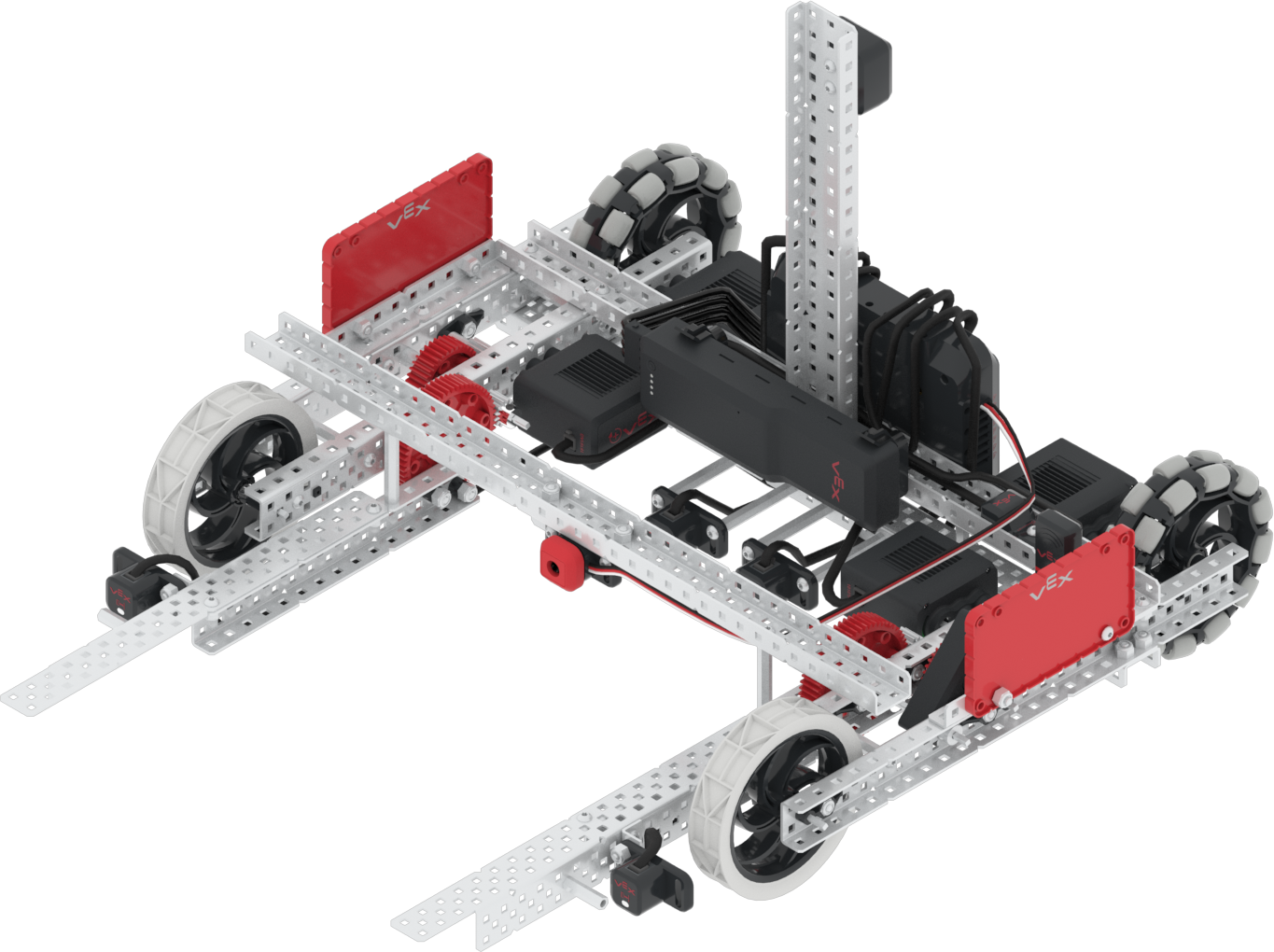
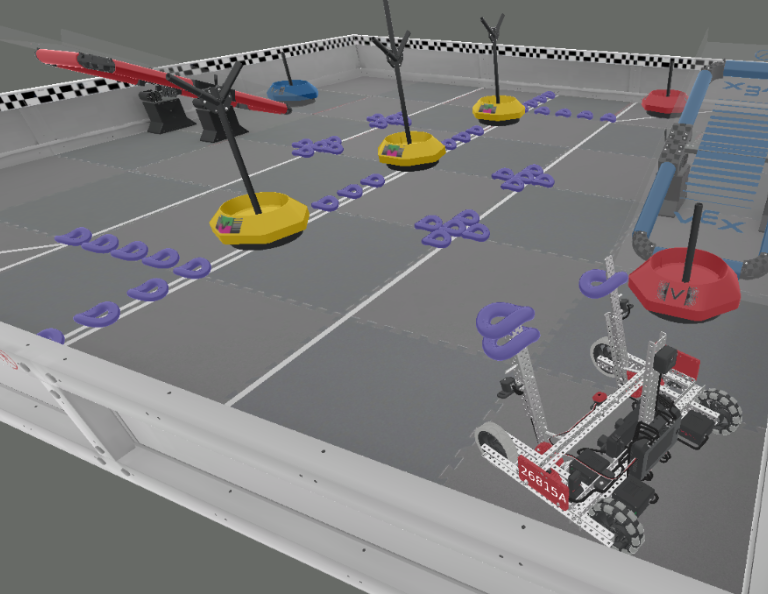
VRC 가상 기술로 2021-2022 VEX 로봇 경연대회(VRC)의 전환점을 가상으로 시작하세요! 올해의 히어로 봇인 모비를 운전하는 방법을 배우고, 링과 모바일 골로 점수를 획득한 후 균형을 맞춰 더 많은 점수를 획득하세요!

Visit the Teacher's Portal for teacher support materials and videos about the content and facilitation of the VRC Virtual Skills Lessons.

VRC 가상 기술 교사 포털  >

Lesson 1

Lesson 1

In this Lesson, you will be introduced to the 2021-2022 VEX Robotics Competition (VRC) Tipping Point. You will see an overview of the game, Moby (this year's Hero Bot), and VRC Virtual Skills in VEXcode V5.

Lesson 2

Lesson 2

In this Lesson, you will learn how to drive and turn Moby. You will also learn how to pick up and move a Mobile Goal into the Alliance Home Zone to score. Then, you will apply these skills to complete a mini-challenge where you will pick up the blue Alliance Mobile Goal, and move the goal to the blue Alliance Home Zone to score.

Lesson 3

Lesson 3

In this Lesson, you will learn how to drop Preload Rings into a Mobile Goal Base, then move the goal to an Alliance Home Zone to score. Then, you will apply these skills to complete a mini-challenge where you will score two Preload Rings in the blue Alliance Mobile Goal, and move the goal to the blue Alliance Home Zone to score.

Lesson 4

Lesson 4

In this Lesson, you will learn how to pick up and score Rings from the Field into a Neutral Mobile Goal. You will apply these skills to complete a mini-challenge where you will start from a new location and score two Preload Rings and two Rings from the Field into the center Neutral Mobile Goal.

Lesson 5

Lesson 5

In this Lesson, you will learn how to drive Moby onto a Platform to balance and score. Then, you will apply these skills to complete a mini-challenge where you will first score a red Alliance Mobile Goal, then drive onto the blue Platform to balance and score more points.

Lesson 6

Lesson 6

In this Lesson, you will learn how to use the GPS Sensor to drive and score the Neutral Mobile Goal in the Alliance Home Zone. Then, you will apply these skills to complete a mini-challenge where you will use the GPS Sensor to drive and score two Mobile Goals in the blue Alliance Home Zone.

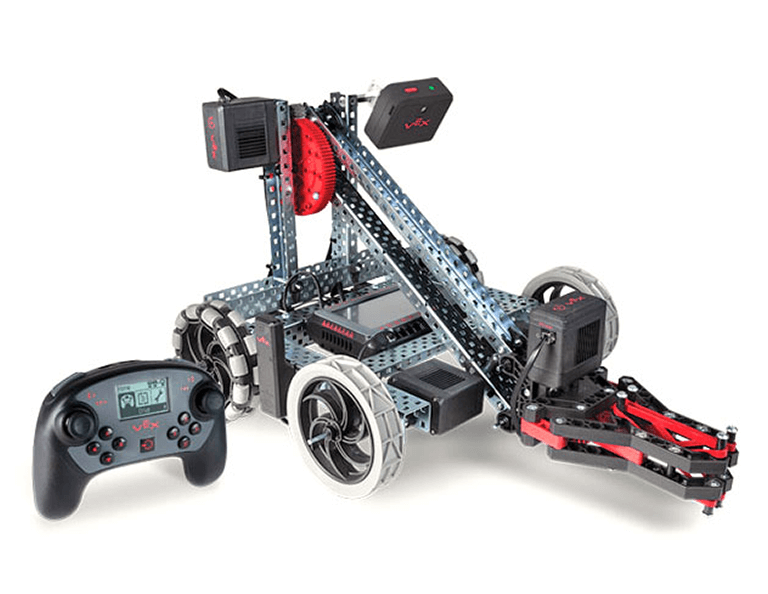
V5 클로봇은 팔을 내리고 집게발을 접은 채 V5 컨트롤러 옆에 놓여 있는데, 이는 둘을 함께 사용할 것임을 나타냅니다.

컨트롤러가 달린 클로봇

0 수업

루프와 이벤트의 개념을 사용하여 클로봇이 여러 가지 흥미로운 과제를 수행하도록 VEX 컨트롤러를 프로그래밍합니다.