
Lesson 4: Castle Crasher Challenge
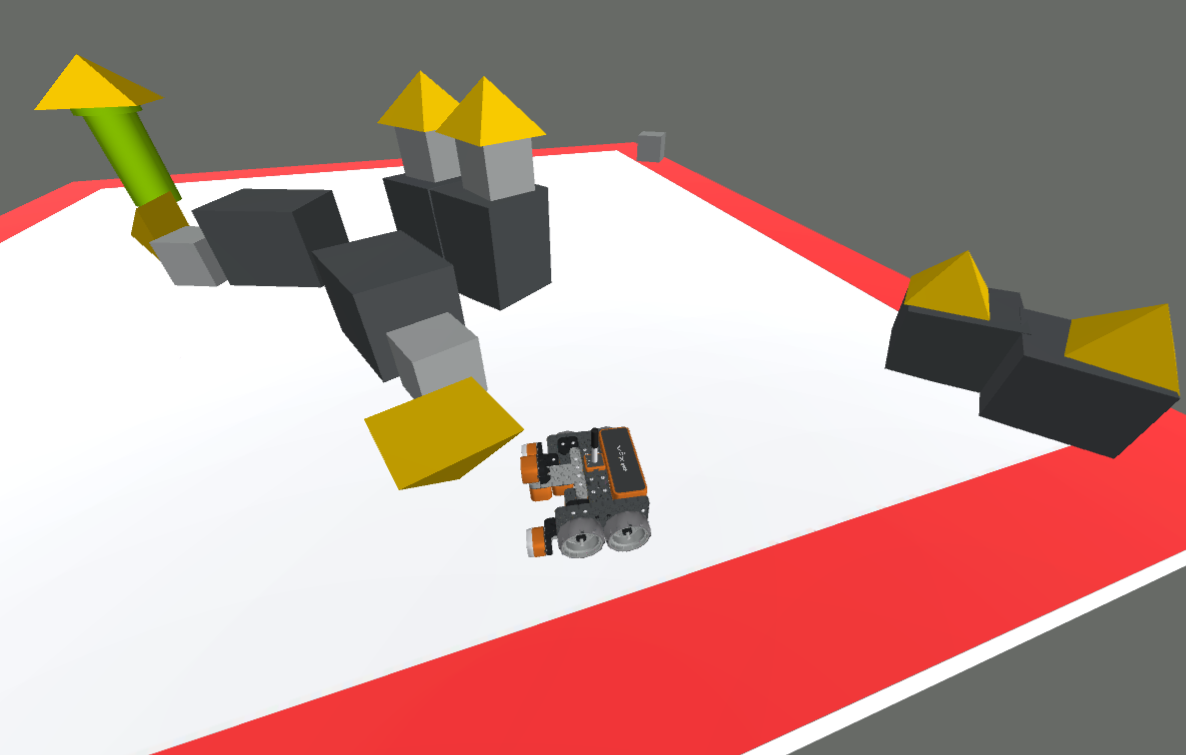
In previous lessons within this Unit, you have learned how to move the VR Robot forward and in reverse, as well as turn left and right to knock down buildings in the mini challenges. Now, you will combine all of these commands to create a project in order to knock over all of the buildings in the Castle Crasher Playground, to solve the Castle Crasher Challenge!
Learning Objectives
- Apply Drivetrain commands to solve the Castle Crasher Challenge to knock over the buildings.
- Describe the correct sequence of VR Robot behaviors needed to complete a basic movement task.
- Explain that creating working projects requires considering both appropriate commands and their order.
Putting It All Together
Drivetrain commands allow the user to control the movement of the VR Robot. This Unit has previously covered how to move the VR Robot forward and reverse using the drive_for command, set the velocity of a VR Robot using the set_drive_velocity command, and how to turn a VR Robot using the turn_for and turn_to_heading commands. These commands can be used to navigate any VEXcode VR Playground.
To create a working project, the appropriate commands and the order of those commands should be considered. A Sequence is the specific order in which behaviors are performed. An action or event leads to the next ordered action in a sequence. Sequencing is important for the Castle Crasher Challenge because the VR Robot will only move exactly as the commands tell it to.
Castle Crasher Challenge
Use Drivetrain commands to knock over all buildings on the Castle Crasher Playground.
Follow the steps in the video below to complete the challenge:
- Watch the solution video to see how the VR Robot should move in order to complete the challenge.
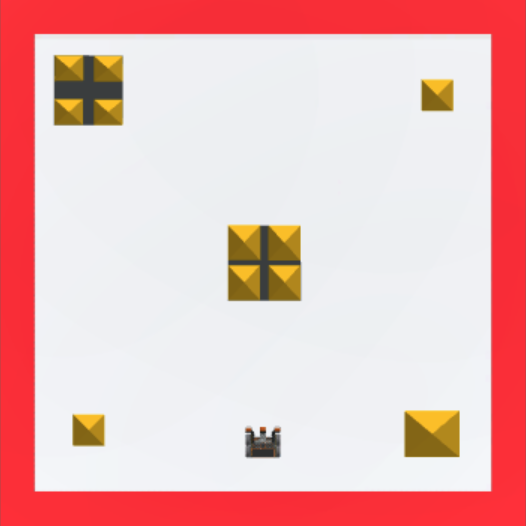
- In this video, the VR Robot drive forward to knock over the center castle, then continues and turns right to topple the set of blocks in the upper right corner. The robot then turns right again and drives around the perimeter of the Playground to knock over the remaining three castle buildings.
- Create a new project or load a project from previous Lessons in this Unit. If creating a new project, select the Castle Crasher Playground when prompted.
- Rename the project Unit2Challenge.
- Open the Playground window, if it is not open already, to see where the buildings are on the Playground.
- Add the commands necessary to knock over all of the buildings on the Castle Crasher Playground.
- Start the project to test if it works.
- If the project is not successful, edit and try again. Continue this process until the challenge is complete.
- Note all of the pieces of a castle may not fall when the VR Robot collides with the castle. As long as the VR Robot has collided with all of the castles, the project can be considered successful.
- Once the VR Robot successfully knocks over or collides with all of the blocks on the Castle Crasher Playground, save the project.
Congratulations! You have successfully completed the Castle Crasher Challenge!