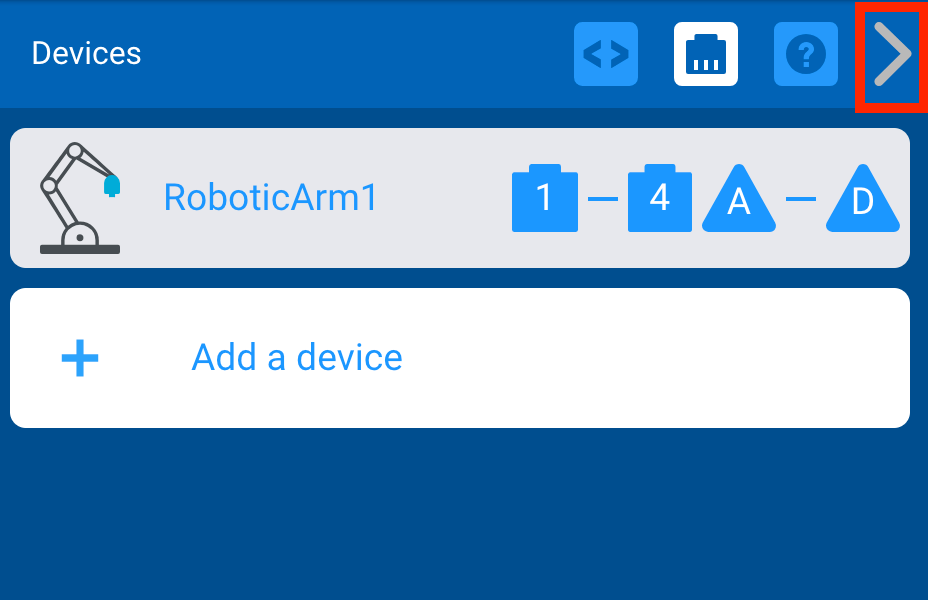
Add a VEX V5 Workcell ARM Device
-
Select the Robot Configuration button to open the Devices window.

-
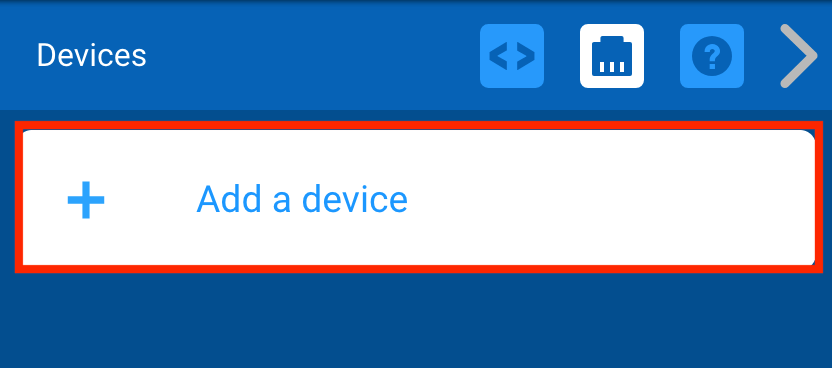
Select ‘Add a device.’
-
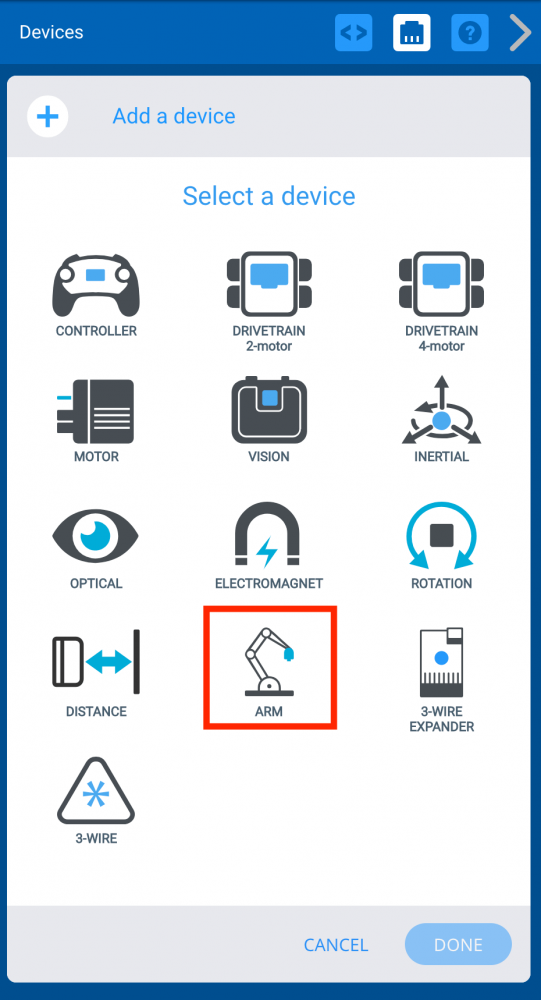
Select ‘ARM.’
-
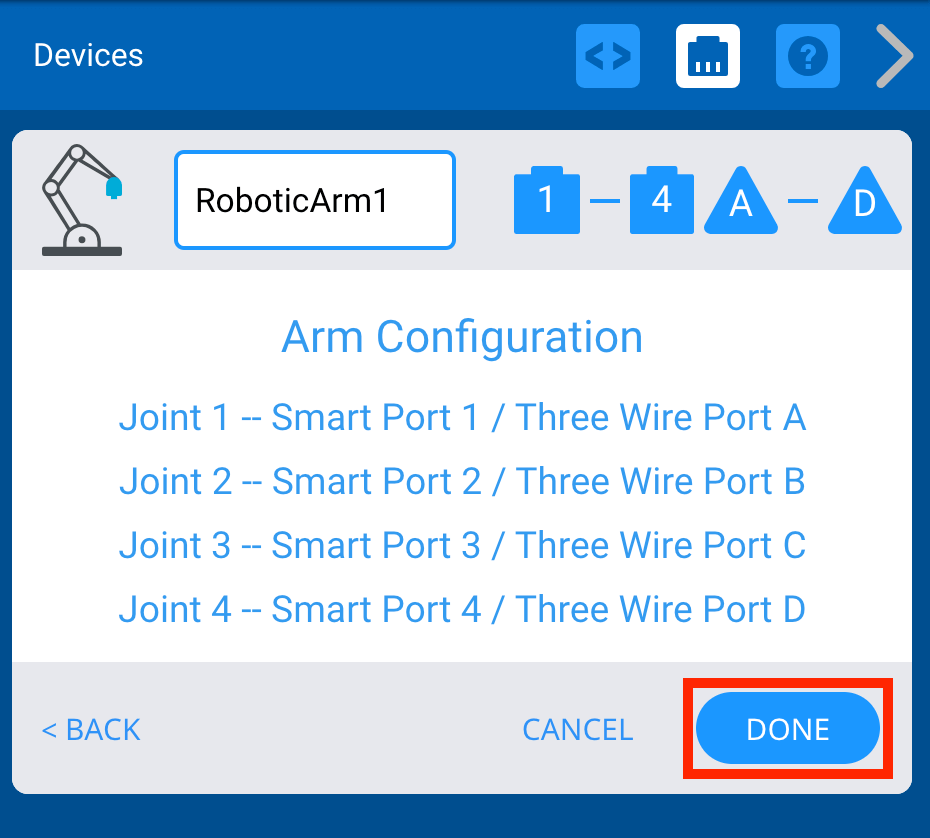
Select ‘Done’ to add the Arm device to the configuration.
-
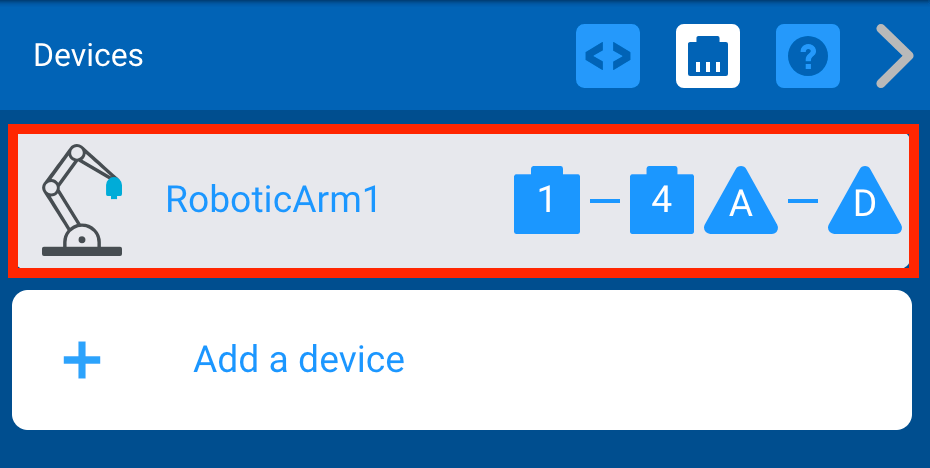
The Arm device is now added to the configuration.
-
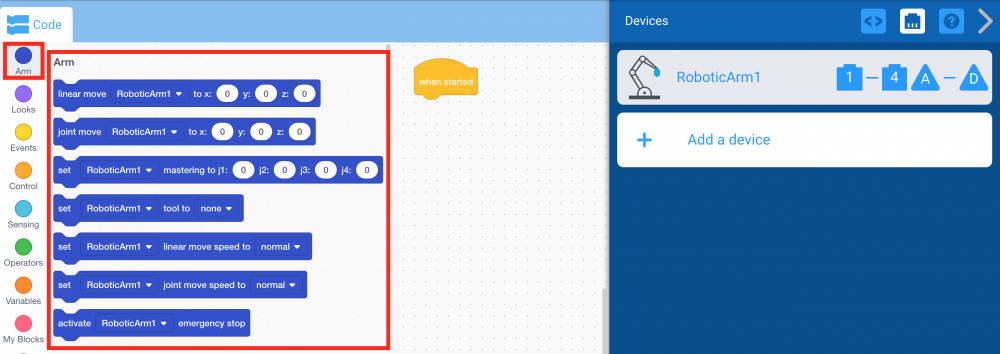
Notice that once the Arm device was added to the configuration, the ‘Arm’ category of blocks now appears in the Tool Box.
-
Select the arrow to collapse the Devices window.