
Test the E-Stop
-
Download and run the project.

-
Notice that the project is running even though there is nothing displaying on the V5 Brain’s screen except the project run time.
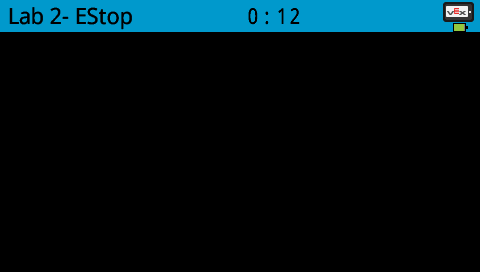
-
Press the E-Stop button on the Workcell to stop the project and shut off all of the VEX V5 Workcell arm’s motors.
