Add Mastering Values
-
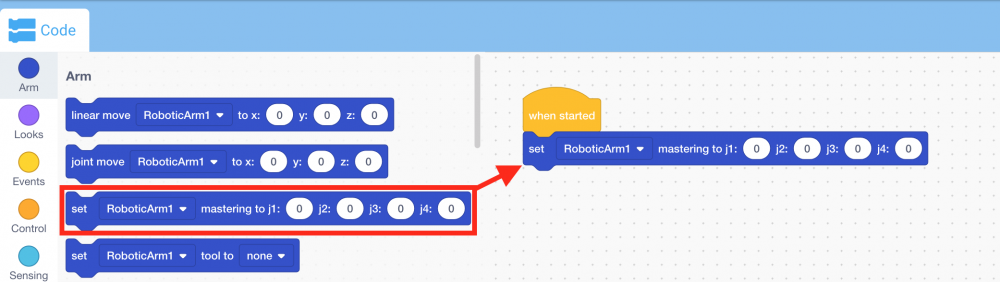
Select and drag the [Set mastering] block from the ‘Arm’ category in the Toolbox and attach it to the {When started} block.
-
Input the mastering values into the [Set mastering] block.
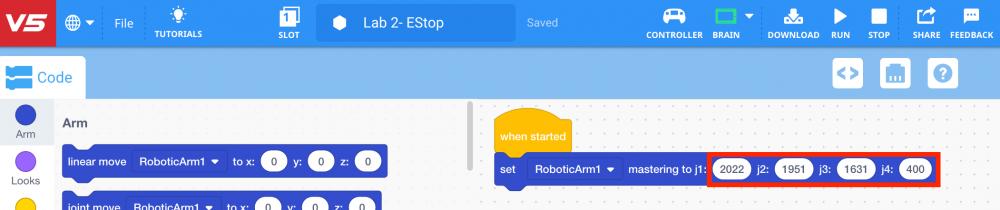
Note: The mastering values were documented from Lab 1.
-
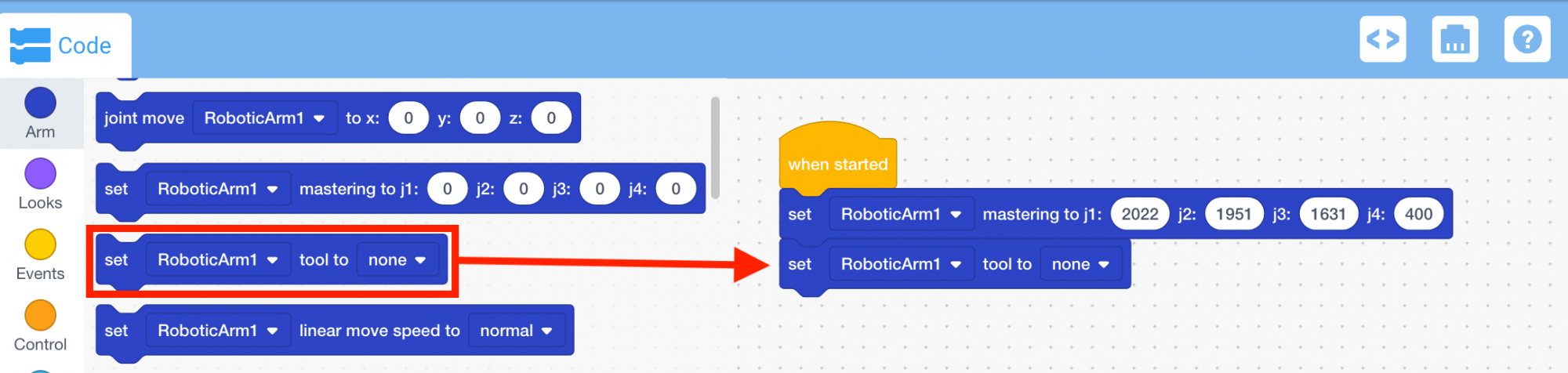
Select and drag the [Set tool] block from the ‘Arm’ category in the Toolbox and attach it to the [Set mastering] block.
-
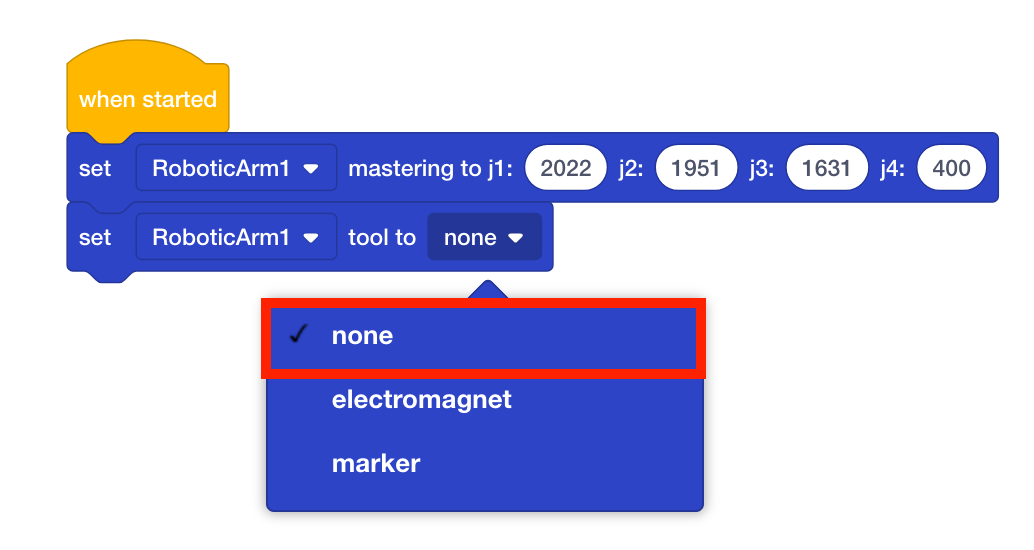
Ensure the tool of the [Set tool] block is set to ‘none.’