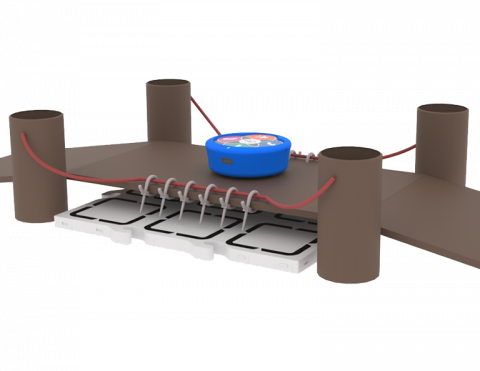
പാലത്തിന് മുകളിലൂടെ ഓടിക്കാൻ നിങ്ങളുടെ 123 റോബോട്ടിനെ കോഡ് ചെയ്യൂ

Activity Image
ചിത്രം
Cross the Bridge
VEX Platform
Activity PDF Link
https://content.vexrobotics.com/assets/education/stem-labs/docs/123/Activities/VEX 123 Activity - Cross the Bridge.pdf
Activity Image Alt
123 റോബോട്ട് ഒരു കാർഡ്ബോർഡ് പാലം ഉപയോഗിച്ച് ഒരു ഫീൽഡ് ടൈൽ തൊടാതെ കടക്കുന്നു.
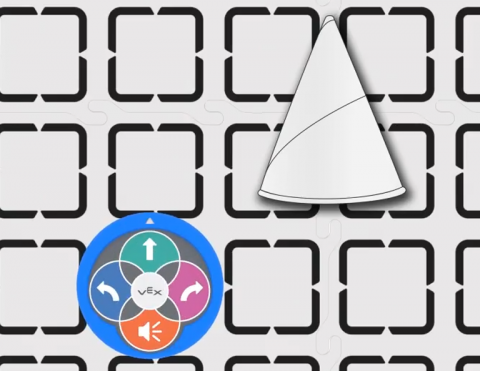
ഒരു ട്രാഫിക് കോൺ മറികടക്കാൻ നിങ്ങളുടെ 123 റോബോട്ടിനെ കോഡ് ചെയ്യുക.

Activity Image
ചിത്രം
Traffic Cone
VEX Platform
Activity PDF Link
https://content.vexrobotics.com/assets/education/stem-labs/docs/123/Activities/VEX 123 Activity - Traffic Cone.pdf
Activity Image Alt
123 റോബോട്ടിന്റെയും ഫീൽഡ് ടൈലിൽ സ്ഥാപിച്ചിരിക്കുന്ന പേപ്പർ ട്രാഫിക് കോണിന്റെയും മുകളിൽ നിന്ന് താഴേക്കുള്ള കാഴ്ച.

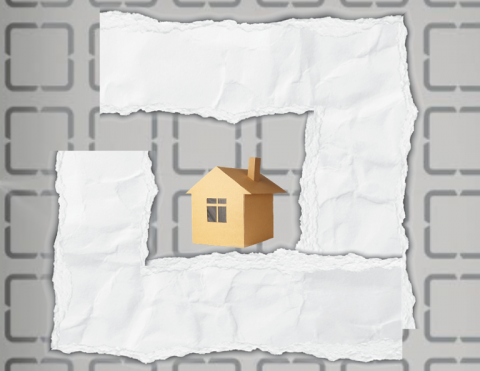
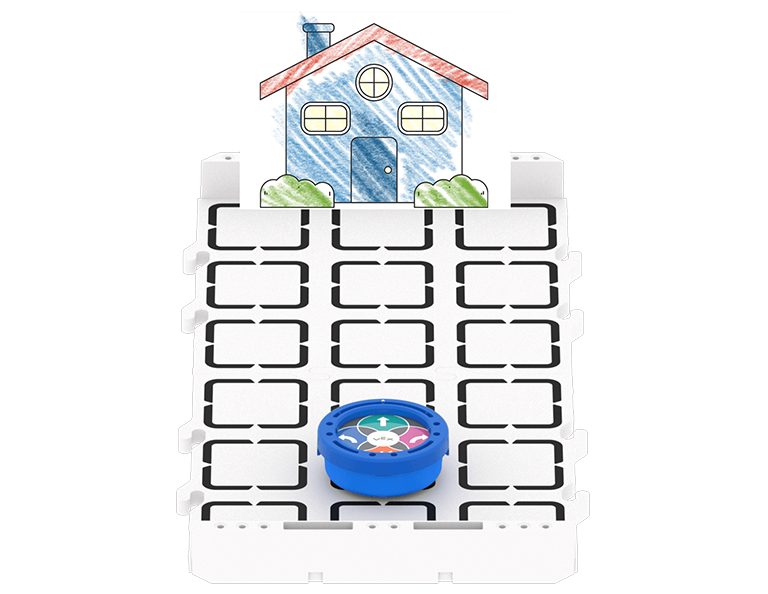
ഒരു സുഹൃത്തിന്റെ വീട്ടിലേക്ക് പോകാൻ നിങ്ങളുടെ 123 റോബോട്ടിനെ കോഡ് ചെയ്യൂ.

Activity Image
ചിത്രം
Around the Town Tile
VEX Platform
Activity PDF Link
https://content.vexrobotics.com/assets/education/stem-labs/docs/123/Activities/VEX 123 Activity - Around the Town.pdf
Activity Image Alt
123 റോബോട്ടിന് കടന്നുപോകാൻ കഴിയുന്ന കടലാസ് കൊണ്ട് നിർമ്മിച്ച റോഡിനാൽ ചുറ്റപ്പെട്ട ഒരു പേപ്പർ വീടും, ബന്ധിപ്പിച്ചിരിക്കുന്ന 123 ഫീൽഡ് ടൈലുകളുടെ മുകളിൽ നിന്ന് താഴേക്കുള്ള കാഴ്ച.
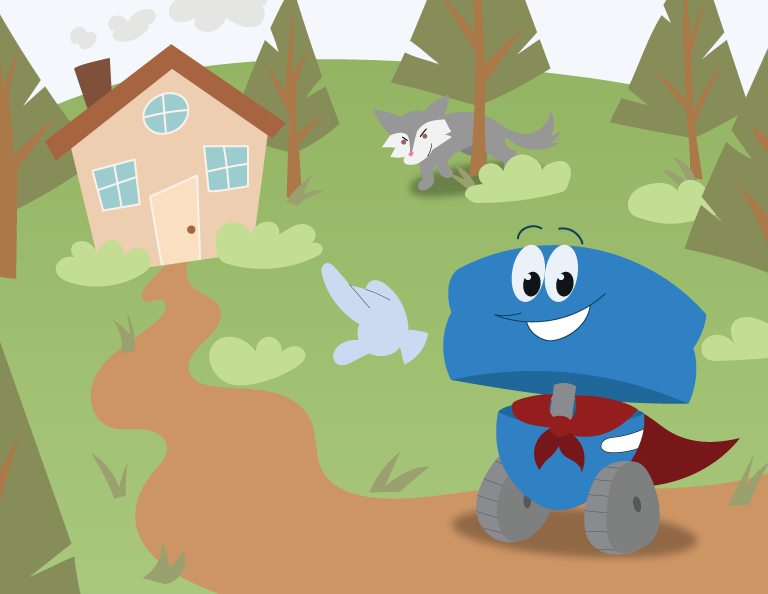
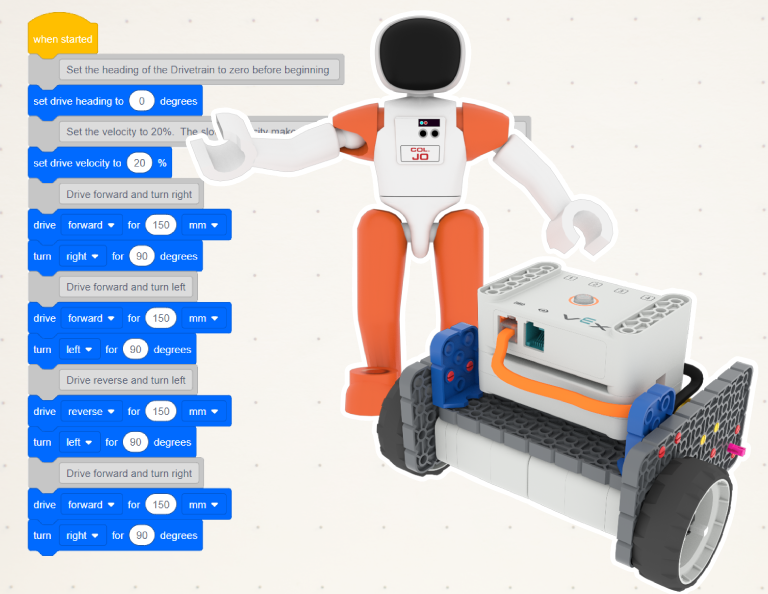
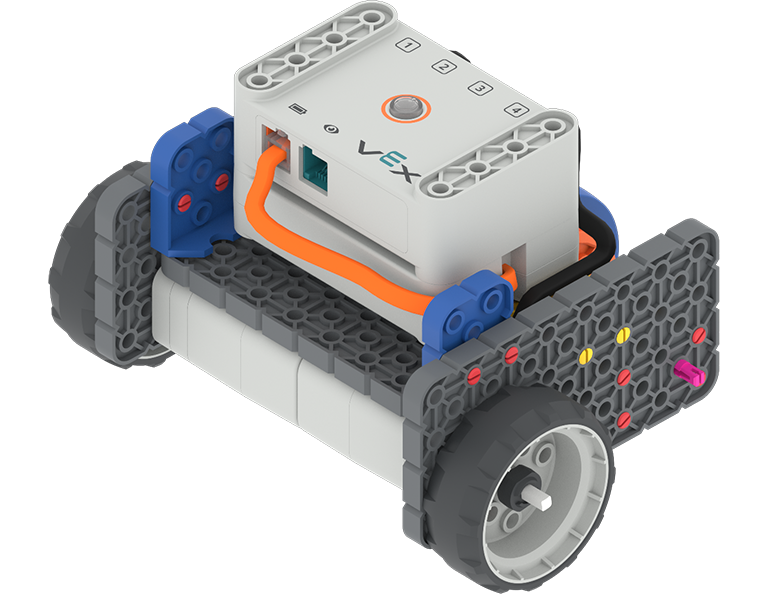
ഇടതുവശത്ത് കോഡ് ബേസ്, റോബോട്ടിന് പിന്നിൽ കേണൽ ജോ. ജോയുടെ ഇടതുവശത്ത് പശ്ചാത്തലത്തിൽ ഒരു VEXcode പ്രോജക്റ്റ് ഉണ്ട്, അത് വിദ്യാർത്ഥികൾ യൂണിറ്റിൽ കോഡ് ചെയ്യുന്നുണ്ടെന്ന് സൂചിപ്പിക്കുന്നു.

കോഡ് ബേസ്

4 ലാബുകൾ

നാവിഗേഷൻ വെല്ലുവിളികളിലൂടെ റോബോട്ട് പെരുമാറ്റങ്ങൾ, നിയന്ത്രണങ്ങൾ, കമാൻഡുകൾ, സെൻസറുകൾ എന്നിവ പര്യവേക്ഷണം ചെയ്യുന്നതിന് കോഡ് ബേസും അതിന്റെ സെൻസർ ആവർത്തനങ്ങളും ഉപയോഗിക്കുക.

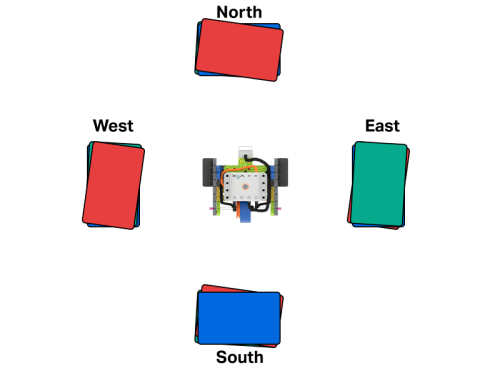
വലത് കോണുകളിൽ തിരിയുന്നത് പരിശീലിക്കുക.

Activity Image
ചിത്രം
Code Base - LED Bumper in the middle of four stacks of books labeled North, East, South, and West.
VEX Platform
Activity PDF Link
https://content.vexrobotics.com/assets/education/stem-labs/docs/go/Activities/GO Activity - Bump It.pdf
Activity Image Alt
കോഡ് ബേസ് - വടക്ക്, കിഴക്ക്, തെക്ക്, പടിഞ്ഞാറ് എന്നീ പേരുകളിൽ എഴുതിയിരിക്കുന്ന നാല് പുസ്തകങ്ങളുടെ നടുവിലുള്ള LED ബമ്പർ.

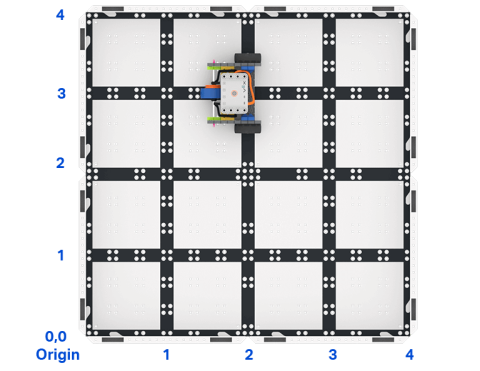
ഗ്രിഡിലെ ഒരു പ്രത്യേക ബിന്ദുവിലേക്ക് കോഡ് ബേസിനെ സഞ്ചരിക്കാൻ സഹായിക്കുന്ന ഒരു പ്രോജക്റ്റ് VEXcode GO-യിൽ സൃഷ്ടിക്കുക.

Activity Image
ചിത്രം
Top down view of a 2 by 2 square field of GO field tiles with a GO Code Base robot. The sides are labeled as x and y axes, and the bottom left corner is labeled as the origin with x 0 y 0.
VEX Platform
Activity PDF Link
https://content.vexrobotics.com/assets/education/stem-labs/docs/go/Activities/GO Activity - Code Base Coordinates.pdf
Activity Image Alt
ഒരു GO കോഡ് ബേസ് റോബോട്ടുള്ള GO ഫീൽഡ് ടൈലുകളുടെ 2 ബൈ 2 ചതുര ഫീൽഡിന്റെ മുകളിൽ നിന്ന് താഴേക്കുള്ള കാഴ്ച. വശങ്ങൾ x ഉം y അക്ഷങ്ങളായും താഴെ ഇടത് മൂലയിൽ x 0 y 0 ഉള്ള മൂലയായും ലേബൽ ചെയ്തിരിക്കുന്നു.

നിങ്ങളുടെ റോബോട്ടിനെ നയിക്കാൻ ഐ സെൻസർ ഉപയോഗിക്കുക.

Activity Image
ചിത്രം
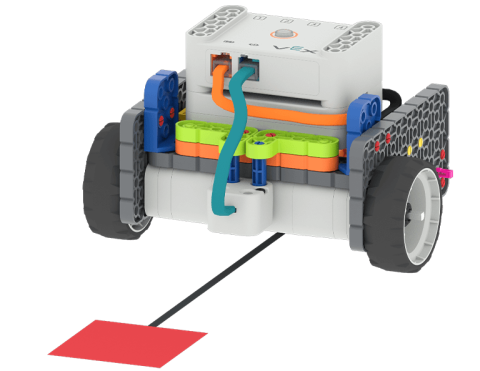
Code Base - Eye Down build following a path towards a red square placed on the floor.
VEX Platform
Activity PDF Link
https://content.vexrobotics.com/assets/education/stem-labs/docs/go/Activities/GO Activity - Color Code It.pdf
Activity Image Alt
കോഡ് ബേസ് - തറയിൽ സ്ഥാപിച്ചിരിക്കുന്ന ഒരു ചുവന്ന ചതുരത്തിലേക്കുള്ള പാത പിന്തുടർന്ന് ഐ ഡൗൺ ബിൽഡ്.

നിറമുള്ള തടസ്സങ്ങൾ കണ്ടെത്തി ഒരു ഫീൽഡിലൂടെ സഞ്ചരിക്കാൻ കോഡ് ബേസ് ഉപയോഗിക്കുക!

Activity Image
ചിത്രം
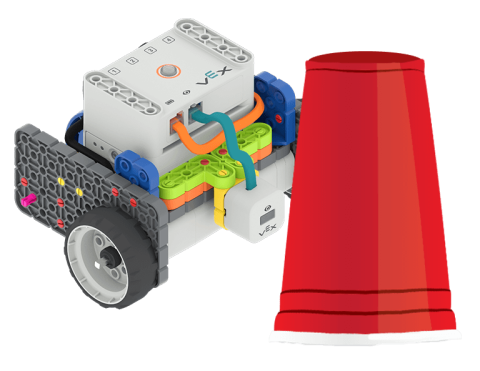
Code Base - Eye Forward build next to a red plastic cup.
VEX Platform
Activity PDF Link
https://content.vexrobotics.com/assets/education/stem-labs/docs/go/Activities/GO Activity - Obstacle.pdf
Activity Image Alt
കോഡ് ബേസ് - ഒരു ചുവന്ന പ്ലാസ്റ്റിക് കപ്പിനടുത്തുള്ള ഐ ഫോർവേഡ് ബിൽഡ്.

നിങ്ങളുടെ നിധികൾ സുരക്ഷിതമായും സുരക്ഷിതമായും സൂക്ഷിക്കുന്നതിന് കോഡ് ബേസ് ഉപയോഗിക്കുന്ന ഒരു പ്രോജക്റ്റ് സൃഷ്ടിക്കുക.

Activity Image
ചിത്രം
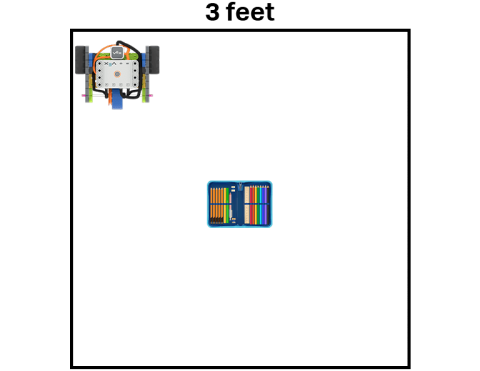
Code Base - LED Bumper Top following the perimeter of a 3 feet by 3 feet square, guarding a school treasure represented by a pencil case.
VEX Platform
Activity PDF Link
https://content.vexrobotics.com/assets/education/stem-labs/docs/go/Activities/GO Activity - Security Robot.pdf
Activity Image Alt
കോഡ് ബേസ് - 3 അടി 3 അടി ചതുരത്തിന്റെ ചുറ്റളവിൽ LED ബമ്പർ ടോപ്പ്, പെൻസിൽ കേസ് പ്രതിനിധീകരിക്കുന്ന ഒരു സ്കൂൾ നിധിക്ക് കാവൽ നിൽക്കുന്നു.