Pełna głośność
4 Lekcje
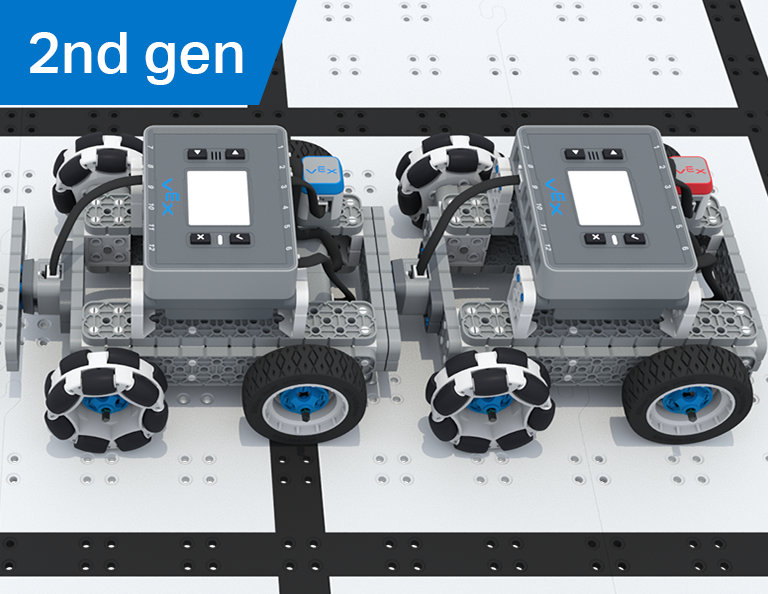
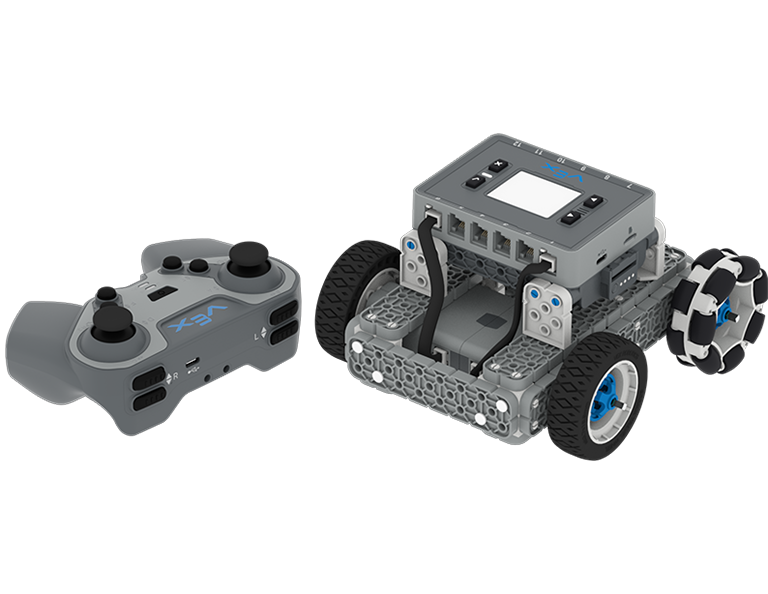
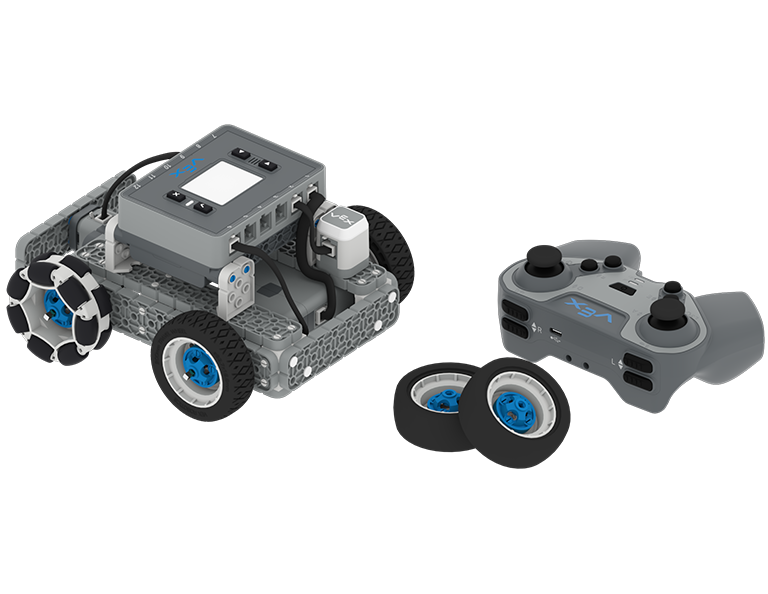
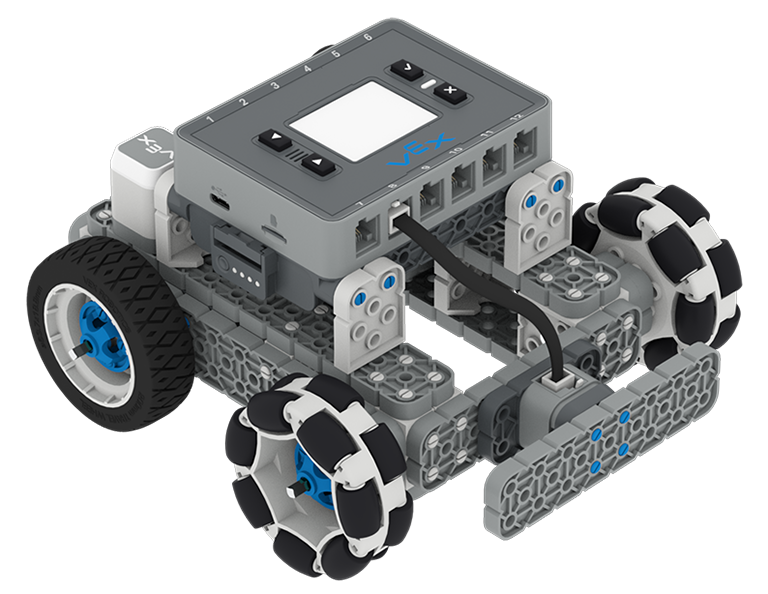
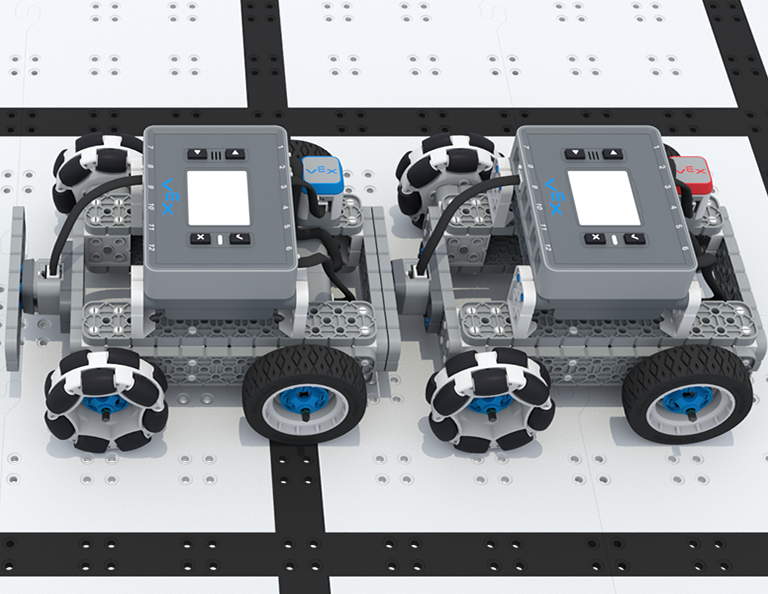
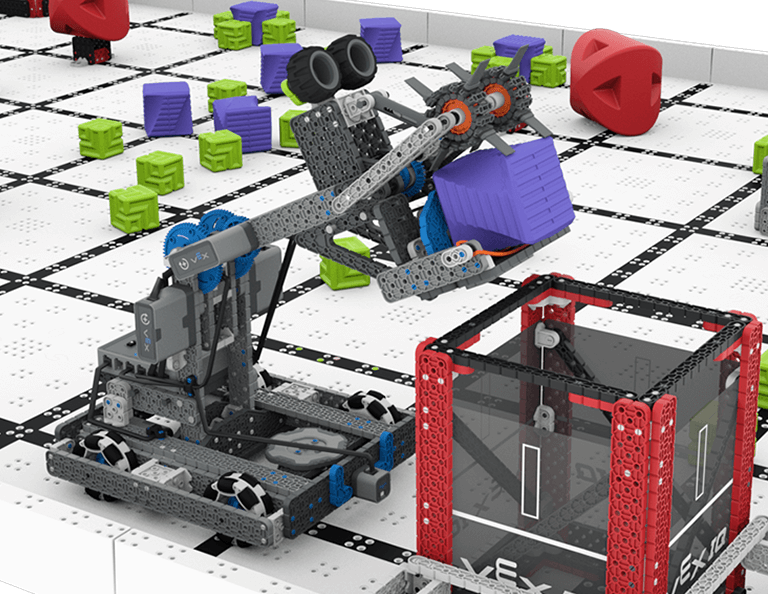
W tej jednostce zbudujesz Byte, HeroBota na potrzeby gry VIQRC Full Volume na lata 2023–2024 i nauczysz się zdobywać punkty. Przez całą Jednostkę dowiesz się, jak prowadzić Byte i jak rozpocząć kodowanie Byte do autonomicznego poruszania się, abyś mógł wziąć udział w Wyzwaniu Umiejętności Robota w sezonie zawodów.
*Wymaga zestawu konkursowego IQ (2. generacji)
Odwiedź Portal nauczyciela, aby uzyskać materiały pomocnicze dla nauczycieli i filmy dotyczące treści i prowadzenia lekcji w pełnym tomie.
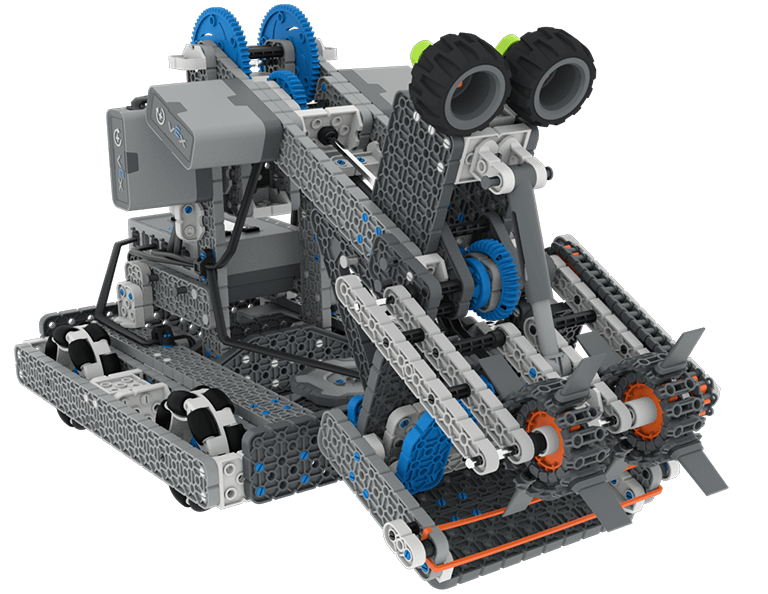
Lesson 1: Building and Driving Byte
In this Lesson you will build Byte, the HeroBot for the 2023-2024 Full Volume game and learn how to drive it with the IQ Controller.
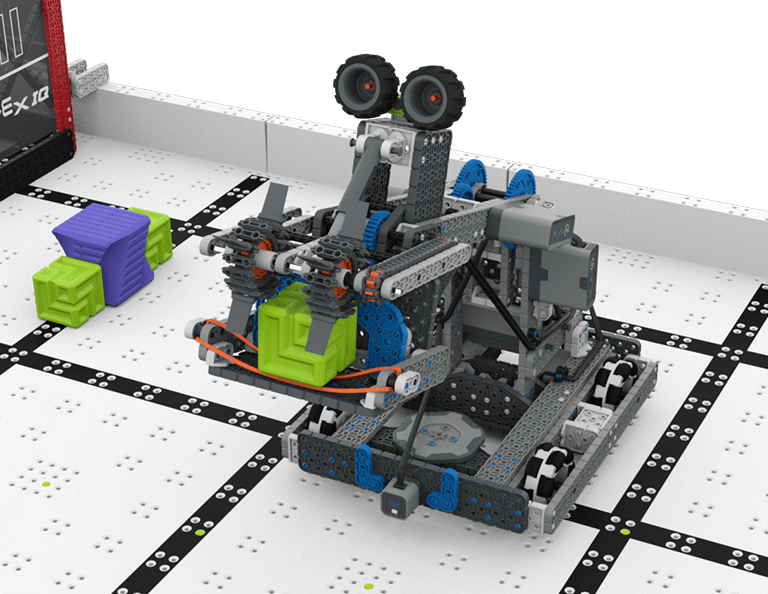
Lesson 2: Driving Skills
In this Lesson, you will learn about the Full Volume Competition so that you can compete in a Driving Skills Match.
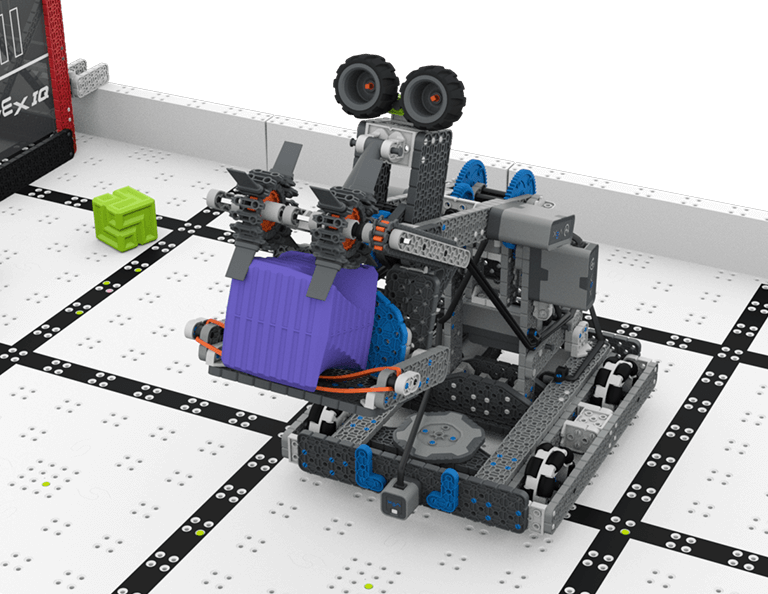
Lesson 3: Autonomous Coding Skills
In this Lesson, you will learn how to code the drivetrain, intake, and arm of Byte so that you can compete in an Autonomous Coding Skills Match.
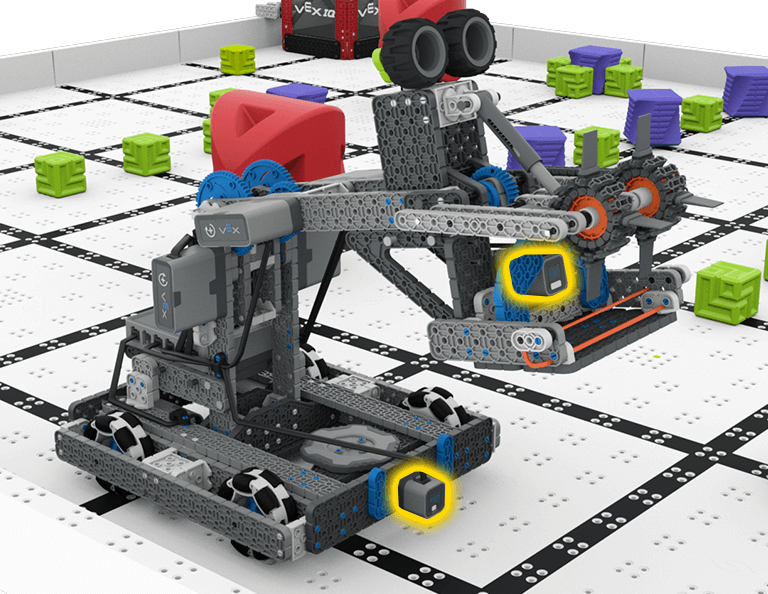
Lesson 4: Sensors on Byte
In this Lesson, you will learn about the sensors that are a part of Byte. Then you will apply your skills from the previous Lessons and participate in a Robot Skills Challenge.

W górę i wszerz
6 Lekcje
W tej części dowiesz się, jak zaprojektować Clawbota, który będzie zbierał, podnosił i przenosił kostki z jednej strony pola na drugą, w zawodach Up and Over!
Odwiedź Portal nauczyciela, aby uzyskać materiały pomocnicze dla nauczycieli i filmy dotyczące treści i prowadzenia lekcji Up and Over.

Lesson 1: Introduction
In this Lesson, you will be introduced to the Up and Over competition, set up the Battery and Controller, get ready to code, and build the Clawbot.
Lesson 2: Claw Design
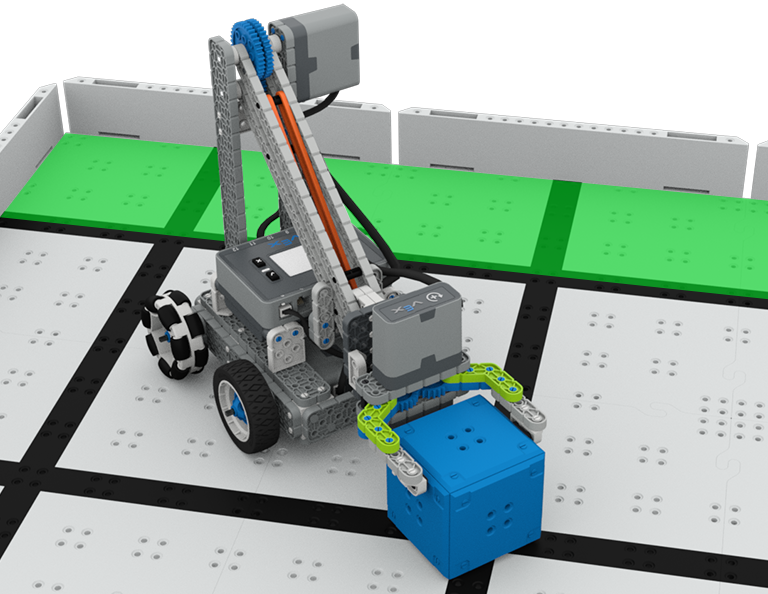
In this Lesson, you will learn what a claw is, how an effective claw works, and how scouting can benefit your team's designs and strategy. Then, you will apply what you have learned in the Grab and Go challenge.
Lesson 3: Arm Designs
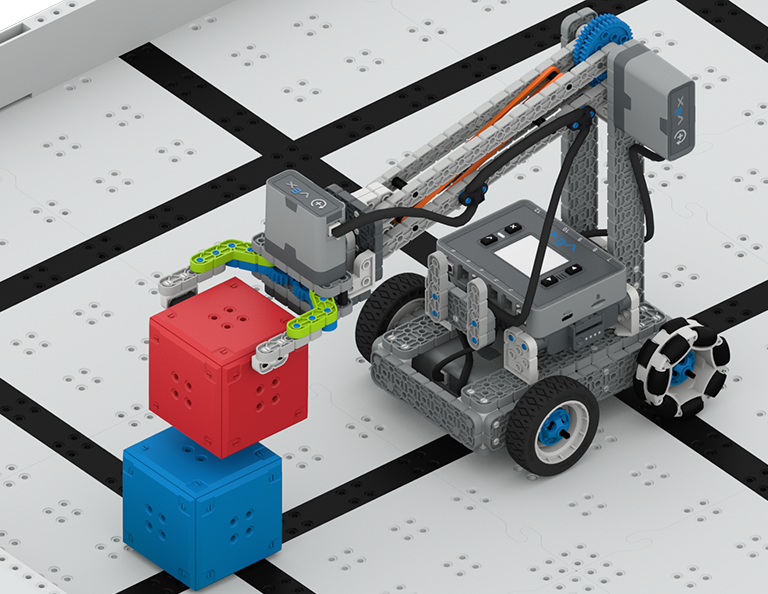
In this Lesson, you will learn about different elements of robotic arms, how they work, and what makes an effective arm design, in order to stack as many cubes as you can within a minute in the Stacked Up challenge.
Lesson 4: Motor Groups
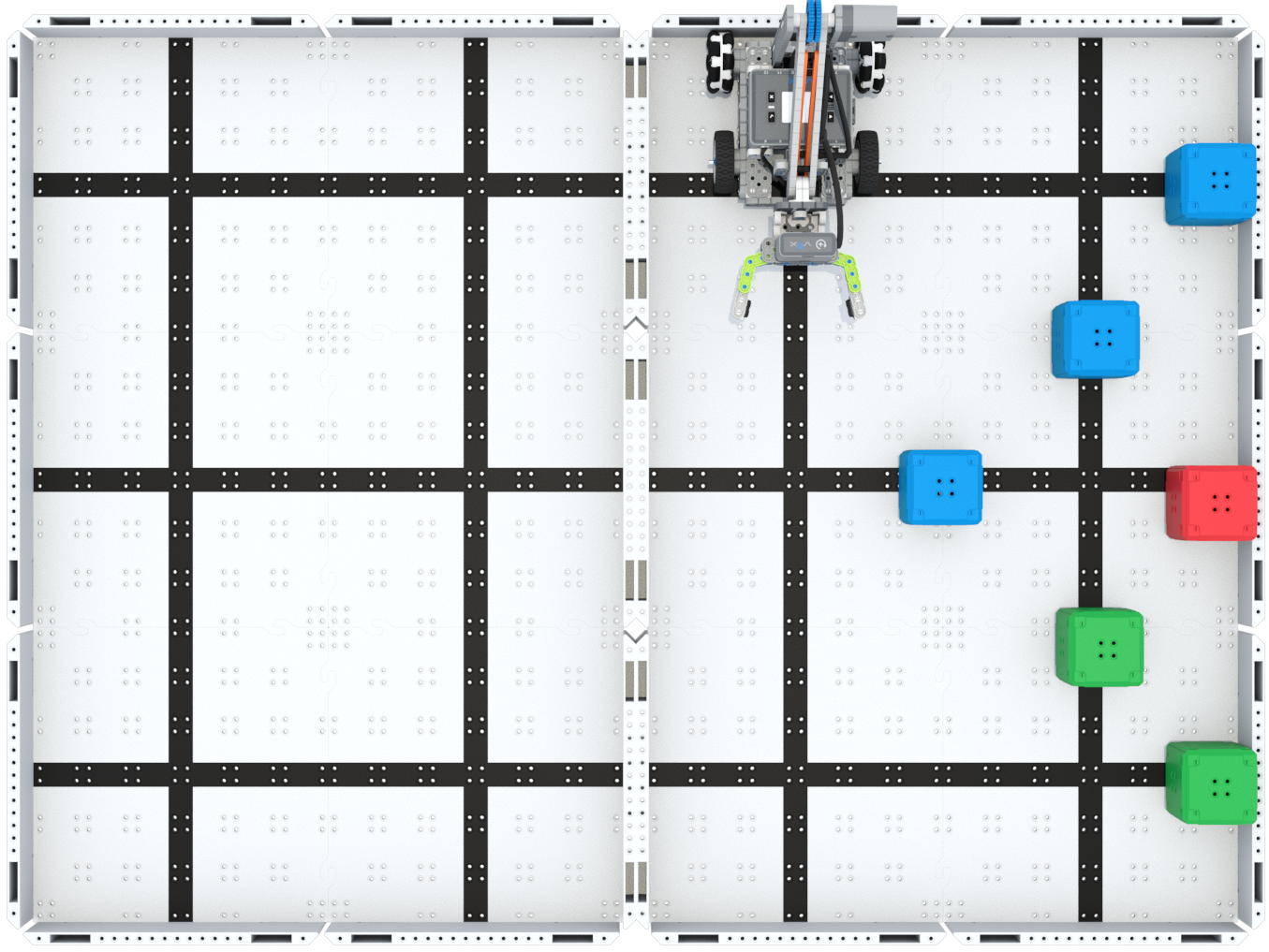
In this Lesson, you will learn what motor groups are, how they can be helpful, and how to configure motor groups in VEXcode IQ in order to iterate on your robot to complete the Up and Over challenge.
Lesson 5: Up and Over Competition
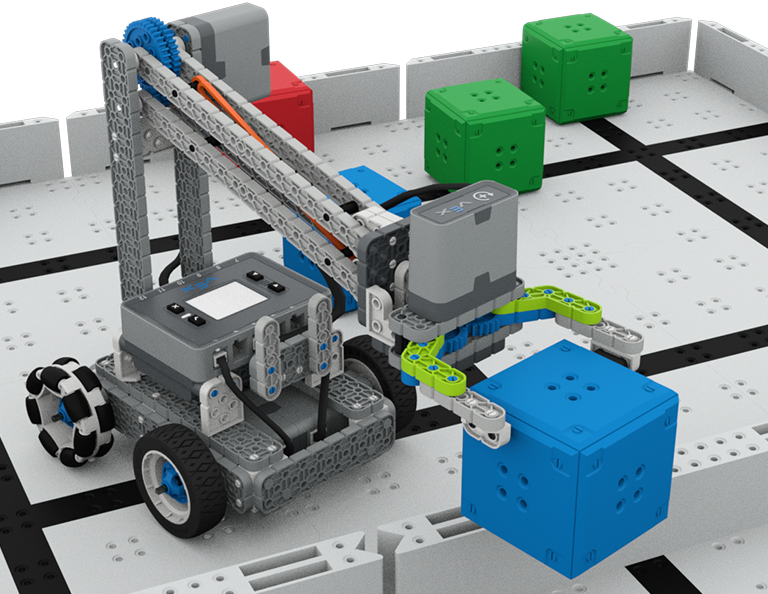
In this Lesson, you will apply your learning from the previous Lessons to compete in the Up and Over competition!

Lesson 6: Conclusion
In this Lesson, you will reflect on the Unit and identify connections between what you have done and a STEM career.
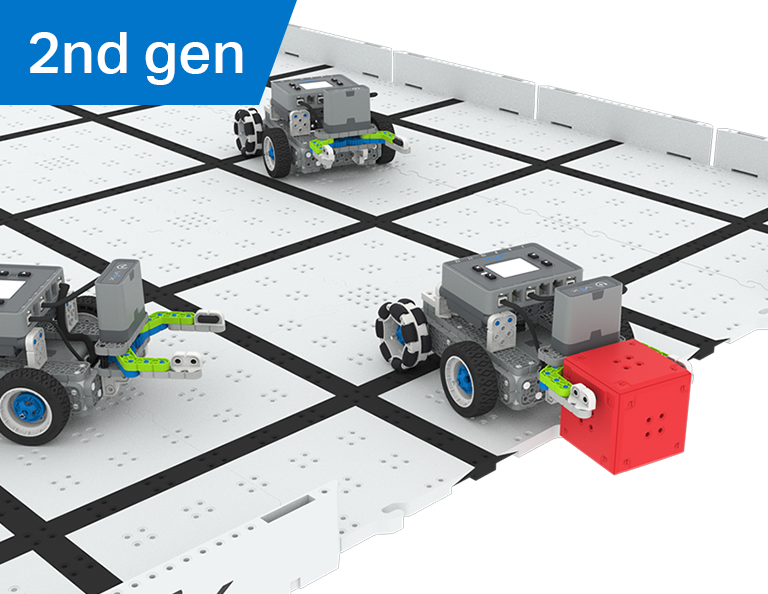
Piłka nożna robotów
4 Lekcje
W tej części dowiesz się, jak stworzyć manipulator na swoim robocie, aby łapał, podawał i zdobywał najwięcej bramek jako robot-piłkarz w zawodach Robot Soccer!
Odwiedź Portal nauczyciela, aby uzyskać materiały pomocnicze dla nauczycieli i filmy dotyczące treści i prowadzenia lekcji Robot Soccer.
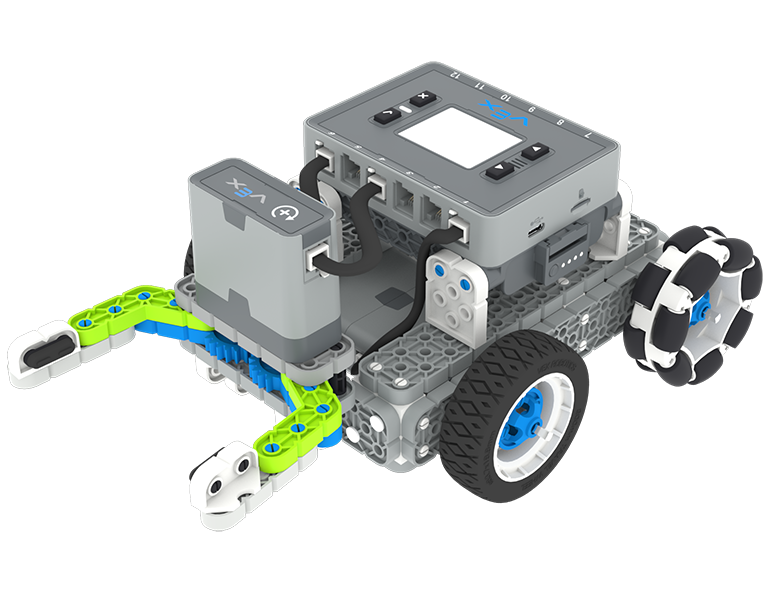
Lekcja 1: Wprowadzenie
Podczas tej lekcji zbudujesz prostego Clawbota, naładujesz kontroler i baterię oraz przygotujesz się do kodowania.
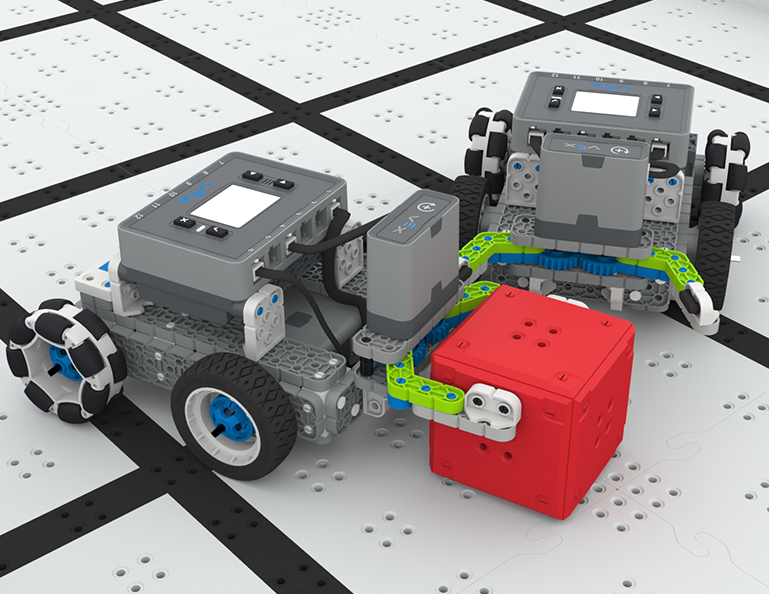
Lekcja 2: Manipulatory
Podczas tej lekcji dowiesz się o pasywnych i aktywnych manipulatorach oraz projektowaniu wlotów, aby móc powtarzać projekt robota i rywalizować w wyzwaniu Robot Soccer Soccer jeden na jednego!
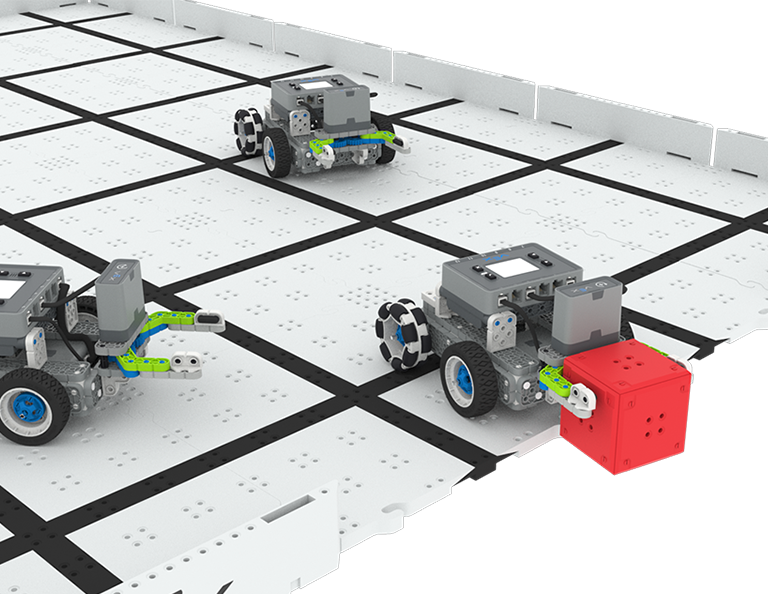
Lekcja 3: Zawody w piłce nożnej robotów
W tej lekcji wykorzystasz wiedzę z poprzedniej lekcji, aby wziąć udział w zawodach Robot Soccer!
Lekcja 4: Wniosek
Podczas tej lekcji zastanowisz się nad Jednostką i zidentyfikujesz powiązania między tym, co zrobiłeś, a powiązaną karierą w STEM.
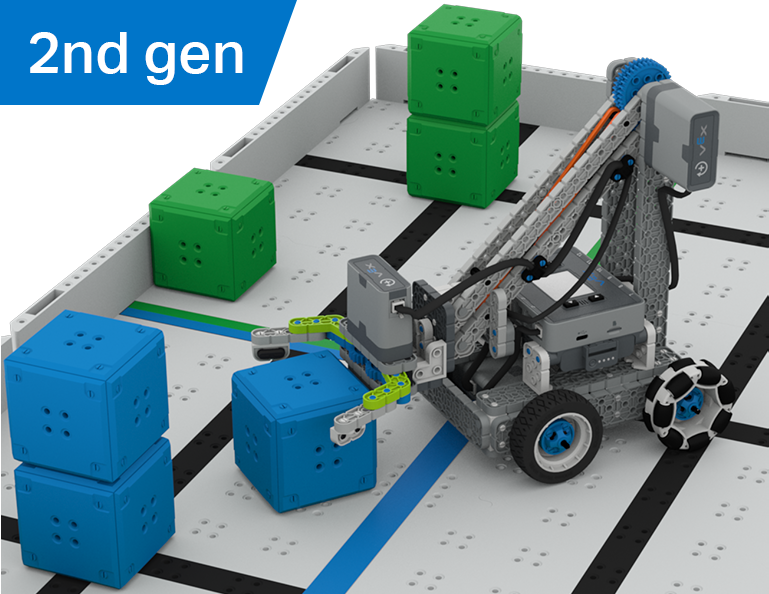
Kolekcjoner kostek
6 Lekcje
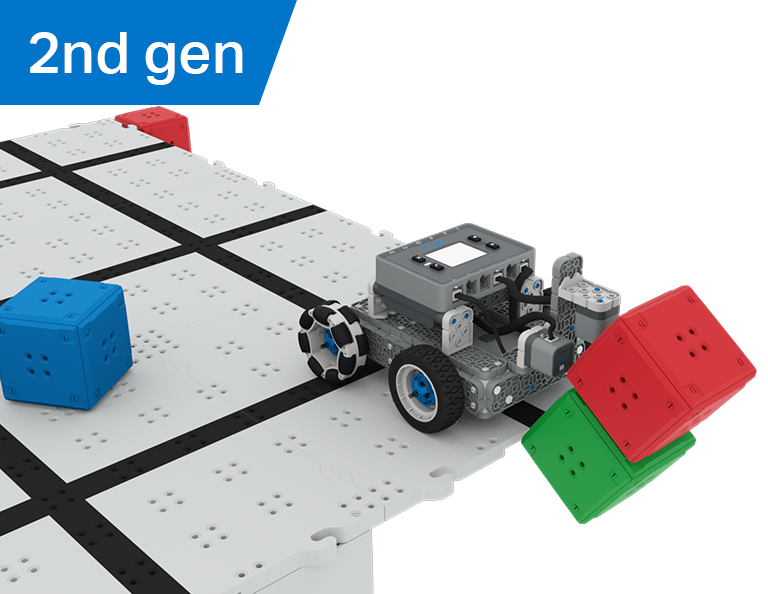
W tej części odkryjesz różnicę między kontrolą kierowcy a wyzwaniami autonomicznymi, ucząc się prowadzić Clawbota i kodować go, aby sortował i układał kostki w konkursie Cube Collector!
Odwiedź Portal nauczyciela, aby uzyskać materiały pomocnicze dla nauczycieli i filmy dotyczące treści i ułatwień związanych z lekcjami zbierania kostek.
Lesson 1: Introduction
In this Lesson, you will be introduced to the Cube Collector competition, build the Clawbot, and get ready to code.
Lesson 2: Driver Control
In this Lesson, you will learn about using the Driver Control program on the IQ Brain so that you can drive the Clawbot to stack and score cubes on the Field and participate in the Speed Stack Challenge.
Lesson 3: Coding for Autonomous Movements
In this Lesson, you will learn about coding your robot for autonomous movements, including how to plan the path of your robot. Then, you will create a VEXcode IQ project to score and stack cubes in the Coding for Cubes autonomous challenge.
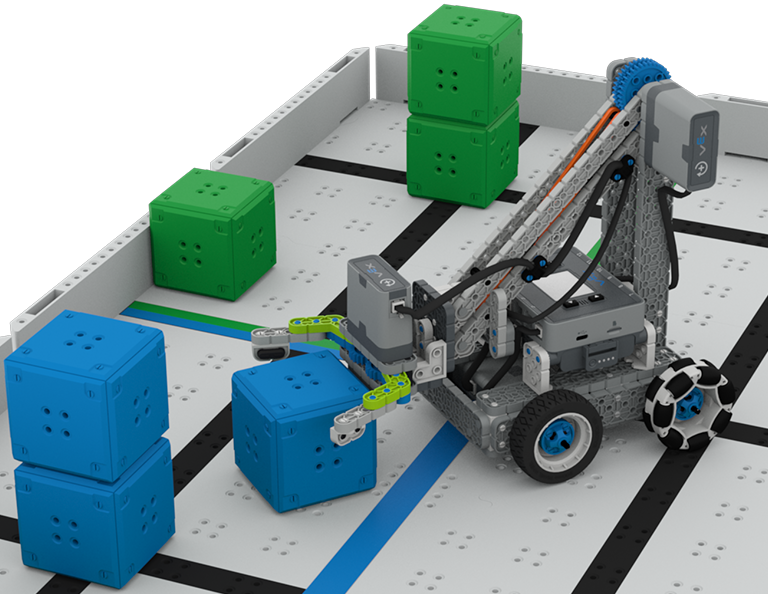
Lesson 4: Using Multiple Programs (Autonomous & Driver)
In this Lesson, you will learn about customizing driver controls and how you can use the Controller and VEXcode IQ to optimize your driver strategy for competing in a challenge with driver control and autonomous runs.

Lesson 5: Cube Collector Competition
In this Lesson, you will apply your learning from the previous Lessons to compete in the Cube Collector competition!
Lesson 6: Conclusion
In this Lesson, you will reflect on the Unit and identify connections between what you have done and a related STEM career.
Rozbijacz zamku
6 Lekcje
W tej części dowiesz się, jak używać czujników optycznych i odległości do wyszukiwania, rozbijania i czyszczenia sześciennych „zamków” w celu zdobycia punktów w konkursie Castle Crasher!
Odwiedź Portal nauczyciela, aby uzyskać materiały pomocnicze dla nauczycieli i filmy dotyczące treści i prowadzenia lekcji Castle Crasher.

Lesson 1: Introduction
In this Lesson, you will be introduced to the Castle Crasher Competition, build the BaseBot, and get ready to code.
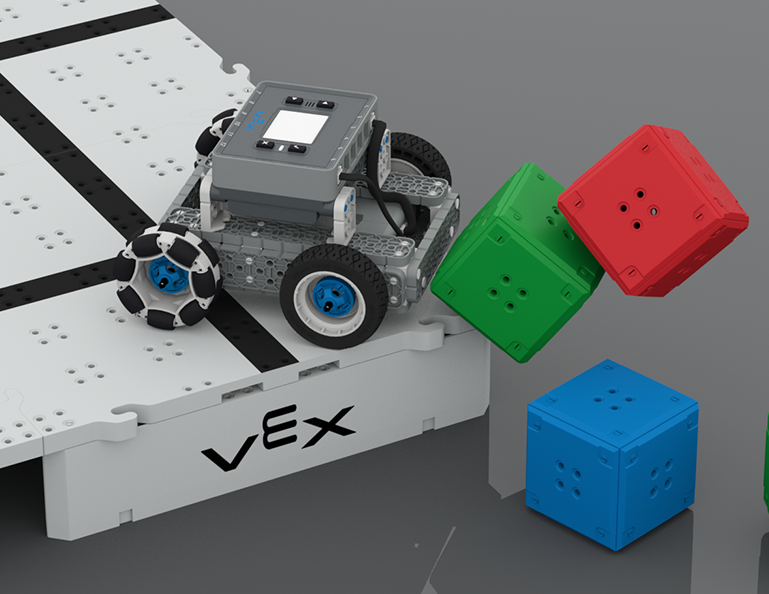
Lesson 2: Castle Crasher No Sensors
In this Lesson, you will learn about calculating angles and changing the velocity of your robot so that you can compete in the Tower Over Challenge.
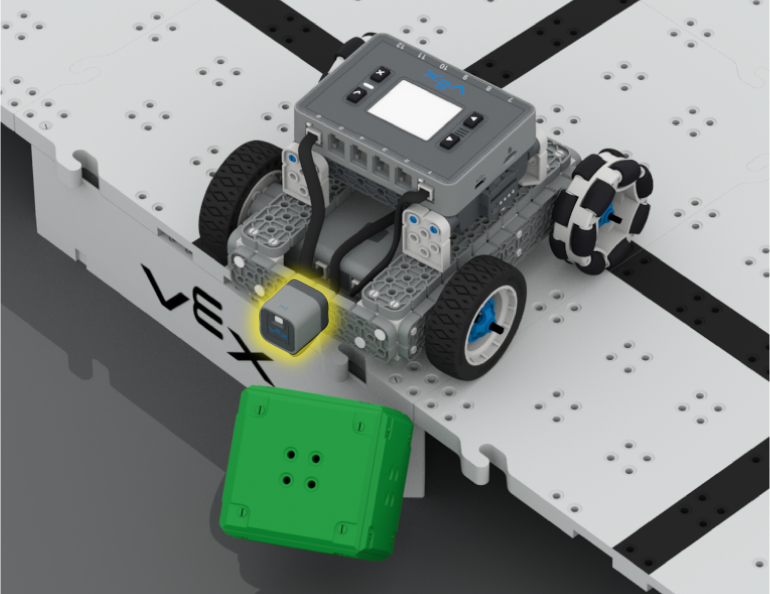
Lesson 3: Castle Crasher + Distance Sensor
In this Lesson you will learn about what the Distance Sensor is and how it can be used on your robot. You will also learn about the [Wait until] block and how it can be used in a VEXcode IQ project. Then you will apply what you have learned to compete in the Cube Crasher Challenge!
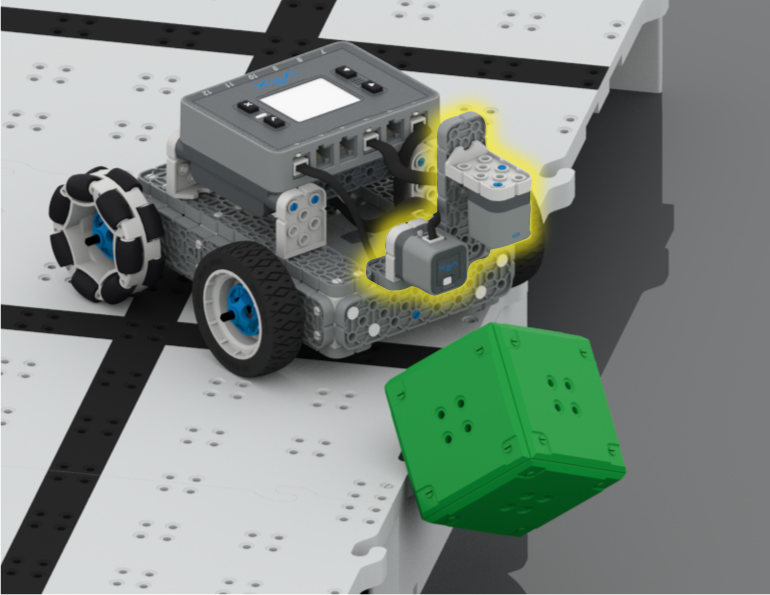
Lesson 4: Creating Algorithms
In this Lesson, you will learn about the Optical Sensor, and about how to create an algorithm that uses sensor feedback. Then you will code your robot to autonomously find cubes and push them off the Field in the Sweep the Field Challenge.
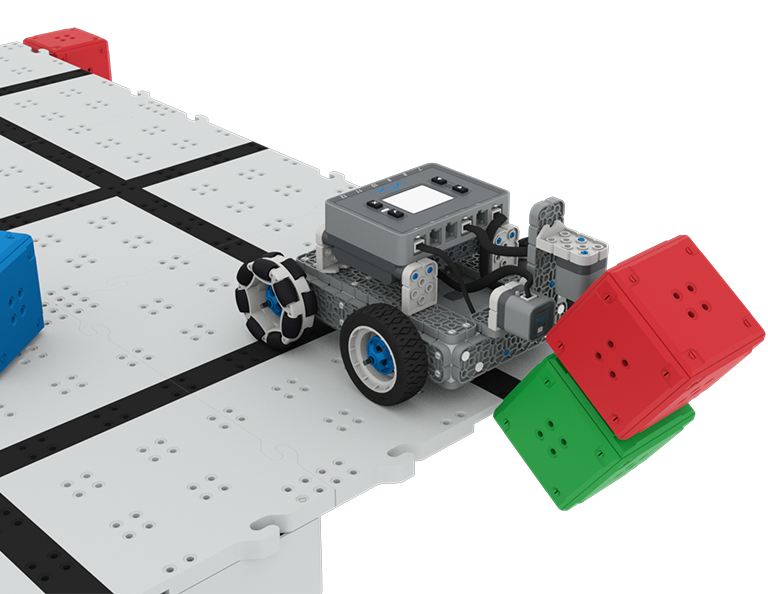
Lesson 5: Castle Crasher Competition
In this Lesson you will apply your learning from the previous Lessons to compete in a Castle Crasher competition!
Lesson 6: Conclusion
In this Lesson, you will reflect on the Unit and identify connections between what you have done and a STEM career.
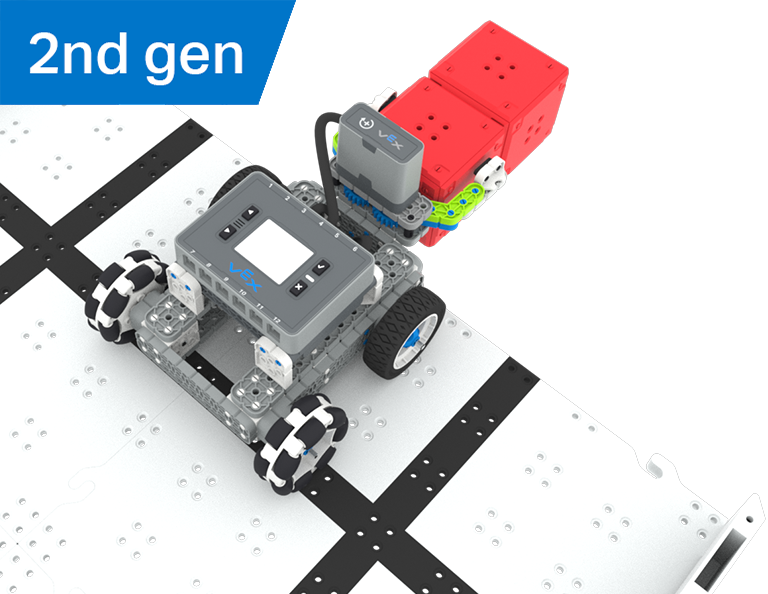
Poszukiwanie skarbu
5 Lekcje
W tej jednostce zbudujesz i zakodujesz prostego Clawbota z czujnikiem optycznym, który rozpoznaje i zbiera czerwone kostki, aby wziąć udział w konkursie Poszukiwania Skarbów!
Odwiedź Portal Nauczyciela, aby uzyskać materiały pomocnicze dla nauczycieli i filmy dotyczące treści i prowadzenia lekcji Poszukiwania Skarbów.
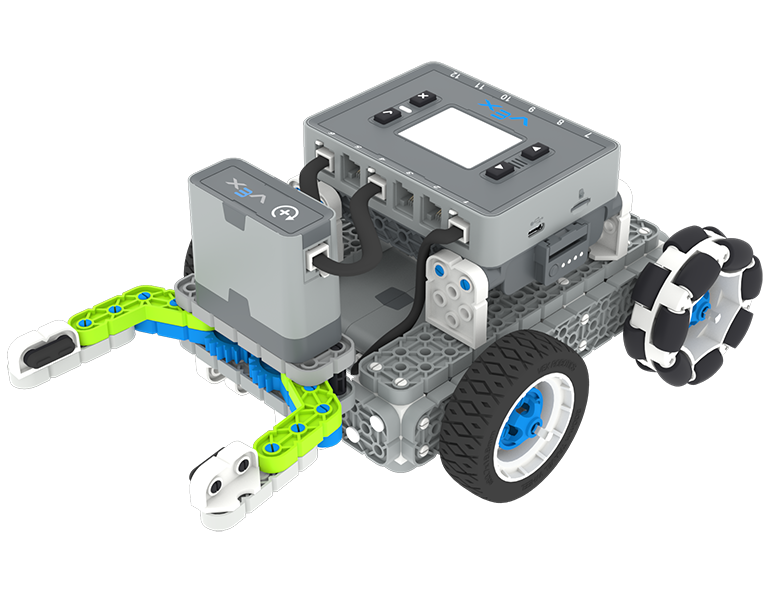
Lesson 1: Introduction
You will be introduced to the Treasure Hunt competition, build the Simple Clawbot, and get ready to code.
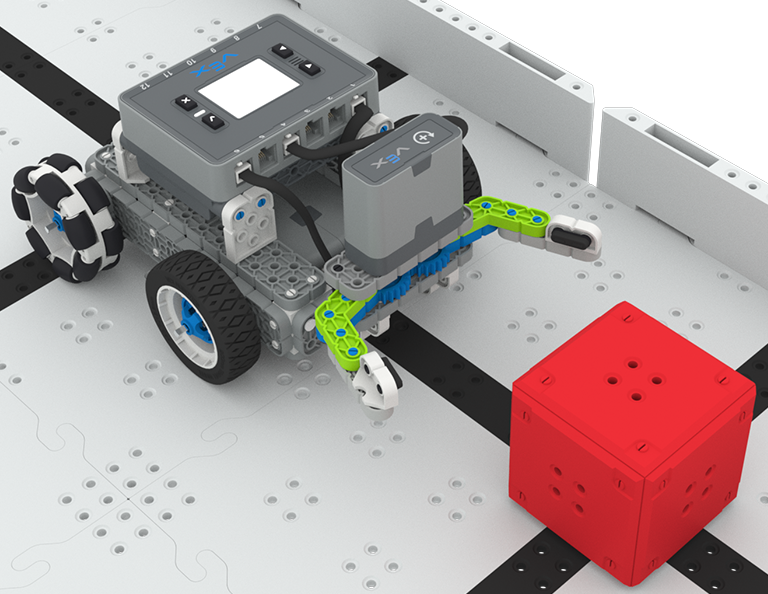
Lesson 2: Claw No Sensor
In this Lesson, you will learn about using Drivetrain and Motion blocks in VEXcode IQ to code your Simple Clawbot to collect and move cubes in the Clawbot Collector challenge.
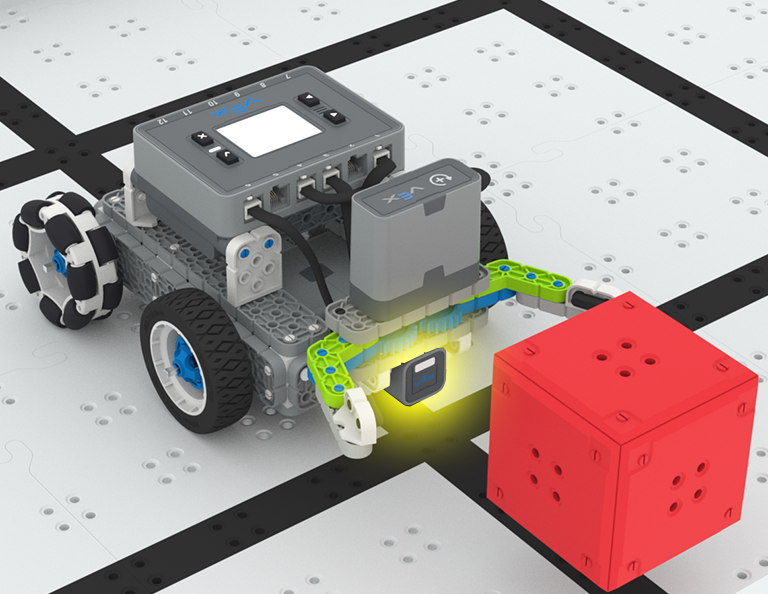
Lesson 3: Claw With Sensor
In this Lesson, you will learn about coding the Optical Sensor in order to detect, collect, and move a red cube in the Treasure Mover challenge!
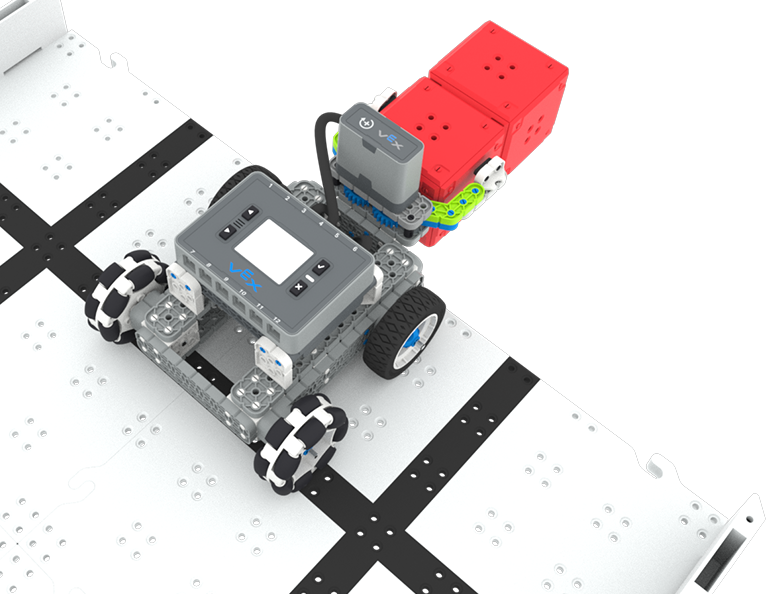
Lesson 4: Treasure Hunt Competition
In this Lesson you will apply your learning from the previous Lessons to compete in a Treasure Hunt competition!
Lesson 5: Conclusion
In this Lesson, you will reflect on the Unit and identify connections between what you have done and a STEM career.
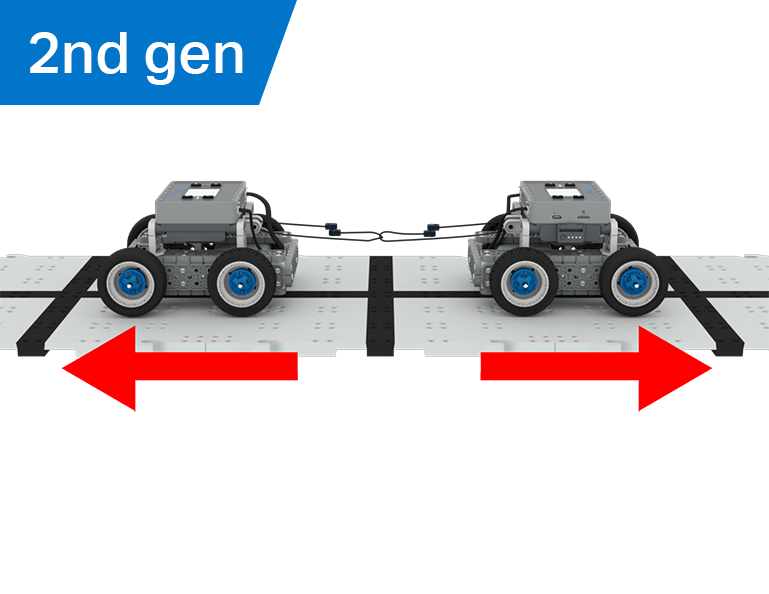
Przeciąganie liny
6 Lekcje
W tej części odkryjesz, jak przewaga mechaniczna i środek masy wpływają na zdolność BaseBota do ciągnięcia obiektów, a także zaprojektujesz najlepszego robota do gry w Przeciąganie liny!
Odwiedź Portal nauczyciela, aby uzyskać materiały pomocnicze dla nauczycieli i filmy dotyczące treści i prowadzenia lekcji przeciągania liny.
Lesson 1: Introduction
In this Lesson, you will be introduced to the Tug of War competition and build the BaseBot.
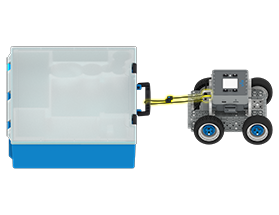
Lesson 2: Pulling Objects with the BaseBot
In this Lesson, you will design a rope attachment to practice pulling objects with your BaseBot. Then you will compete in a Robot Tractor Pull challenge.

Lesson 3: Using a Gear Train
In this Lesson, you will add a gear train to your BaseBot to explore how different gear configurations affect your robot's ability to pull an object. Then you will compete in a Gear Train Tractor Pull challenge.
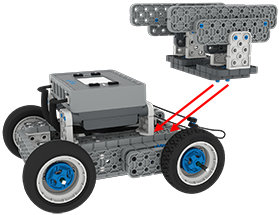
Lesson 4: Adding Mass
In this Lesson, you will add mass to your BaseBot to explore how changing the center of mass affects your robot's ability to pull an object. Then you will compete in a Tug of War challenge.
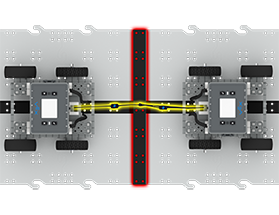
Lesson 5: Tug of War Competition
In this Lesson, you will apply your learning from the previous Lessons to compete in a Tug of War competition!
Lesson 6: Conclusion
In this Lesson, you will reflect on your learning in this Unit and identify connections between what you have done and a STEM career.