Yukarı ve Üzeri
6 Dersler
Bu Ünitede, Yukarı ve Üzeri yarışmasında küpleri Toplayacak, toplayacak ve Alanın bir tarafından diğer tarafına taşıyacak bir Clawbot'un nasıl tasarlanacağını keşfedeceksiniz!
Yukarı ve Üst Derslerin içeriği ve kolaylaştırılmasıyla ilgili öğretmen destek materyalleri ve videoları için Öğretmen Portalını ziyaret edin.

Lesson 1: Introduction
In this Lesson, you will be introduced to the Up and Over competition, set up the Battery and Controller, get ready to code, and build the Clawbot.
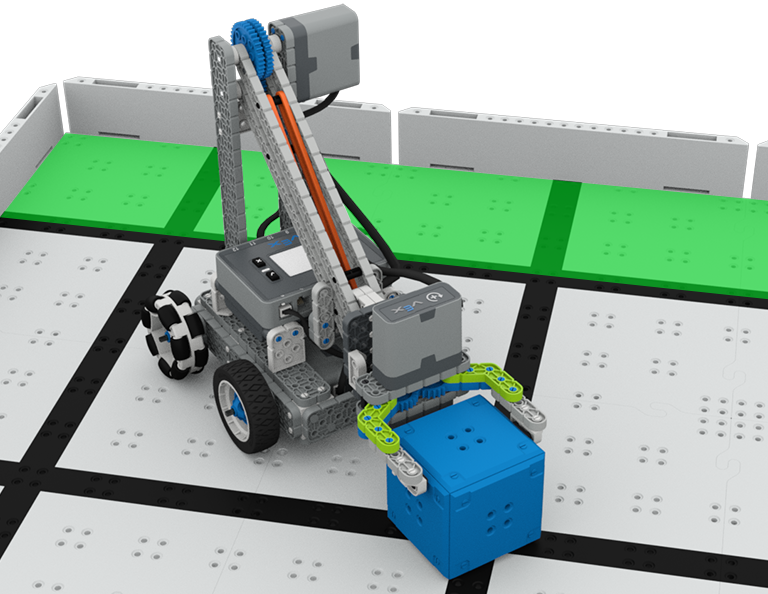
Lesson 2: Claw Design
In this Lesson, you will learn what a claw is, how an effective claw works, and how scouting can benefit your team's designs and strategy. Then, you will apply what you have learned in the Grab and Go challenge.
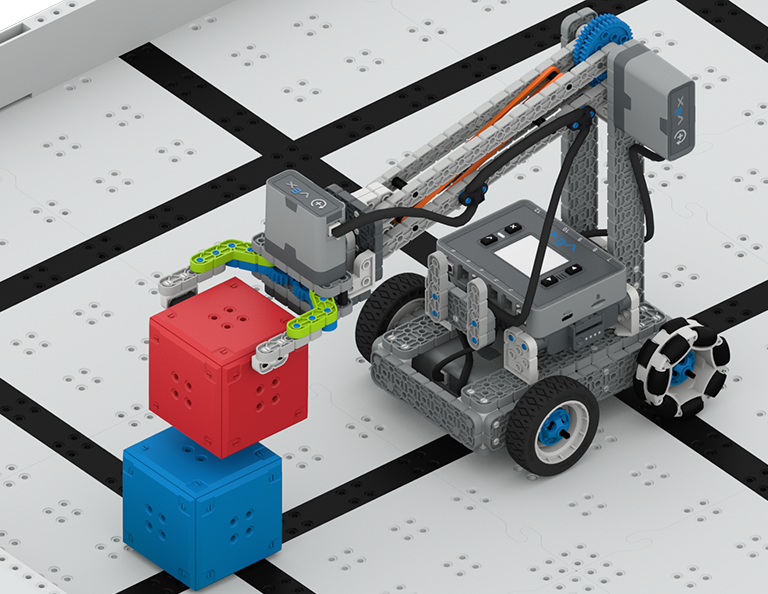
Lesson 3: Arm Designs
In this Lesson, you will learn about different elements of robotic arms, how they work, and what makes an effective arm design, in order to stack as many cubes as you can within a minute in the Stacked Up challenge.
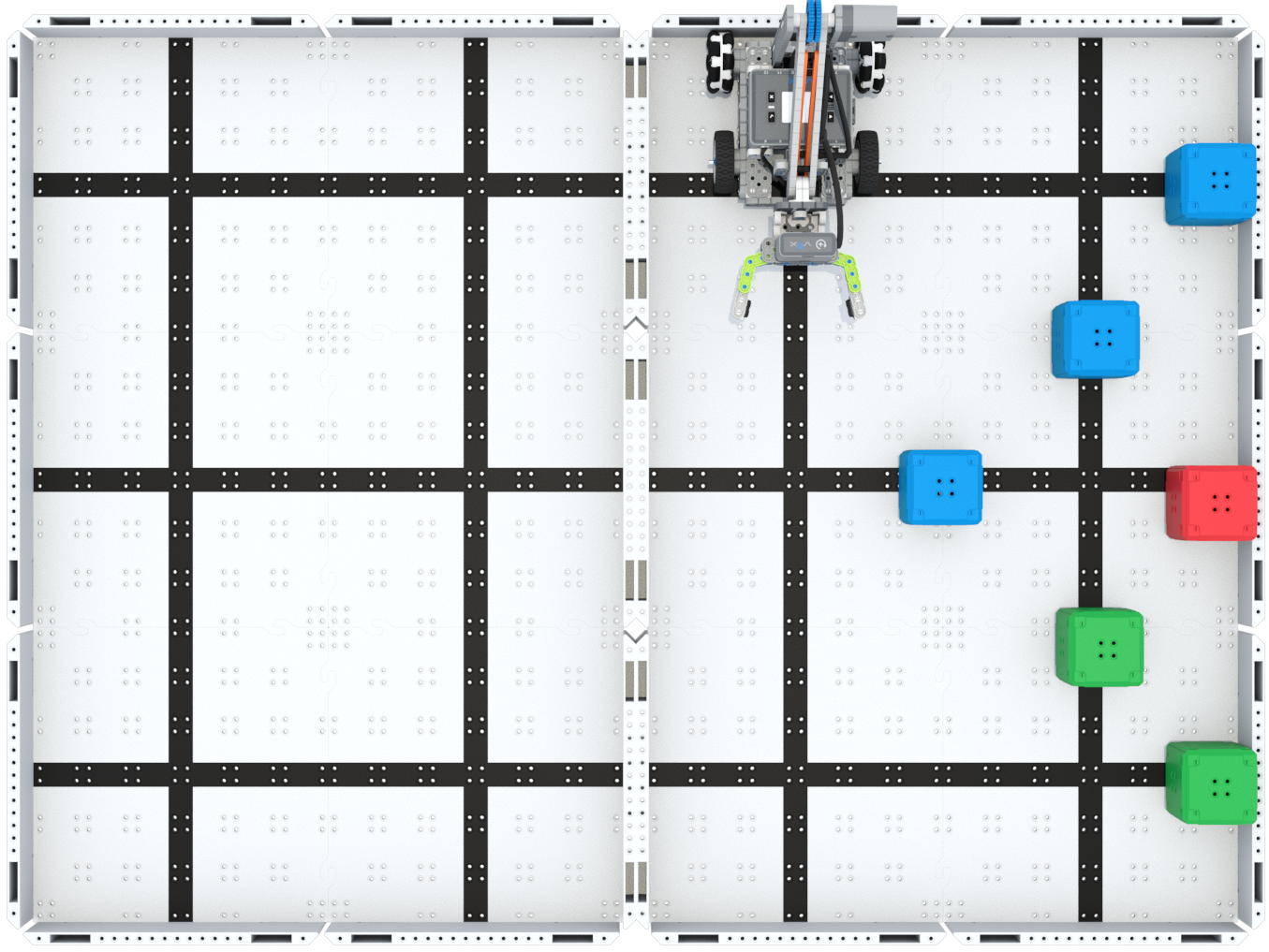
Lesson 4: Motor Groups
In this Lesson, you will learn what motor groups are, how they can be helpful, and how to configure motor groups in VEXcode IQ in order to iterate on your robot to complete the Up and Over challenge.
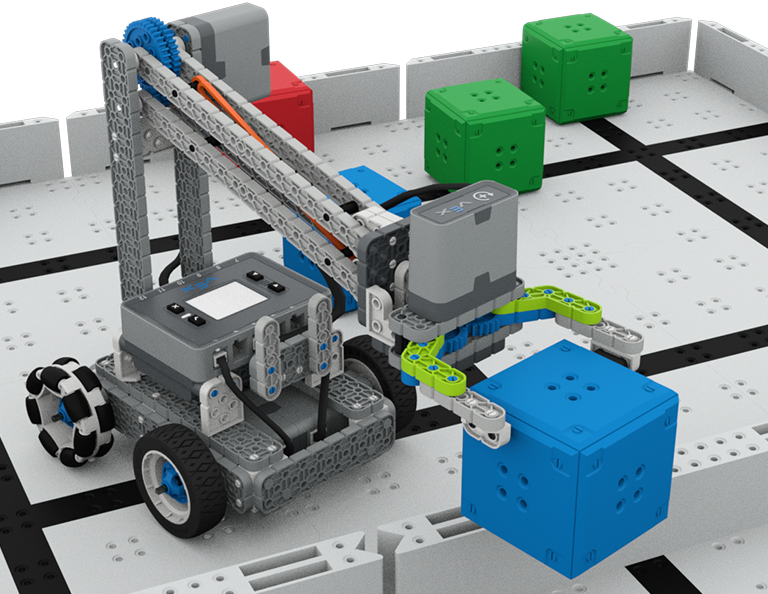
Lesson 5: Up and Over Competition
In this Lesson, you will apply your learning from the previous Lessons to compete in the Up and Over competition!

Lesson 6: Conclusion
In this Lesson, you will reflect on the Unit and identify connections between what you have done and a STEM career.
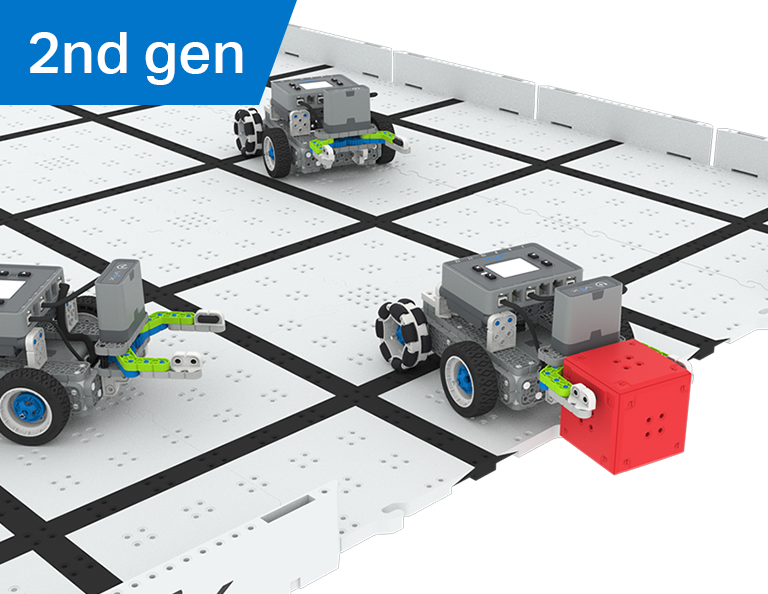
Robot Futbolu
4 Dersler
Bu Ünitede, Robot Futbolu yarışmasında bir robot futbolcu olarak robotunuzda yakalayacak, pas verecek ve en fazla golü atacak bir manipülatörün nasıl oluşturulacağını keşfedeceksiniz!
Robot Futbol Derslerinin içeriği ve kolaylaştırılmasıyla ilgili öğretmen destek materyalleri ve videolar için Öğretmen Portalını ziyaret edin.
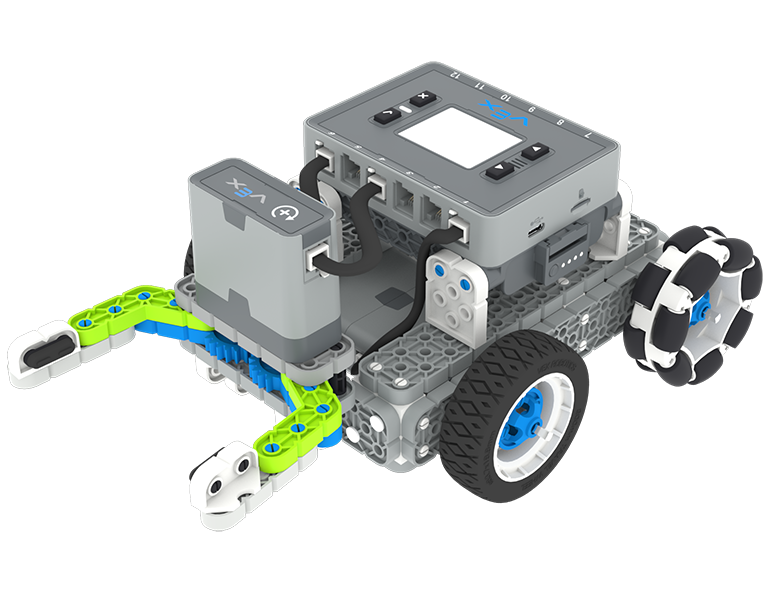
Ders 1: Giriş
Bu Derste Simple Clawbot'u oluşturacak, Kumandanızı ve Pilinizi şarj edecek ve kodlamaya hazırlanacaksınız.
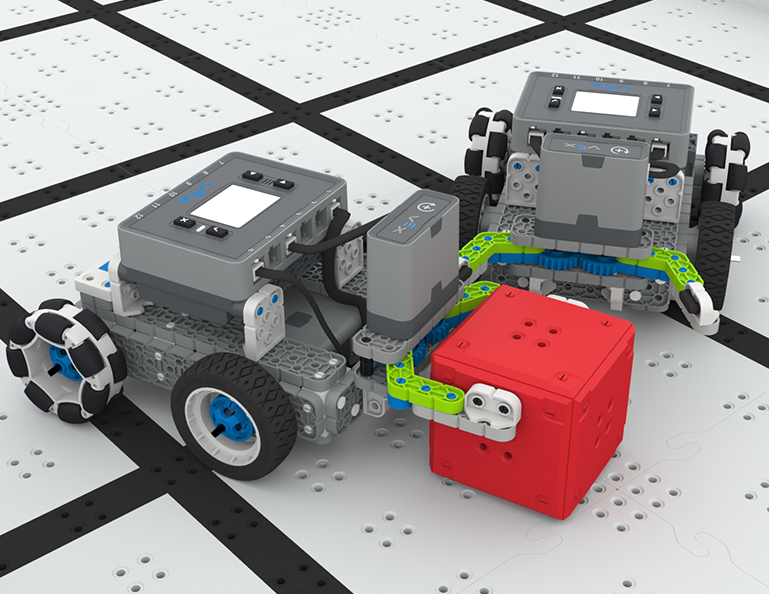
Ders 2: Manipülatörler
Bu Derste, robot tasarımınızı yinelemek ve Bire Bir Robot Futbolu mücadelesinde yarışmak için pasif ve aktif manipülatörler ve giriş tasarımı hakkında bilgi edineceksiniz!
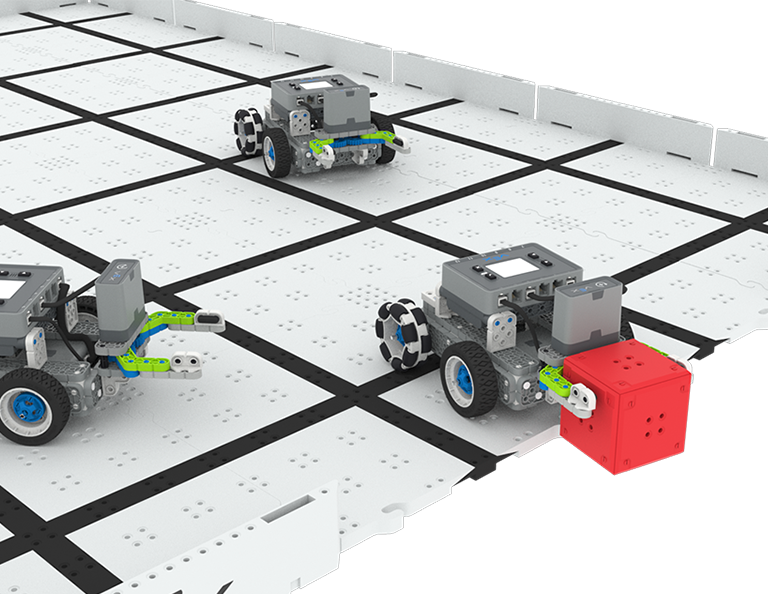
Ders 3: Robot Futbol Yarışması
Bu Derste, Robot Futbolu yarışmasında yarışmak için önceki Derste öğrendiklerinizi uygulayacaksınız!
Ders 4: Sonuç
Bu Derste, Ünite üzerinde düşünecek ve yaptıklarınızla STEM kariyeri arasındaki bağlantıları belirleyeceksiniz.
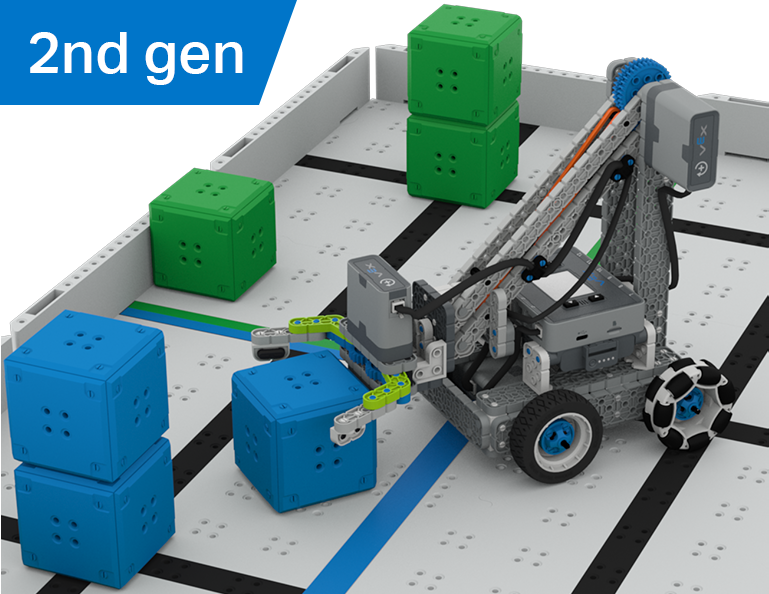
Küp Toplayıcı
6 Dersler
Bu Ünitede, Clawbot'u kullanmayı ve Küp Toplayıcı yarışmasında küpleri sıralamak ve istiflemek için kodlamayı öğrenirken, sürücü kontrolü ile otonom zorluklar arasındaki farkı keşfedeceksiniz!
Küp Toplayıcı Derslerinin içeriği ve kolaylaştırılmasıyla ilgili öğretmen destek materyalleri ve videolar için Öğretmen Portalını ziyaret edin.
Lesson 1: Introduction
In this Lesson, you will be introduced to the Cube Collector competition, build the Clawbot, and get ready to code.
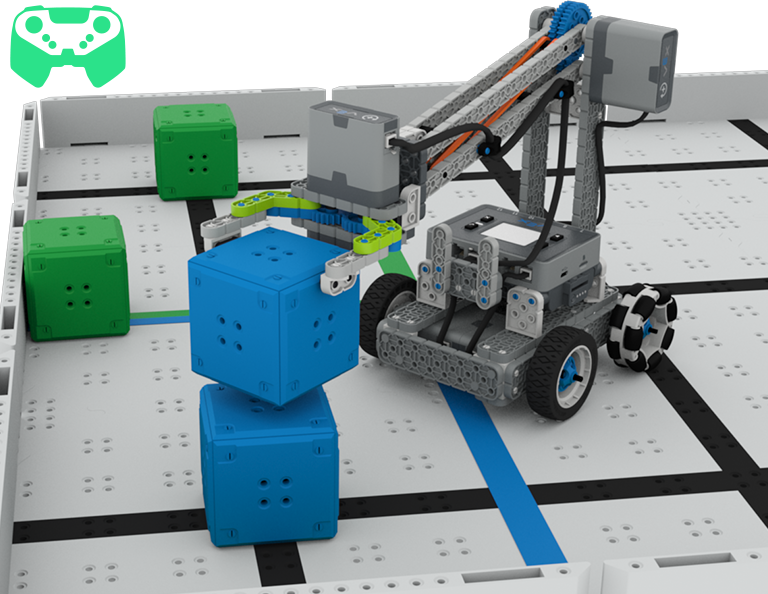
Lesson 2: Driver Control
In this Lesson, you will learn about using the Driver Control program on the IQ Brain so that you can drive the Clawbot to stack and score cubes on the Field and participate in the Speed Stack Challenge.
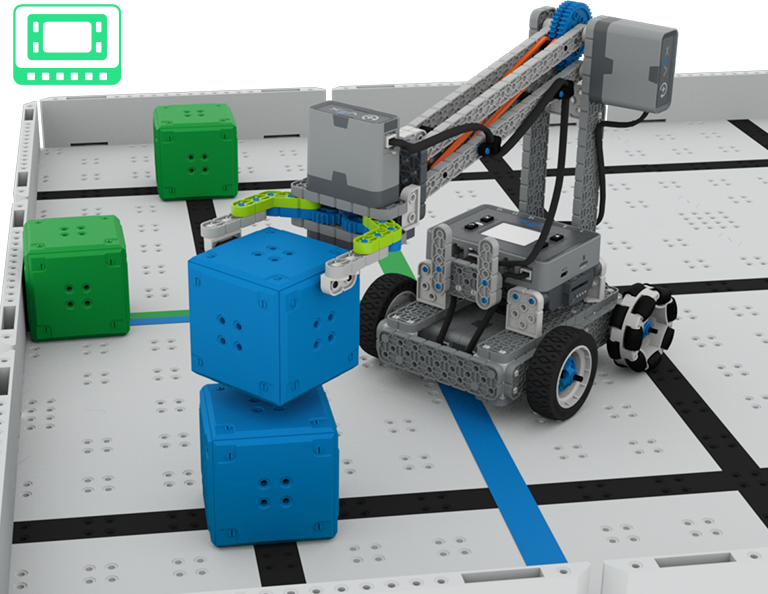
Lesson 3: Coding for Autonomous Movements
In this Lesson, you will learn about coding your robot for autonomous movements, including how to plan the path of your robot. Then, you will create a VEXcode IQ project to score and stack cubes in the Coding for Cubes autonomous challenge.
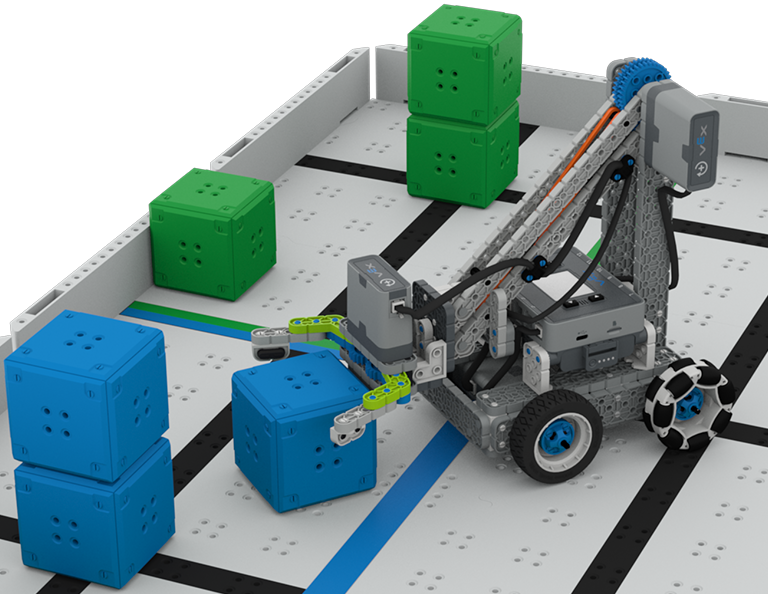
Lesson 4: Using Multiple Programs (Autonomous & Driver)
In this Lesson, you will learn about customizing driver controls and how you can use the Controller and VEXcode IQ to optimize your driver strategy for competing in a challenge with driver control and autonomous runs.

Lesson 5: Cube Collector Competition
In this Lesson, you will apply your learning from the previous Lessons to compete in the Cube Collector competition!
Lesson 6: Conclusion
In this Lesson, you will reflect on the Unit and identify connections between what you have done and a related STEM career.
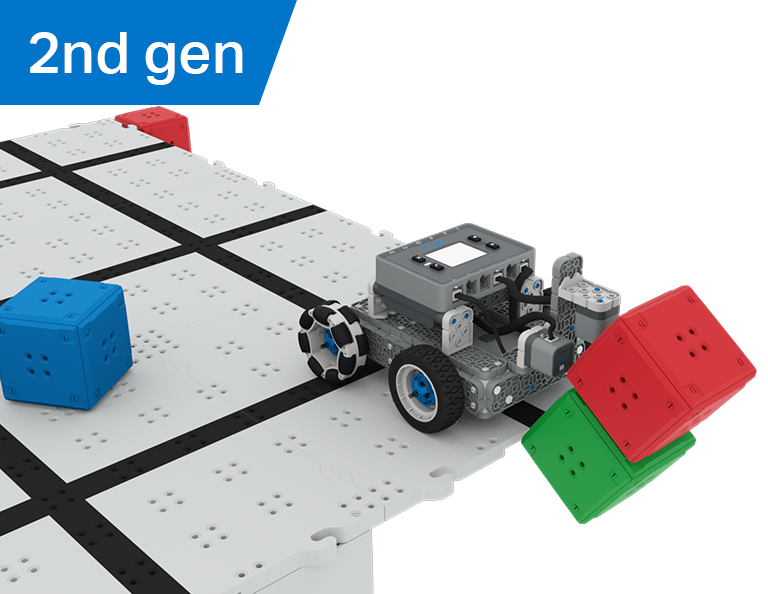
Kale Kırıcı
6 Dersler
Bu Ünitede, Castle Crasher yarışmasında puan kazanmak amacıyla küp 'kaleleri' aramak, çarpmak ve temizlemek için Optik ve Mesafe sensörlerini nasıl kullanacağınızı keşfedeceksiniz!
Castle Crasher Derslerinin içeriği ve kolaylaştırılmasıyla ilgili öğretmen destek materyalleri ve videoları için Öğretmen Portalını ziyaret edin.

Lesson 1: Introduction
In this Lesson, you will be introduced to the Castle Crasher Competition, build the BaseBot, and get ready to code.
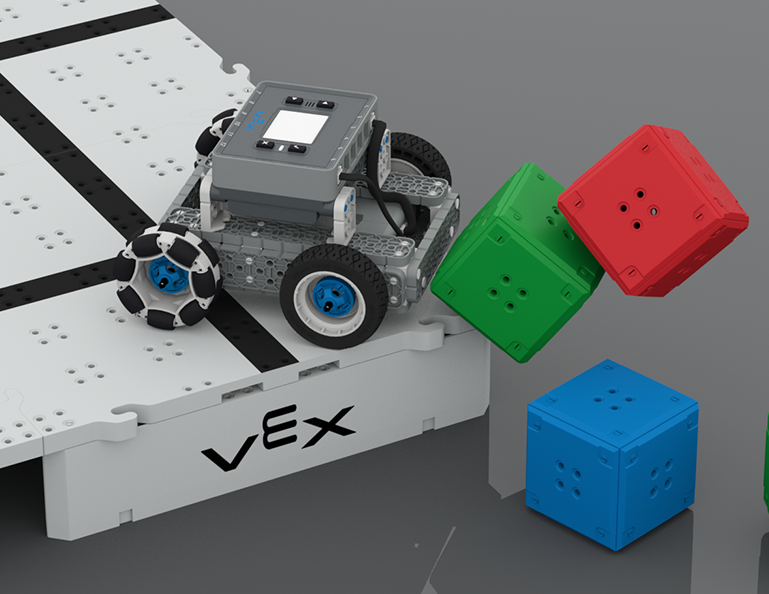
Lesson 2: Castle Crasher No Sensors
In this Lesson, you will learn about calculating angles and changing the velocity of your robot so that you can compete in the Tower Over Challenge.
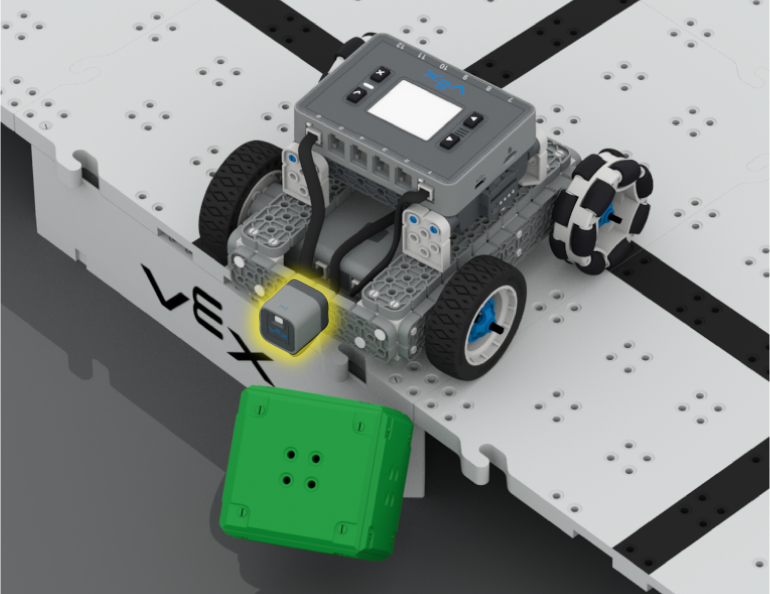
Lesson 3: Castle Crasher + Distance Sensor
In this Lesson you will learn about what the Distance Sensor is and how it can be used on your robot. You will also learn about the [Wait until] block and how it can be used in a VEXcode IQ project. Then you will apply what you have learned to compete in the Cube Crasher Challenge!
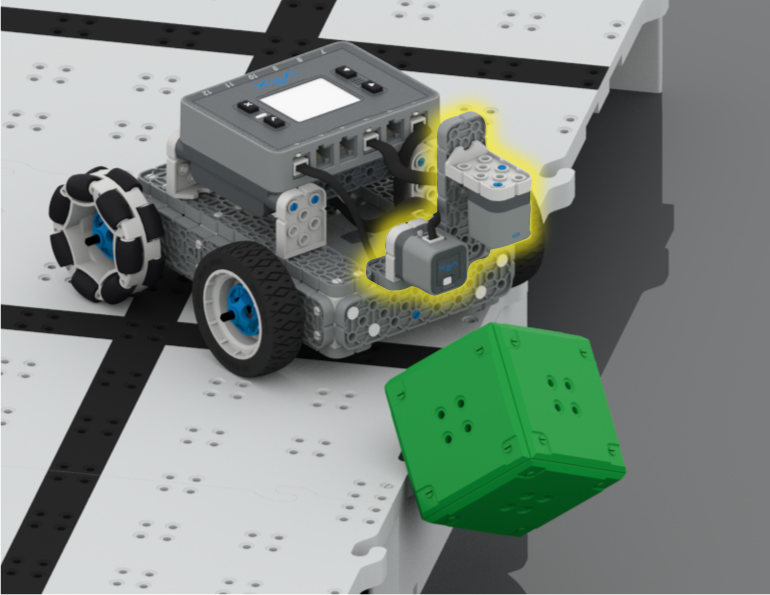
Lesson 4: Creating Algorithms
In this Lesson, you will learn about the Optical Sensor, and about how to create an algorithm that uses sensor feedback. Then you will code your robot to autonomously find cubes and push them off the Field in the Sweep the Field Challenge.
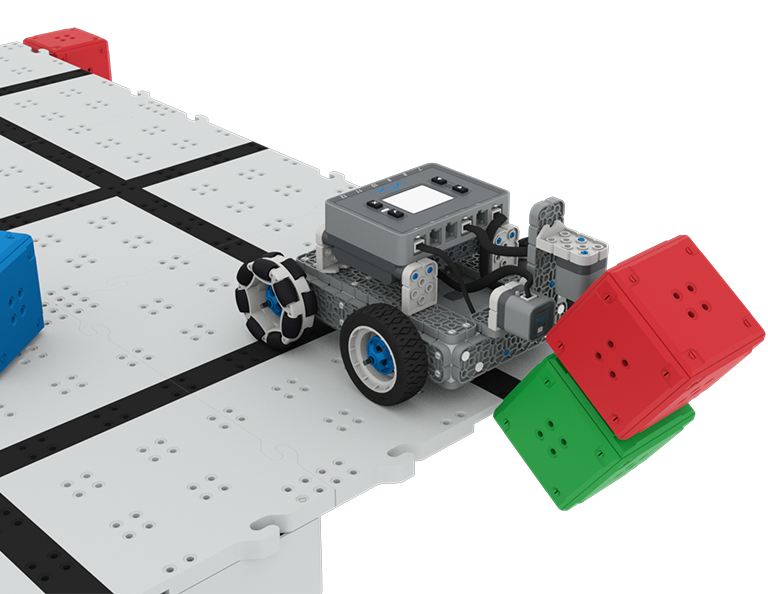
Lesson 5: Castle Crasher Competition
In this Lesson you will apply your learning from the previous Lessons to compete in a Castle Crasher competition!
Lesson 6: Conclusion
In this Lesson, you will reflect on the Unit and identify connections between what you have done and a STEM career.
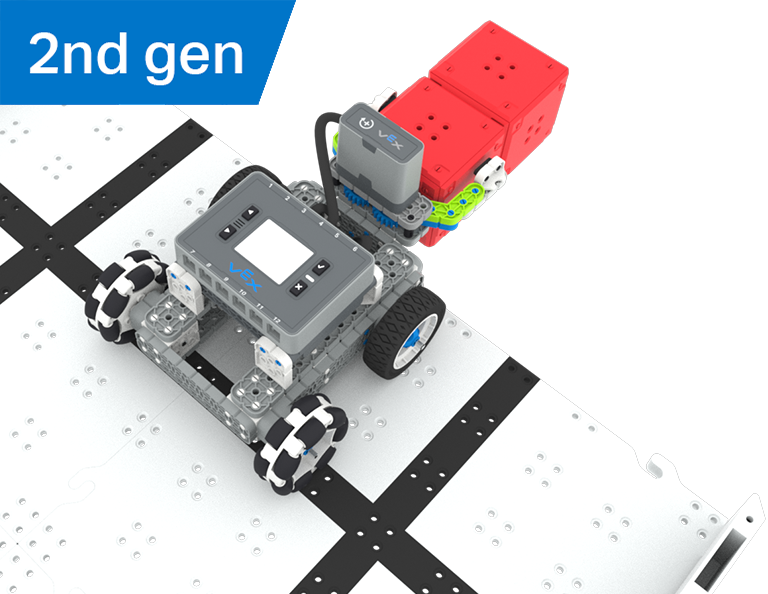
Hazine avı
5 Dersler
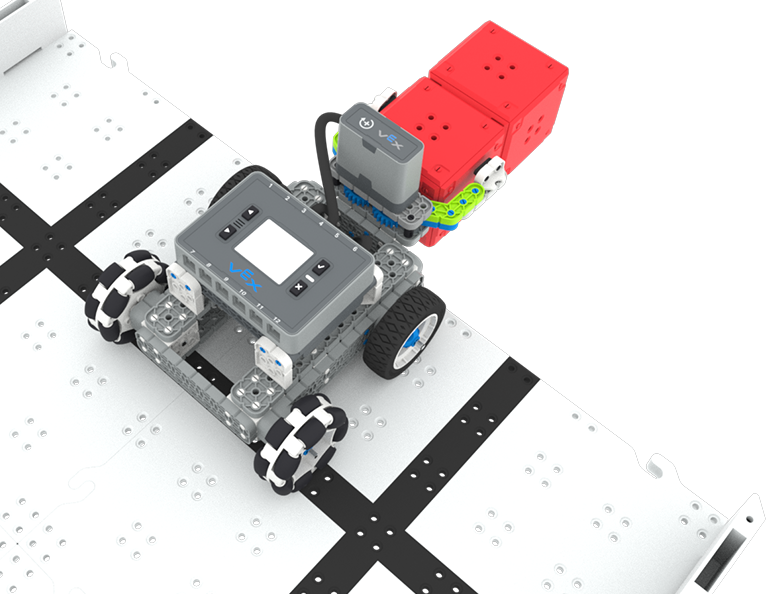
Bu Ünitede, Hazine Avı yarışmasında yarışmak için kırmızı küpleri tanıyıp toplayacak Optik Sensörlü Basit Pençe Robotunu oluşturup kodlayacaksınız!
Hazine Avı Derslerinin içeriği ve kolaylaştırılmasıyla ilgili öğretmen destek materyalleri ve videoları için Öğretmen Portalını ziyaret edin.
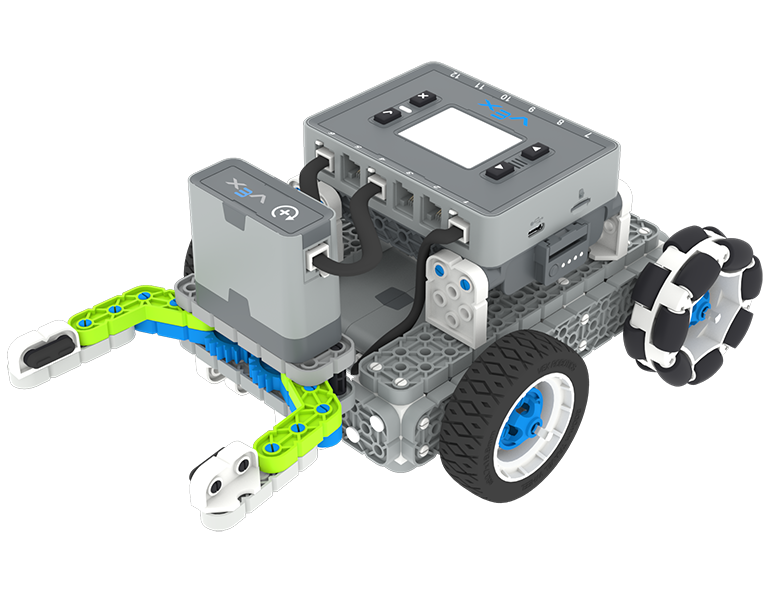
Lesson 1: Introduction
You will be introduced to the Treasure Hunt competition, build the Simple Clawbot, and get ready to code.
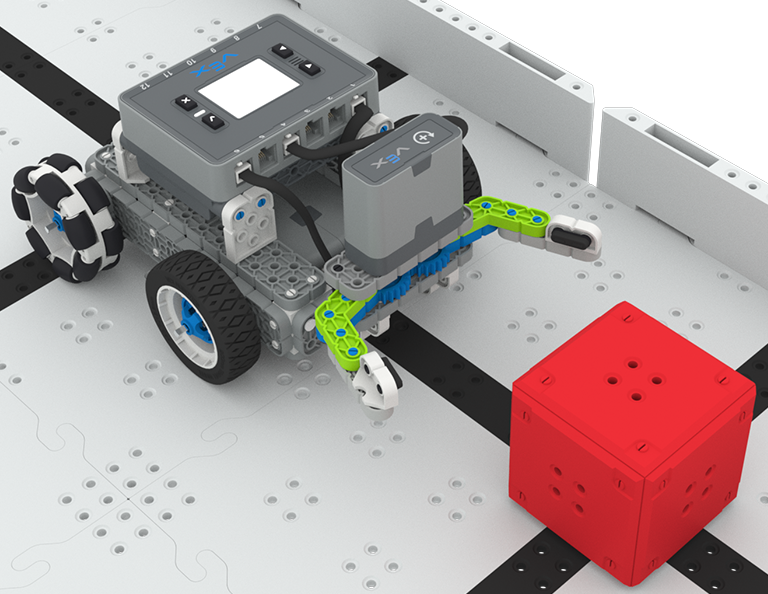
Lesson 2: Claw No Sensor
In this Lesson, you will learn about using Drivetrain and Motion blocks in VEXcode IQ to code your Simple Clawbot to collect and move cubes in the Clawbot Collector challenge.
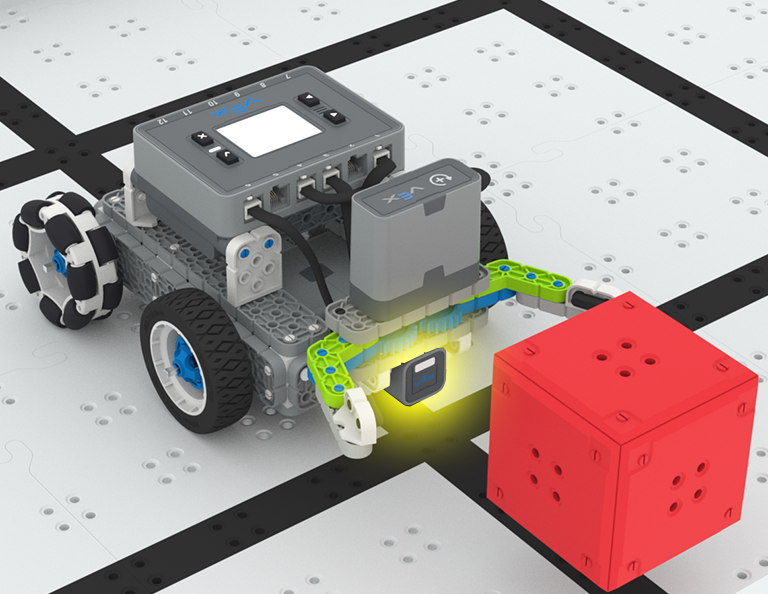
Lesson 3: Claw With Sensor
In this Lesson, you will learn about coding the Optical Sensor in order to detect, collect, and move a red cube in the Treasure Mover challenge!
Lesson 4: Treasure Hunt Competition
In this Lesson you will apply your learning from the previous Lessons to compete in a Treasure Hunt competition!
Lesson 5: Conclusion
In this Lesson, you will reflect on the Unit and identify connections between what you have done and a STEM career.
Halat Çekme
6 Dersler
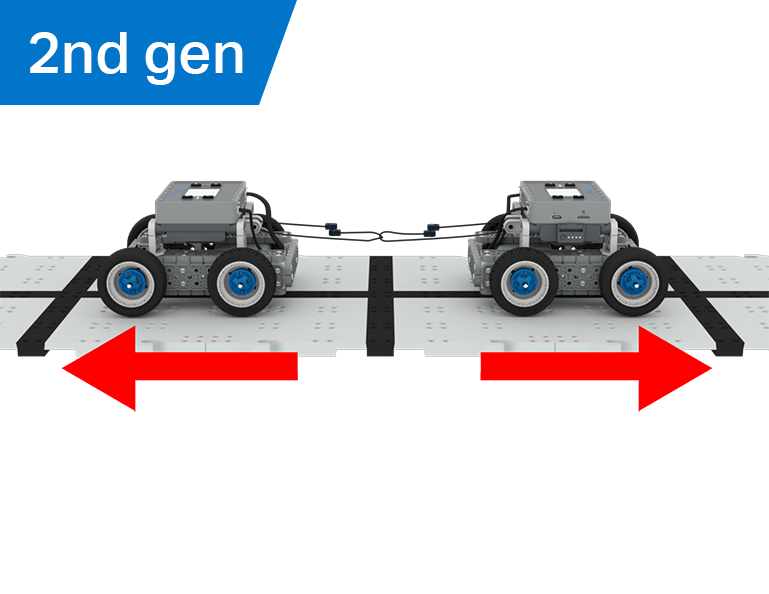
Bu Ünitede mekanik avantajın ve kütle merkezinin BaseBot'un nesneleri çekme yeteneğini nasıl etkilediğini keşfedecek ve Tug of War oyunu için en iyi robotu tasarlayacaksınız!
Halat Çekme Derslerinin içeriği ve kolaylaştırılmasıyla ilgili öğretmen destek materyalleri ve videolar için Öğretmen Portalını ziyaret edin.
Lesson 1: Introduction
In this Lesson, you will be introduced to the Tug of War competition and build the BaseBot.
Lesson 2: Pulling Objects with the BaseBot
In this Lesson, you will design a rope attachment to practice pulling objects with your BaseBot. Then you will compete in a Robot Tractor Pull challenge.

Lesson 3: Using a Gear Train
In this Lesson, you will add a gear train to your BaseBot to explore how different gear configurations affect your robot's ability to pull an object. Then you will compete in a Gear Train Tractor Pull challenge.
Lesson 4: Adding Mass
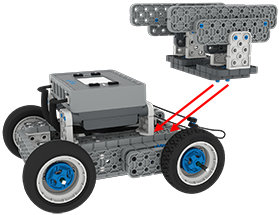
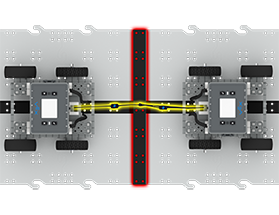
In this Lesson, you will add mass to your BaseBot to explore how changing the center of mass affects your robot's ability to pull an object. Then you will compete in a Tug of War challenge.
Lesson 5: Tug of War Competition
In this Lesson, you will apply your learning from the previous Lessons to compete in a Tug of War competition!
Lesson 6: Conclusion
In this Lesson, you will reflect on your learning in this Unit and identify connections between what you have done and a STEM career.

STEM LabsVEX 123
Sakin Ol Robot
2 Laboratuvarlar
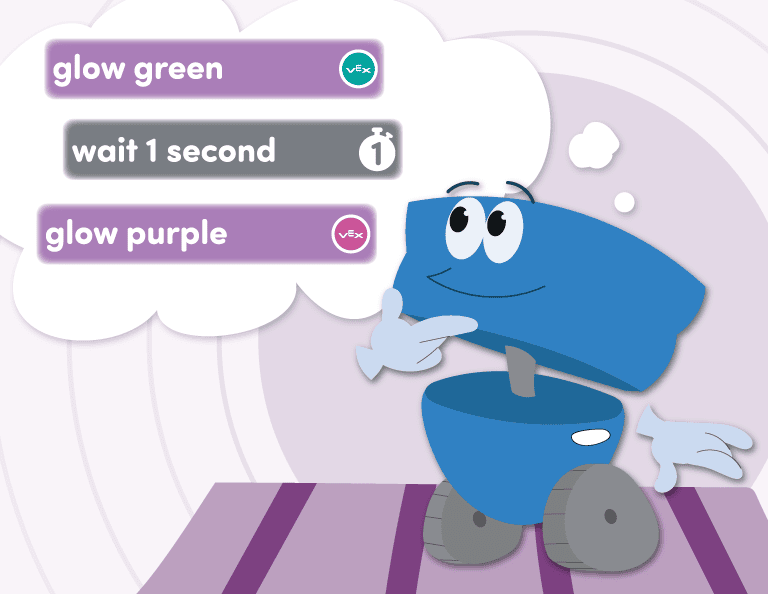
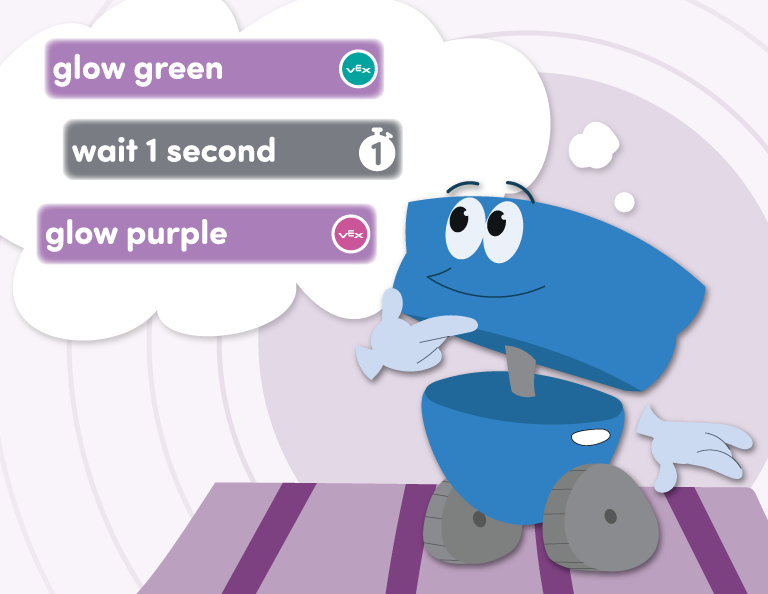
123 Robotunuzu farklı duygularla bağlantılı davranışları sergileyecek şekilde kodlayın ve 123 Robotunuzla birlikte yapabileceğiniz bir Sakinleşme Kodu oluşturun!
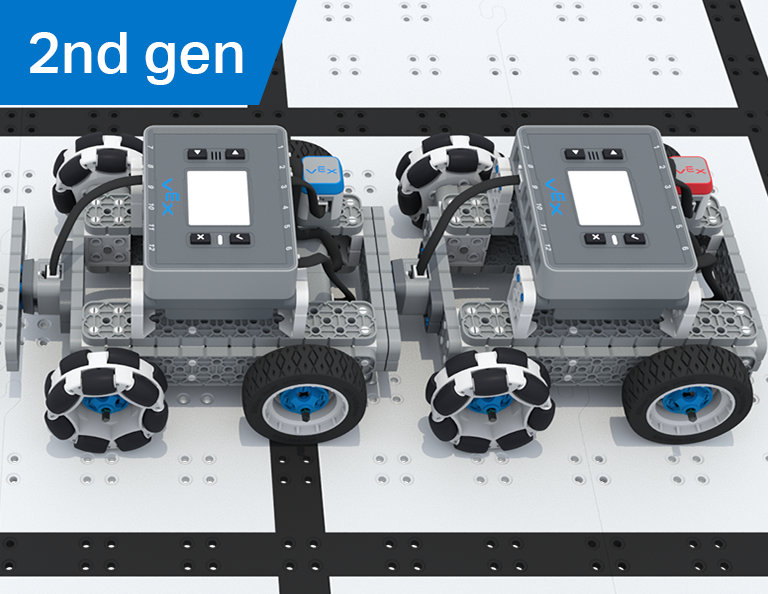
Takım Dondurma Etiketi
6 Dersler
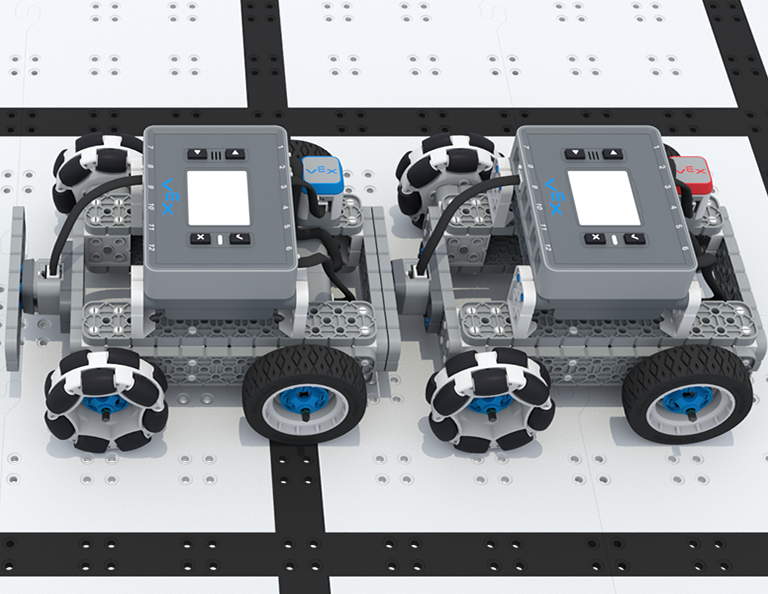
Bu Birimde, IQ Controller'ı kullanarak BaseBot'u sürecek, tekerlekleri seçecek ve Team Freeze Tag yarışmasında yarışmak için sensörler ekleyeceksiniz!
Takım Dondurma Etiketi Derslerinin içeriği ve kolaylaştırılmasıyla ilgili öğretmen destek materyalleri ve videolar için Öğretmen Portalını ziyaret edin.
Lesson 1: Introduction
In this Lesson, you will be introduced to the Team Freeze Tag competition, set up the Battery and Controller, and build the BaseBot.
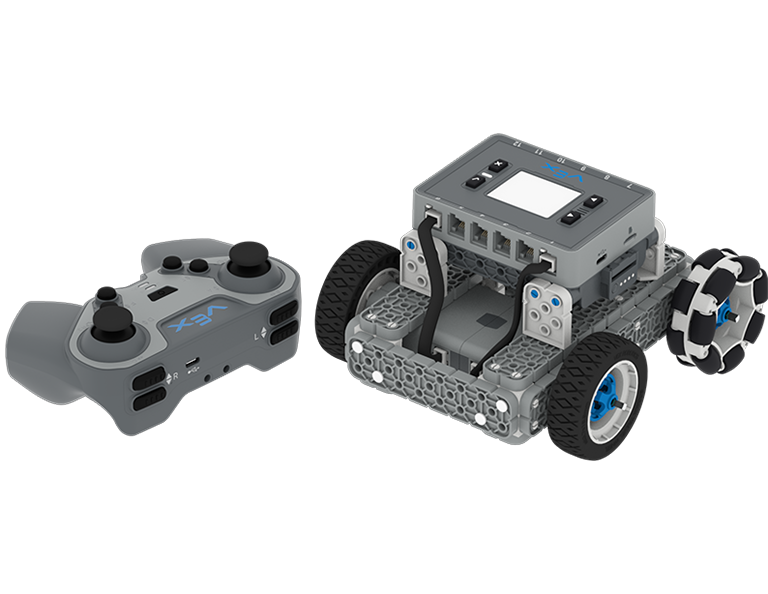
Lesson 2: Driving with the IQ Controller
In this Lesson, you will learn how to drive the BaseBot using the IQ Controller and practice your driving to compete in a challenge activity as you drive in a figure eight!
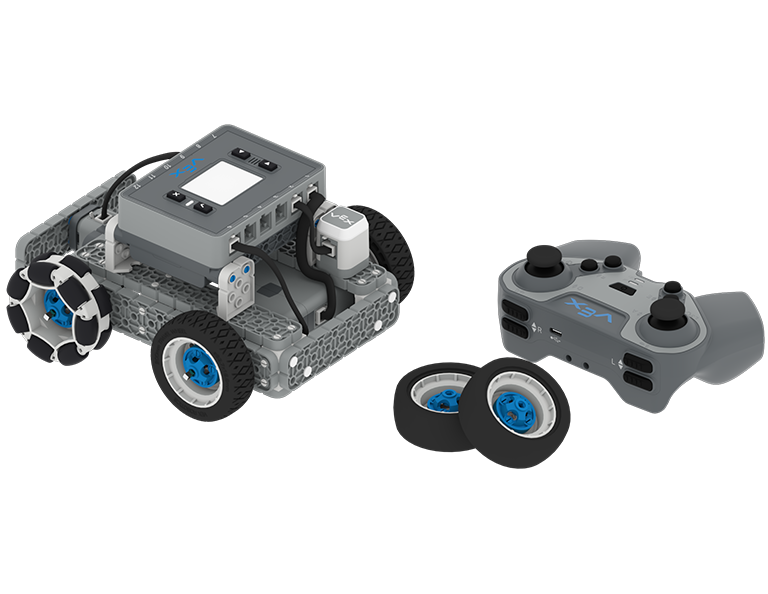
Lesson 3: Changing the Wheels
In this Lesson, you will learn how to change the wheels of the BaseBot, and experiment with different wheel combinations to improve the robot's ability to play Tag.
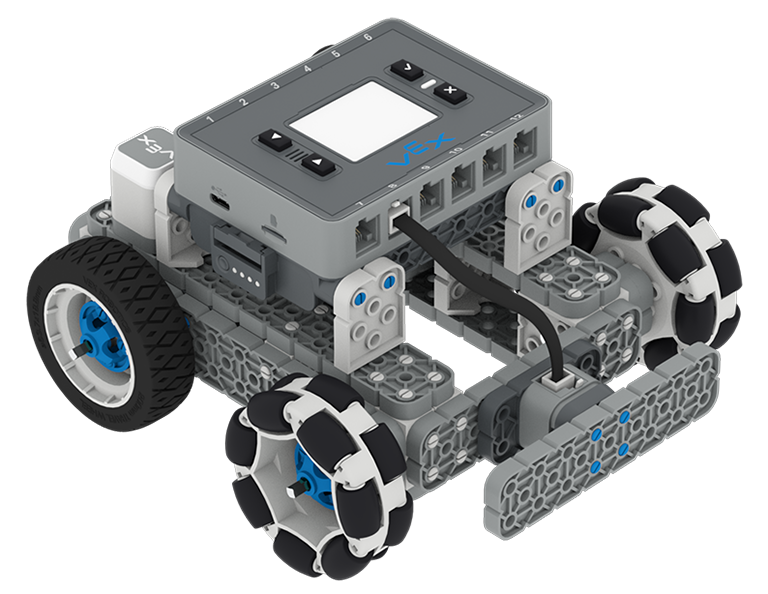
Lesson 4: Adding the Bumper Switch and Touch LED
In this Lesson, you will add a Bumper Switch and Touch LED to your BaseBot and compete in 1-on-1 Freeze Tag!
Lesson 5: Team Freeze Tag Competition
In this Lesson, you will combine all the skills learned in previous Lessons to play a game of Team Freeze Tag!
Lesson 6: Conclusion
In this Lesson, you will reflect on the Unit and identify connections between what you have done and a STEM career.