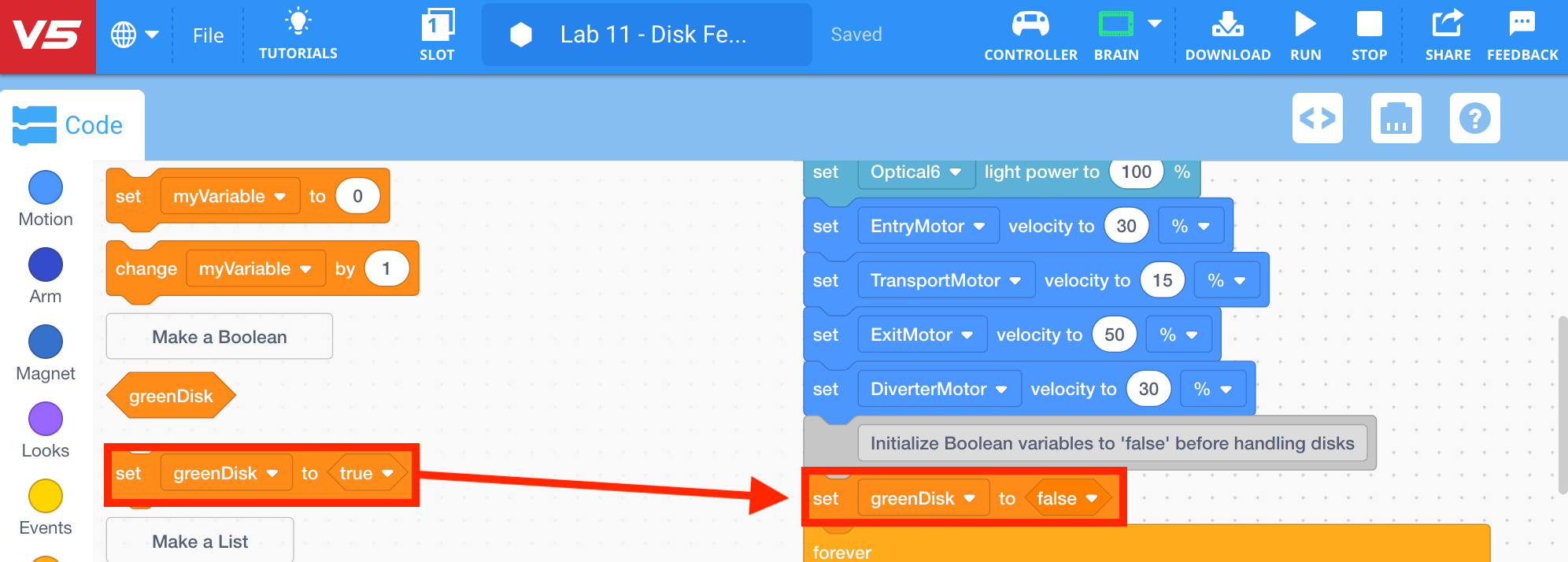
Create a Boolean Variable
Now that the goals of the project have been outlined using comments, the Boolean variable block must now be created.
-
To create a Boolean variable, select the ‘Variables’ category in the Toolbox and then select ‘Make a Boolean.’

Note: for more information about variables, view the Storing Data tutorial video in VEXcode V5.
-
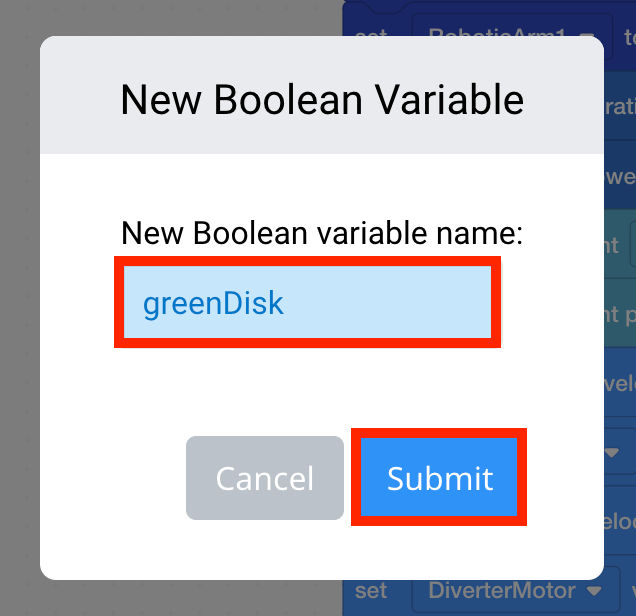
Name the variable ‘greenDisk,’ then select ‘Submit.’
Note: for more information about naming rules for variables view the Name Rules for Variable and Device article from the Knowledge Base.
-
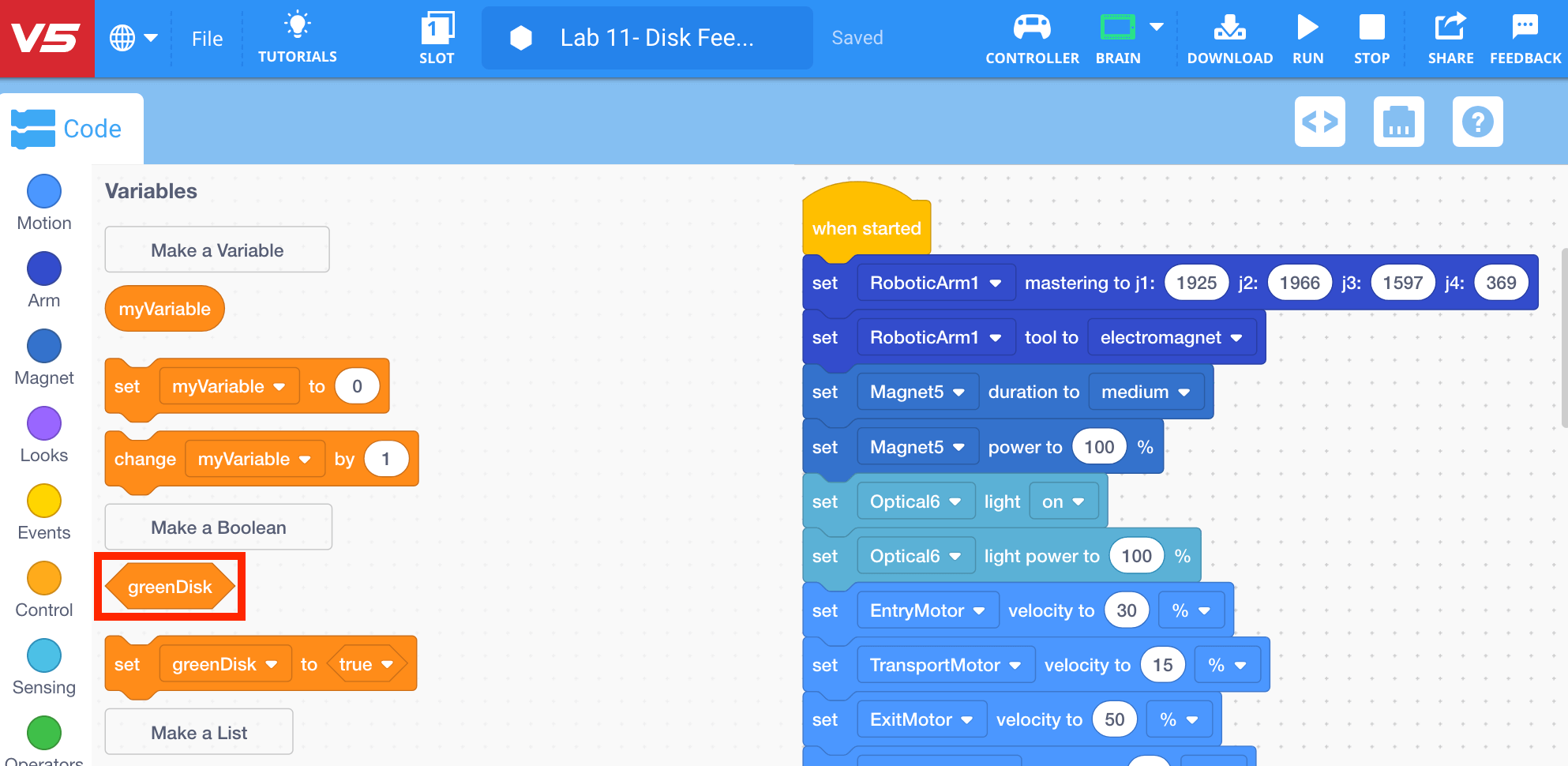
The variable ‘greenDisk’ will now appear in the ‘Variables’ category in the Toolbar.
-
Select and drag the [Set Boolean variable] block from the ‘Variables’ category in the Toolbox and attach it to the ‘Create Boolean variable to track green disks’ [comment] block. Set the parameter to ‘false,’ since the first disk will need to be placed, and will not have been placed yet.