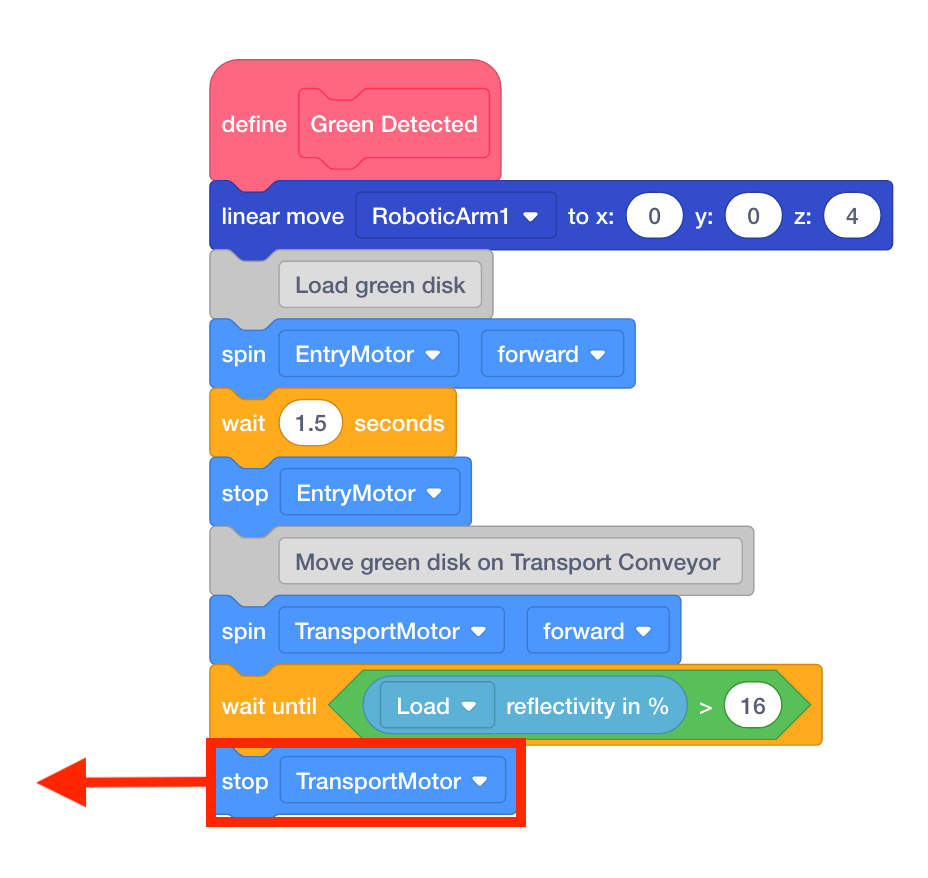
Testing the Disk Feeder
Now that the Disk Feeder has been added, speed of the Entry Conveyor needs to be tested and adjusted to ensure that it dispenses a disk correctly from the Disk Feeder.
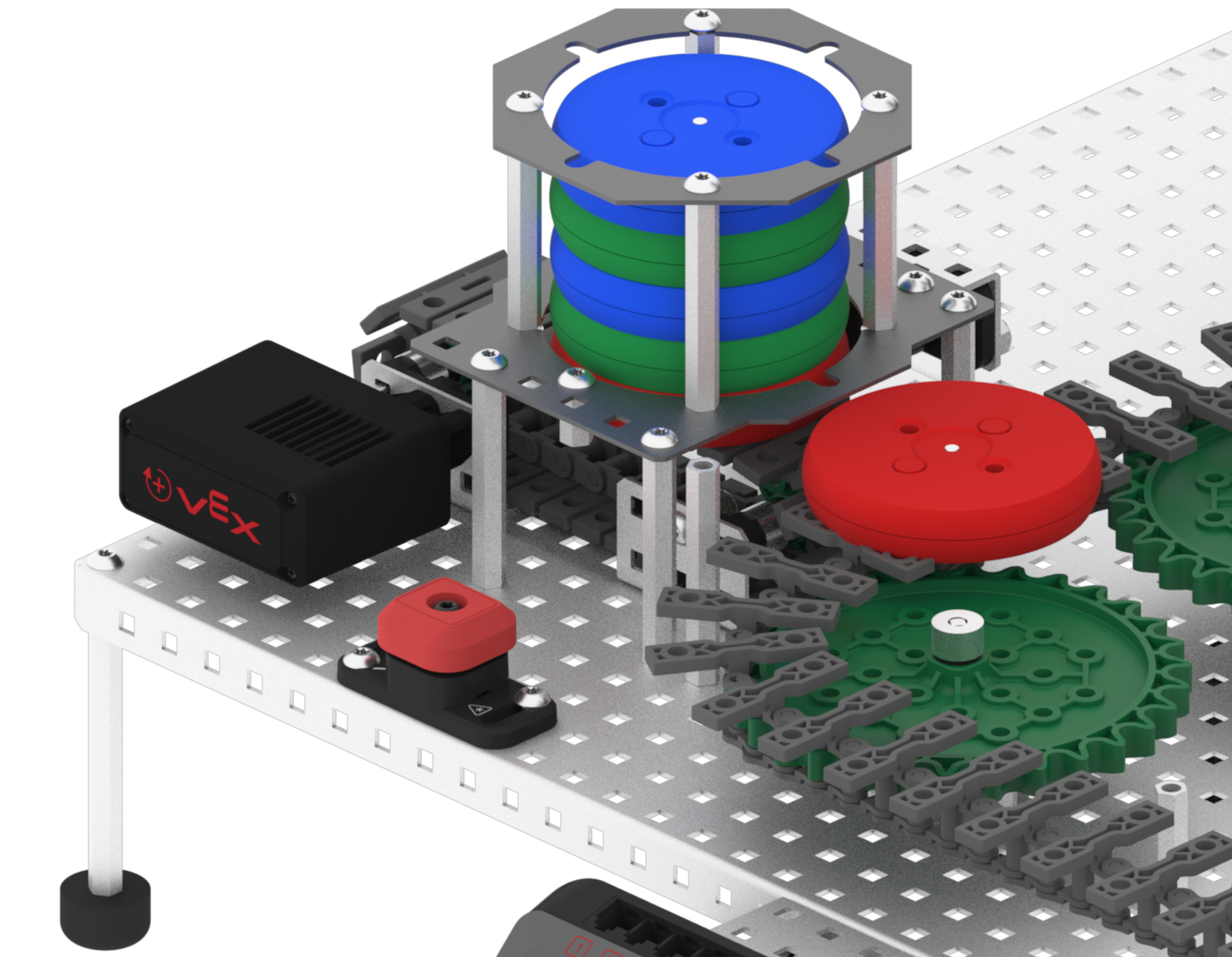
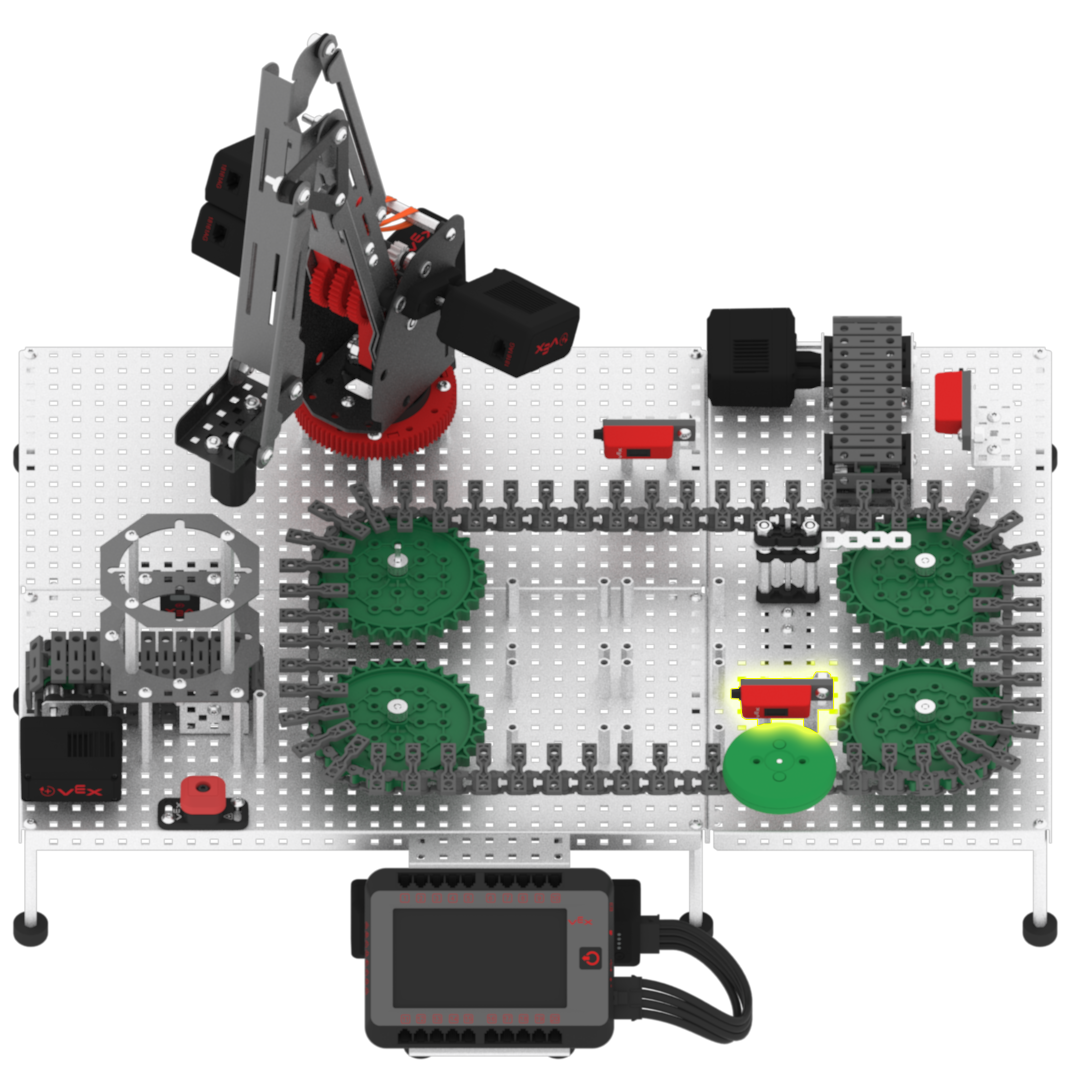
Once a disk has been loaded onto the Transport Conveyor, the conveyor should stop once the green disk is detected by the Load Sensor.
-
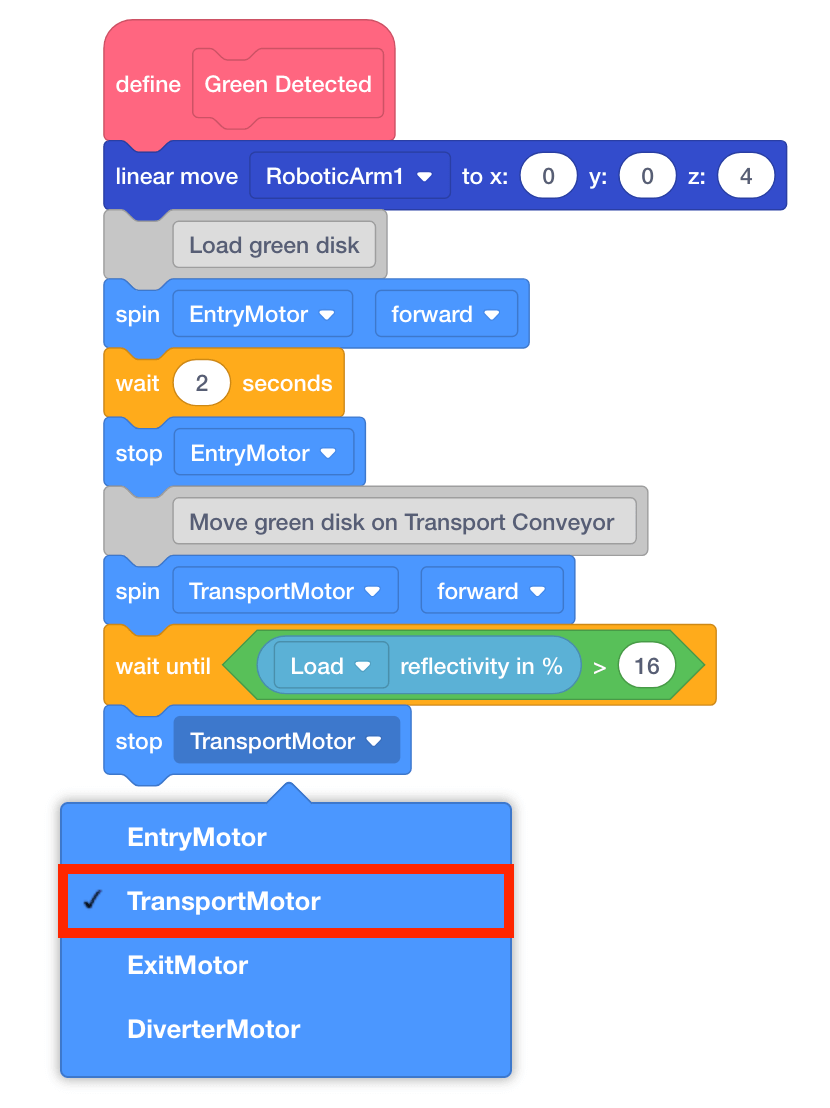
Add a [Stop motor] block to the [Wait until] block and set the motor to ‘TransportMotor.’
-
Load a green disk into the Disk Feeder.
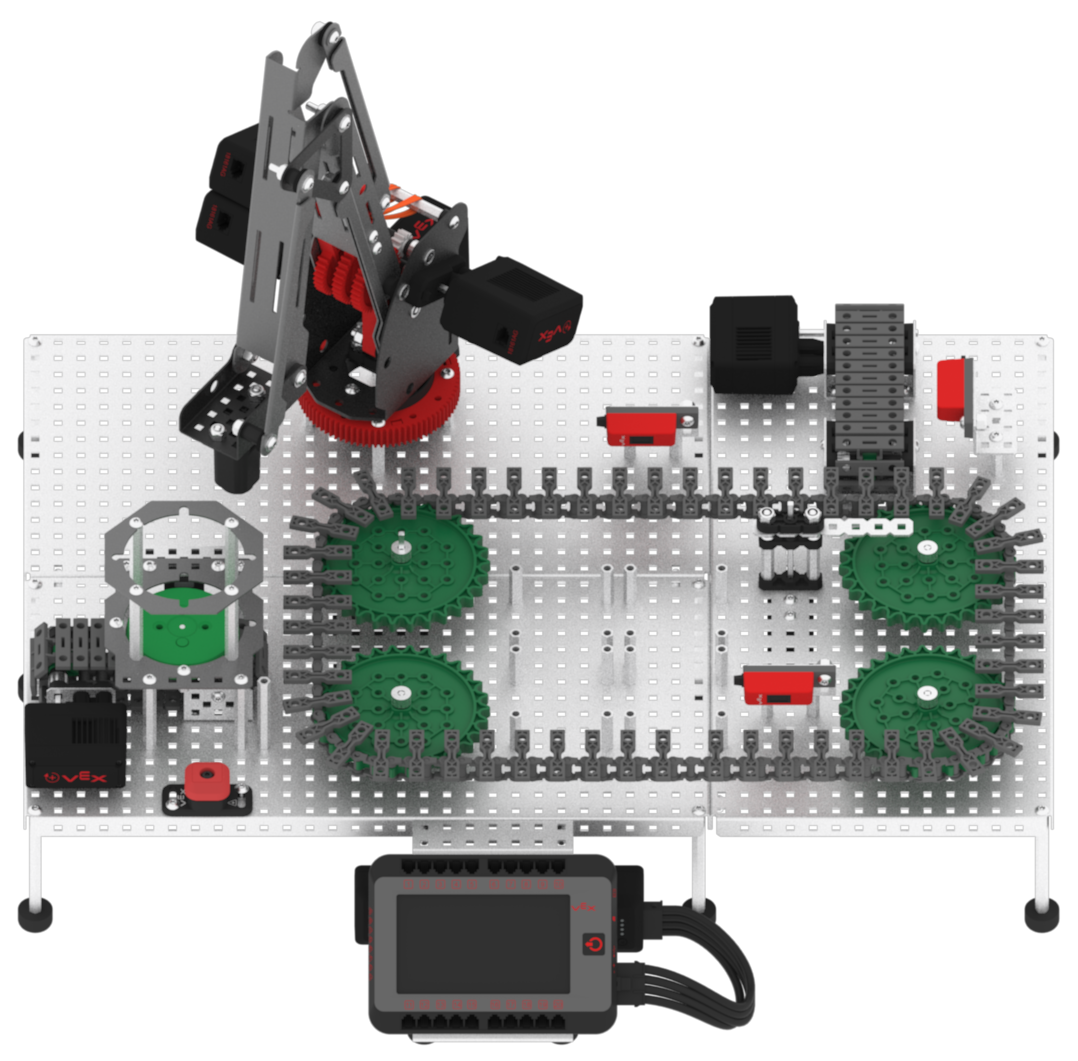
-
Download and run the project.

-
Observe the green disk being dispensed from the Disk Feeder onto the Transport Conveyor.
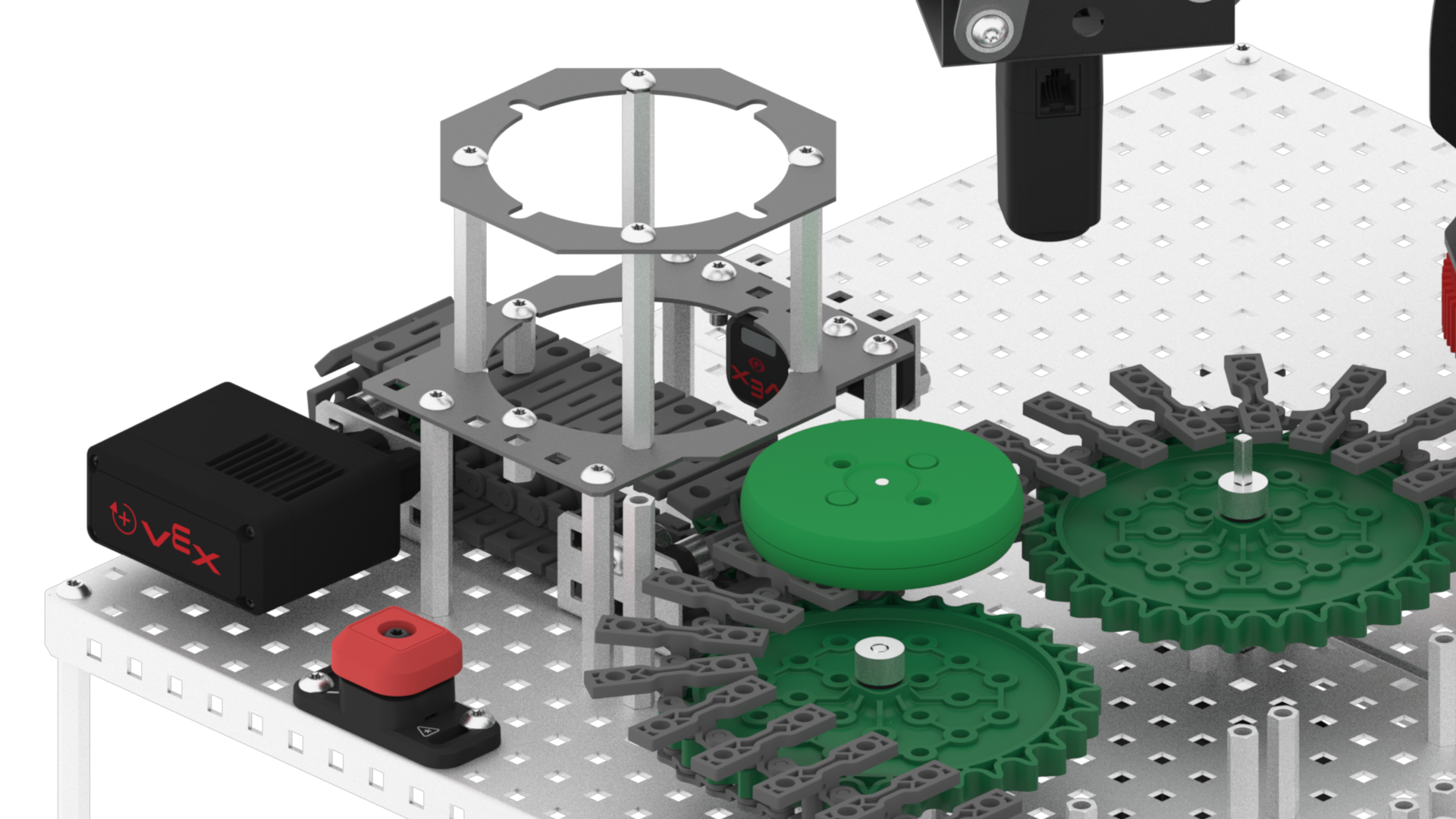
-
Stop the project.

-
Note that the Entry Conveyor spun slightly too fast for the disk to be dispensed properly. Adjust the velocity of the Entry Motor to 30%.

Note: the velocity can be adjusted to a different parameter other than 30%. Test different variations to determine which velocity is best for your Workcell.
-
Adjust the time in seconds that the Entry Conveyor runs. Change the parameter of the [Wait] block to 1.5 seconds.
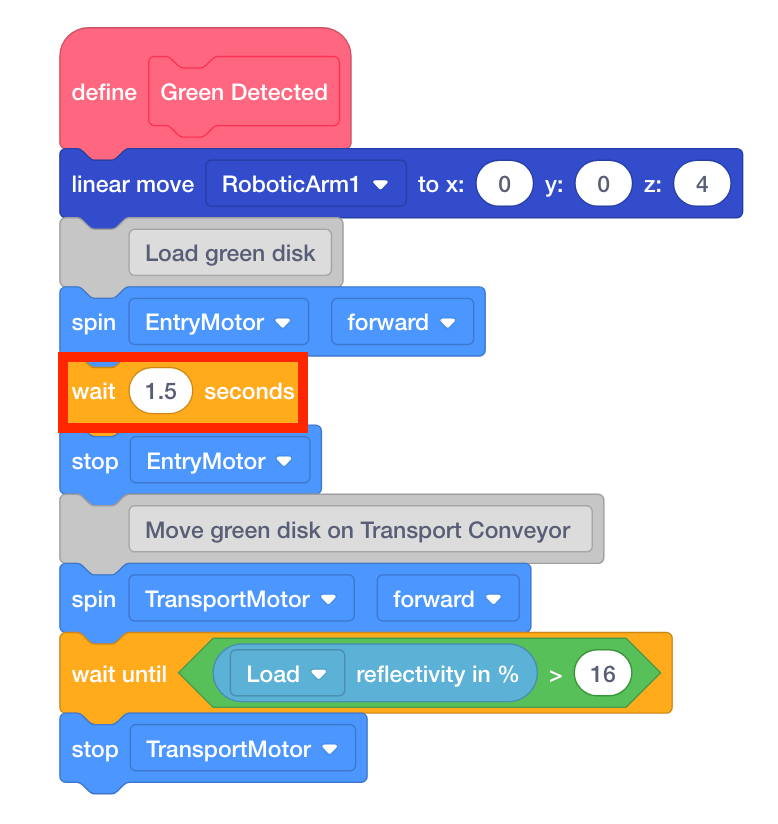
Note: the time can be adjusted to a different parameter other than 1.5 seconds. Test different variations to determine which time is best for your Workcell.
-
Load a green disk into the Disk Feeder.
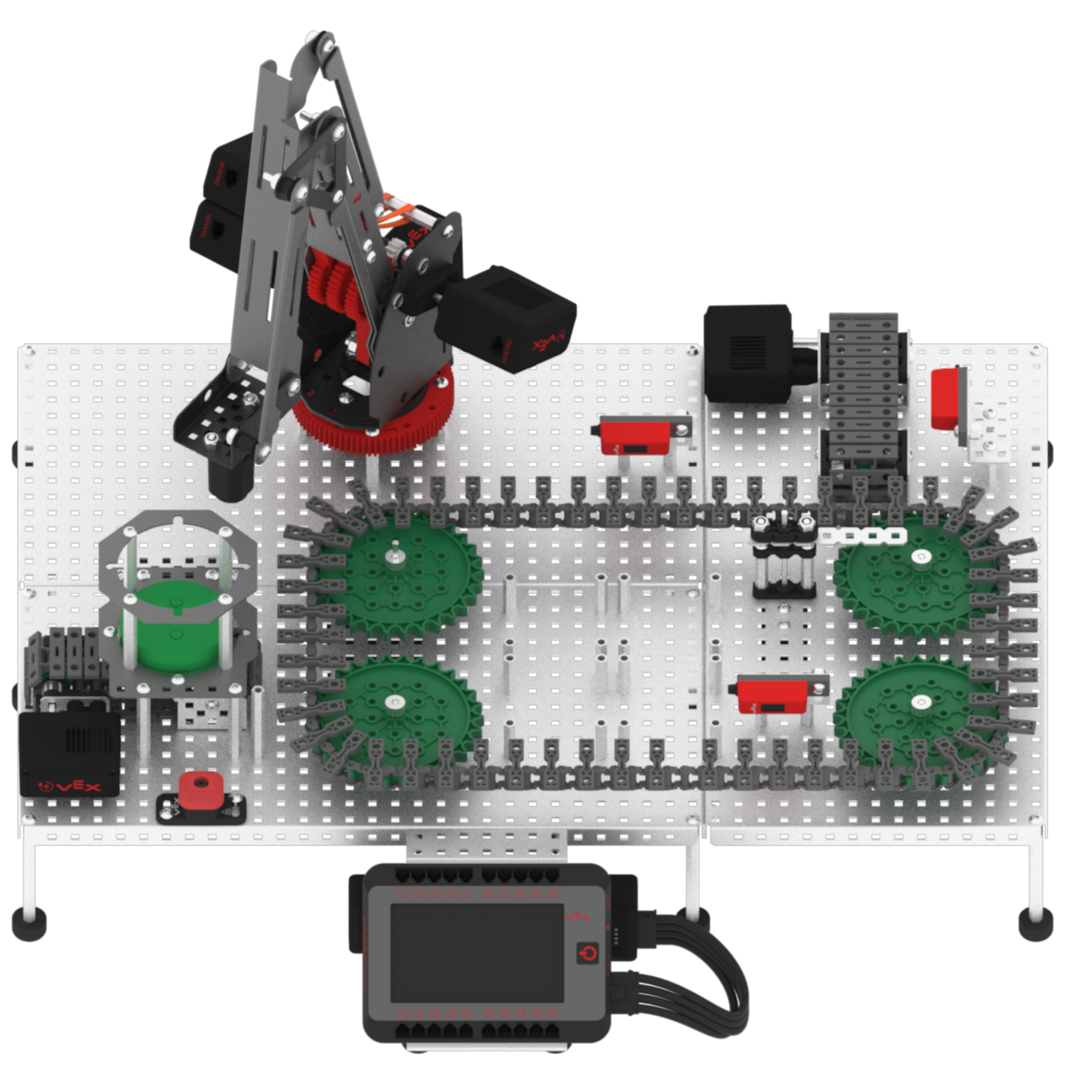
-
Download and run the project.

-
Observe the green disk being dispensed from the Disk Feeder onto the Transport Conveyor and stop when the Load Sensor detects the disk.
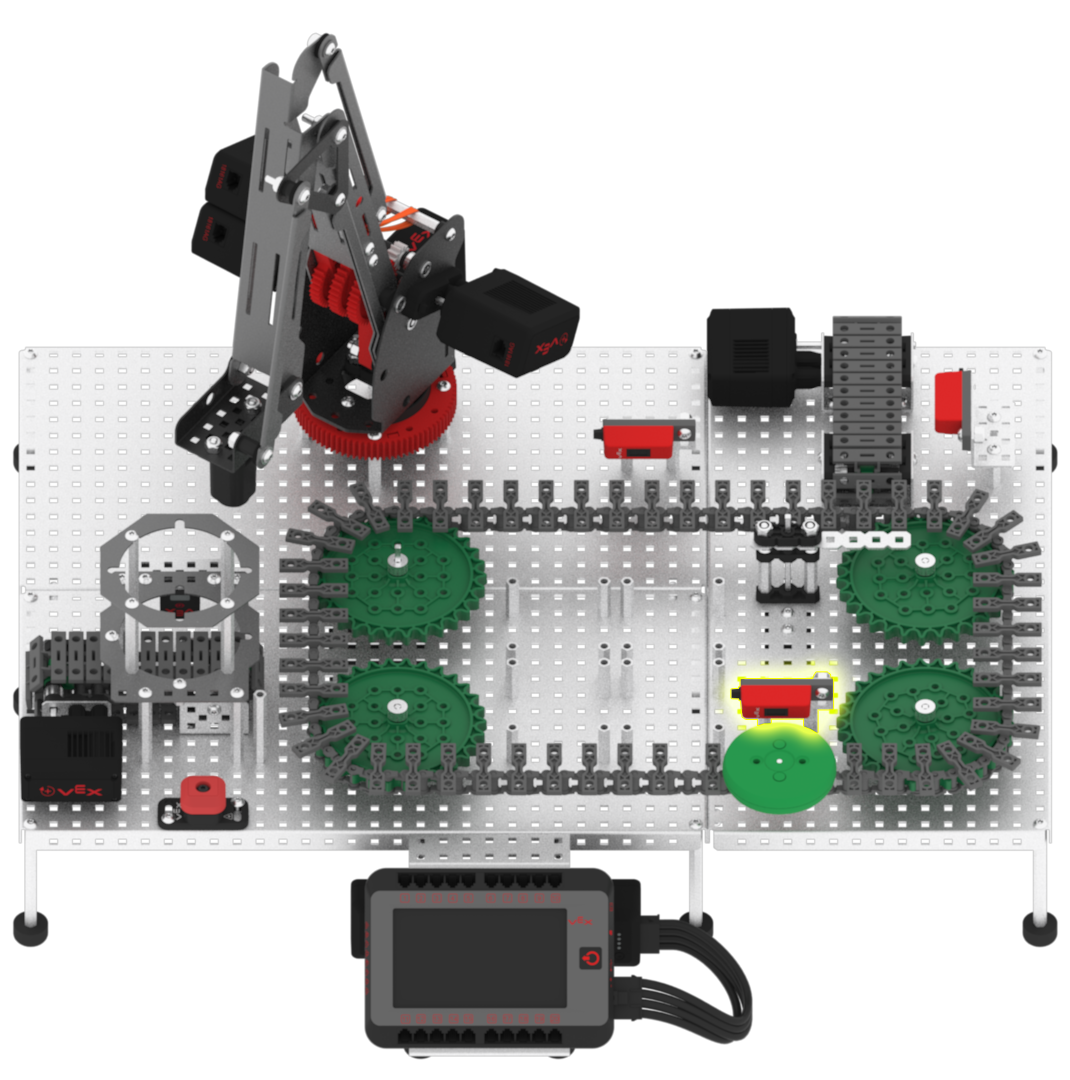
-
Stop the project.

-
Continue to adjust and test the parameters of the Entry Motor velocity and the [Wait] block as needed to best dispense a disk from the Disk Feeder onto the Transport Conveyor. Once the parameters are finalized, remove the [Stop motor] block from the project.