Divert Off Second Green Disk
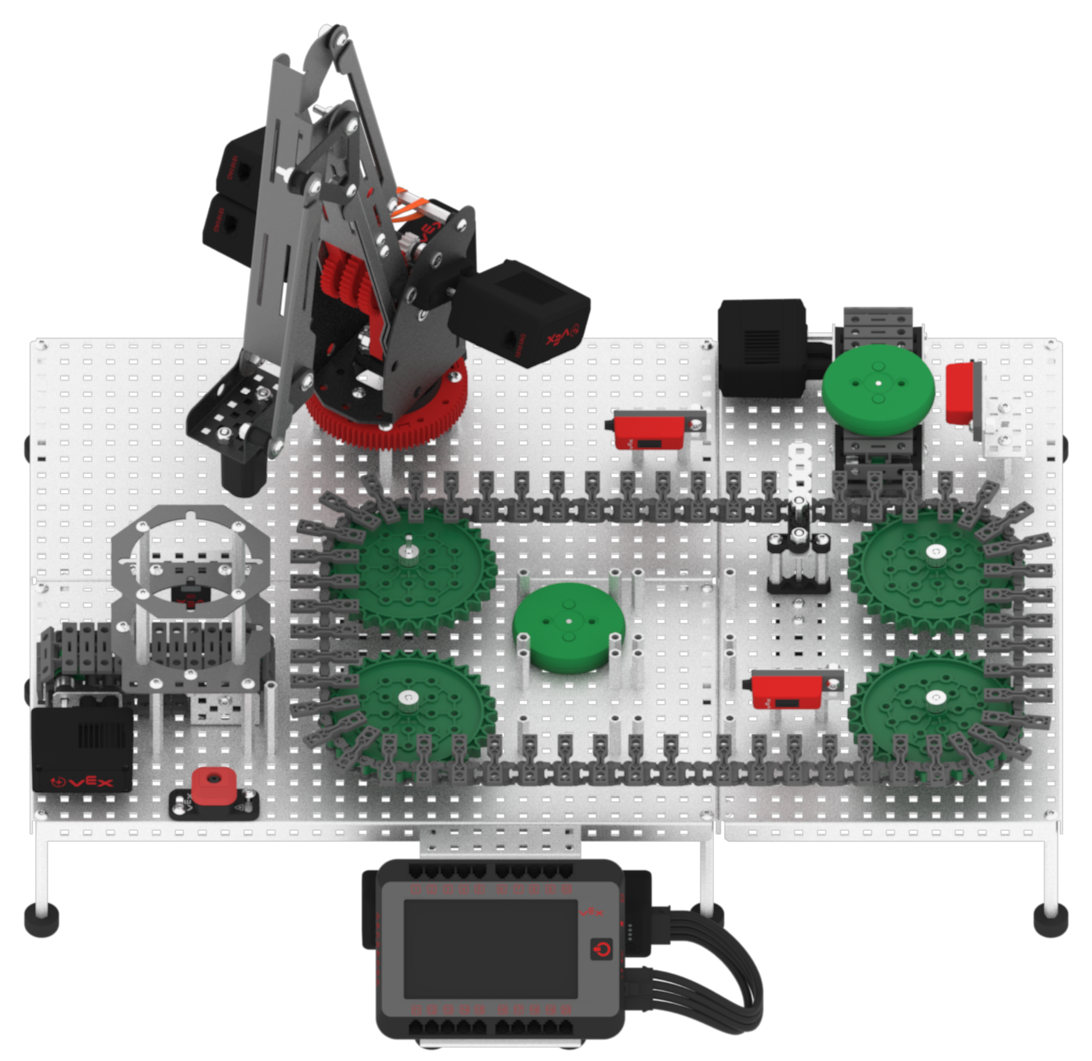
Now that the first green disk has been picked up and placed by the arm mounted on the VEX V5 Workcell, blocks must be added to divert the second green disk off of the Exit Conveyor.
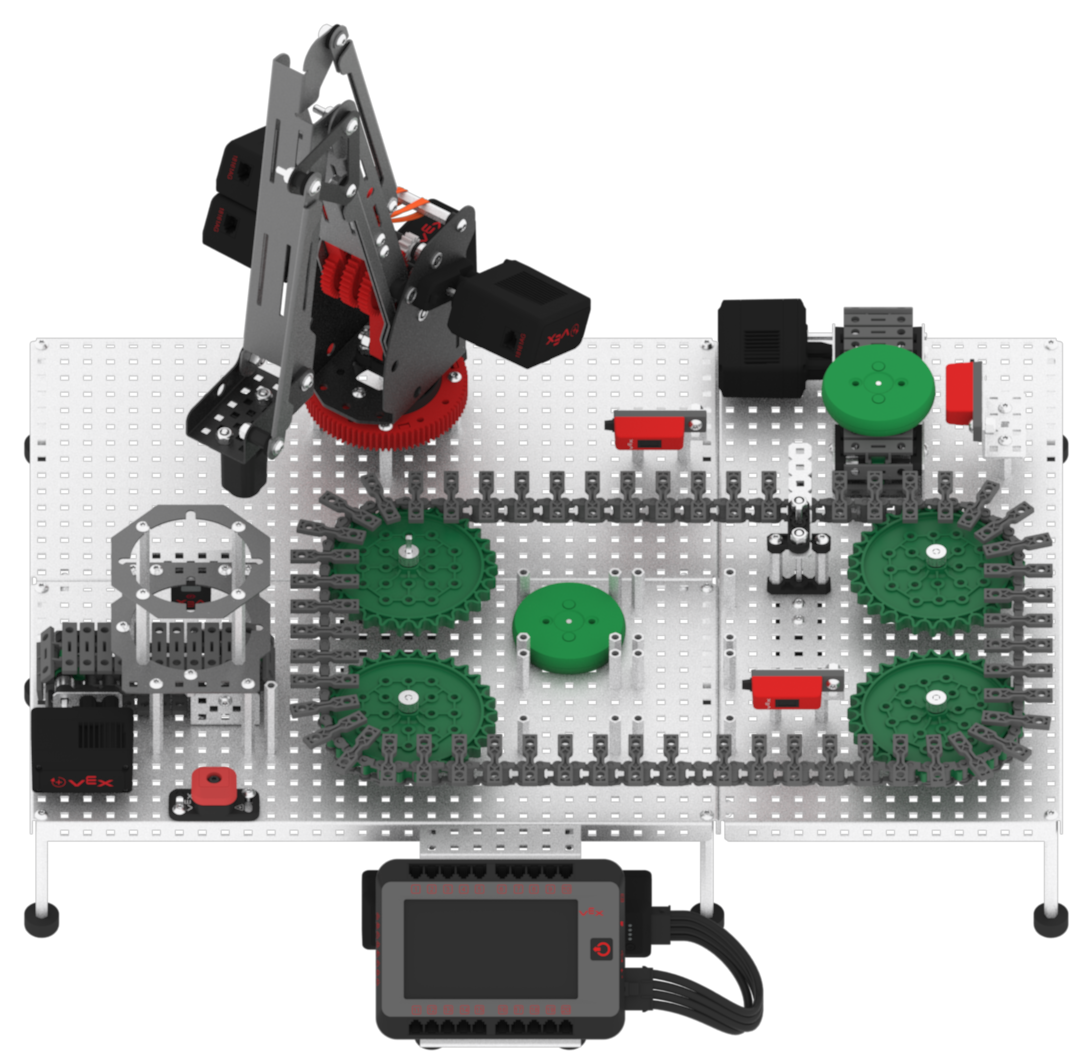
- Add a [Spin to position] block to the ‘If green disk was already placed, divert green disk off Exit Conveyor’ [Comment] block. Set the motor to ‘DiverterMotor’ and set the parameter to ‘90’ degrees.

- Add a [Spin] block to the [Spin to position] block. Set the motor to ‘ExitMotor’ and set the direction to ‘reverse.’

- Add a [Wait until] block to the [Spin] block. Set the parameter of the [Wait until] block with a <Greater than> block and a (Reflectivity of) block.

- Set the sensor of the (Reflectivity of) block to ‘Exit’ and set the parameter of the <Greater than> block to ‘35.’

- Add two [Stop motor] blocks to the [Wait until] block. Set the motors to ‘TransportMotor’ and ‘ExitMotor.’

- Load two green disks into the Disk Feeder.

Note: manually move the Diverter back to the starting position if it is not there already.
- Download and run the project.

- Observe the first green disk be picked up and placed to a known drop off location, and the second green disk be diverted off of the Exit Conveyor.