
Outline the Goals of the Green Disks
To better understand how the project will be built, we will first outline what should happen in the project using comments.
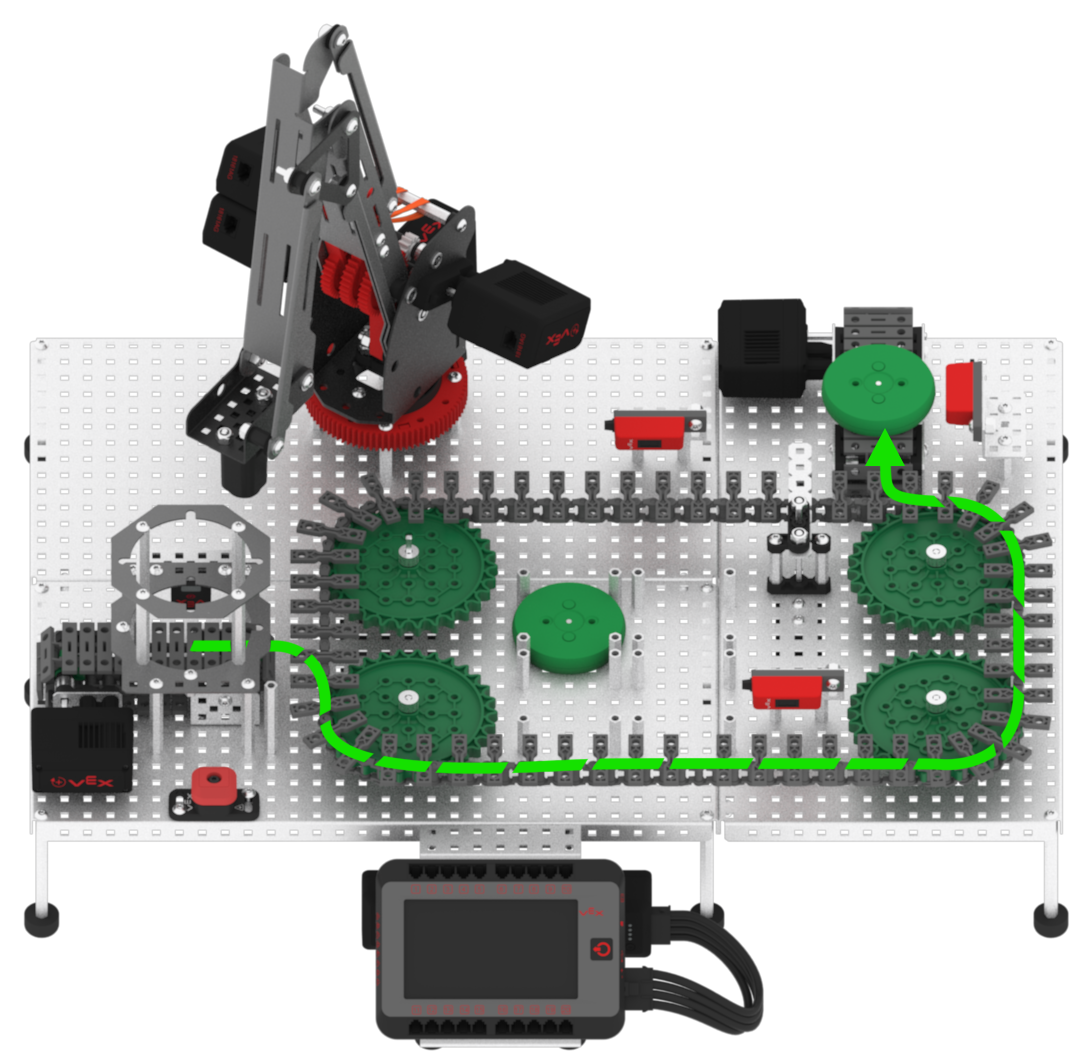
Two green disks will be moved on the conveyors. The first green disk will be picked up and placed to a known drop off location, and the second green disk will be diverted off of the Exit Conveyor.
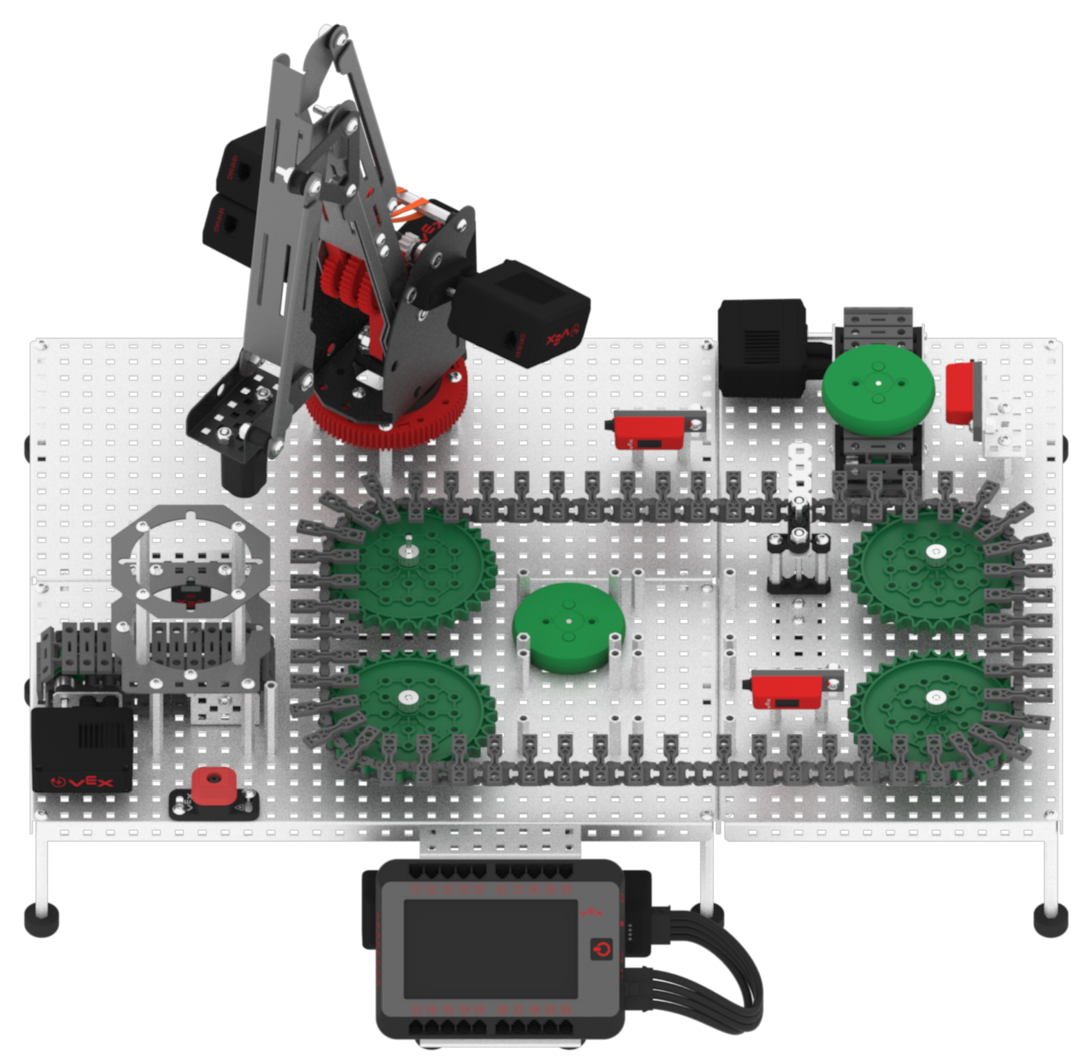
The Optical Sensor near the Entry Conveyor will be used to track if a green disk has already been picked up and placed. This allows any other green disks introduced via the Disk Feeder to be diverted off of the Exit Conveyor.
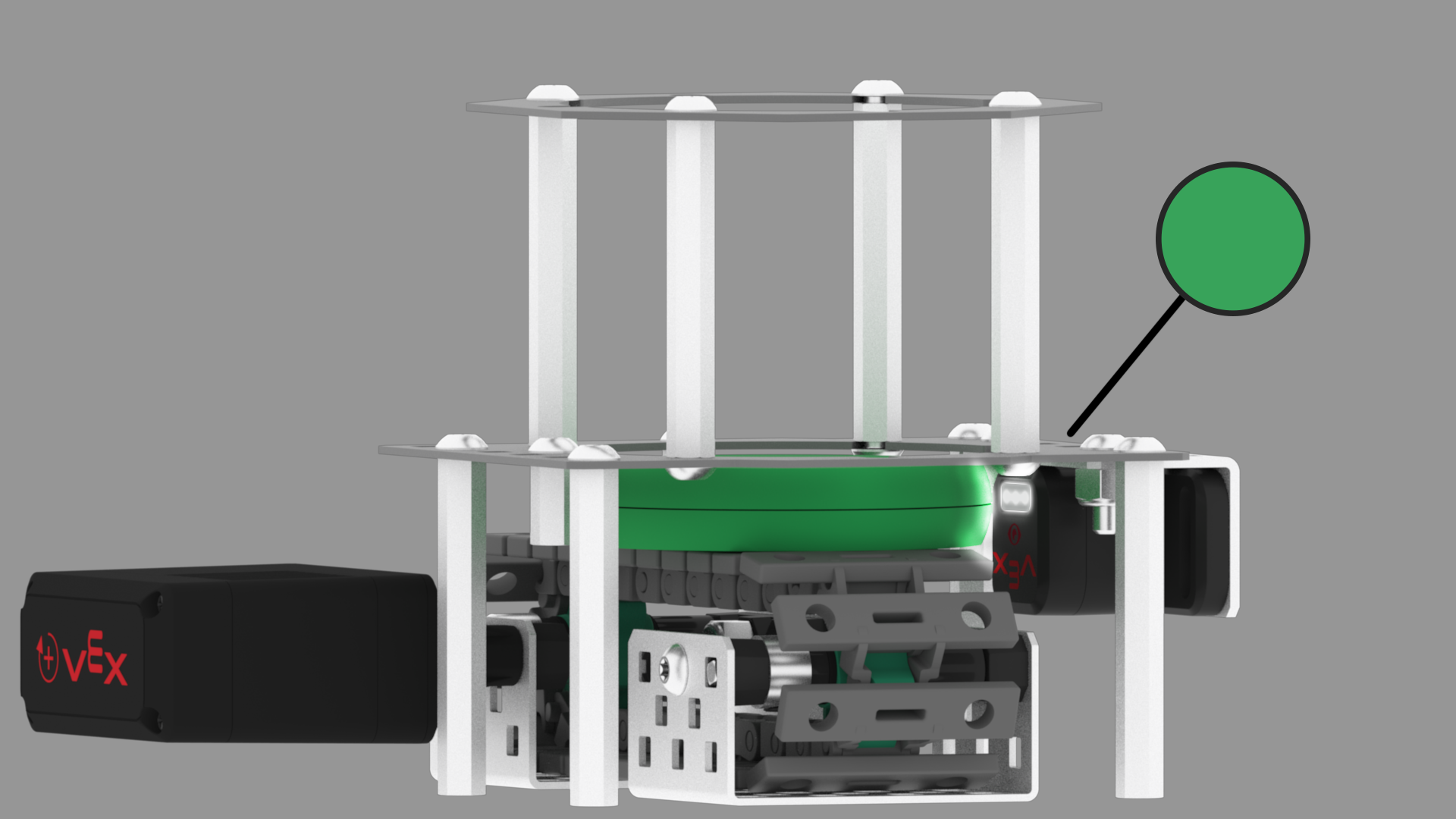
Before a variable can be used to track if the green disk has already been placed, the variable must first be created.
-
Because the project is started with no disks placed, the Boolean variable should be set to ‘false.’ Add a [Comment] block to the [Set motor velocity] block in the {When started} stack of blocks and change the comment to, ‘Initialize Boolean variables to 'false' before handling disks.’

Now that the comment has been added to make the variable used to store true and false values, other comments can be added to determine how it can be used to track if a green disk has been placed.
-
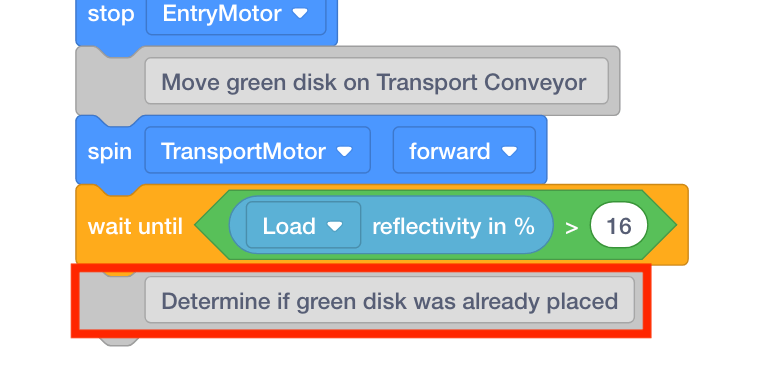
Add a [Comment] block to the [Wait until] block in the {define Green Detected} stack of blocks and change the comment to, ‘Determine if a green disk was already placed.’
The first green disk will ultimately be placed in a known drop off location.
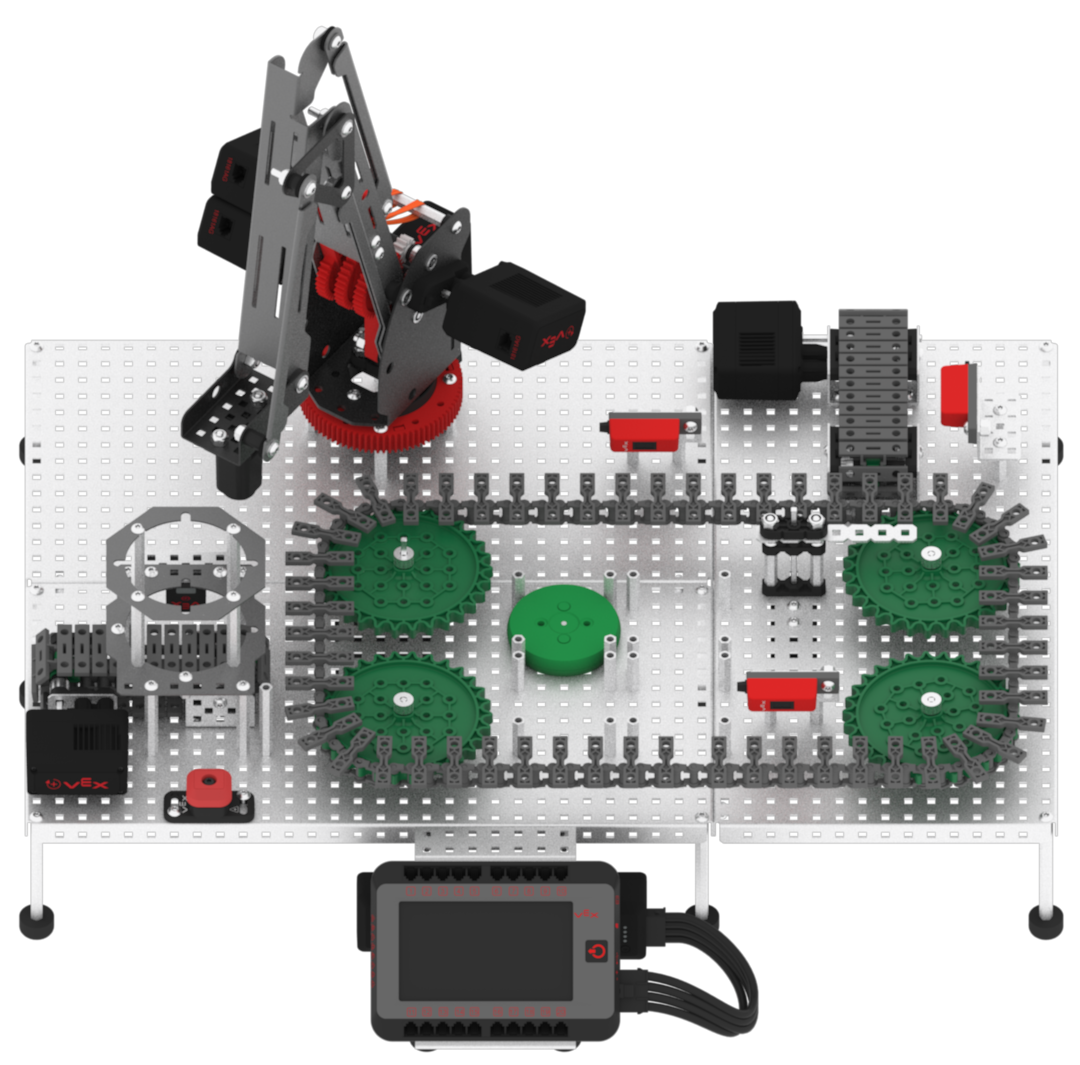
The disk must pass through the Diverter and stop in front of the Exit Sensor to be picked up and placed.
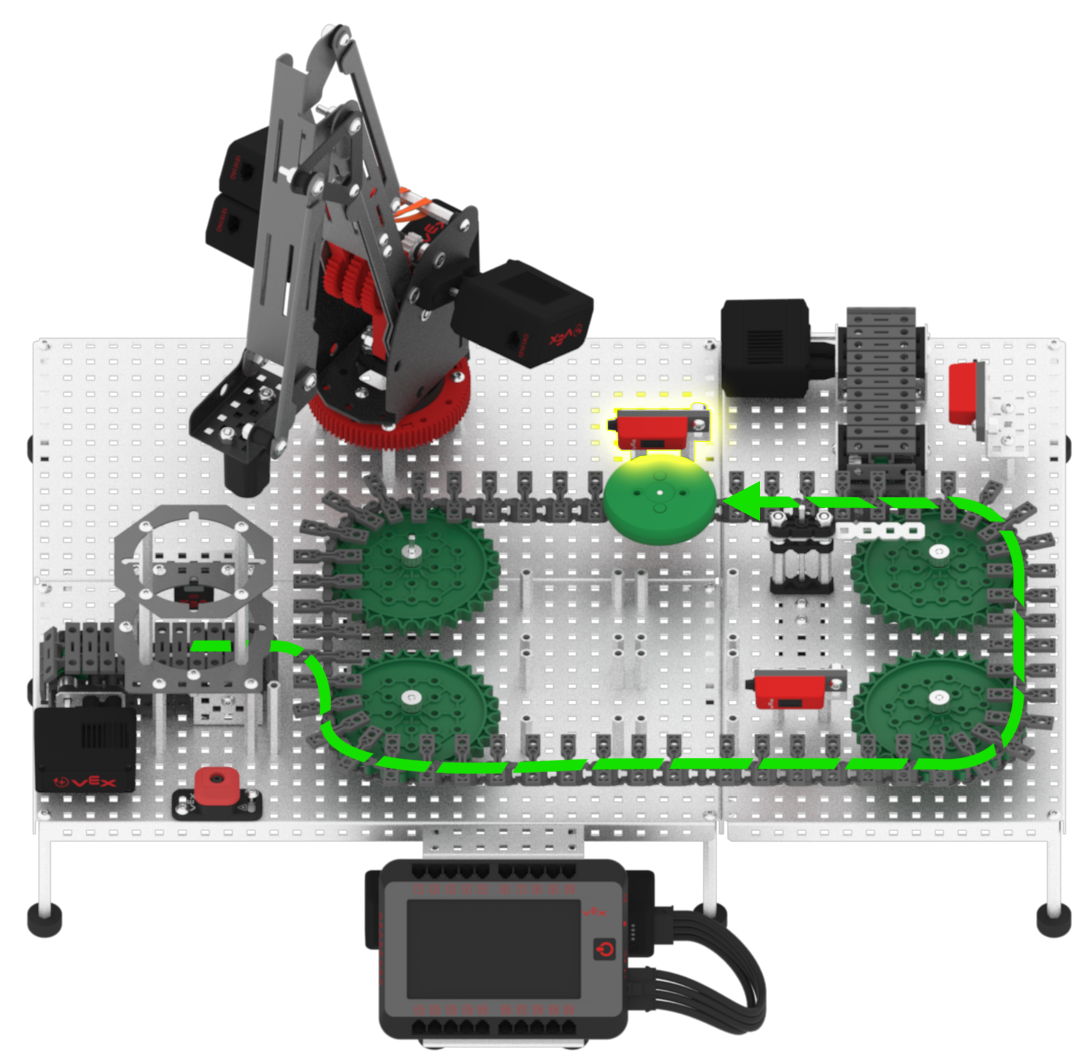
Once the first green disk is picked up and placed, a second disk will be introduced to the Disk Feeder. The Optical Sensor will detect that a green disk has already been picked up and placed, and this second green disk will be diverted off to the Exit Conveyor.
-
Add three additional [Comment] blocks and change the comments to:
-
If green disk was already placed, divert green disk off Exit Conveyor
-
If first green disk, set Diverter to allow disk to pass, stop at Pickup Sensor
-
Use the arm mounted on the VEX V5 Workcell to place green disk at drop off location

Once the green disk is placed at the drop off location, the variable used to track if the green disk has been already placed or not, will need to be set to ‘true.’
-
-
Add an additional [Comment] block and change the comment to, ‘Track green disk as placed.’
