
Locating Coordinates
Now that the six points to draw two triangles have been drawn, the coordinates of these points must be located.
The arm mounted on the VEX V5 Workcell will need to move to a total of ten points in order to properly draw both triangles. Each triangle will have a total of five points that the arm mounted on the V5 Workcell will move to.
The five points of Triangle 1 include:
- Point 1: The dry-erase marker is above but not touching triangle point two
- Point 2: Triangle point two
- Point 3: Triangle point three
- Point 4: Triangle point four
- Point 5: Back to triangle point two to complete the triangle
The five points of Triangle 2 include:
- Point 6: The dry-erase marker is above but not touching triangle point seven
- Point 7: Triangle point seven
- Point 8: Triangle point eight
- Point 9: Triangle point nine
- Point 10: Back to triangle point seven to complete the triangle
Notice that Point 1 and Point 6 move the dry-erase marker directly above the following point. This is needed to prevent a line from being drawn that connects the two triangles together.
-
Download and run the project.

-
The (x, y, z) values will be displayed on the V5 Brain’s screen.
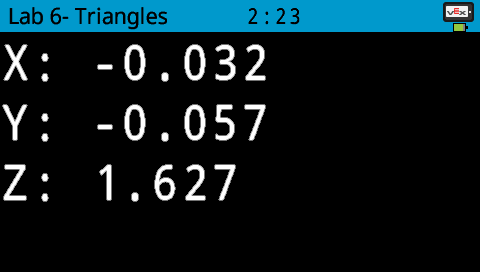
-
Manually move the arm mounted on the V5 Workcell to Point 1 and record the (x, y, z) coordinates of the location in your Engineering Notebook. Repeat the same process for all five points of the Triangle 1.
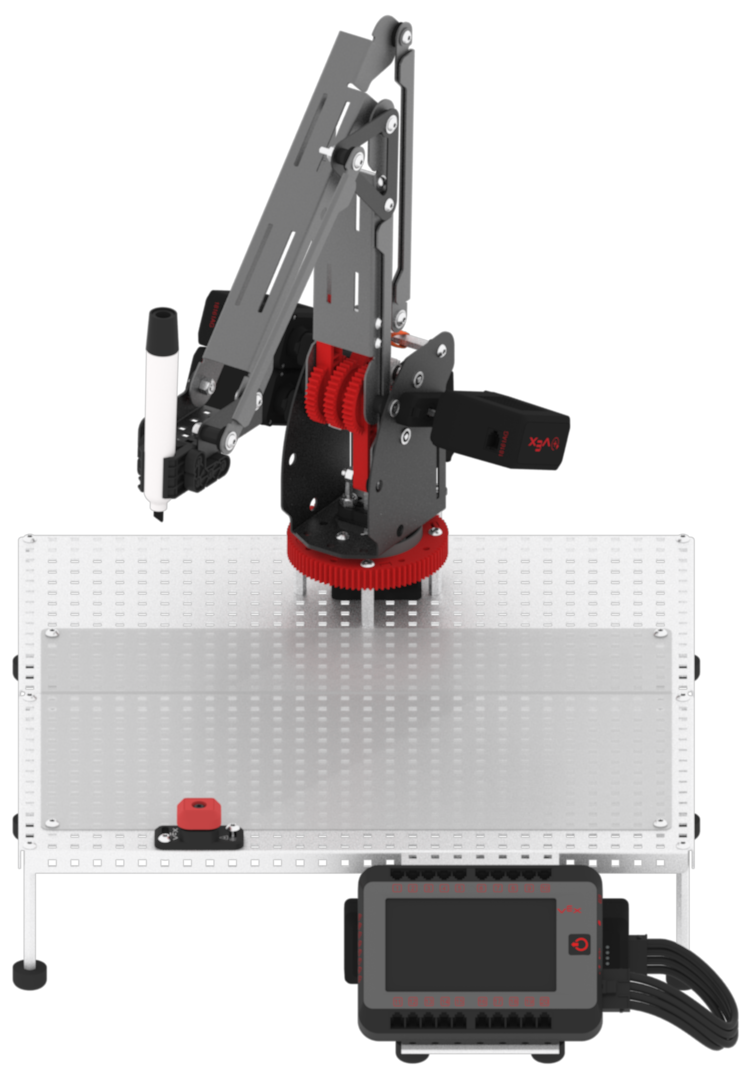
Note: Point 2 and Point 5 should be the same coordinate.
-
Manually move the arm mounted on the V5 Workcell to Point 6 and record the (x, y, z) coordinates of the location in your Engineering Notebook. Repeat the same process for all five points of the Triangle 2.
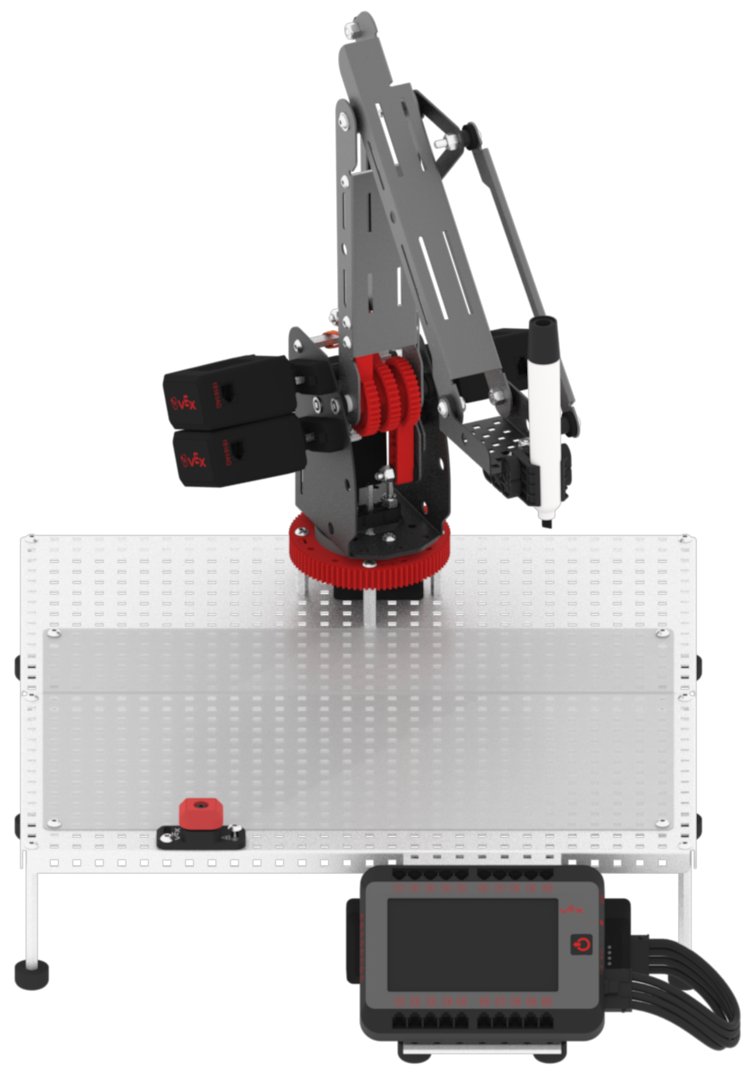
Note: Point 7 and Point 10 should be the same coordinate.
-
Stop the project.
