
Industrial automation is something we interact with every day, from receiving a delivery to shopping at the grocery store. Workcells are an important part of industrial automation, and one that you will explore throughout this course.
In this Lesson, you will learn:
- What a workcell is and how it is used in the context of industrial automation
- How the CTE Workcell relates to these concepts
- What the EXP Robot Brain is and how it functions as a programmable logic controller within the CTE Workcell
- How to charge the Battery so it is ready to use.
At the end of this Lesson, you will discuss what you learned as you answer questions in your engineering notebook.
Introduction to Workcells
Industrial Automation in Our Daily Lives
Factory automation and industrial robots are woven into our everyday lives, often without us realizing their impact. Consider the overnight delivery of a package or the consistently stocked shelves at a grocery store. These everyday conveniences are made possible by advanced manufacturing processes, where automation and robotics play an important role.

Industrial automation is the use of technology and machines to streamline and improve manufacturing and production processes in factories. In modern industrial factories, automation is central to a variety of tasks aimed at boosting efficiency, ensuring safety, and enhancing precision. These include manufacturing operations where robots complete various tasks, like:
- material handling, like moving and sorting products.
- palletizing products for shipping.
- removing defective products from the system.
When an online order is placed for instance, it is processed by an automated system, and assigned to a warehouse. In these warehouses, industrial robots play a crucial role, navigating the aisles and retrieving items with precision and speed. These robots are capable of moving in multiple directions and handling products with care. They work alongside humans to sort, package, and prepare your order for shipment, all within hours.
What is a workcell?
A workcell is the grouping of machines, people, and other equipment companies use in their manufacturing production process. These cells are often implemented to reduce the costs associated with production and ramp up productivity. Many companies also significantly reduce the rate of error by putting workcells into place.
For example, in a manufacturing facility, the machines involved in the process (like robotic arms and conveyors) would be arranged so the goods being produced move smoothly and seamlessly from one stage to the next. This would only be possible if the machines are grouped in workcells that facilitate the logical progression of the goods being produced — from raw materials at one end to the finished product at the other.
What is a Programmable Logic Controller (PLC)?
A Programmable Logic Controller (PLC) is an industrial computer control system that is programmed to carry out automatic operations in industrial systems. An essential component of automated production lines, a PLC continuously monitors the state of input devices (like sensors) and makes decisions based on a custom program to control the state of output devices (like conveyors). PLCs are used in a variety of real world industries to automate factory assembly lines, machinery, or other processes. Using a PLC can increase reliability, system stability and performance, and safety, while minimizing the need for human intervention and potential human error.
In automated factories, workcells consist of various machines and robots working together to perform specific tasks. The PLC plays a central role in managing and coordinating activities like:
- Integration of Devices: PLCs can integrate and control multiple devices such as robotic arms, conveyors, sensors, and pneumatic systems within a workcell. This integration ensures that each component operates harmoniously with the others, improving efficiency and reducing errors.
- Automation of Processes: PLCs automate repetitive tasks, reducing the need for manual intervention. For example, in a packaging workcell, a PLC might control a robot arm to pick items from a conveyor, place them into boxes, and seal the boxes.
- Monitoring and Diagnostics: PLCs continuously monitor the status of all connected devices, providing real-time data and diagnostics. This helps in quickly identifying and resolving issues, minimizing downtime.
A key advantage of a PLC is its flexibility. Not only do PLCs offer that ability to expand functionality by adding more input or output devices, they can also be reprogrammed and reconfigured easily to adapt to changes in the manufacturing process.
The CTE Workcell
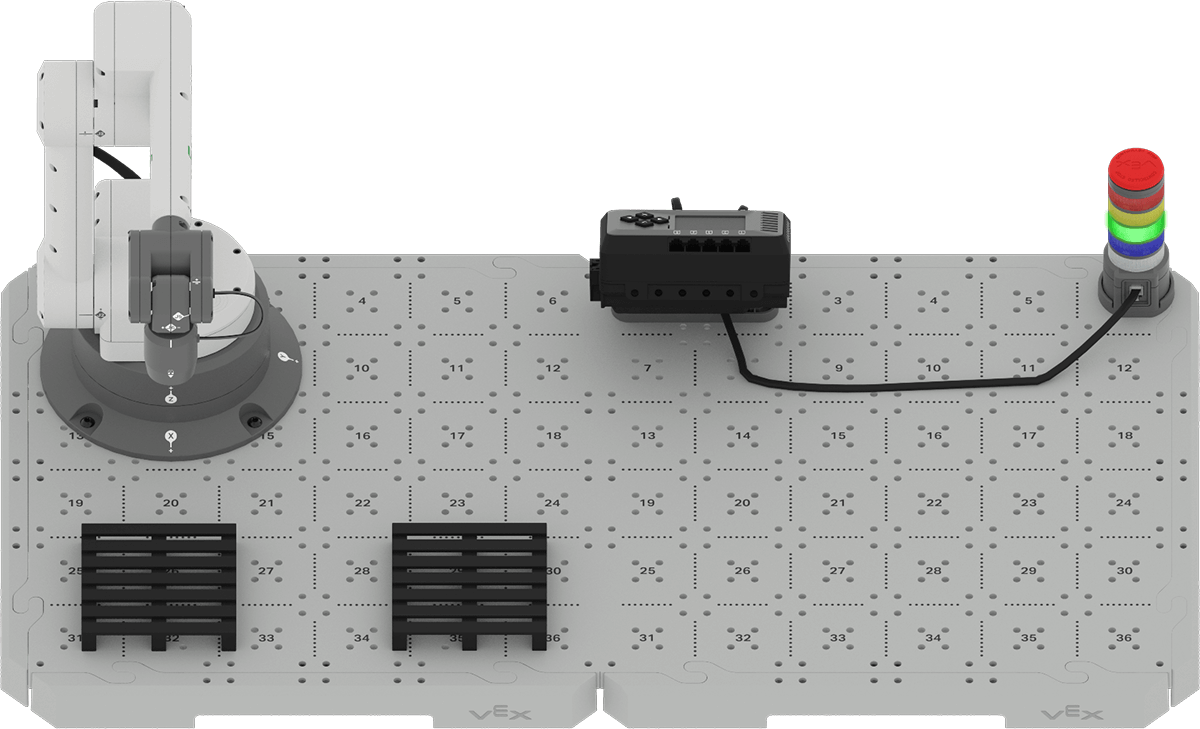
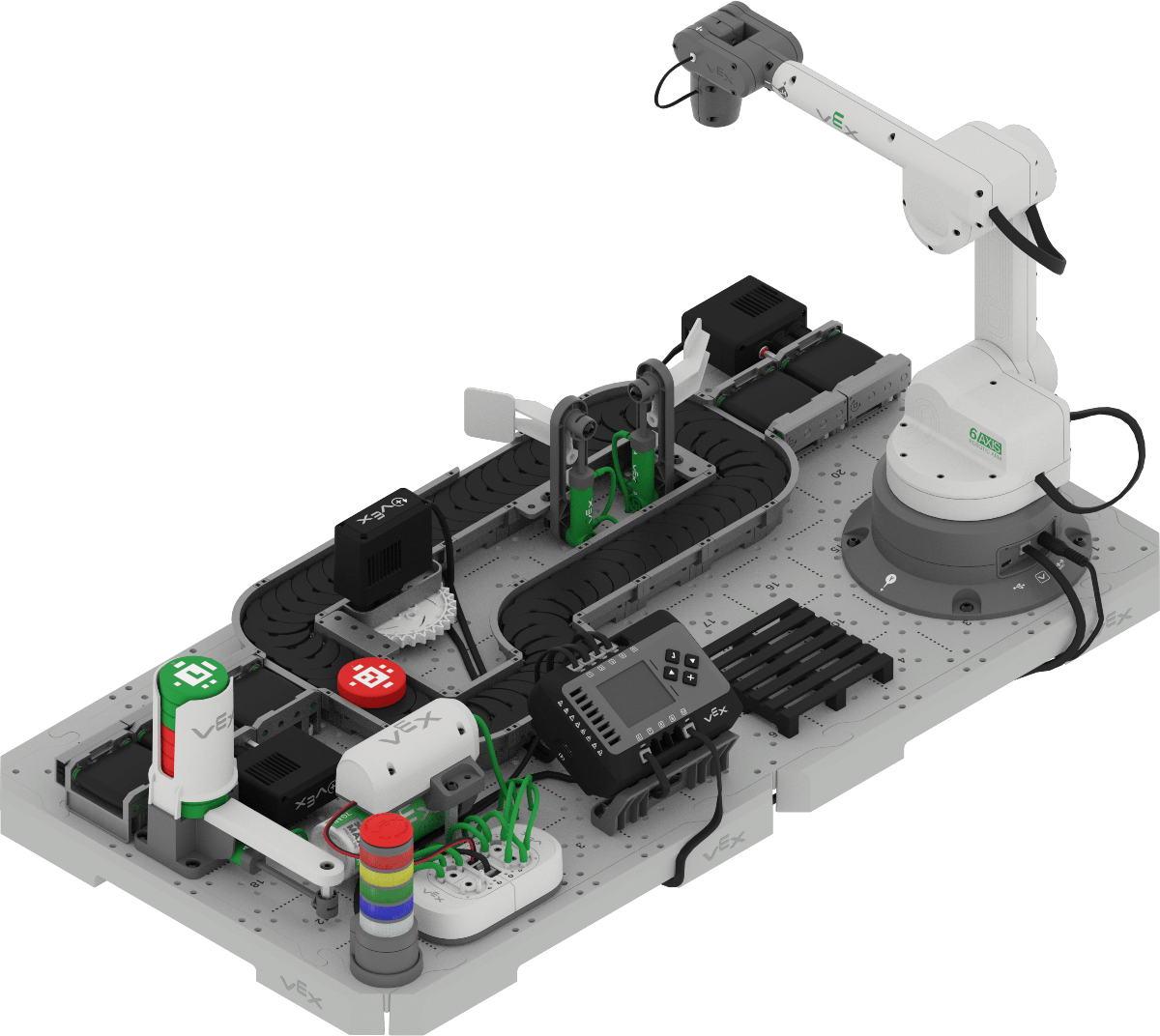
Now that you have a foundational understanding of coding the 6-Axis Arm to accomplish tasks like transporting and palletizing objects, you are ready to build on that knowledge to add components to create a workcell. Throughout this course, you will learn about components of the CTE Workcell, like the Brain, sensors, conveyors, Disk Feeder, and pneumatics, and how to code them to create a fully automated workcell. Before you can construct a full workcell, you need to learn about using the Brain with the CTE Workcell, so that you can connect and control devices beyond just the 6-Axis Arm.
The Brain as a Programmable Logic Controller (PLC)
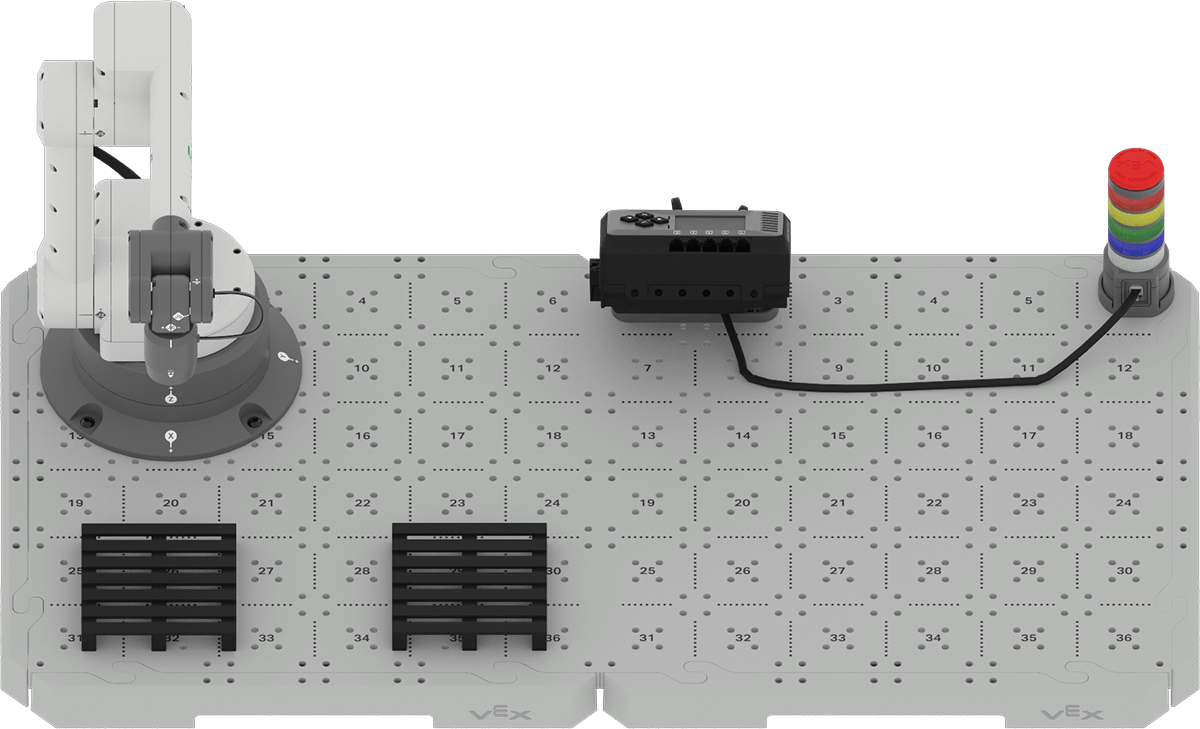
In the CTE Workcell, the Brain functions as the programmable logic controller, performing similar functions to PLCs in industrial automation settings:
- Control Hub: The Brain acts as the central control hub, managing the 6-Axis Arm and additional devices like conveyors, sensors, and pneumatics.
- Programmable Logic: The Brain is programmed using VEXcode to define how the workcell should operate, mirroring the real-world use of PLCs in automated factories.
- Real-Time Coordination: The Brain processes inputs from sensors and controls outputs in real-time, ensuring smooth and efficient operation of the workcell.
- Expandability: Just like industrial PLCs, the Brain can be expanded by connecting additional devices (like sensors, conveyors, and pneumatics), allowing you to build and control increasingly complex automated systems.
In the previous course you used a direct connection to control the movement of the 6-Axis Arm with VEXcode EXP. However, a direct connection only allows you to control the 6-Axis Arm. Using the Brain enables you to connect additional devices like sensors, motors, and pneumatics, as well as the 6-Axis Arm. In order to create a fully automated workcell, you will need to use the Brain to control all of the devices needed to successfully move, sort, and distribute objects effectively.
The Brain runs user projects that are downloaded to it, to control the workcell. You can also view information about the workcell directly on the Brain screen, as you will see later in this Unit.

In this course you will control the CTE Workcell using the Brain as the PLC. In order to power the Brain and connected components, like the 6-Axis Arm, you will need to connect a charged Battery to the Brain.
Charging the Battery
You will need a charged Battery before a project can be run on the Brain. Once the Battery is charged, it can be connected to the Brain on the Brain CTE 6-Axis Arm Base build. (You will learn more about connecting the Brain when you construct the build in this Lesson.)
In order to charge the Battery you will need the following:
- Battery
- USB-C charging cord
View this animation to see how to charge the Battery using the USB-C cord. The USB-C cord must be plugged into a power source in order to charge the Battery. In this animation, the charging port on the Battery is shown on the opposite side from the indicator lights, and the USB-C cord is plugged into the port. The Battery is then turned back around to show the flashing indicator light.
Note: The Battery's indicator lights will flash while it is charging.
Build
Now you are ready to construct the Brain CTE 6-Axis Arm Base build that you will use in this Unit.
Watch this video to learn how to use 3D build instructions.
This video shows examples of build instructions from other VEX platforms, however the information about how to use these 3D instructions still applies to the CTE Workcell Kit.
Check Your Understanding
Before you move on to the next Lesson, ensure that you understand the concepts covered in this Lesson by answering the questions in the document below in your engineering notebook.
Check Your Understanding questions > (Google Doc / .docx / .pdf)
Select Next > to move on to the next Lesson.