
Compete
Now that you have practiced pressing the Bumper Switch on your BaseBot, it is time to compete in the Freeze Tag challenge.
Google Doc / .docx / .pdf
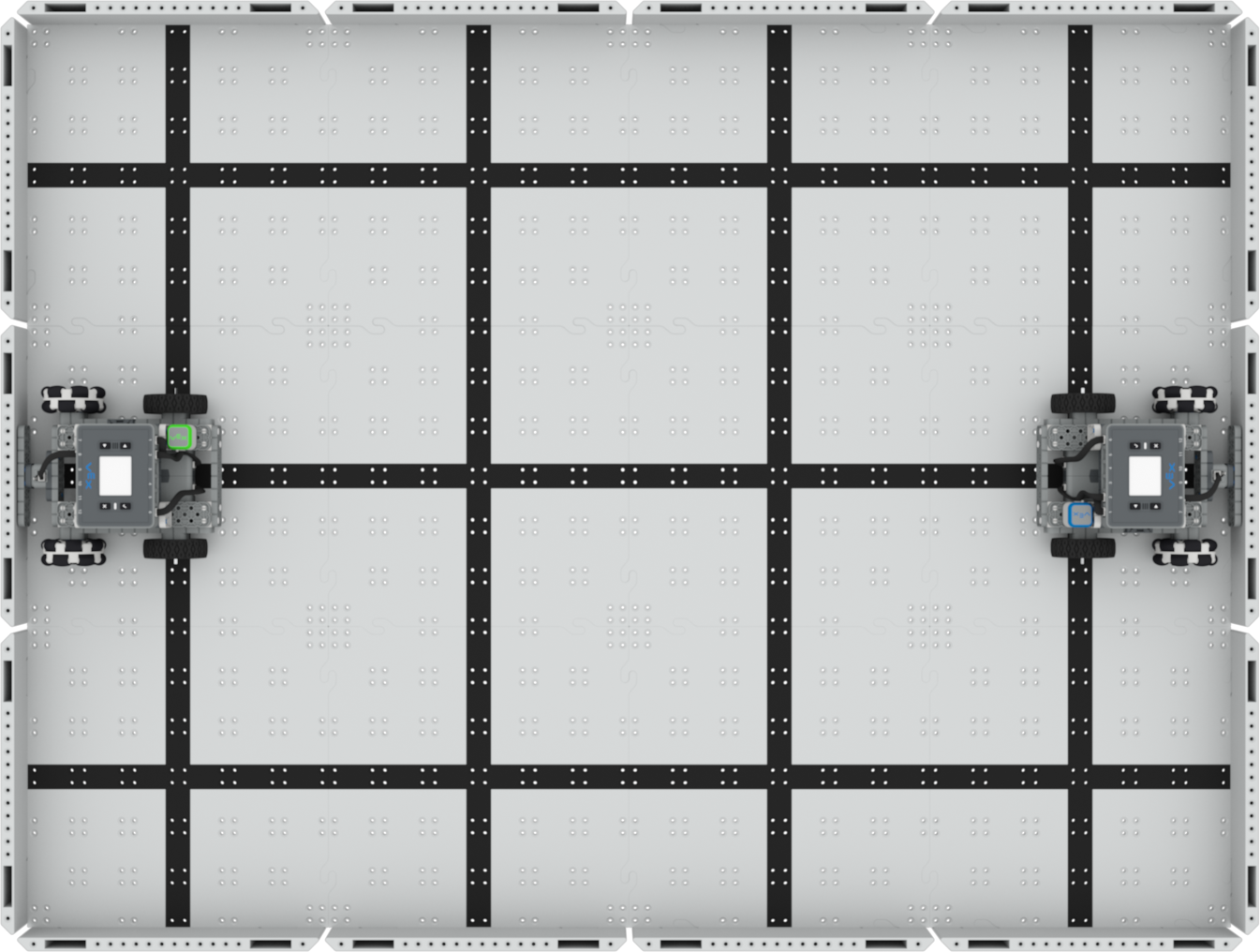
Once you have completed the Freeze Tag challenge, check in with your teacher. Ensure you have documented the results of the challenge in your engineering notebook.
Wrap Up Reflection
Now that you have tested all the controller configurations and played the Freeze Tag challenge, it is time to reflect on what you have learned and done in this Lesson. Start a new page in your engineering notebook to start your reflection.
Rate yourself as a novice, apprentice, or expert on each of the following concepts in your engineering notebook. Provide a brief explanation for why you gave yourself that rating for each concept:
- How to tag another robot on the Field in the challenge
- Driving with the Bumper Switch and Touch LED in order to avoid being tagged in the challenge
- Communicating ideas and strategies with others in your group during this Lesson
Use this table to help you determine which category you fall under.
| Expert | I feel that I fully understood the concept and could teach this to someone else. |
| Apprentice | I feel that I understood the concept enough to compete in the challenge. |
| Novice | I feel that I did not understand the concept and do not know how to complete the challenge. |
What is Next?
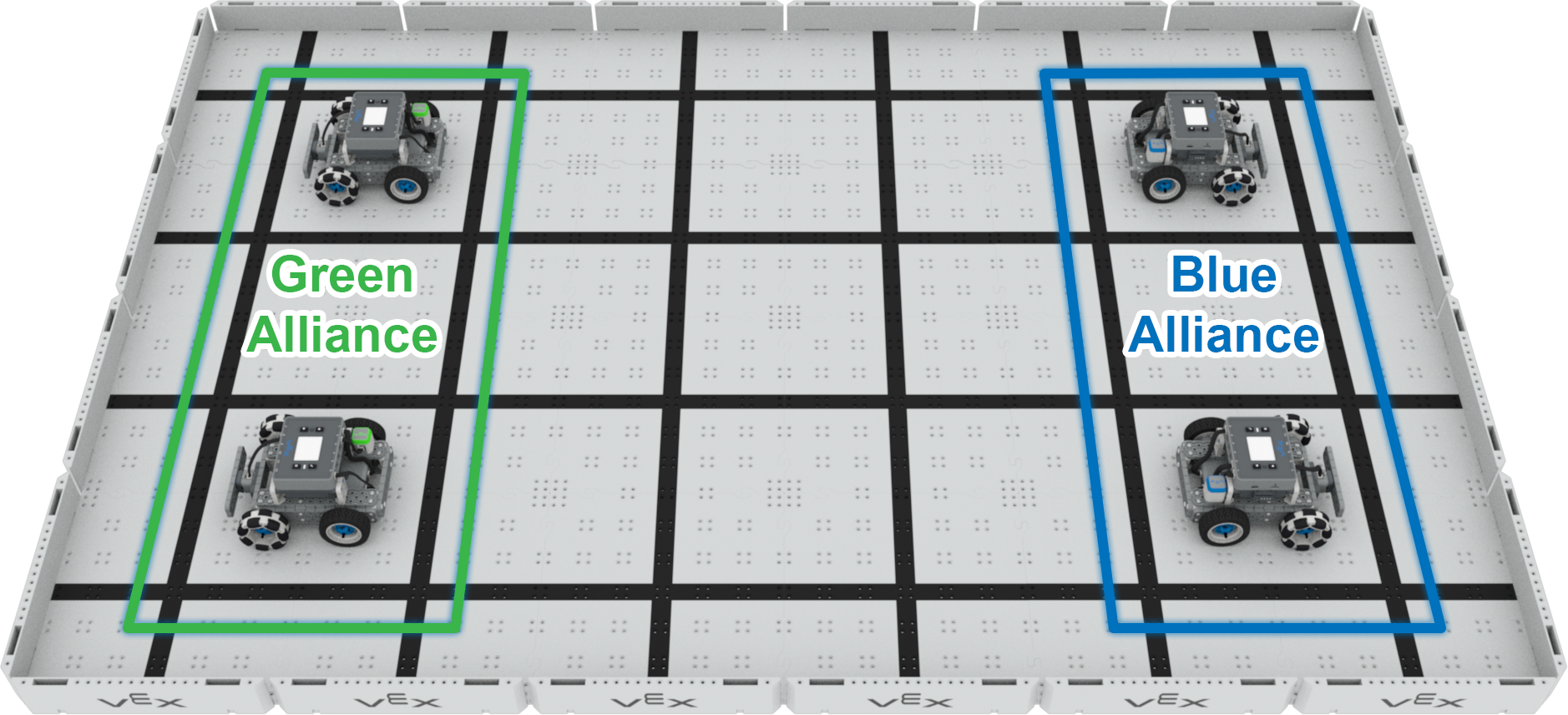
Now that you have added sensors and configured them along with your Controller in VEXcode IQ, you are ready to play Team Freeze Tag!
In the next Lesson, you will:
- Go over the rules of the competition
- Improve your robot's design and driver skills using the engineering design process
- Compete in the Team Freeze Tag Competition.
Select < Return to Lessons to go back to the Lesson Overview.
Select Next > to compete in Team Freeze Tag.