
Divert the Red Disk off the Exit Conveyor
- Place a red disk on the Entry Conveyor.
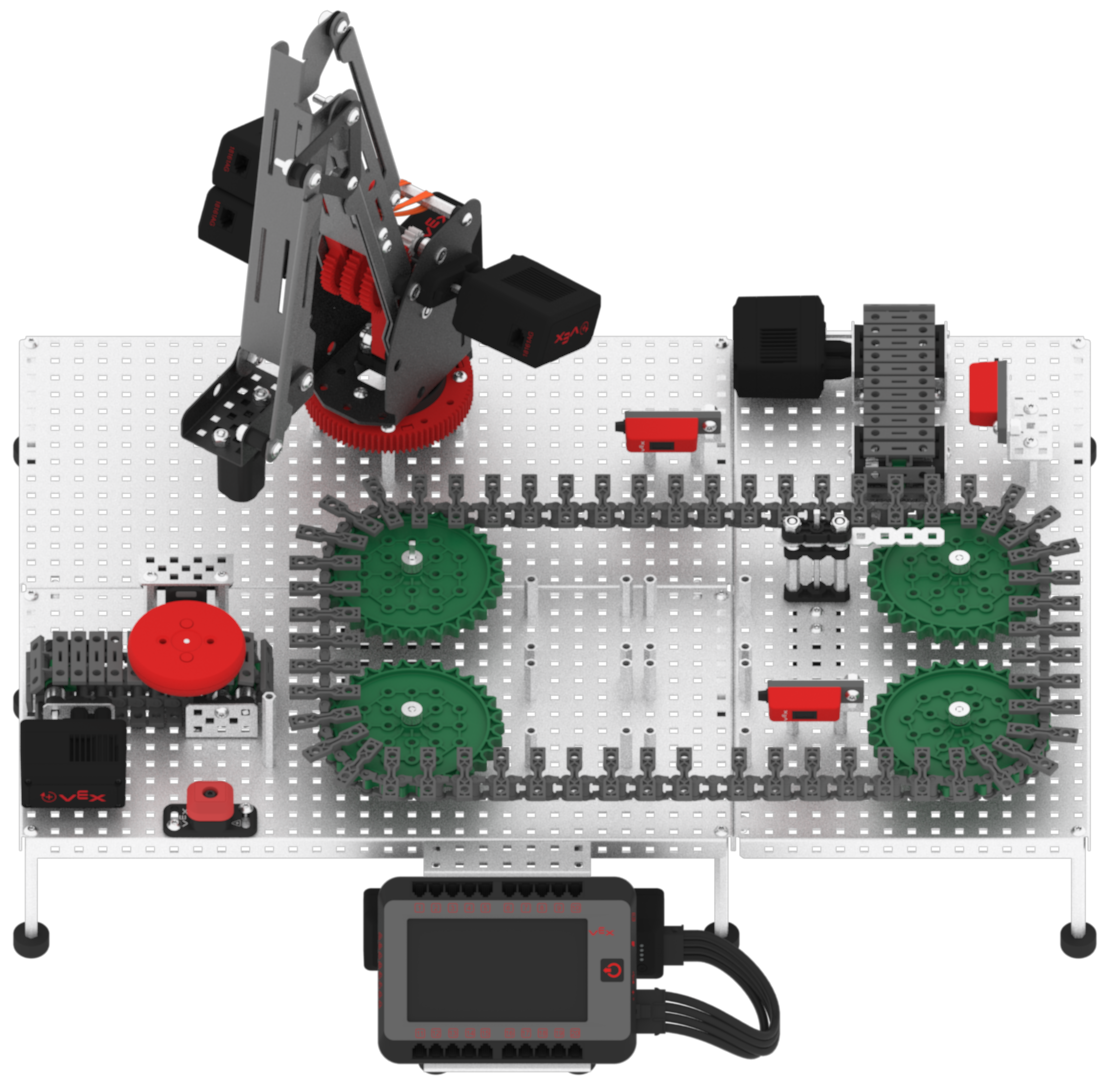
Note: manually move the Diverter back to the starting position if it is not there already.
- Download and run the project.

- Observe the red disk, acting as a faulty package or product, begin at the Entry Conveyor, travel through the Transport Conveyor, and be diverted off to the Exit Conveyor.
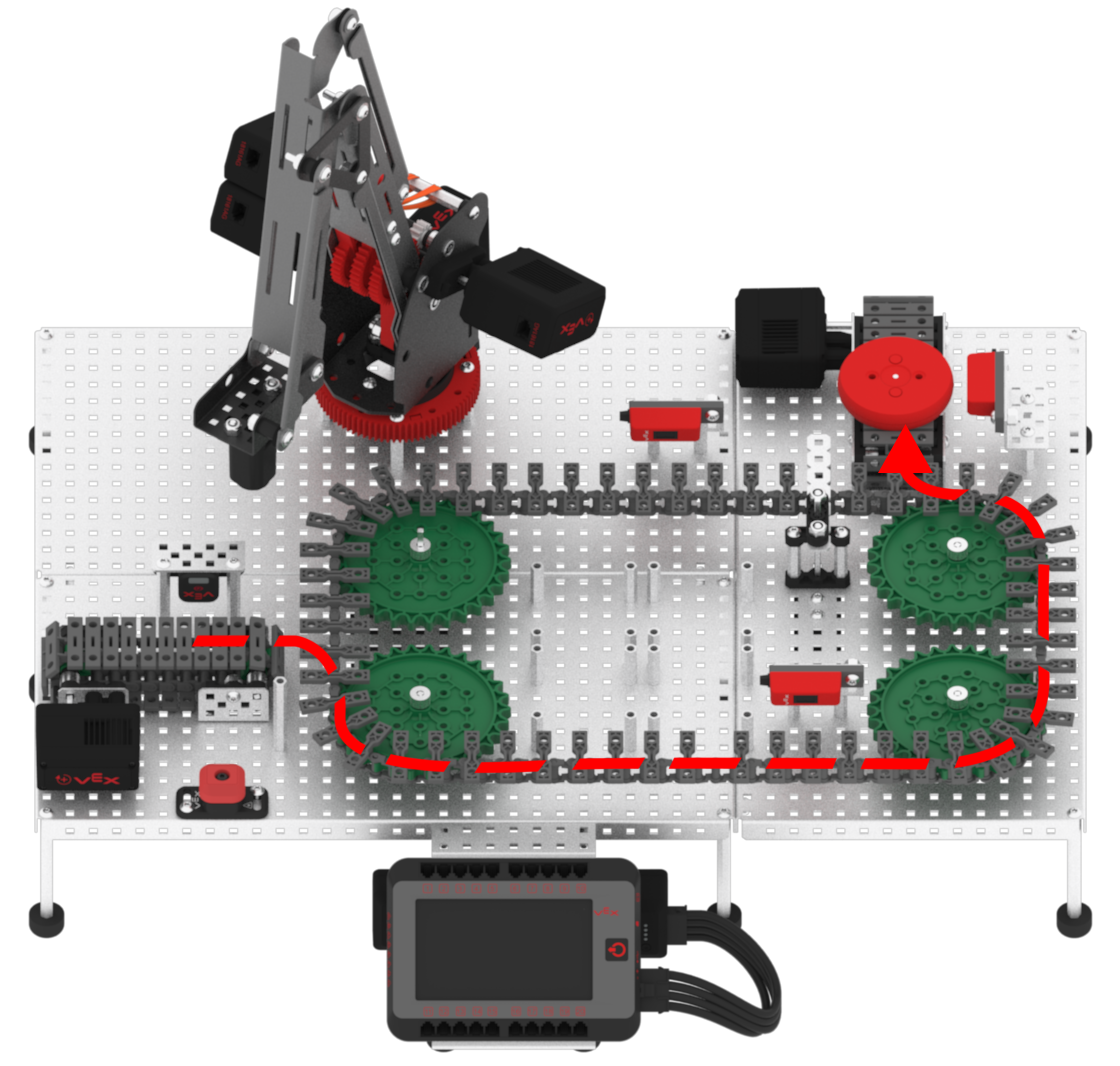
- Stop the project.
