
Outline the Goals of the Red Disk
To better understand how the project will be built, we will first outline what should happen in the project using comments.
Two colored disks (red and green) will be moved on the conveyors. First, the red disk will ultimately exit.
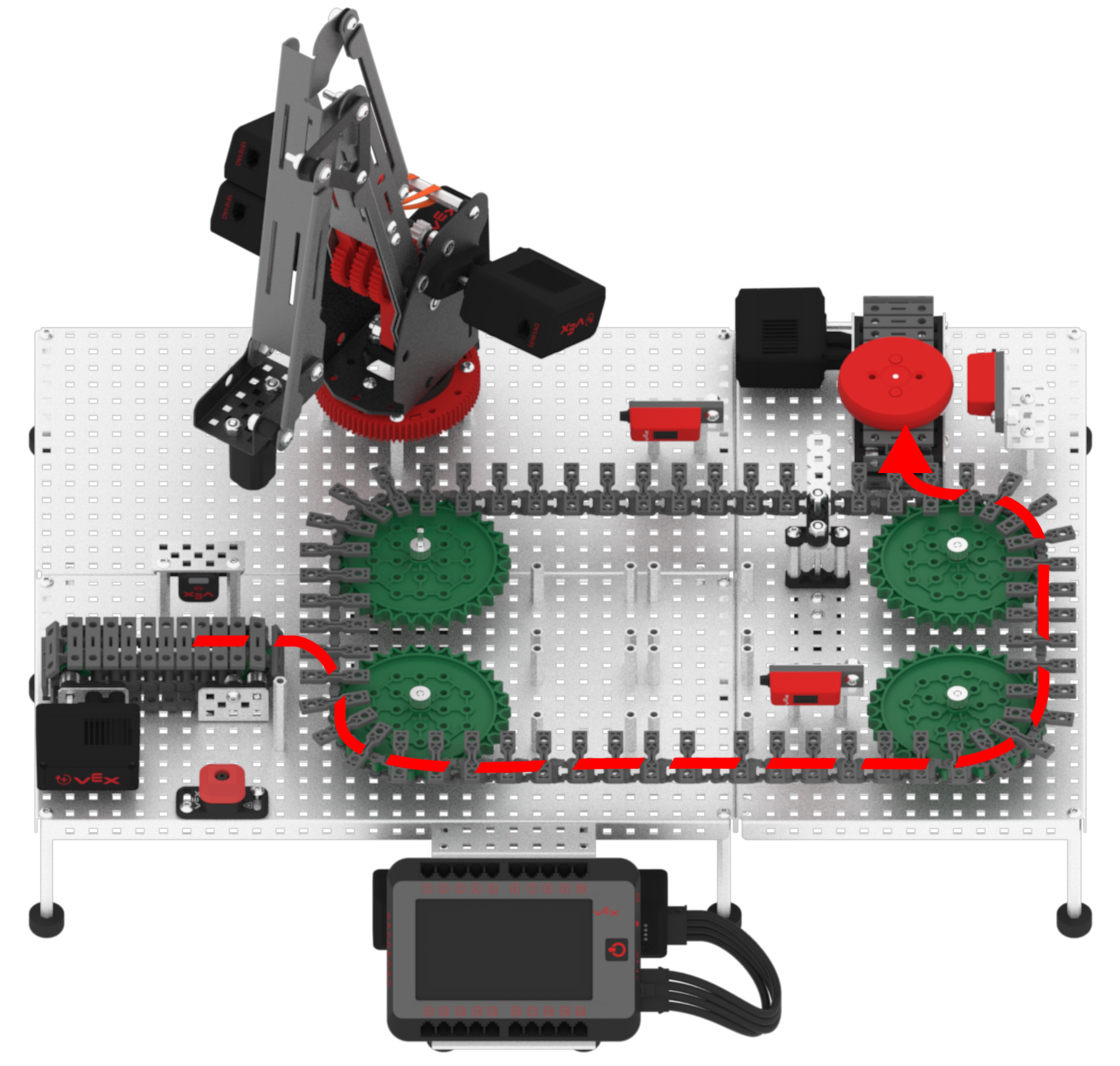
The red disk, acting as a faulty package or product, will begin at the Entry Conveyor and then move onto the Transport Conveyor.
- Add two [Comment] blocks to the {define Red Detected} block and change the comment to:
- Load red disk
- Move red disk on Transport Conveyor
![Add two [Comment] blocks to the {define Red Detected} block.](/stemlabs/sites/default/files/inline-images/add-two-comments-to-red-stack.png)
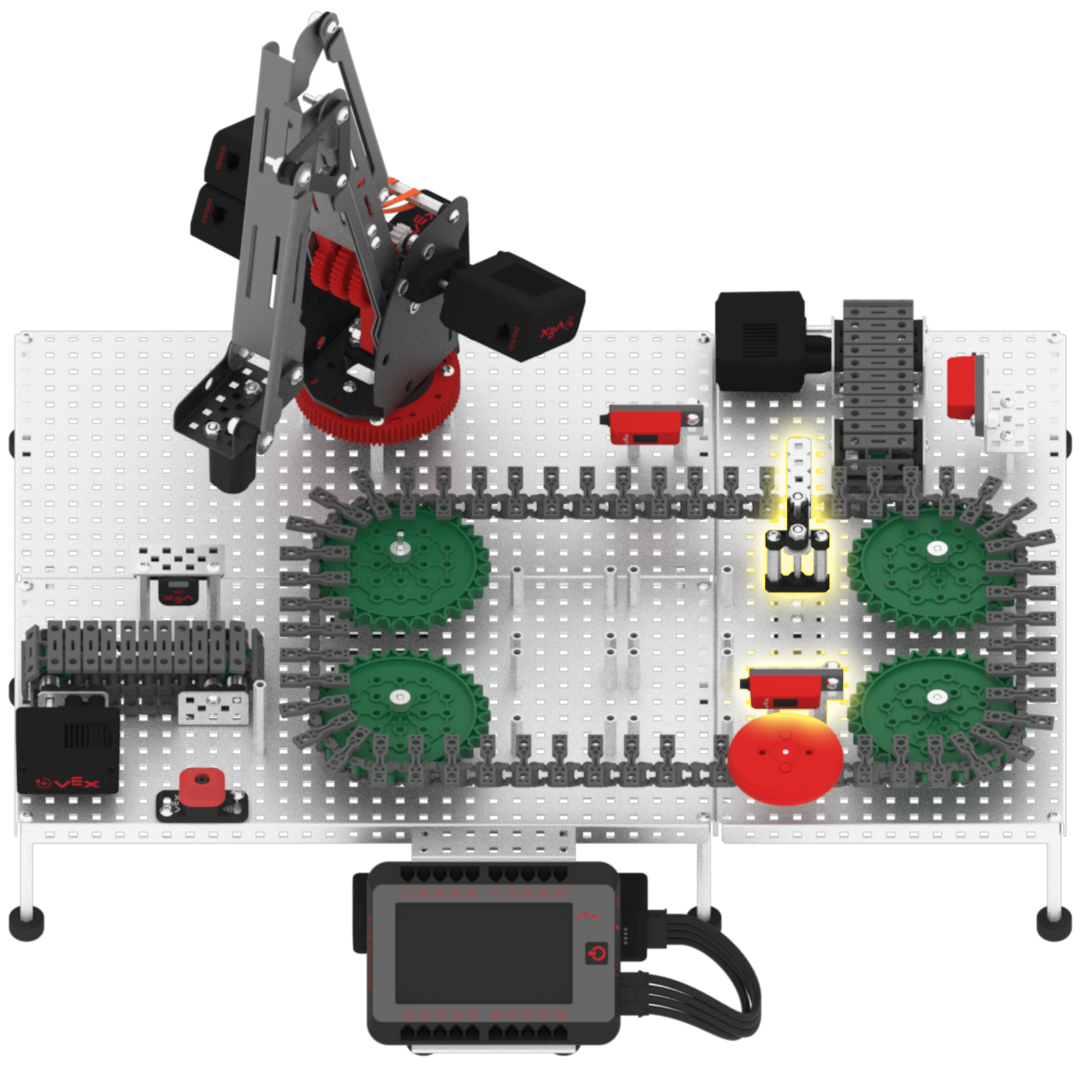
Once the red disk is loaded onto the Transport Conveyor, it will pass in front of the Load Sensor. When the red disk passes in front of the Load Sensor, the Diverter needs to be set to position in order to divert the red disk to the Exit Conveyor.
-
Add another [Comment] block and change the comment to, ‘Divert red disk to Exit Conveyor when disk is detected by Load Sensor.’
![Add another [Comment] block.](/stemlabs/sites/default/files/inline-images/add-divert-comment-to-red.png)
-
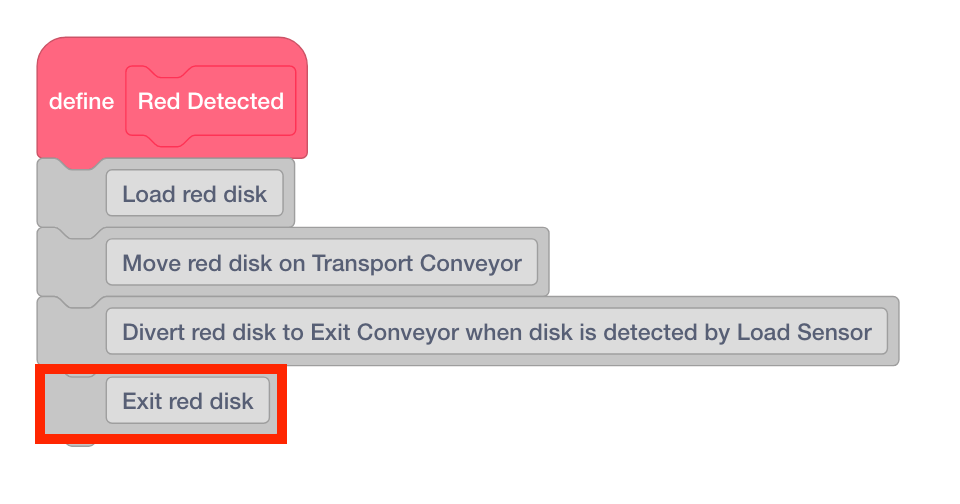
Once the Diverter has been set to position, the red disk will now be diverted off on the Exit Conveyor. Add another [Comment] block and change the comment to, ‘Exit red disk.’
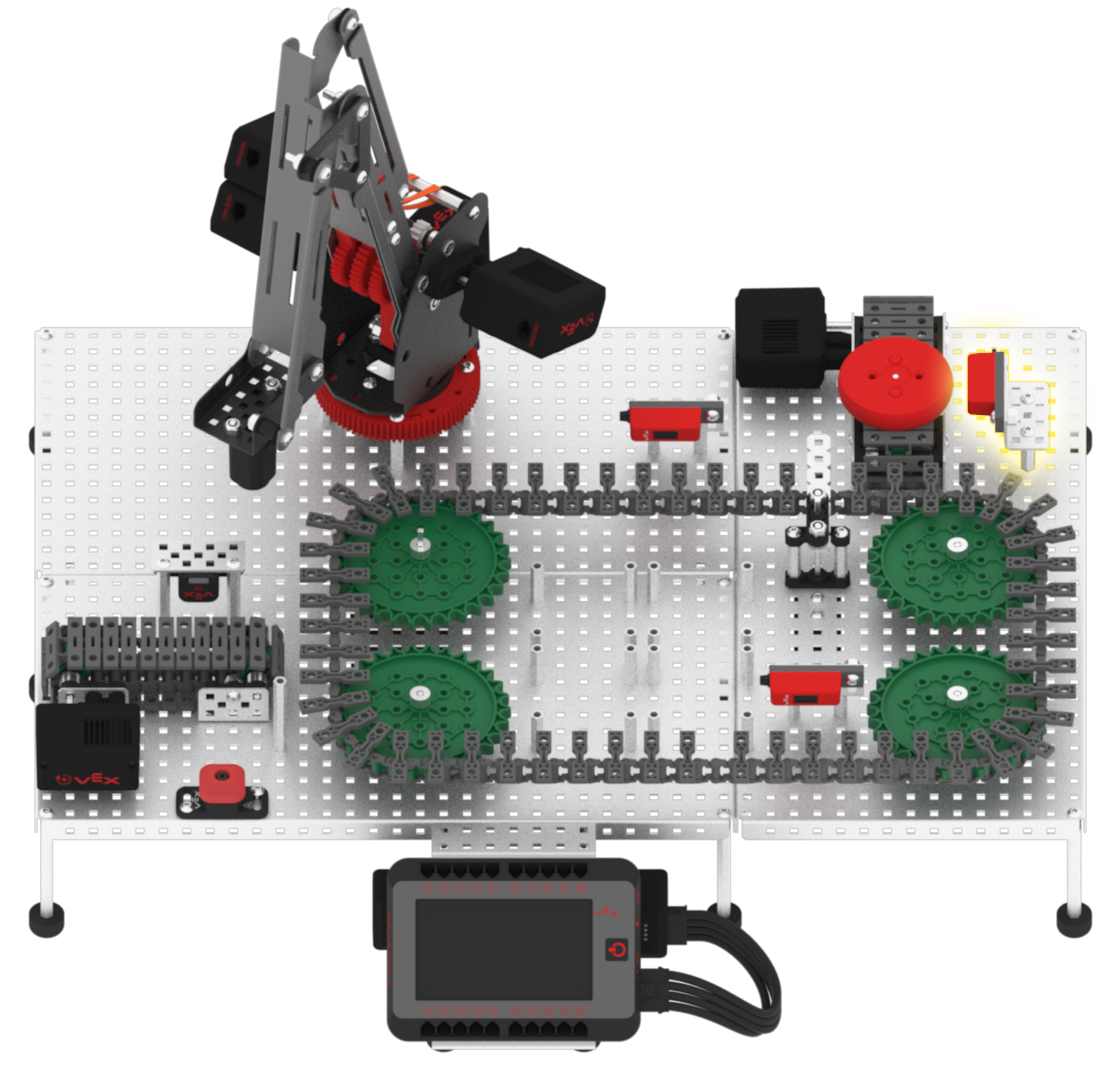
Once the red disk is on the Exit Conveyor, it will pass in front of the Exit Sensor. When the red disk passes in front of the Exit Sensor, all conveyors will need to stop.
-
Add another [Comment] block and change the comment to, ‘Stop all conveyors once the disk reaches the Exit Sensor.’
![Add another [Comment] block.](/stemlabs/sites/default/files/inline-images/add-stop-comment-to-red.png)