
Test the Workcell Project
- Place a red disk on the Entry Conveyor.
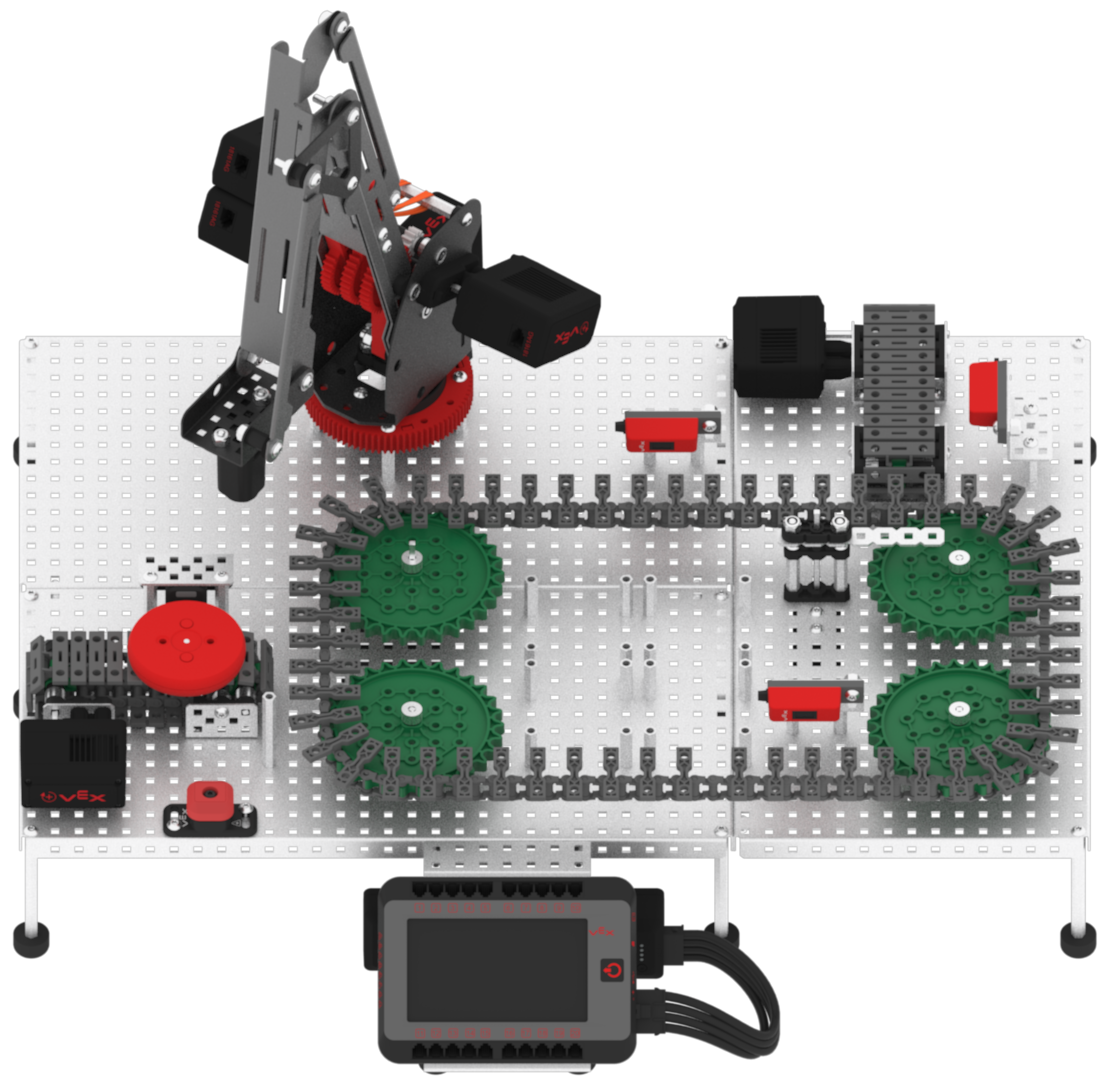
Note: manually move the Diverter back to the starting position if it is not there already.
- Download and run the project.

- Observe the red disk, acting as a faulty package or product, begin at the Entry Conveyor, travel through the Transport Conveyor, and be diverted off to the Exit Conveyor.
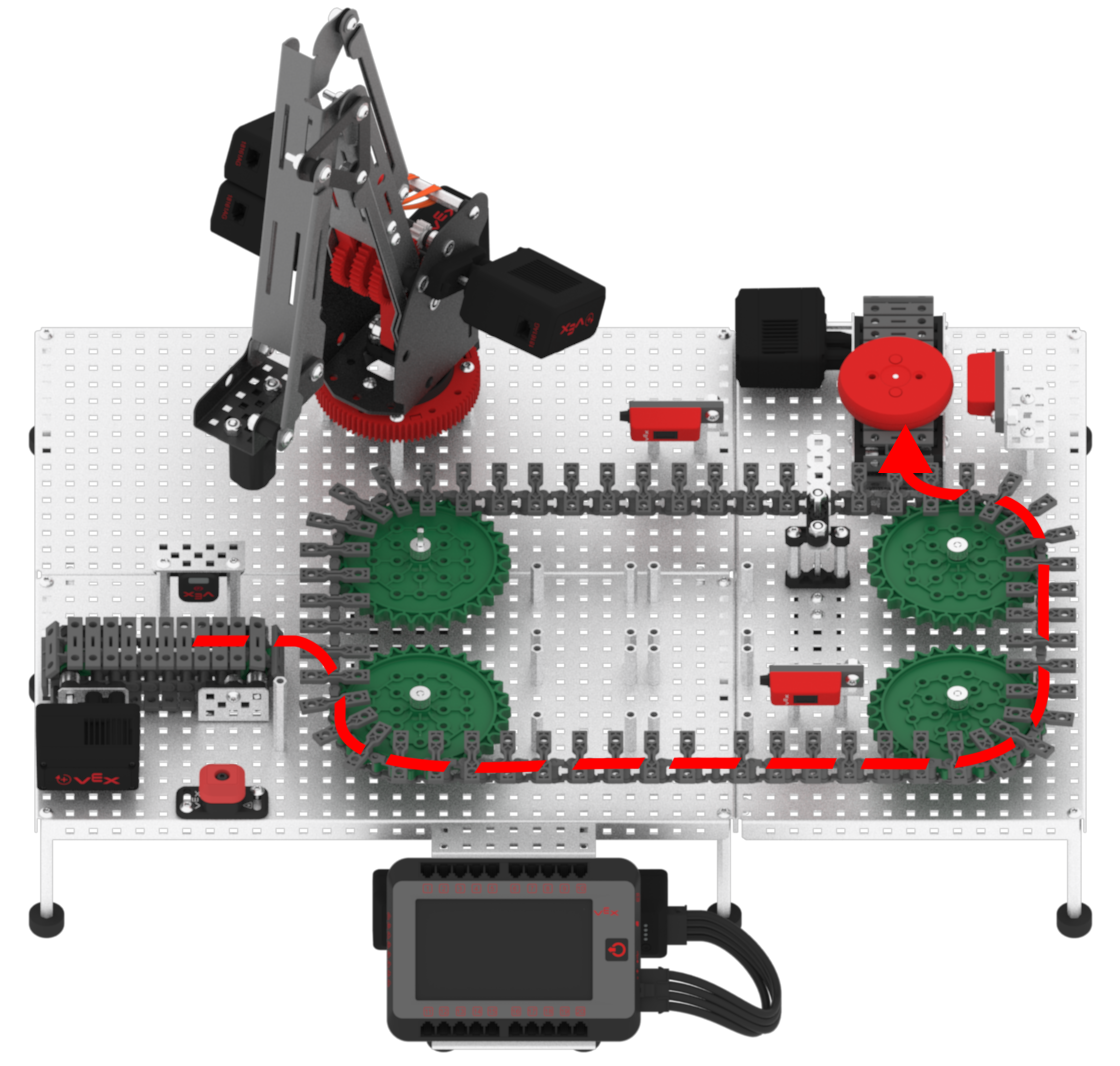
- Remove the red disk from the Exit Conveyor and add a green disk to the Entry Conveyor.
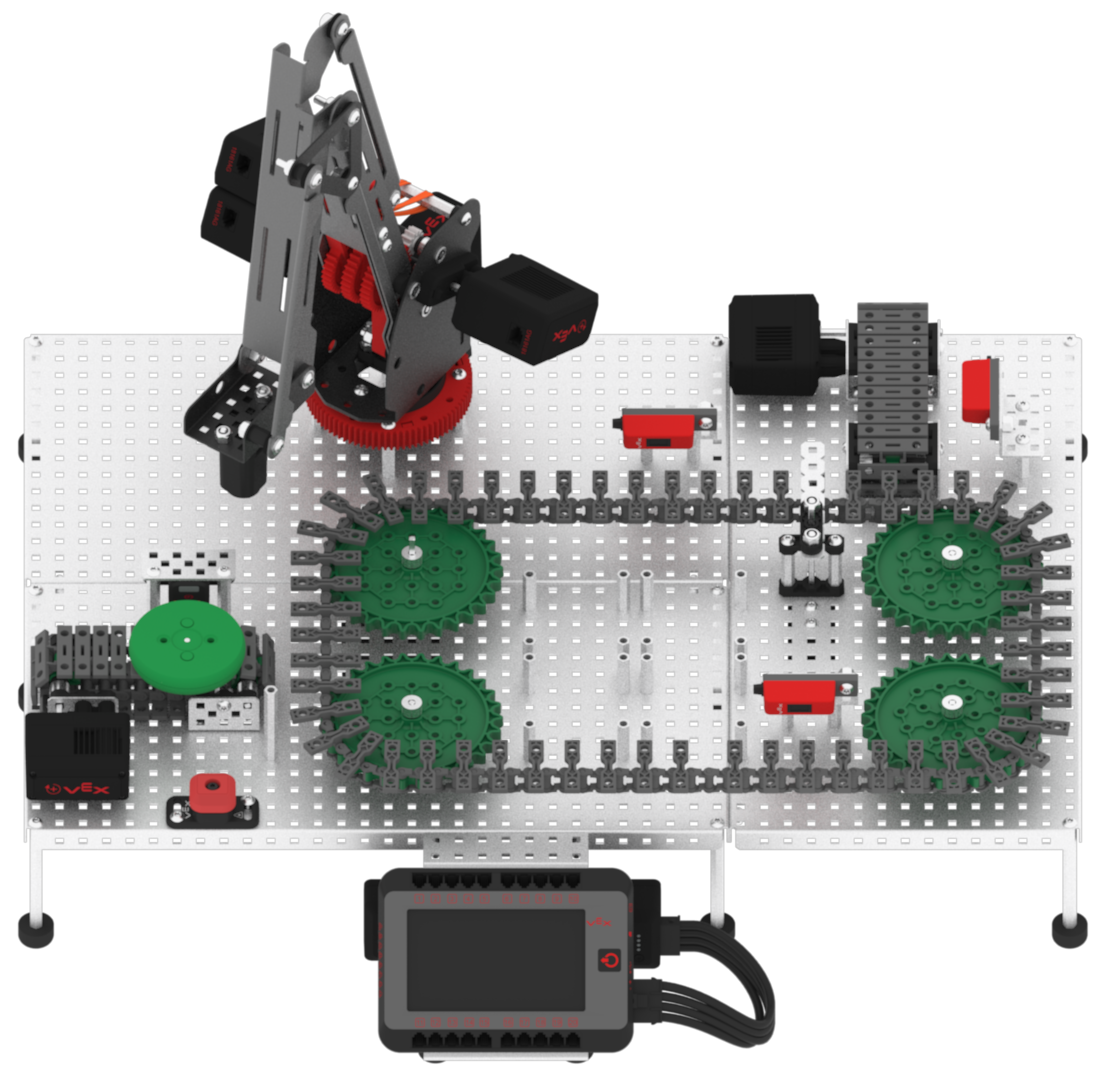
- Observe the green disk, acting as an acceptable package or product, will begin at the Entry Conveyor, travel through the Transport Conveyor, pass the Diverter to continue on the Transport Conveyor, and then stop in front of the Pickup Sensor.
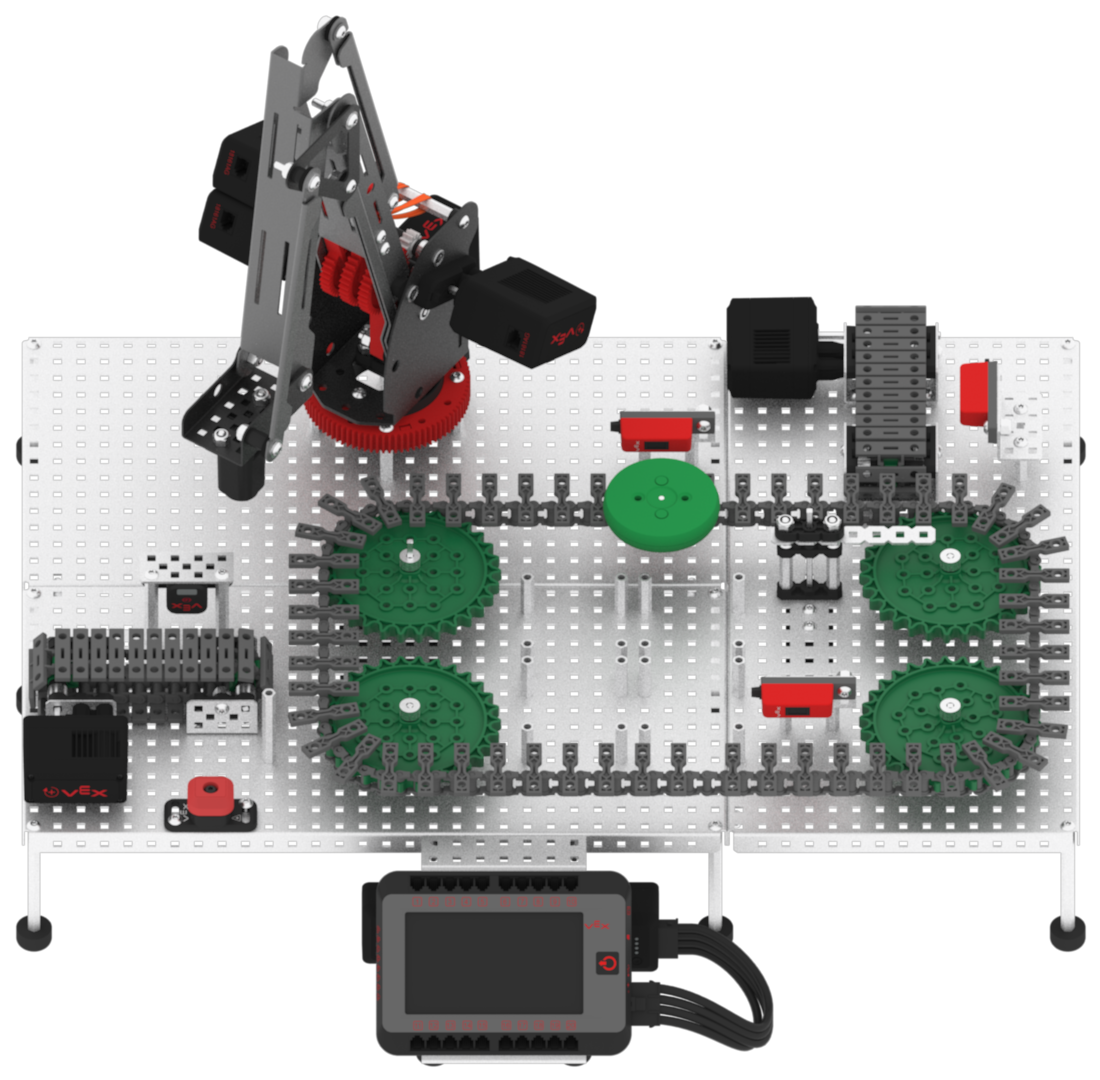
- Remove the green disk from the conveyor and test the project again using another green and red disk. Continue testing to see if you can sort four disks (two red and two green) in a row without stopping the project. Ensure to remove the disk after it has stopped at the sensor for each trial.