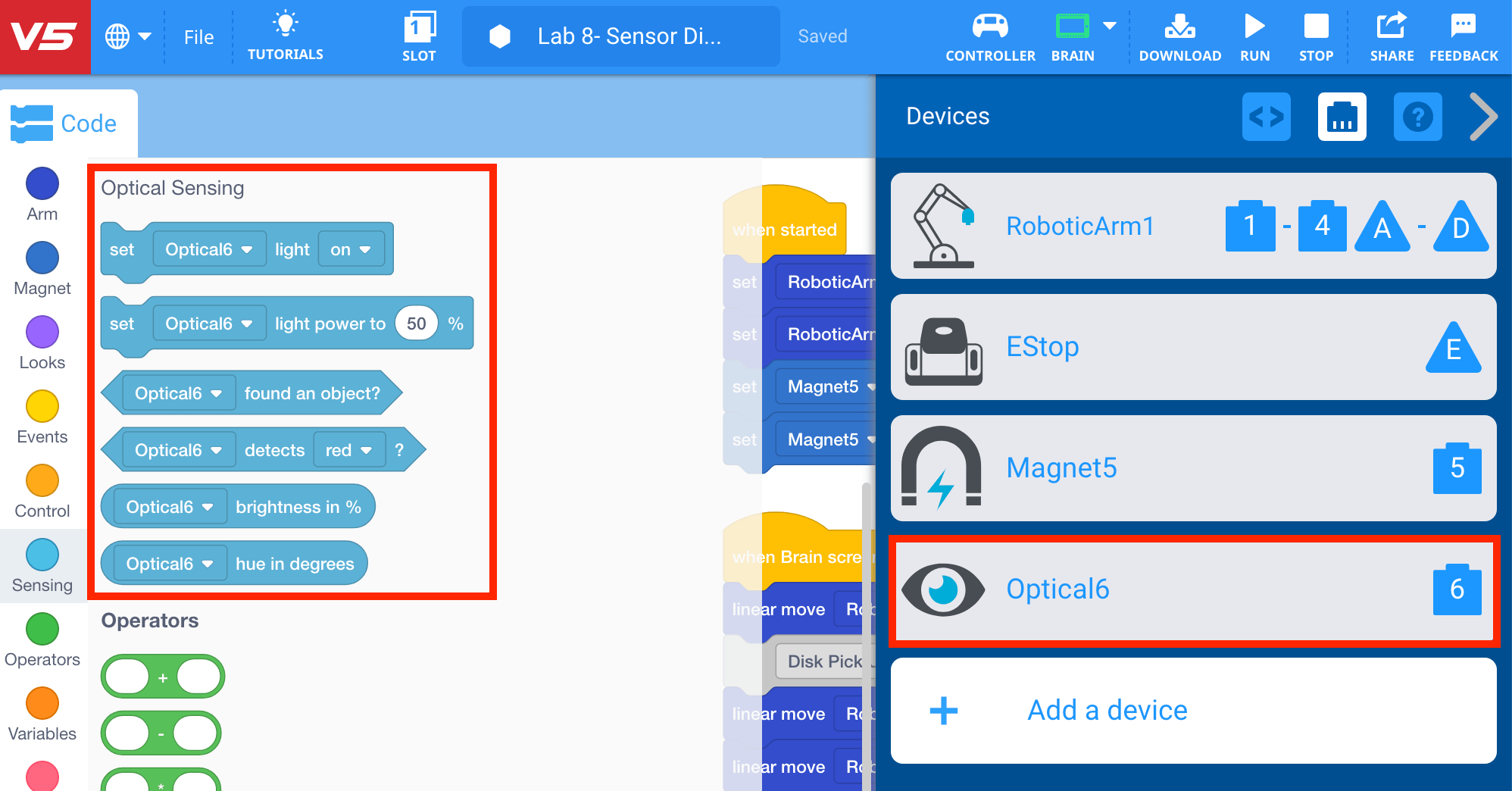
Adding the Optical Sensor to the Robot Configuration
Now that the [If then] blocks are organized and the arm mounted on the VEX V5 Workcell moves to the disk pick up location, the Optical Sensor needs to be added to the robot configuration in order for the arm mounted on the V5 Workcell to move to different disk drop off locations depending on the color of the disk detected.
The Optical Sensor can detect red, blue, and green colors as a hue and also detect grayscale values as well. The Optical Sensor can also detect an object within a short range as well as simple gestures. The Workcell uses an Optical Sensor to detect the color of disks.
- Select the Robot Configuration button to open the Devices window.

- Use the Devices window to add the Optical Sensor to Port 6.
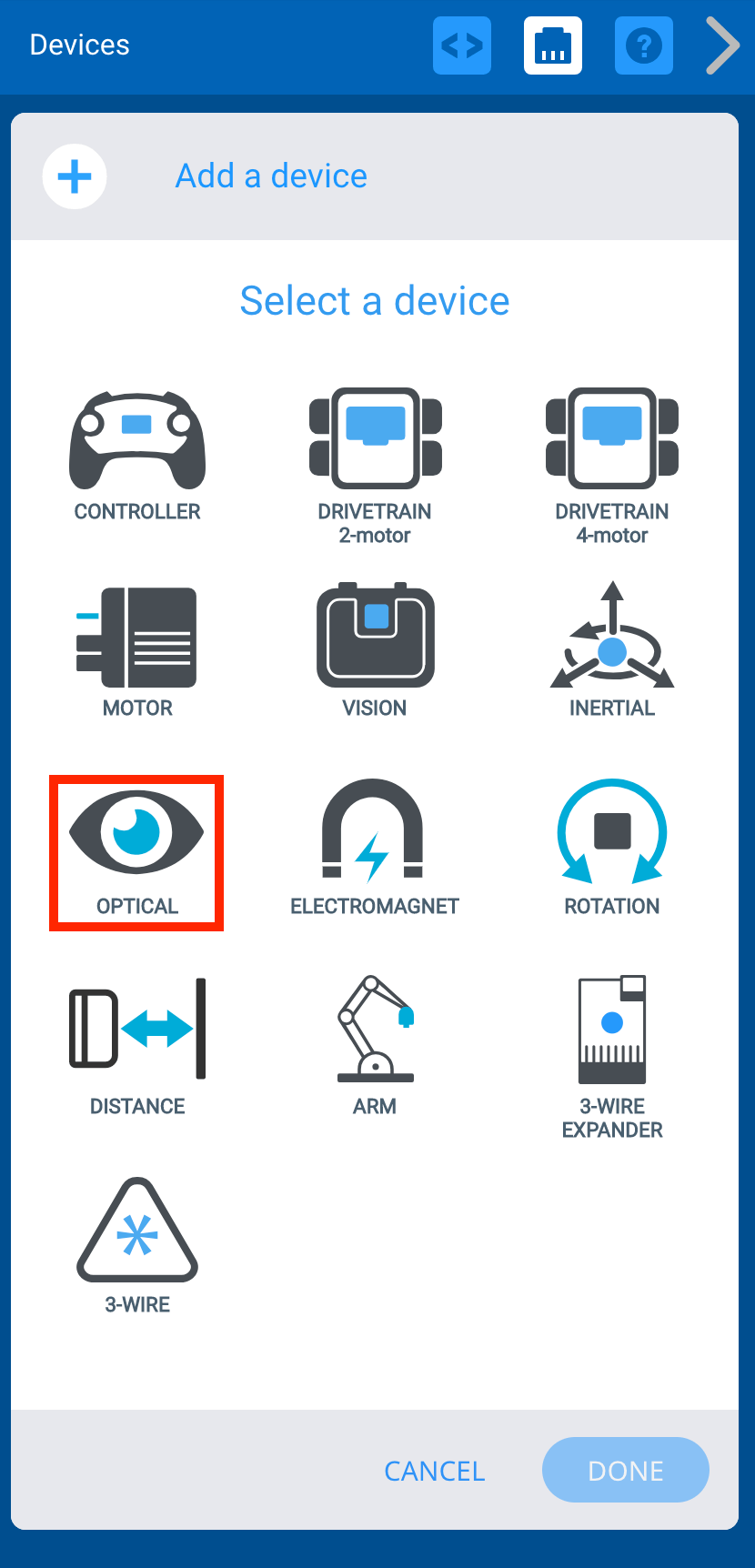
- Notice that once the Optical Sensor was added to the configuration, the ‘Optical Sensing’ category of blocks now appears in the Tool Box.