
Challenge
Previously in this Lab, you have pressed the V5 Brain’s screen to trigger the arm mounted on the VEX V5 Workcell to pick up disks from the pick up location and place them in disk drop off locations based on the color detected by the Optical Sensor. In this challenge, you will create a completely automated project that instructs the arm mounted on the V5 Workcell to pick up three disks of different colors from the pick up location and then drop off each disk in the matching drop off location. The color of each disk will be detected and reported by the Optical Sensor.
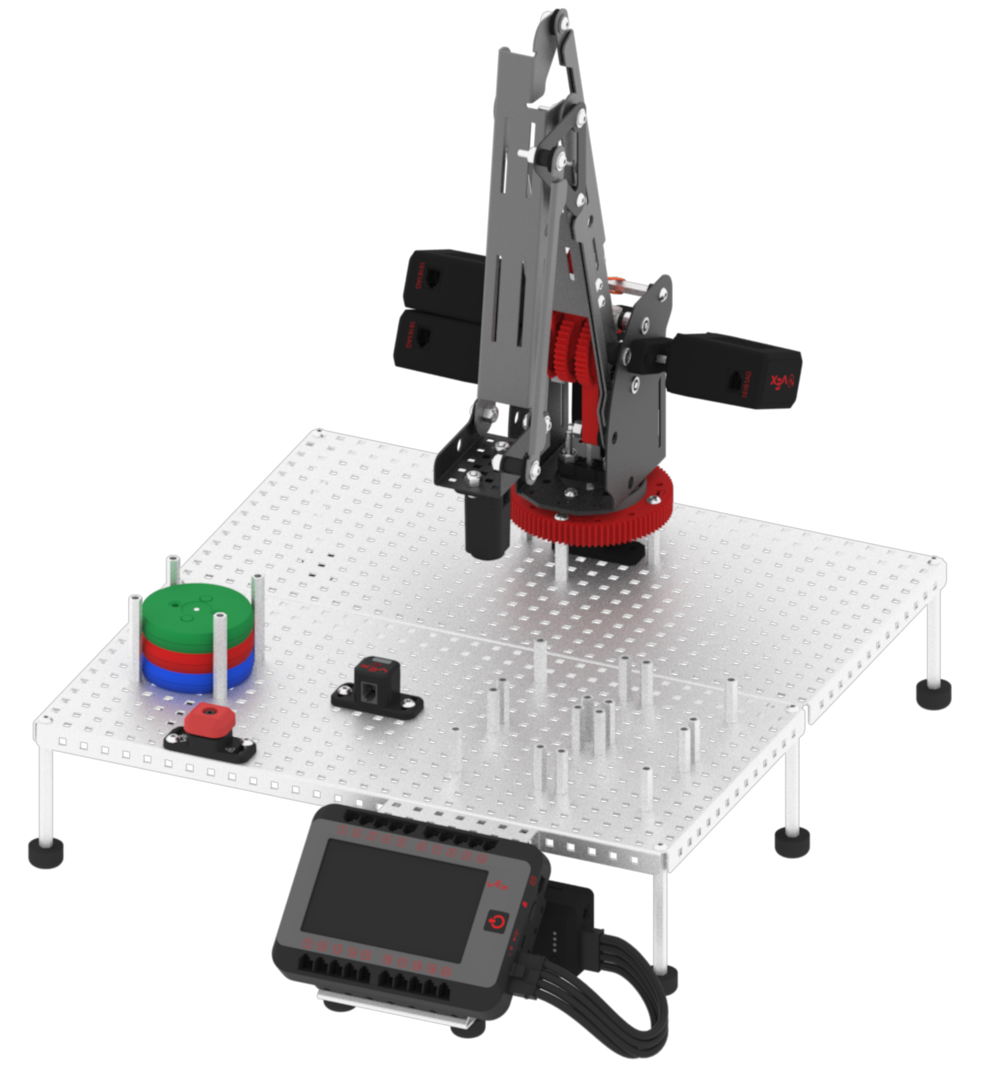
Follow these steps to complete the challenge:
- Open the ‘Lab 8- Sensor Disk’ project in VEXcode V5.
- Select ‘File’ then ‘Save As’ to rename the project ‘Lab 8- Challenge.’
- Using the skills developed earlier in this Lab, edit the project. The arm mounted on the V5 Workcell should perform the following behaviors:
- Move to the pick up location when the project is started.
- Pick up a colored disk and move the disk over the Optical Sensor.
- Based on the color reported by the Optical Sensor, move and drop off the disk in the matching color location.
- Note that the pick up location will be filled with three disks at the beginning. Your project should account for the varying heights of the disks while in a stack.
- Run the project.