
Restructure the Sensor Disk Project
The ‘Sensor Disk’ project utilizes [If then else] blocks. We will restructure the project to use [If then] blocks to determine how the arm mounted on the VEX V5 Workcell should move once it detects a certain color using the Optical Sensor.
The [Linear move], [Energize Electromagnet], and [Comment] blocks from the current stack of blocks will be moved into the new stack of [If then] blocks to better organize the conditionals.
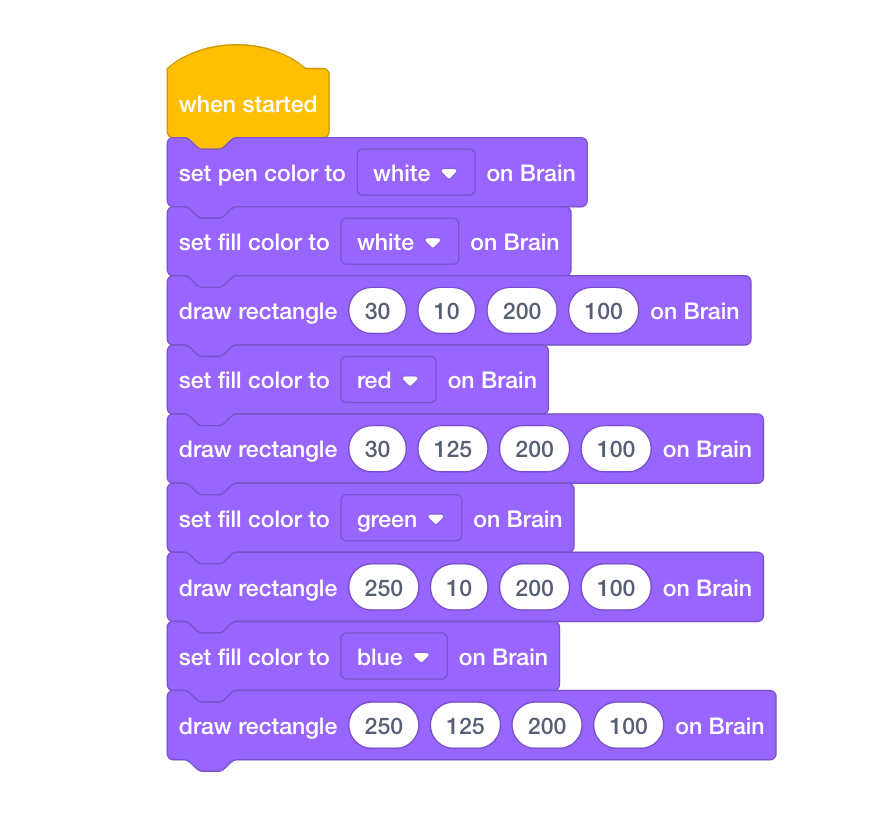
- Delete the stack of blocks that prints the colored buttons on the V5 Brain’s screen. Since the output of the Optical Sensor will now determine how the arm mounted on the V5 Workcell will move based on a disk’s color, the colored buttons are no longer needed.
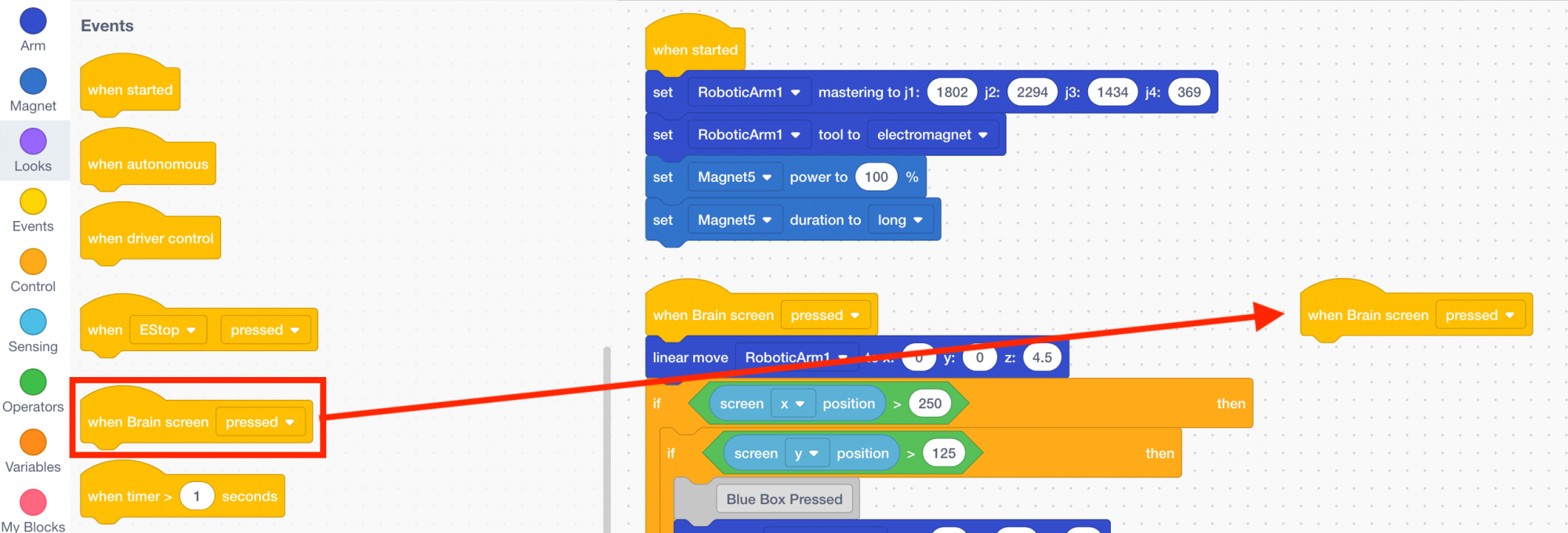
- Select and drag a {When brain screen} block from the ‘Events’ category in the Tool Box and add it to the workspace.
- Select and drag three [If then] blocks from the ‘Control’ category in the Tool Box and attach it to the {When brain screen} block.
![Select and drag three [If then] blocks.](/stemlabs/sites/default/files/inline-images/add-if-then_0.png)
- Move the first [Linear move] block set to the coordinate (0, 0, 4.5) from the first stack of blocks, and attach it to the {When brain screen} block in the second stack.
![Move the first [Linear move] block.](/stemlabs/sites/default/files/inline-images/move-1-linear-move_0.png)