
Programming the Optical Sensor
Now that the Optical Sensor has been added to the robot configuration, it can be used in the project.
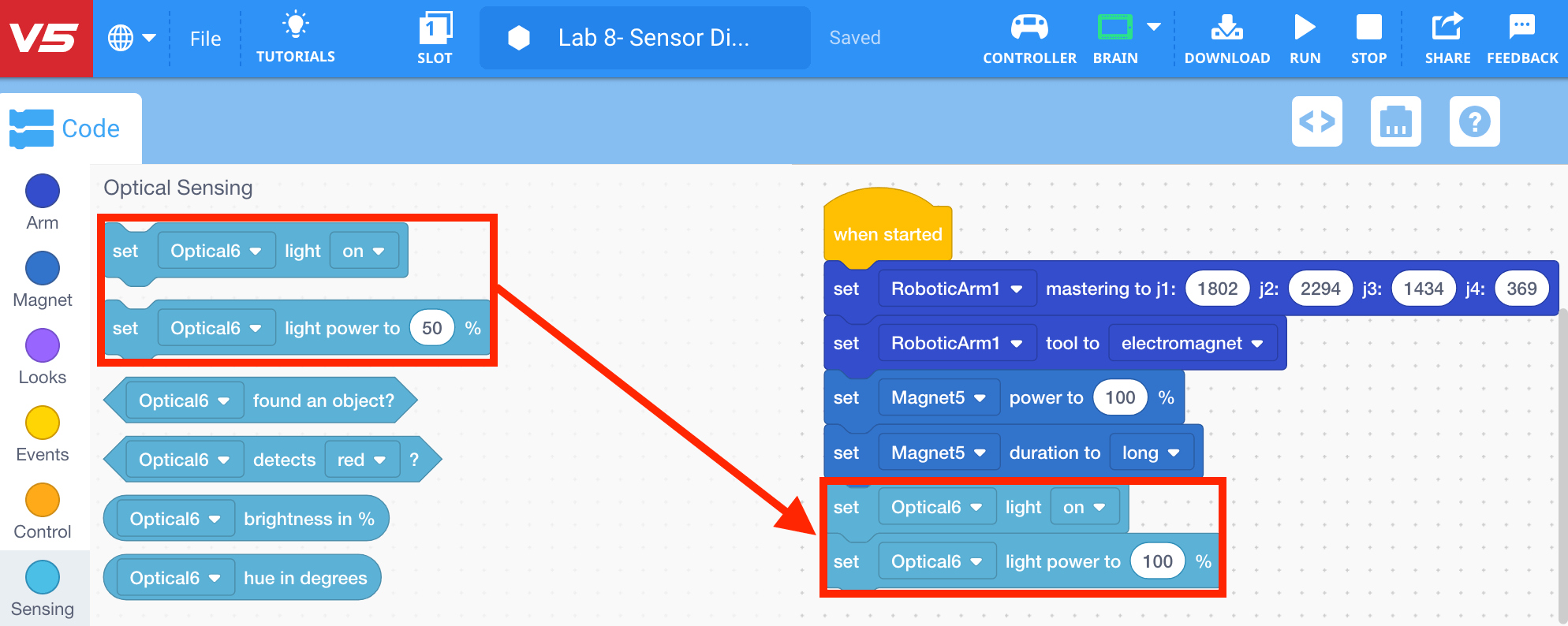
The [Set optical light] and [Set optical light power] blocks can be used to improve the consistency of the color detection by providing a consistent light source.
- Select and drag the [Set optical light] and [Set optical light power] blocks from the ‘Optical Sensing’ category in the Tool Box and attach it to the [Set Electromagnet duration] block. Set the parameter of the [Set optical light power] block to 100%.
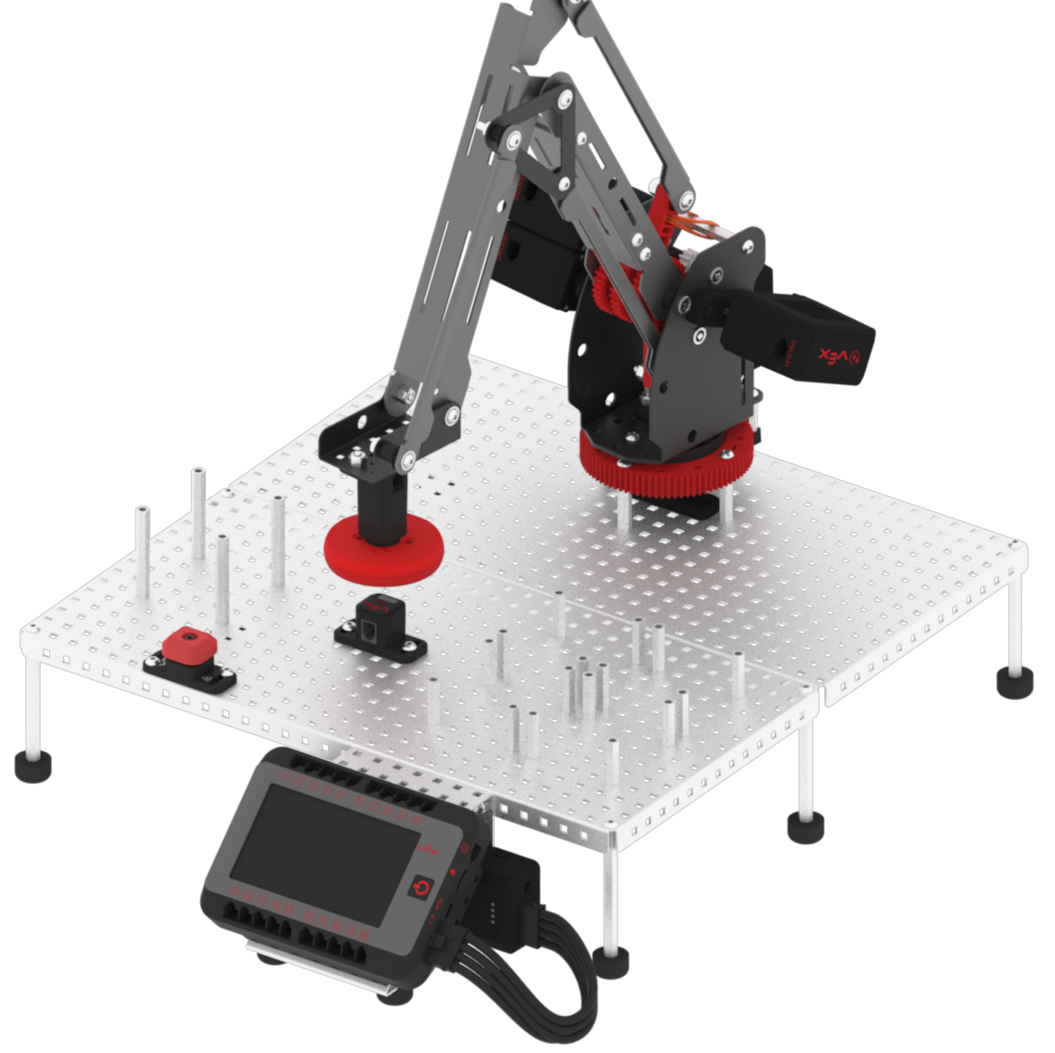
- After the arm mounted on the VEX V5 Workcell picks up a disk, it must move it above the Optical Sensor in order for the color to be detected.
- Select and drag the [Comment] block from the ‘Comments’ category in the Tool Box and attach it to the [Linear move] block. Change the comment to, ‘Move to Optical Sensor Location.’
![Select and drag the [Comment] block.](/stemlabs/sites/default/files/inline-images/add-comment-optical.png)
- Select and drag the [Linear move] block from the ‘Arm’ category in the Tool Box and attach it to the [Comment] block. Set the parameters of the [Linear move] block to the (x, y, z) coordinates of the location above the Optical Sensor.
![Select and drag the [Linear move] block.](/stemlabs/sites/default/files/inline-images/move-to-optical-sensor-location.png)