
Create the Sensor Disk Project
- Open the ‘Lab 7- Hand Disk’ project from a previous Lab.

- To save and rename the project for Lab 8, select ‘File’ and then ‘Save As’ from the Toolbar in VEXcode V5.
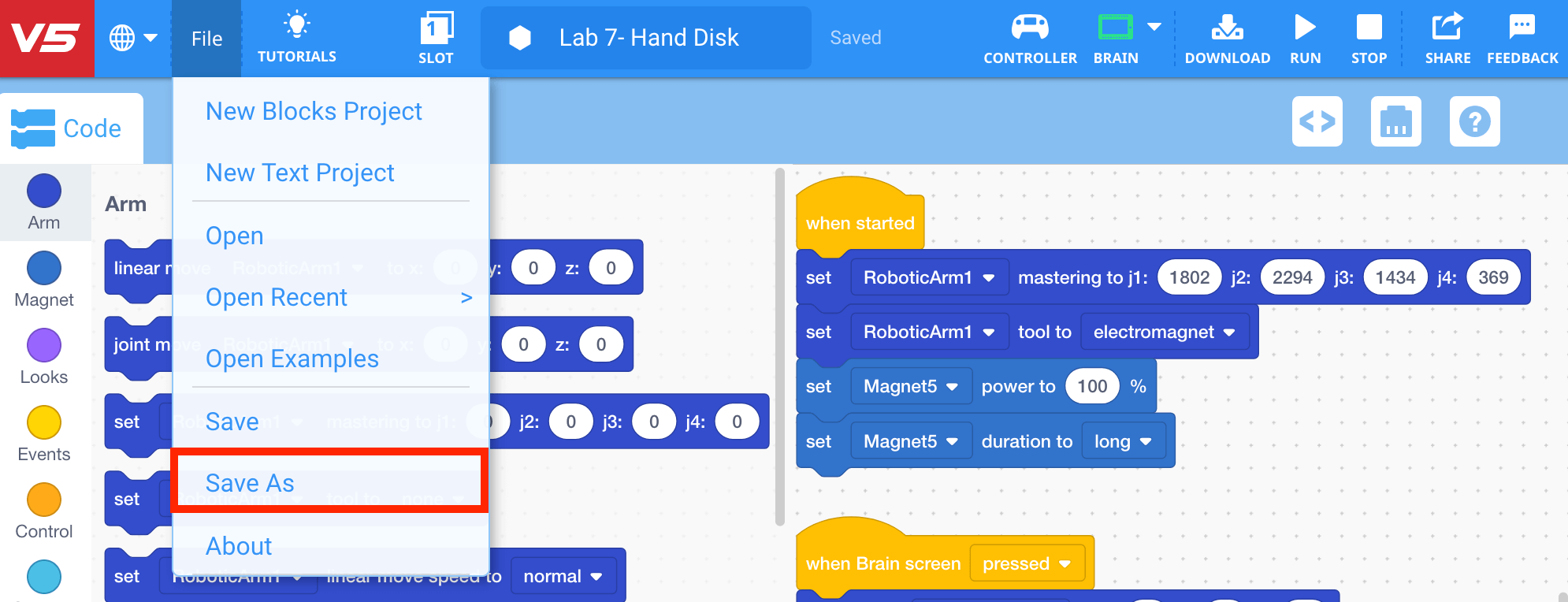
-
Name the project ‘Lab 8- Sensor Disk.’
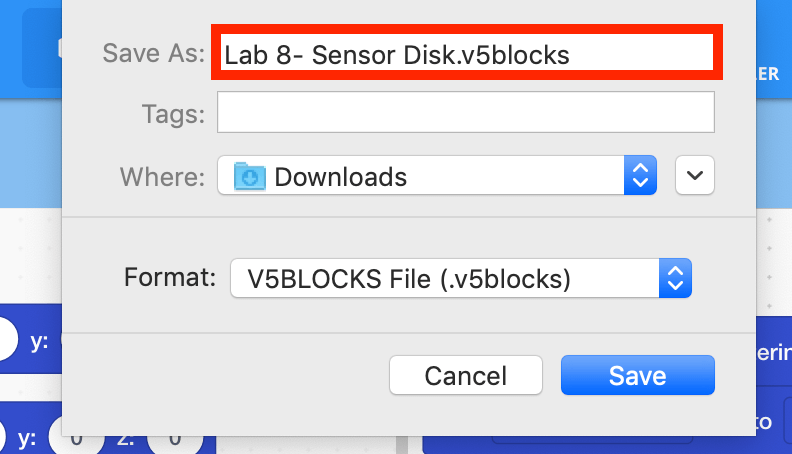
Note: for more information about saving, view the Save a Blocks Project (Chromebook, Windows, macOS) articles.
- The Toolbar will now display the project as ‘Saved.’ Any subsequent changes to the project will be automatically saved.
