
When Brain Screen Pressed
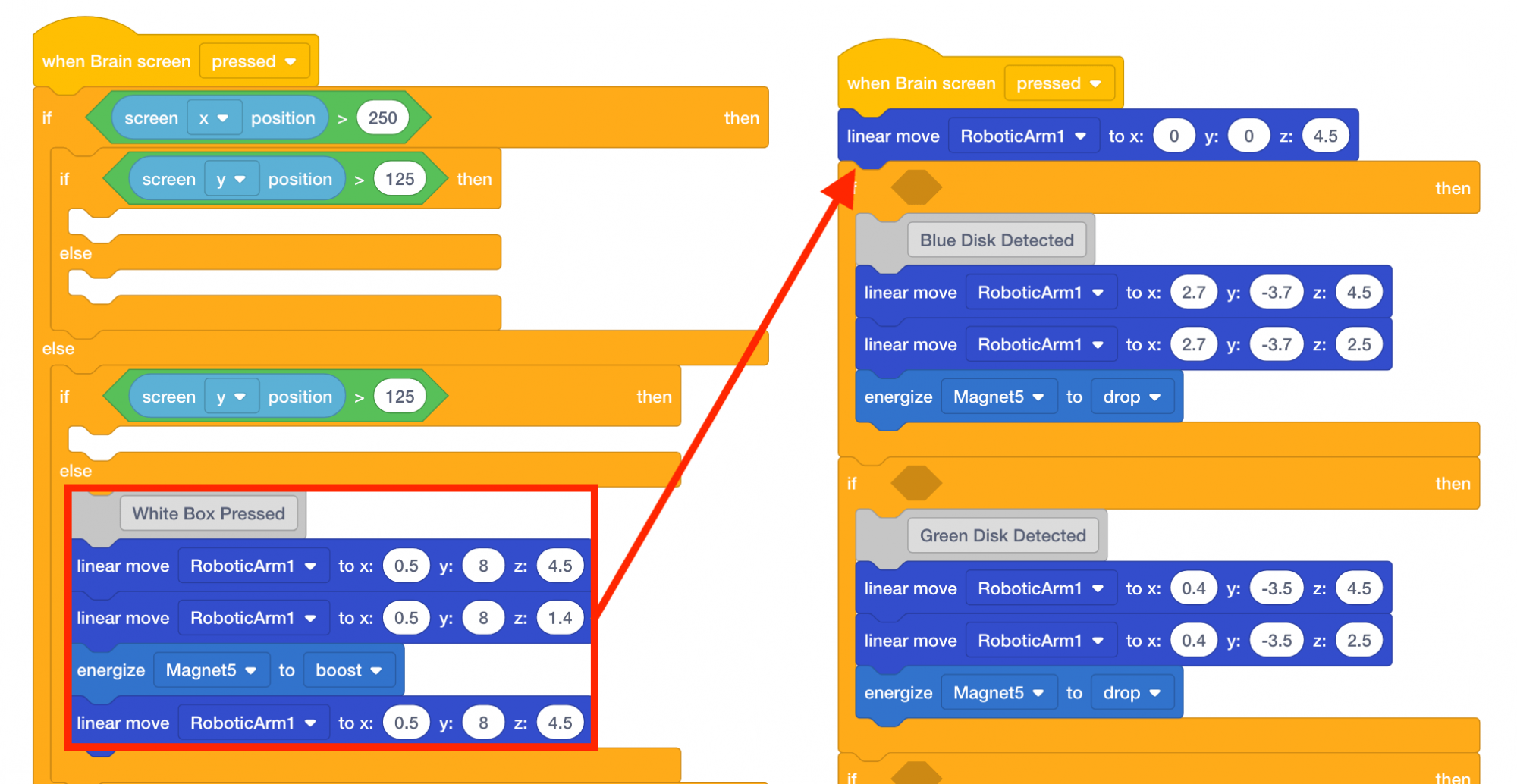
Pressing the V5 Brain’s screen will still trigger the arm mounted on the VEX V5 Workcell to move to the disk pick up location and pick up a disk. Thus, the five blocks that move the arm mounted on the V5 Workcell to the disk pick up location will now be moved to the second stack of blocks.
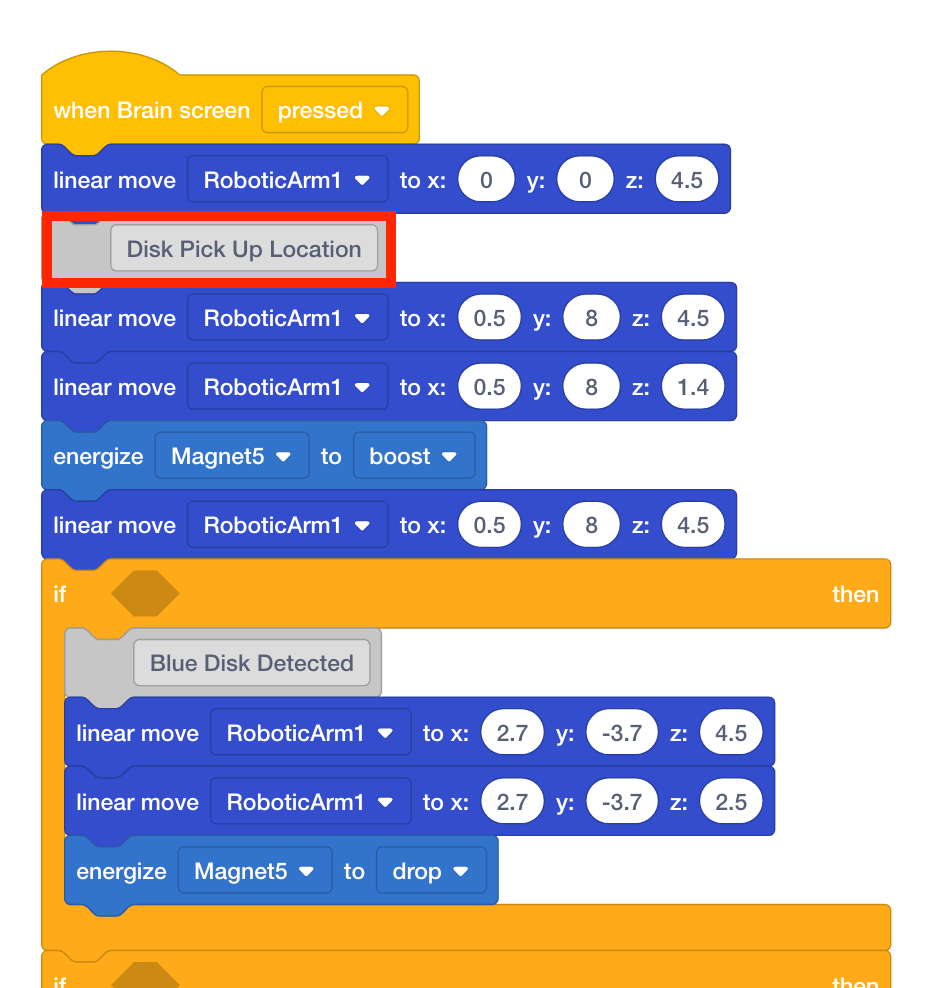
- Move the five blocks associated with the moving to the disk pick up location under the first [Linear move] block in the stack. This placement is helpful because the arm mounted on the V5 Workcell will first move to the origin location, and then move to the disk pick up location.
- Adjust the comment to ‘Disk Pick Up Location.’
- The first stack of blocks that contained the [If then else] blocks can now be deleted.
![Delete the [If then else] blocks.](/stemlabs/sites/default/files/inline-images/delete-stack-1.png)
- Place a red disk in the disk pick up location.
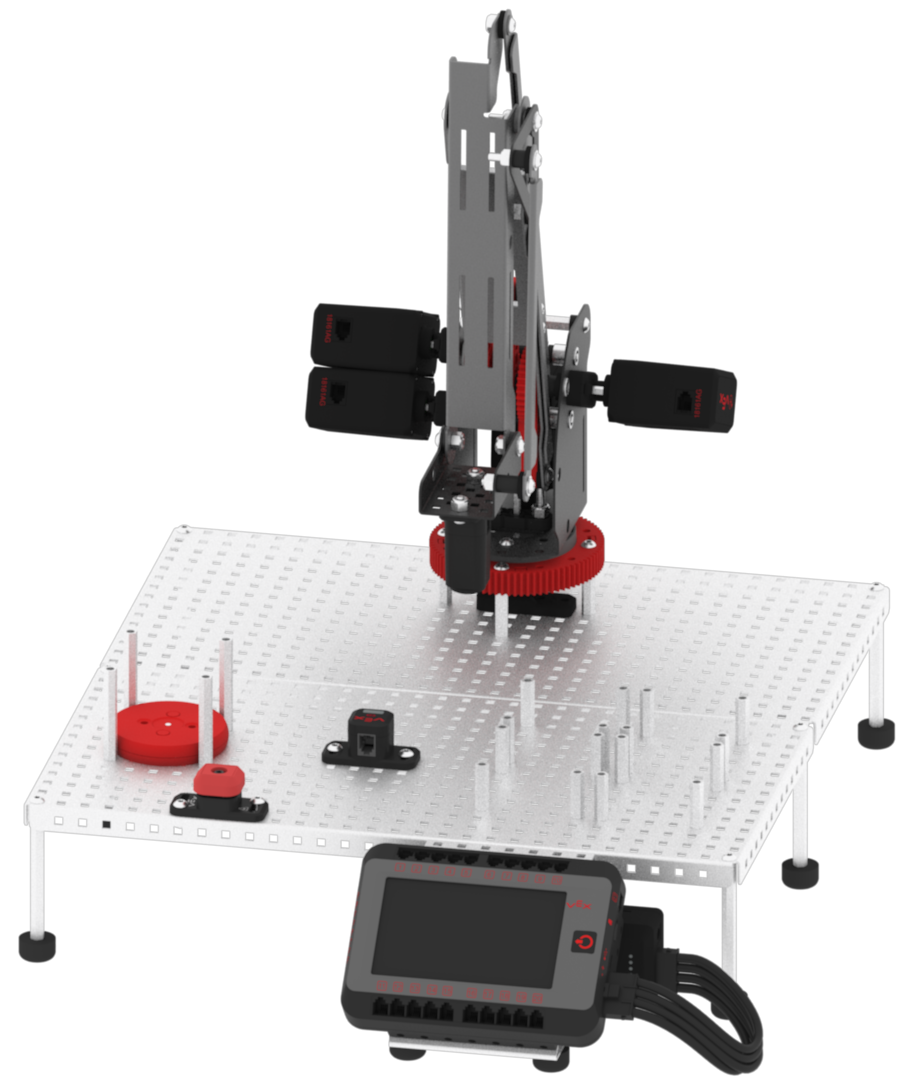
- Download and run the project.

- Press the V5 Brain’s screen to execute the stack of blocks to move the arm mounted on the V5 Workcell to the disk pick up location. Observe the arm mounted on the V5 Workcell move to the disk pick up location and pick up the red disk.
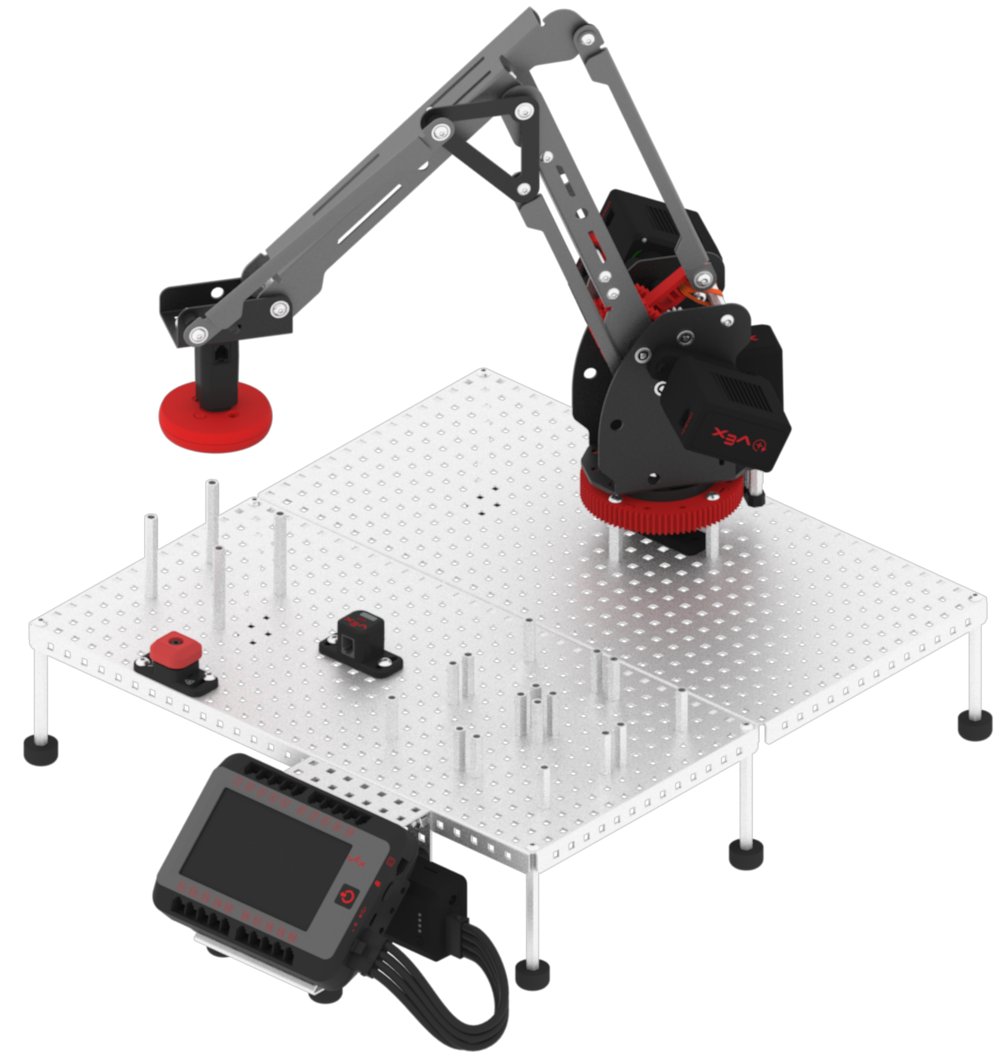
- Stop the project.
