
Congratulations! Now that you have completed the Capstone Mission, it is time to reflect on your progress throughout this course. With each mission, you learned more about piloting the VEX AIR Drone, using the VEX AIR Flight Simulator, and the controls on the VEX AIR Drone Controller. Before moving on, take a moment to reflect on your learning with your class, calculate your total flight information, and complete your course certificate.
The image below shows a drone designed for outdoor flight, flown by a professional pilot.

Reflect on Your Progress
Think back to the very first unit in this course. You were likely a complete beginner, starting from scratch to learn about drones and how to fly in the simulator. You have come a long way in a short time! Reflection is an important learning tool, as it allows you to remind yourself of all that you have learned and accomplished.
Review the following questions to prepare for a whole-class discussion:
- What is the most impactful thing you learned in this course? Why?
- What was your biggest challenge in this course? Why? What did you learn from it?
- If you could go back and repeat one mission from the course, what would it be? Why?
- Rate yourself on a scale of 1-10 for how confident you were about flying a drone at the start of the course, and now. Is your rating similar or different? Why?
In the next course, you will apply all that you learned in the simulator to flying the physical drone.
- What are you looking forward to learning about? Why?
- What is something you are excited to try with the physical drone? Why?
- How well do you think you will be able to transfer your simulator training to the drone? Why?
Mission Log Summary
Your Mission Logs are a record of every flight you have taken in the VEX AIR Flight Simulator. This is valuable information about your pilot training. Now that you have completed the VEX AIR Virtual Flight Course, you can total your flights and flight time using your Mission Logs.
Total Flights and Flight Time
Look back at all of your Mission Logs from the start of the course through the Capstone Mission.
- Add up the total number of flights you completed in the course.
- Add up every flight's duration, and determine how many hours, minutes, and seconds you logged in the simulator.
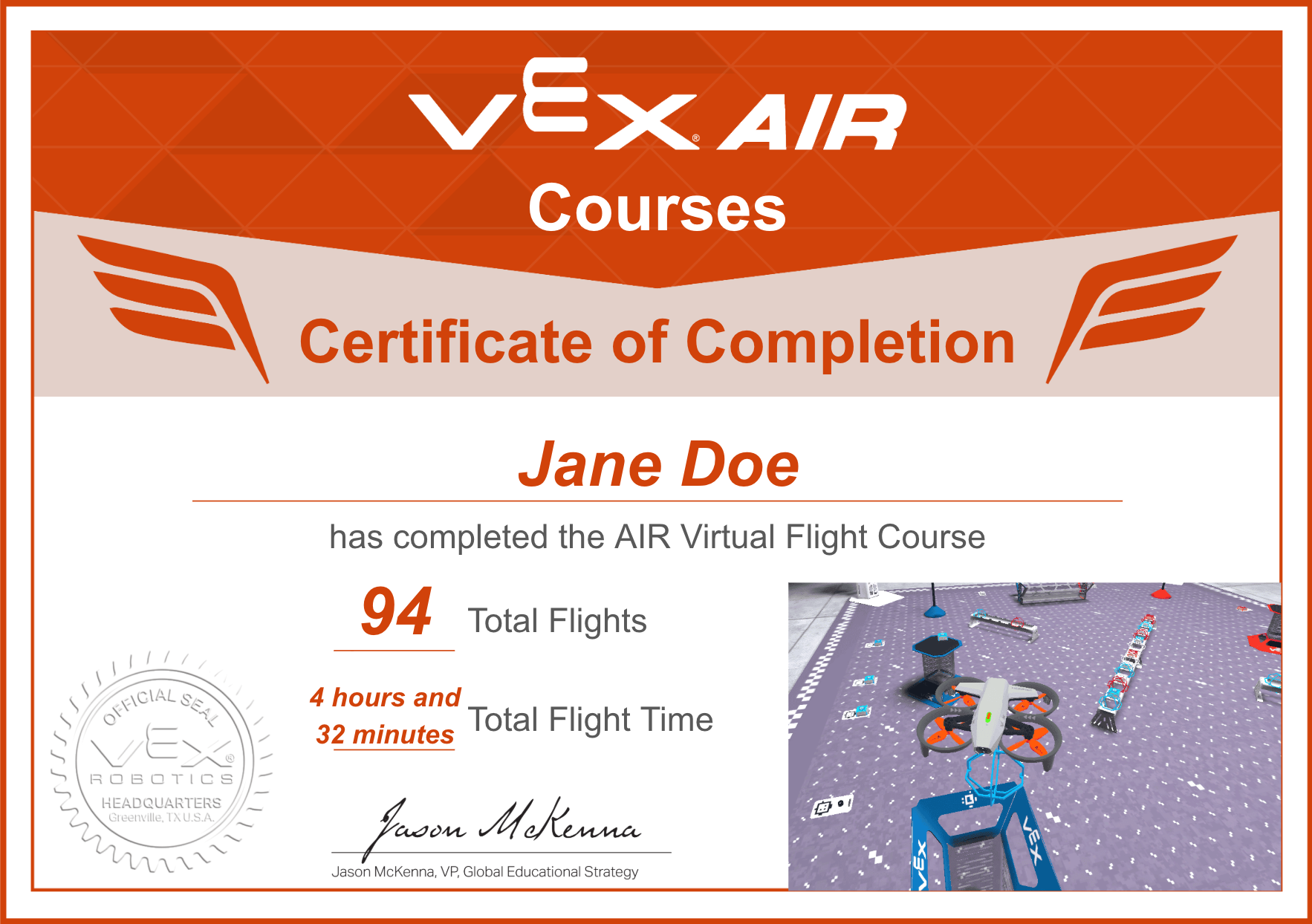
Record your totals on your Virtual Flight Certificate.
Congratulations!
Select Return to Units > to return to the course overview.