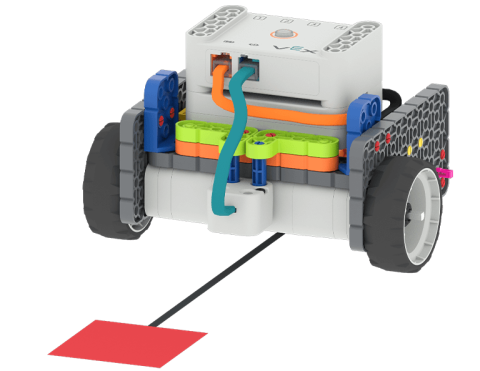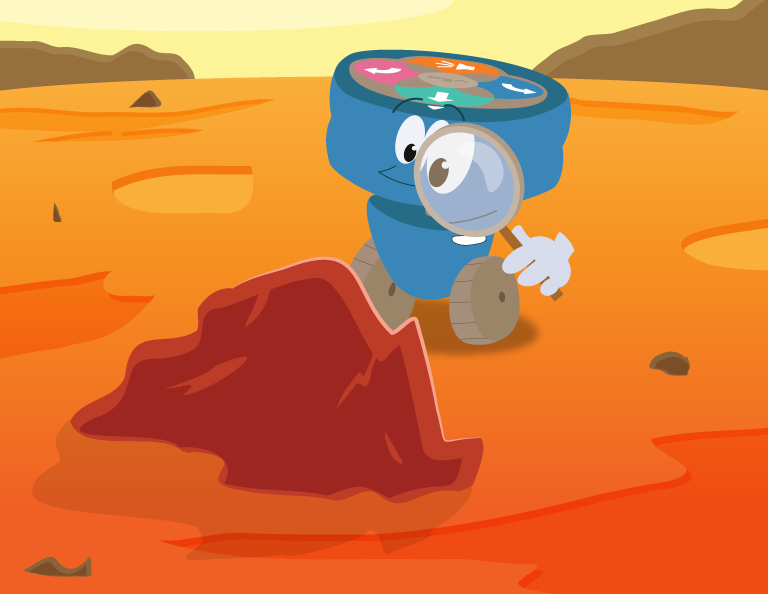
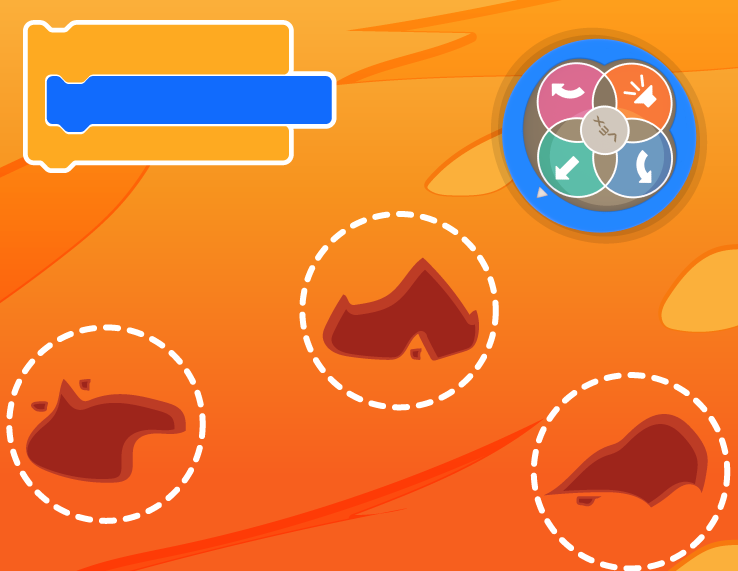
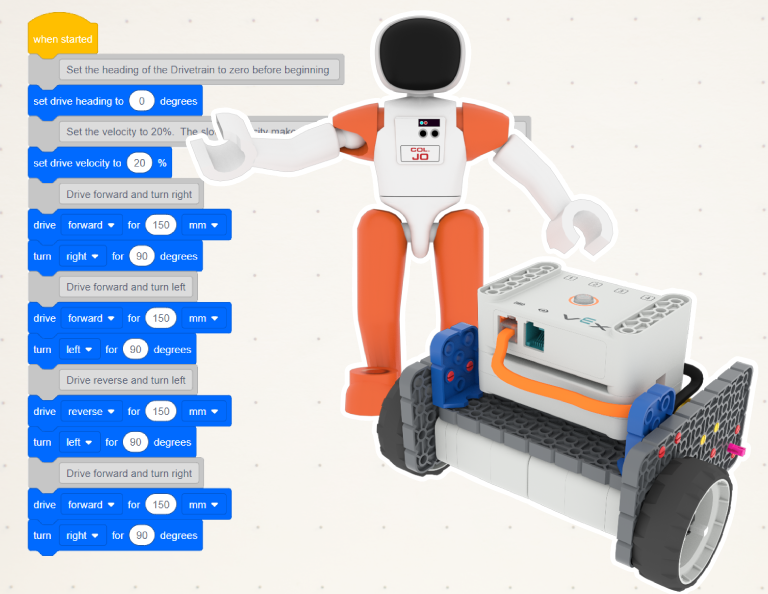
Verwenden Sie den Augensensor, um Ihren Roboter zu steuern.

Activity Image
Image
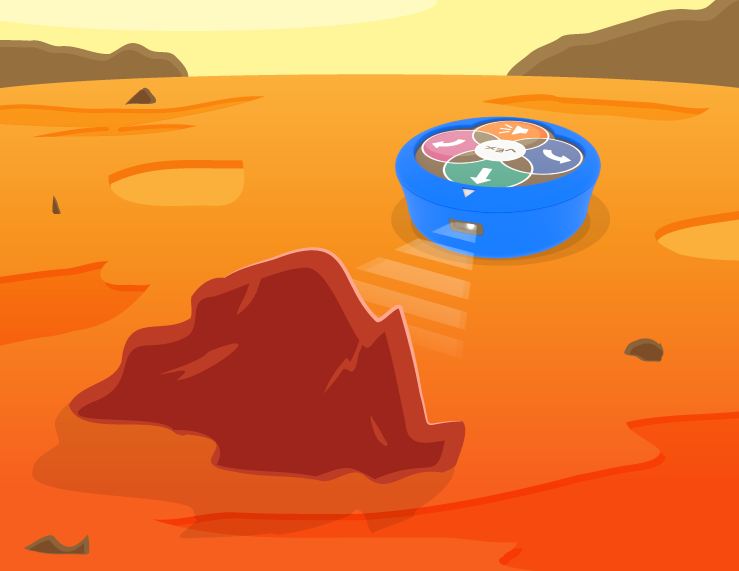
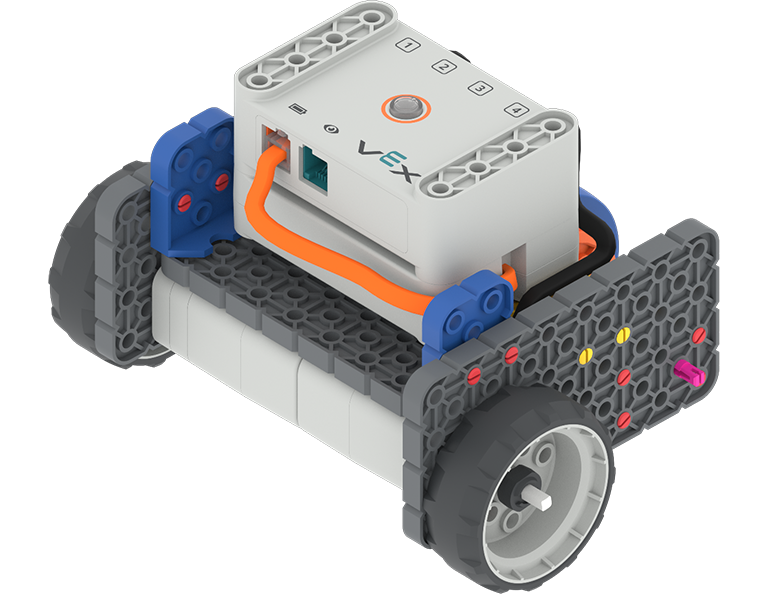
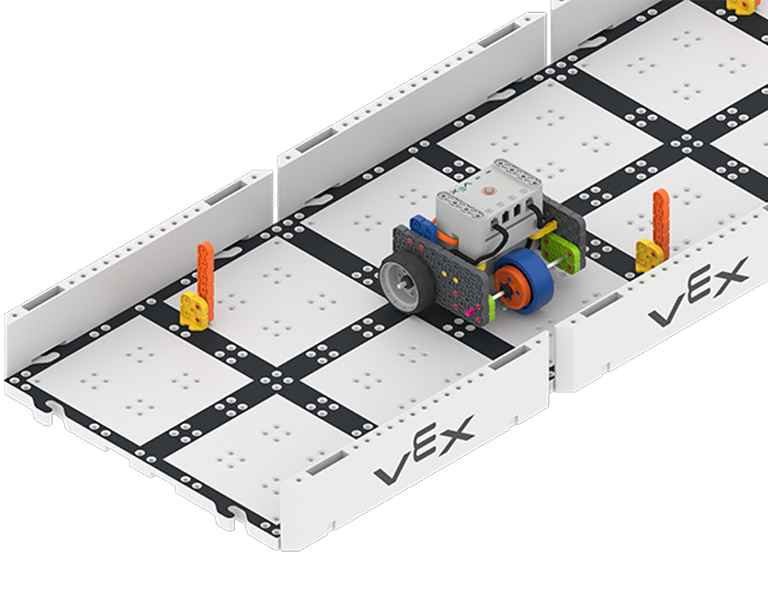
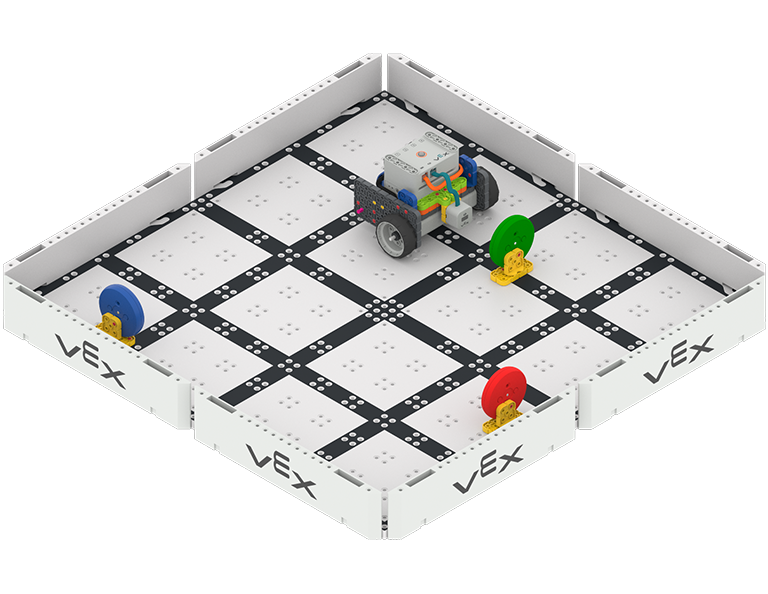
Code Base - Eye Down build following a path towards a red square placed on the floor.
VEX Platform
Activity PDF Link
https://content.vexrobotics.com/assets/education/stem-labs/docs/go/Activities/GO Activity - Color Code It.pdf

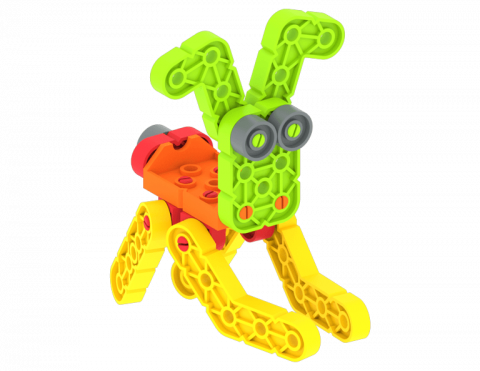
Erstellen Sie Ihr eigenes Beispiel für eine Lebensmittelkette!

Activity Image
Image
Food Chain!
VEX Platform
Builds
Activity PDF Link
https://content.vexrobotics.com/assets/education/stem-labs/docs/go/Activities/GO Activity - Food Chain.pdf

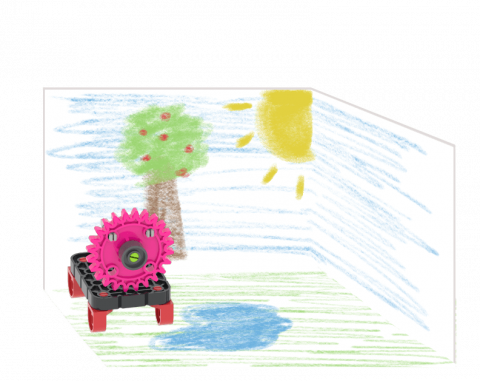
Erkunden und erstellen Sie eine Tierlebensraumdarstellung.

Activity Image
Image
Animals Habitats
VEX Platform
Activity PDF Link
https://content.vexrobotics.com/assets/education/stem-labs/docs/go/Activities/GO Activity - Animal Habitats.pdf

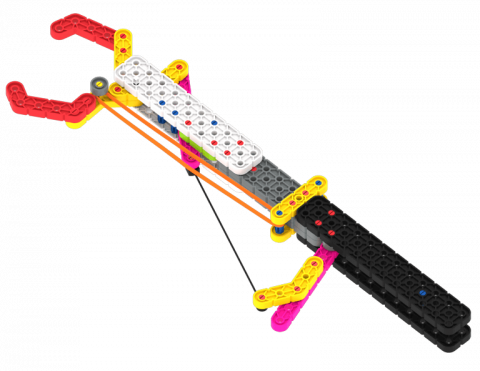
Erstellen Sie eine Broschüre, in der die verschiedenen Einsatzmöglichkeiten der Adaptation Claw als hilfreiches Werkzeug erläutert werden.

Activity Image
Image
Handy Helpers
VEX Platform
Activity PDF Link
https://content.vexrobotics.com/assets/education/stem-labs/docs/go/Activities/GO Activity - Handy Helpers.pdf

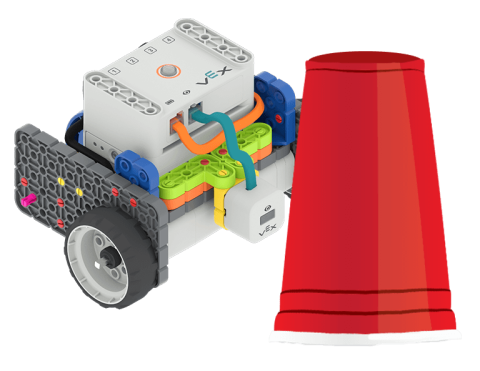
Verwenden Sie die Codebasis, um farbige Hindernisse zu erkennen und über ein Feld zu fahren!

Activity Image
Image
Code Base - Eye Forward build next to a red plastic cup.
VEX Platform
Activity PDF Link
https://content.vexrobotics.com/assets/education/stem-labs/docs/go/Activities/GO Activity - Obstacle.pdf

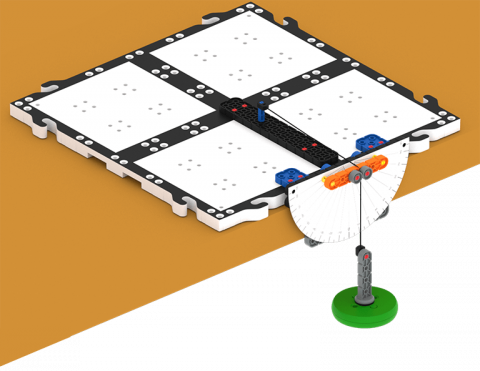
Nehmen Sie Änderungen am Pendel vor, um zu sehen, wie es seinen Schwung beeinflusst.

Activity Image
Image
Pendulum Time!
VEX Platform
Builds
Activity PDF Link
https://content.vexrobotics.com/assets/education/stem-labs/docs/go/Activities/GO Activity - Pendulum Time.pdf