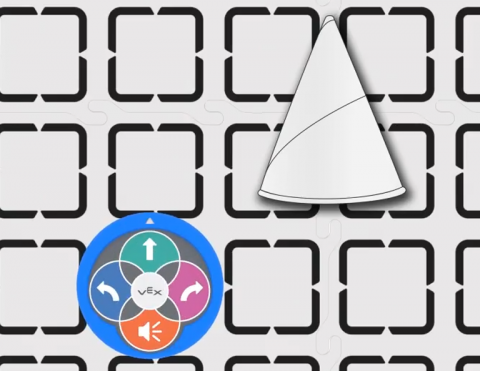
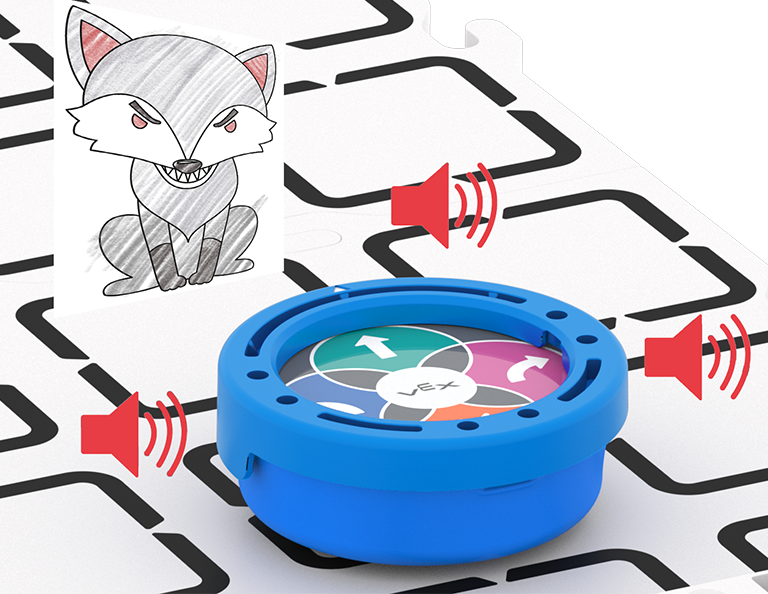
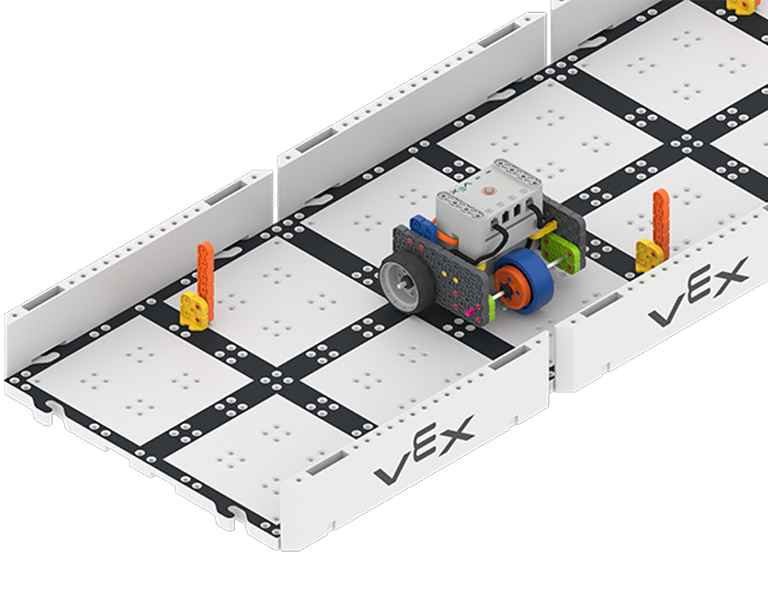
Programmieren Sie Ihren 123-Roboter so, dass er an einem Verkehrskegel vorbeifährt.

Activity Image
Image
Traffic Cone
VEX Platform
Subject
Coding Method
Activity PDF Link
https://content.vexrobotics.com/assets/education/stem-labs/docs/123/Activities/VEX 123 Activity - Traffic Cone.pdf

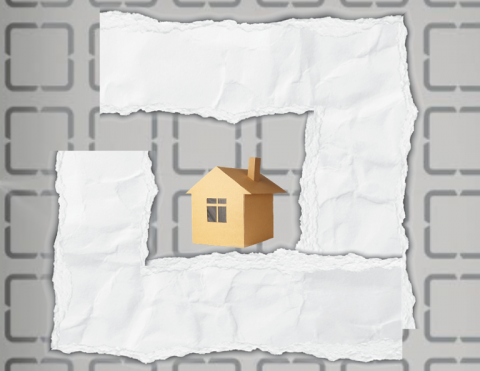
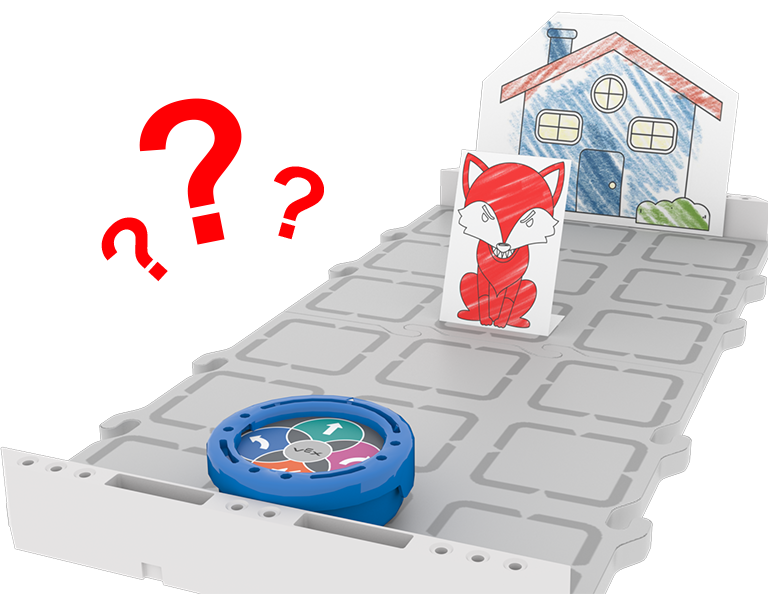
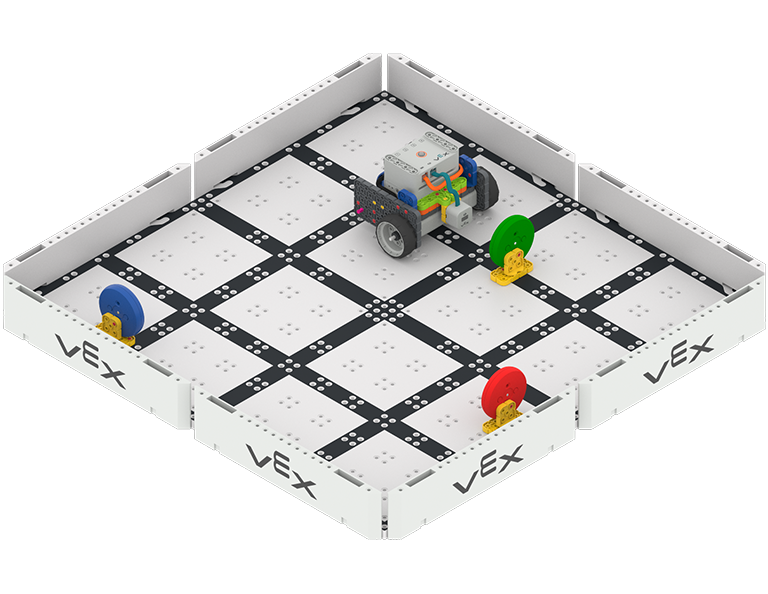
Programmieren Sie Ihren 123-Roboter so, dass er zum Haus eines Freundes fährt.

Activity Image
Image
Around the Town Tile
VEX Platform
Subject
Coding Method
Activity PDF Link
https://content.vexrobotics.com/assets/education/stem-labs/docs/123/Activities/VEX 123 Activity - Around the Town.pdf

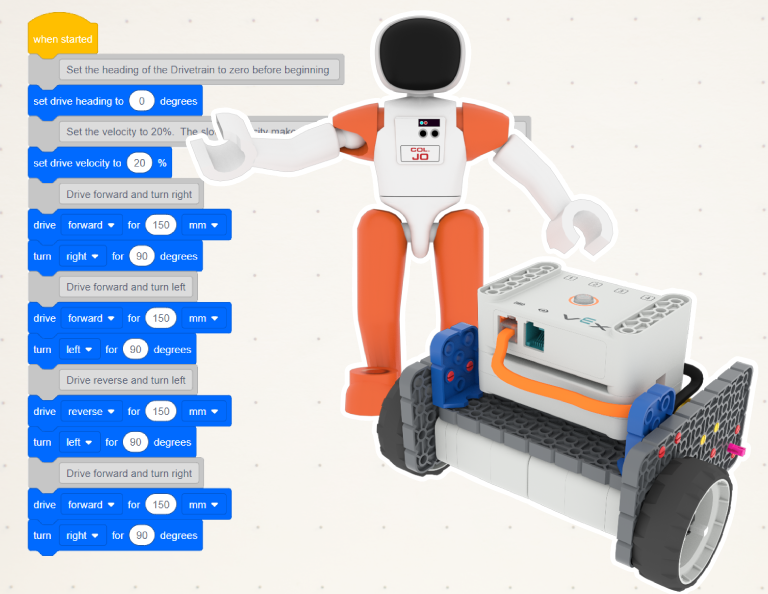
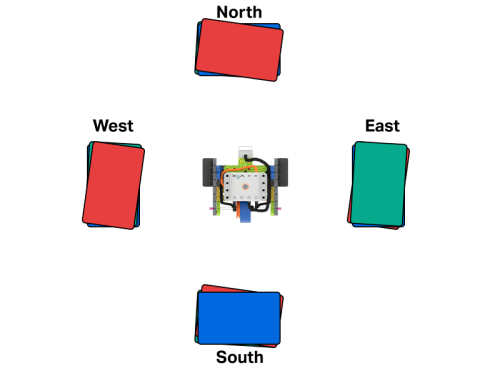
Üben Sie das Drehen im rechten Winkel.

Activity Image
Image
Code Base - LED Bumper in the middle of four stacks of books labeled North, East, South, and West.
VEX Platform
Subject
Activity PDF Link
https://content.vexrobotics.com/assets/education/stem-labs/docs/go/Activities/GO Activity - Bump It.pdf

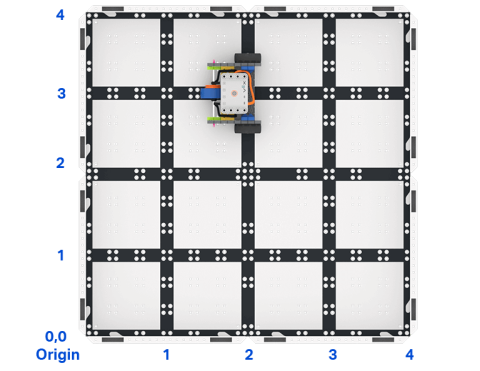
Erstellen Sie in VEXcode GO ein Projekt, das die Codebasis anweist, zu einem bestimmten Punkt in einem Raster zu reisen.

Activity Image
Image
Top down view of a 2 by 2 square field of GO field tiles with a GO Code Base robot. The sides are labeled as x and y axes, and the bottom left corner is labeled as the origin with x 0 y 0.
VEX Platform
Builds
Activity PDF Link
https://content.vexrobotics.com/assets/education/stem-labs/docs/go/Activities/GO Activity - Code Base Coordinates.pdf

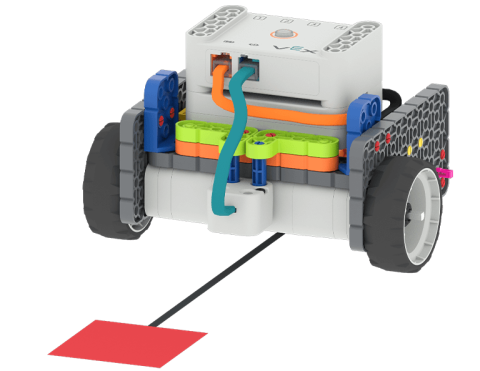
Verwenden Sie den Augensensor, um Ihren Roboter zu steuern.

Activity Image
Image
Code Base - Eye Down build following a path towards a red square placed on the floor.
VEX Platform
Activity PDF Link
https://content.vexrobotics.com/assets/education/stem-labs/docs/go/Activities/GO Activity - Color Code It.pdf

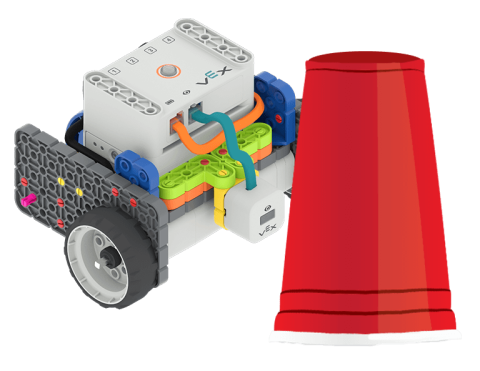
Verwenden Sie die Codebasis, um farbige Hindernisse zu erkennen und über ein Feld zu fahren!

Activity Image
Image
Code Base - Eye Forward build next to a red plastic cup.
VEX Platform
Activity PDF Link
https://content.vexrobotics.com/assets/education/stem-labs/docs/go/Activities/GO Activity - Obstacle.pdf

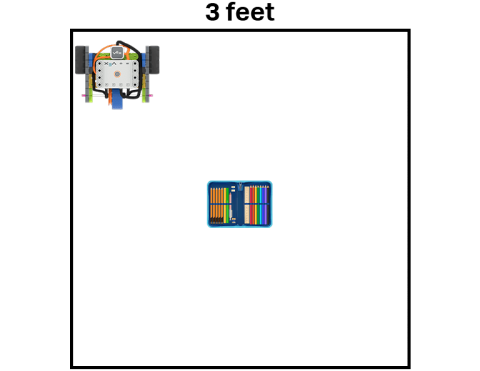
Erstellen Sie ein Projekt, das die Codebasis nutzt, um Ihre Schätze sicher aufzubewahren.

Activity Image
Image
Code Base - LED Bumper Top following the perimeter of a 3 feet by 3 feet square, guarding a school treasure represented by a pencil case.
VEX Platform
Subject
Activity PDF Link
https://content.vexrobotics.com/assets/education/stem-labs/docs/go/Activities/GO Activity - Security Robot.pdf

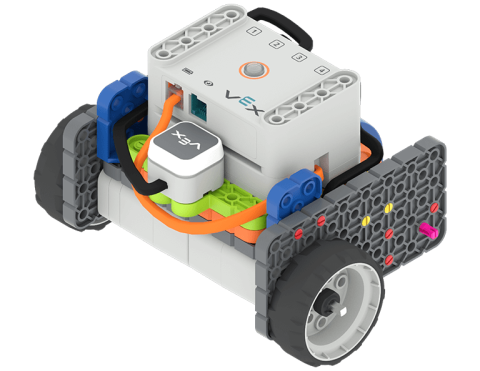
Verwenden Sie den LED-Stoßfänger, um ein Codierungsprojekt zu starten.

Activity Image
Image
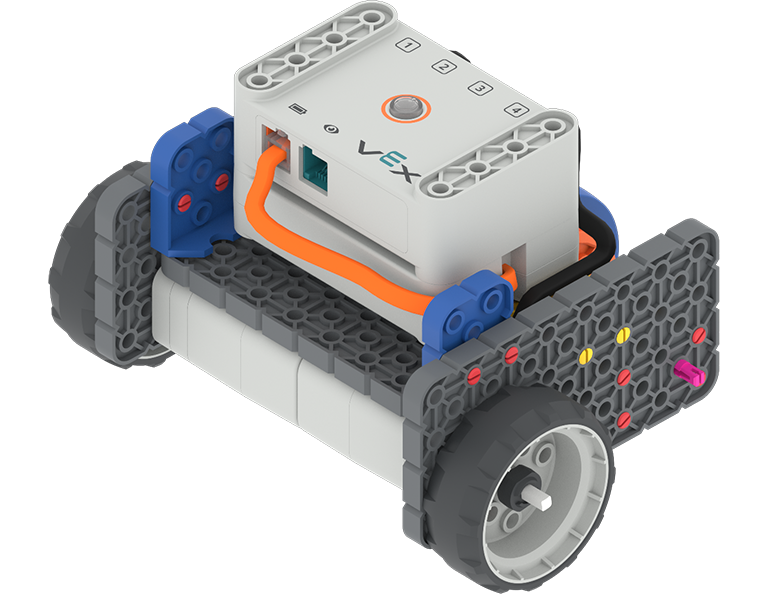
Angled view of the Code Base - LED Bumper Top build.
VEX Platform
Subject
Activity PDF Link
https://content.vexrobotics.com/assets/education/stem-labs/docs/go/Activities/GO Activity - Start It.pdf