
Now that you have practiced controlling roll, pitch, and yaw, you are ready to explore a new way to steer! In this lesson, you will learn about the difference between standard and headless steering modes, how each one changes the way you fly the VEX AIR Drone, and how to select the steering mode on the VEX AIR Drone Controller.
So far in this course, you've been using standard steering, where the drone moves based on the direction the drone is currently facing. With headless steering, the drone moves in relation to the drone's starting position, no matter which way the drone has rotated in flight.
In this video, you will learn about:
- How standard steering uses the front of the drone as the reference point for movements.
- How headless steering uses the starting position of the drone as the reference point for movements.
- How to switch between steering modes on the controller.
Practice Mission: Fly Using Headless Steering
In this mission, you will fly in a V-shaped path through two yellow rings, starting and ending on the platform. First, complete the flight using standard steering and record your results. Then, repeat the same path using headless steering. Since choosing a steering mode is a personal preference, thorough testing will help you decide which works best for you.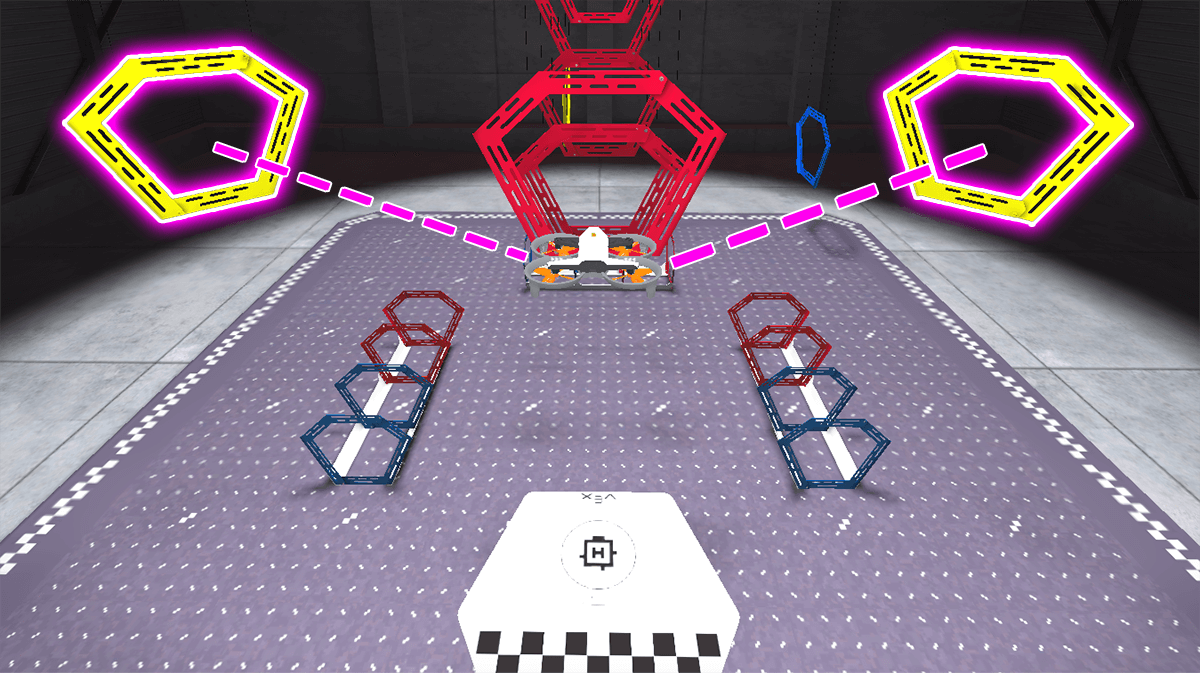
Follow these steps to complete your mission:
- Connect your controller to VEXcode AIR and select the Simulator tab. Refer to this article about using the VEX AIR Flight Simulator for more detailed instructions.
- Fly the drone using standard steering in a V-shape through the two yellow rings and land on the platform, as you did previously. Look back at the Unit 3 Lesson 2 Mission for reference if needed.
- Use the drone settings menu to switch the steering mode to Headless. Repeat the flight path with the new steering mode. Refer to this article for help with switching the steering mode.
- Use the Mission Log to document your flight (Google Doc / .docx / .pdf). Record the steering mode used in each attempt and any challenges headless steering presented.
- Complete the Mission Reflection only after completing multiple flights using headless steering.
Changing your steering mode can feel challenging at first. With practice, you will be better able to navigate and control the drone with headless steering, allowing you to compare and contrast the two steering modes effectively.
- Once you have practiced the mission and logged your practice flights in your Mission Log, complete the Yellow Ring Challenge mission in Flight School.
- Read the VEX Library article Using Flight School in the VEX AIR Flight Simulator for instructions on how to access and use Flight School.
- Find badge criteria for the mission in the Mission Log.
- When you have completed your Flight School mission, add your name to your badge.
- Save your badge, and share it with your instructor as directed.
Real-World Connections
Drone pilots choose between standard and headless steering based on the task they need to complete and their personal preference. Understanding when to use each mode is an important part of becoming a skilled and confident flyer, whether in a simulator or operating a drone in the real world.
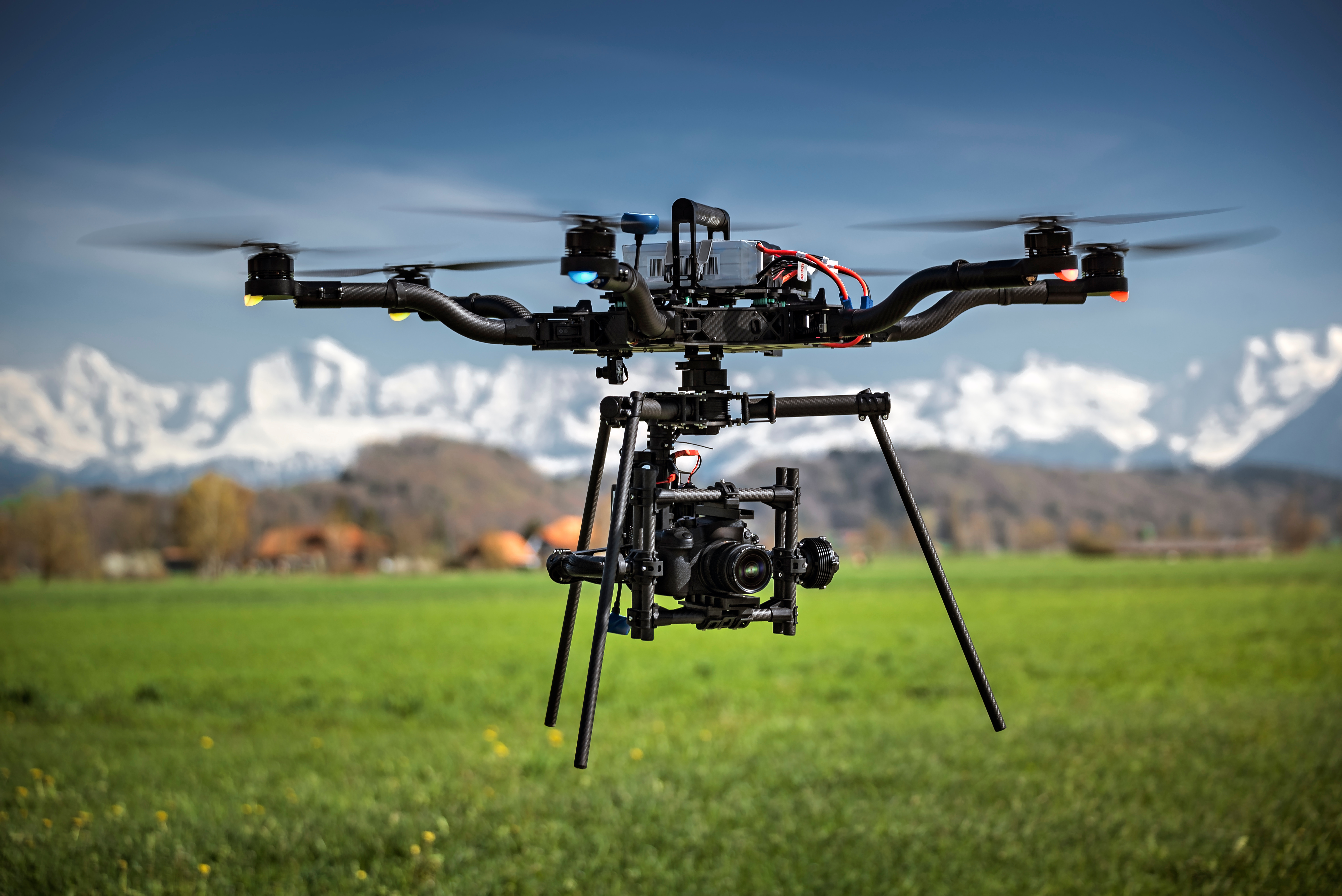
Headless steering is especially useful in situations where the drone is far away, hard to see, or positioned at an unusual angle. For example, professional drone pilots often use outdoor drones to film movie scenes. They often rely on headless steering to keep their shots smooth, even when the drone rotates to capture a moving subject. Headless steering can also help during long-distance or out-of-sight flights, because the controls stay consistent no matter which direction the drone is facing.
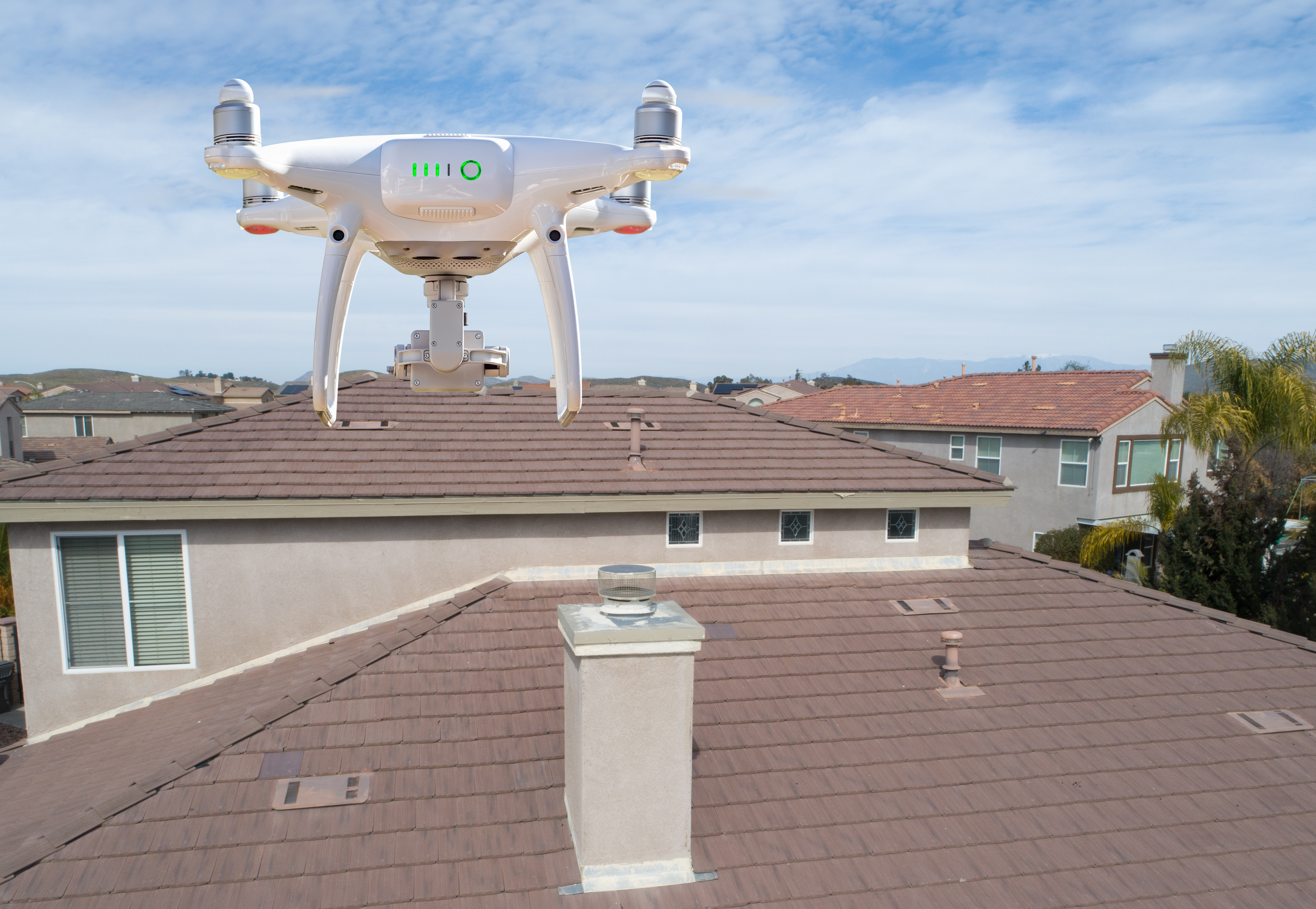
Standard steering, on the other hand, is commonly used in professional drone work that requires precision. Tasks like flying outdoor drones to inspect buildings, navigating tight spaces, or following specific flight paths are often easier when the controls match the drone’s actual orientation.
Check Your Understanding
Before moving on, ensure that you understand the concepts in this lesson by answering the questions here (Google Doc / .docx / .pdf).
Select Return to Units > to move on to the next unit in the course.