
In this unit, you will take control of your VEX AIR Drone for the first time in the VEX AIR Flight Simulator. You will learn how to take off, land, and control your drone’s height in the air using the throttle. You will also explore how changes in propeller speed create lift and how the Propeller Lock helps keep every flight safe by preventing the propellers from spinning until you’re ready.
You will connect what you’re learning to real-world safety practices, like how drone pilots follow regulations to protect people and equipment. By the end of this unit, you’ll be able to complete safe, basic flights in the simulator and understand how careful preparation and control are part of every successful mission.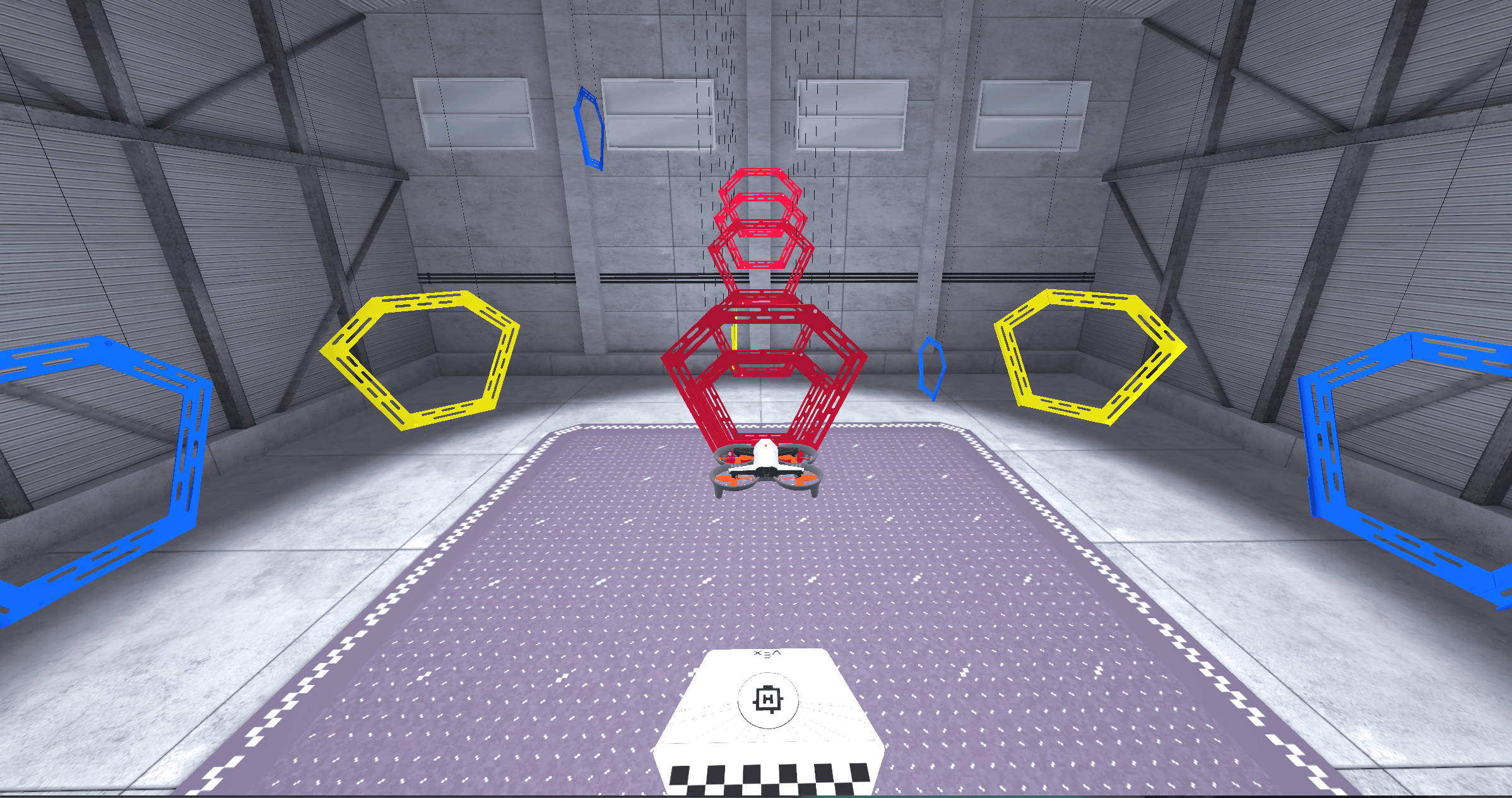
Vocabulary
In this unit, you will take your first flight! The vocabulary list is here to provide reference for key terms you may not be familiar with.
- Flight Simulator — A virtual environment for safely practicing drone flight before real-world flying.
- Takeoff — When a drone lifts off a surface to begin a flight.
- Landing — When a drone returns to a surface and the propellers stop spinning.
- Throttle — The control that changes how fast the propellers spin to move a drone up or down.
- Lift — The upward force created by the spinning propellers that allows a drone to rise in the air.
- Gravity — The downward force that pulls objects (like a drone) to the ground.
- Propeller Lock — A safety feature on the VEX AIR Drone that prevents the propellers from spinning until the pilot is ready to fly.
- Maximum Z Height — The limit of how high the drone can fly.
- Mission Log — A record of each flight that includes details like flight time, settings, and mission data used to track pilot training and progress.
- Flight School — A part of the VEX AIR Flight Simulator used to complete missions to earn badges to demonstrate flight skills.
What is a Mission Log?
Throughout this course you will use Mission Logs to help you track your progress and learning as you complete missions in the VEX AIR Flight Simulator. Logging flight data, practice time, and relevant information is an important way that pilots in training document their efforts. Logs also serve as valuable reference materials to be able to go back and look at how you navigated a particular task, or to reference specific skills you've practiced.
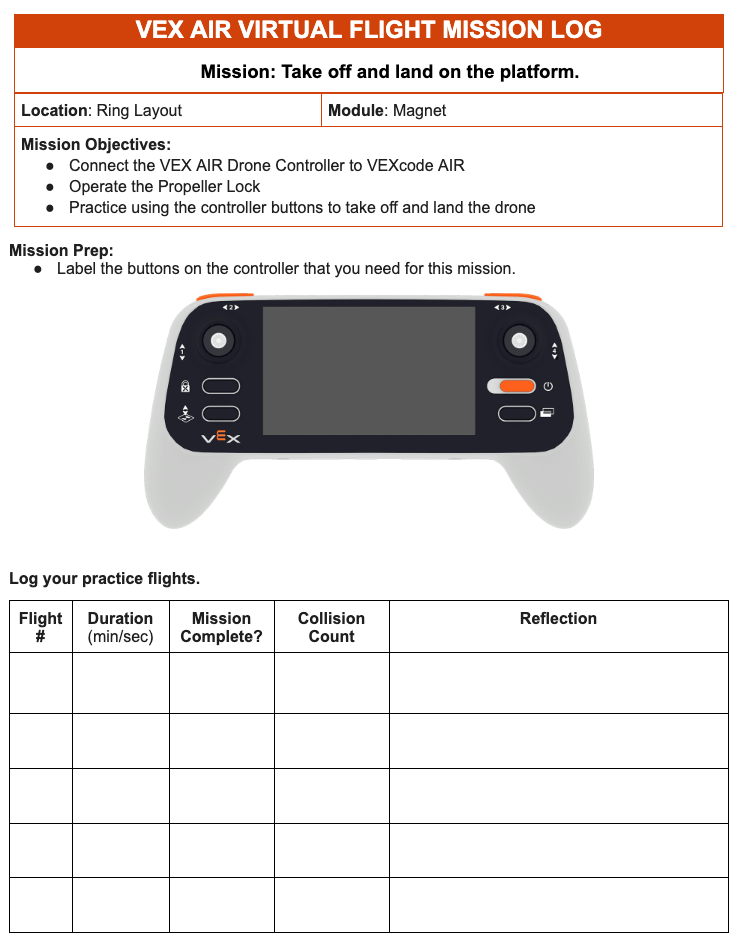
For each mission in this course, you will log information about your practice to help you build the habit of logging and reflecting on each flight. Even when the mission is simple, you are learning valuable information about the operations of the drone and how to use the controller effectively.
Select Next > to move to the next lesson.