
Applying VEX GO
Connection to VEX GO

The Mars Rover: Exploring Mars Geology Unit is a great way for students to be introduced to the Electromagnet and Eye Sensor with the Code Base, and using conditionals in VEXcode GO to code the robot to make decisions. In Lab 1, students are introduced to the Electromagnet and will code the robot to drive to a Disk, use the Electromagnet to collect the Disk, then return to the base. This activity is inspired by the Mars 2020 Mission and the tasks that the Persevere Rover will complete to collect rock and soil samples on Mars. Students will be asked to explain how the Code Base moves using descriptions or gestures to practice their spatial reasoning skills.
In Lab 2, students are introduced to the Eye Sensor and how the data collected by the sensor can be used in a VEXcode GO project to detect the color of a Disk. They will be mimicking the way that the Persevere Rover will analyze the rock and soil samples that are collected. They will use a conditional [If then] block to code the Code Base to deliver one Disk to a specified area based on its color. Students will first use verbal descriptions to describe how the robot needs to move and create pseudocode using [Comment] blocks based on these descriptions. Creating the pseudocode with [Comment] blocks will require students to decompose the goal of the project into smaller parts, and use spatial reasoning to plan their projects so that the Code Base completes the challenge successfully.
In Lab 3, students will build on their projects from Lab 2 to collect and sort multiple Disks based on their color. The goal of this lab is to collect all three Disks and deliver them to three separate locations on the Field based on their color. Students will decompose the goal of the challenge into smaller, actionable steps to create pseudocode with [Comment] blocks. They will be asked to explain how the Code base moves as they build and test their projects, continuing to practice and develop their spatial reasoning skills.
In Lab 4, students will be challenged to create a project that has the Code Base collect and deliver all three Disks again, but this time they will build a project using My Blocks. By using My Blocks, they will be able to create more efficient coding projects that are easier to follow and debug. They will be asked to describe the project flow with using My Blocks by observing the highlight feature in VEXcode GO as their project is run.
In Labs 3 and 4, students will need to connect the behaviors of the Code Base to the VEXcode GO blocks and parameters as they build their own projects to meet the challenge of collecting and sorting all three Disks of various colors. Students will practice and build their spatial reasoning skills throughout the Unit's activities, as they create mental representations of how the robot needs to move. They will then have to communicate that plan through their project, and through conversations with their group and teacher during the Play and Mid-Play Break sections, to help them practice articulating this spatial awareness in clear and effective ways.
Making this Unit Come Alive in Your Classroom
This VEX GO STEM Lab Unit does not need to be an isolated activity or disconnected piece of your classroom curriculum. It can be part of a larger theme in your classroom, to immerse students in project-based learning about Mars, or space in general.
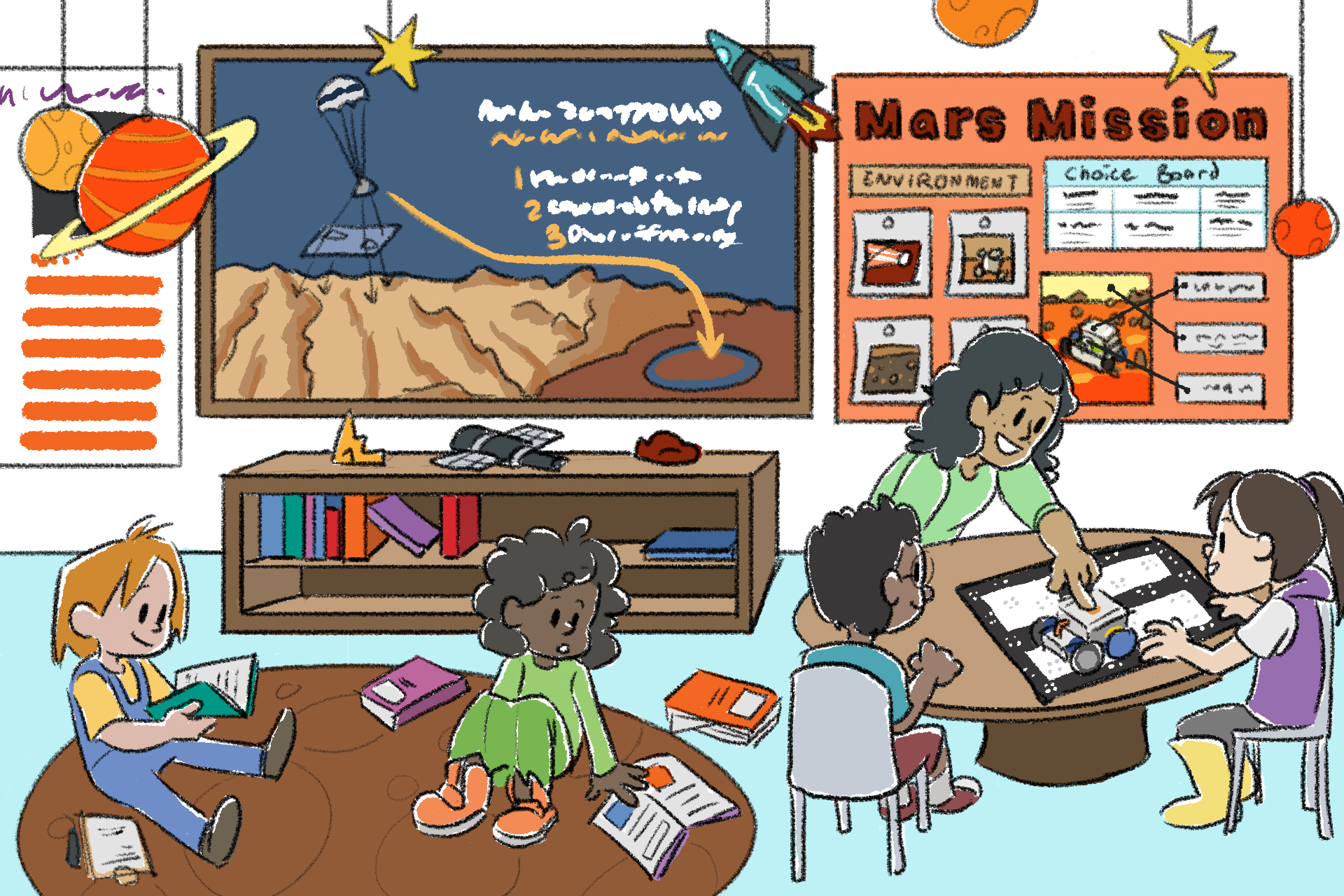
Some strategies to support this include:
- Mars Bulletin Boards - Create a Mars inspired bulletin board to showcase students' learning in this Unit, and more broadly. Use backing paper to make the bulletin board the color of Mars, have students add creative elements using tissue paper, construction paper, or markers, to show what they envision the surface of Mars looks and feels like. Add photos of students working throughout the Lab, along with students' own writings, posters, drawings, or questions about what they are learning about Mars outside of the VEX GO Unit.
- Add these elements to your VEX GO Learning Center, to carry the Mars theme through this area. Utilize resources like the NASA website to find imagery and information related to the Perseverance rover missions, to make this real world connection more visible for your students.
- Connect to Language Arts - Take a trip to the school or neighborhood library, and have students borrow books related to Mars, rovers, NASA, or space. Add these books to your classroom library, and have students go on "fact finding missions" to find the answers to certain questions in these non-fiction texts.
- Students can also write expository or informational essays or paragraphs to share what they have learned about the NASA 2020 Mission, the Perseverance rover, or Mars more generally. Students can create short videos to share their learning as well, that you can then share with your classroom community.
- Have students write letters to NASA scientists and engineers to share what they are doing and learning with VEX GO, and ask questions about what they are curious about. Hang these letters in your classroom so students can see what their classmates are more curious about.
- Get creative - Make models of planets and spacecraft and hang them from the ceiling, or high up in your classroom. Have students make posters of different rovers from the past or the present, that highlight what they were designed for, special features they have, and how they work. Students can also design their own rovers, or rover additions, and hang their designs around the room.
Teaching Coding
Throughout this Unit, students will be engaged with different coding concepts such as decomposition and sequencing. The Labs within this unit will follow a similar format:
- Engage:
- Teachers will help students make a personal connection to the concepts that will be taught in the Lab.
- Students will complete the build.
- Play:
- Instruct: Teachers will introduce the coding challenge. Ensure that the students understand the goal of the challenge.
- Model: Teachers will introduce commands that will be used in the creation of their project to complete the challenge. Model the commands by projecting VEXcode (GO/123) or by showing physical (representations of the blocks/Coder cards). For Labs that include pseudocode, model for students how to plan and outline the intention for their projects.
- Facilitate: Teachers will be given prompts to engage students in a discussion about what the goals of their project are, the spatial reasoning involved in the challenge, and how to troubleshoot unexpected outcomes of their projects. This discussion will also verify that the students understand the purpose of the challenge and how to properly use the commands.
- Remind: Teachers will remind students that the first attempt of their solution will not be correct or run properly the first time. Encourage multiple iterations and remind students that trial and error is a part of learning.
- Ask: Teachers will engage students in a discussion that will connect the Lab concepts to real-world applications. Some examples could include, “have you ever wanted to be an engineer?” or “where have you seen robots in your life?”
- Share: Students have an opportunity to communicate their learning in multiple ways. Using the Choice Board, students will be given a “voice and choice” for how they best display their learning.