
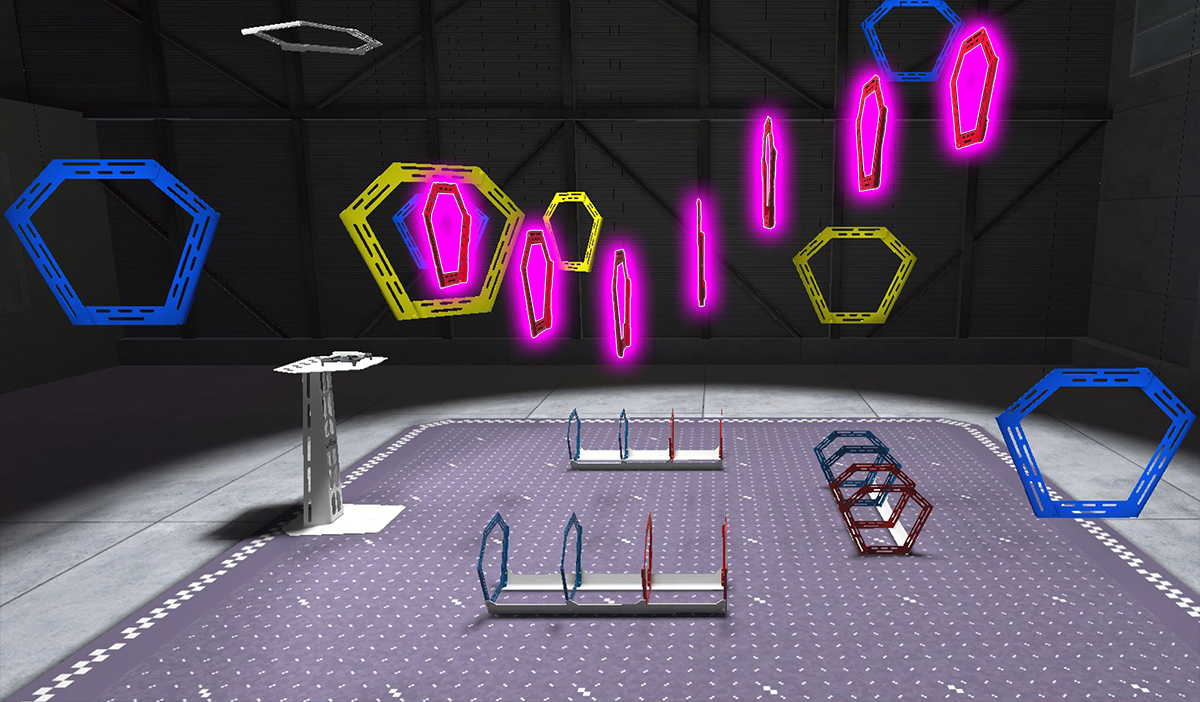
Now that you know how to use all of the basic controls on the VEX AIR Drone Controller and how they create simple movements of the VEX AIR Drone, you are ready to explore combining those controls into complex movements. In this unit you will learn about how multiple joystick inputs can be used at once in the VEX AIR Flight Simulator. You will practice using these complex controls with the controller to complete a series of missions and level up your piloting skills!
Vocabulary
The key terms below will help you as you expand your flight controls. The vocabulary list is here to provide reference for key terms you may not be familiar with.
- Multi-Axis Movement — When a drone moves by using two or more controls at the same time (like pitch, roll, yaw, and/or throttle) so it can fly in diagonal, curved, or more complex paths instead of only moving in one direction.
- Sequential Movement — When a drone completes movements one at a time in separate steps, such as yaw first, then pitch, instead of combining them
- Trajectory — The path the drone follows through the air as it moves from one point to another
- Flight Algorithm — The set of math and control rules defined by code that the drone uses to adjust how fast each propeller spins, to translate your joystick inputs into movement
Select Next > to move to the next lesson.