
Engage
Launch the Engage Section
ACTS is what the teacher will do and ASKS is how the teacher will facilitate.
| ACTS | ASKS |
|---|---|
|
|
Getting the Students Ready to Build
Before the students can plan their projects for the robot to pick up and deliver cooling cells, they must first build the Super Code Base 2.0.
Facilitate the Build
- InstructInstruct students to join their group, and have them complete the Robotics Roles & Routines sheet. Use the Suggested Role Responsibilities slide in the Lab 1 Image Slideshow as a guide for students to complete this sheet.
-
DistributeDistribute
build instructions to each team. Journalists should gather the materials on the checklist.
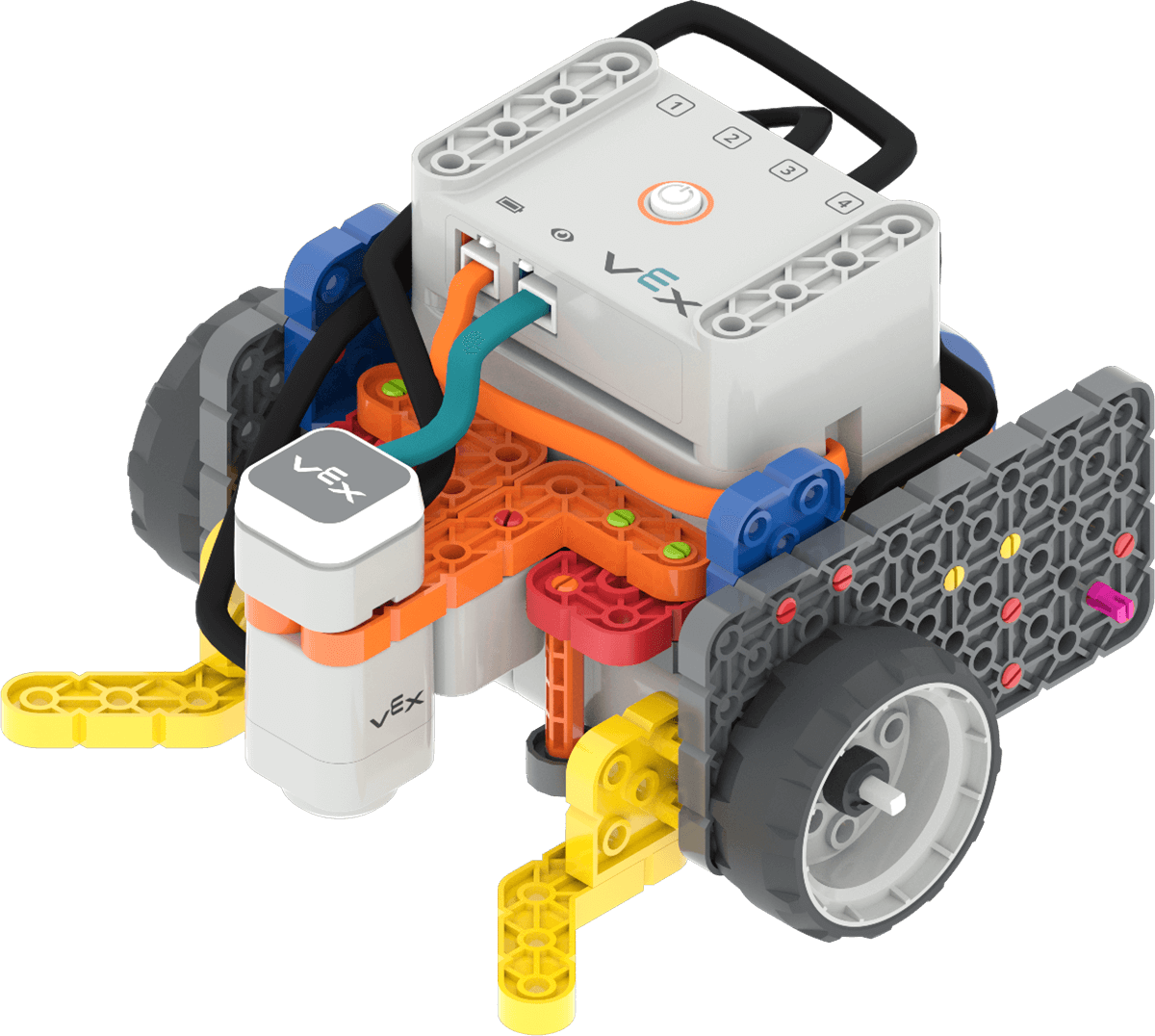
Super Code Base 2.0 build -
FacilitateFacilitate
the building process.
- Builders and Journalists should begin building based on their roles and responsibilities, like those shown in the Lab 1 Image Slideshow.
- Circulate around the room to help students with building or reading instructions where needed. Ask questions about how the build is being constructed to keep all students engaged in the buildings process, and remind students to follow their Role Responsibilities if they need help taking turns.
- OfferOffer suggestions and note positive team building and problem solving strategies as groups build together.

Teacher Troubleshooting
- If the wires seem to be getting in the way of the robot's drivetrain, use a rubber band to pull them together, and you can tuck the bundle into the build if needed, to keep the wires from impeding the movement of the Super Code Base as it moves during the Lab.
- Mark the starting location for the robot on the Field. It will be important that students place the robot in the same location each time they test their projects. Marking the location with tape or a wet erase marker can help make that process simpler.
Facilitation Strategies
-
To make the boundaries of the cooling cell lab area and the neighborhood drop off area more clear, mark them with colored tape or a wet erase marker.
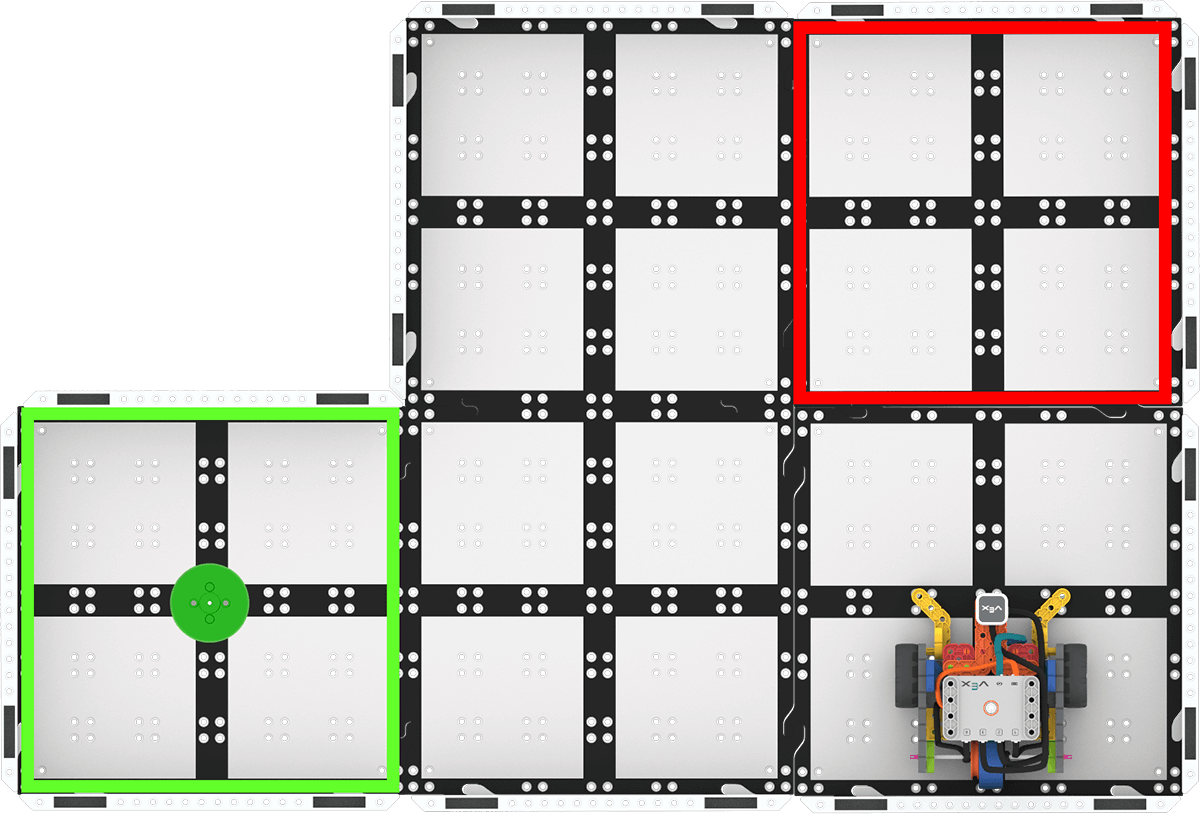
- If students are having trouble getting started planning a path for the robot, encourage them to use the path in the animation at the top of Play Part 1 as a jumping off point.
-
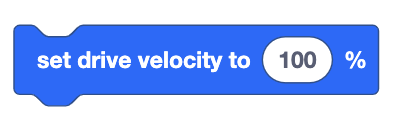
Remind students that the Set drive velocity block can be used to increase or decrease the speed of the robot.
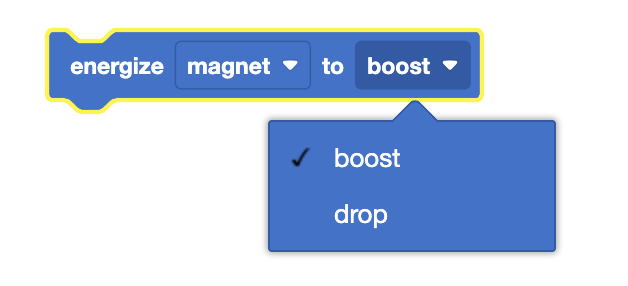
Set drive velocity block - The Energize electromagnet block is used to pick up and drop off disks. Remind students to use the drop down menu in the block to change the parameter from boost (pick up the magnet) to drop (release the magnet).
- To help students give and receive feedback respectfully, model providing feedback in a positive or neutral way, or role play with students to make sure the expectations for those interactions are clear.
- The goal of this Lab is about student collaboration to complete a challenge, not precision robot movements. As long as the robot gets anywhere within the pick up and drop off areas, the project is considered successful. That way if the robot gets knocked off course accidentally (like when the cooling cell is placed on it), the project can still function as intended and students can collaborate to improve the project.
- You can keep the Super Code Base built at the end of the Lab, as students will continue using the same robot in Lab 2.