
Engage
Launch the Engage Section
ACTS is what the teacher will do and ASKS is how the teacher will facilitate.
| ACTS | ASKS |
|---|---|
|
|
Engage
-
InstructInstruct
students that they are going to help the teacher build and test a VEXcode 123 project, to make the Eye Sensor on the 123 Robot detect an obstacle in the Mars landing area. To do this, they will use the [Drive until] block.
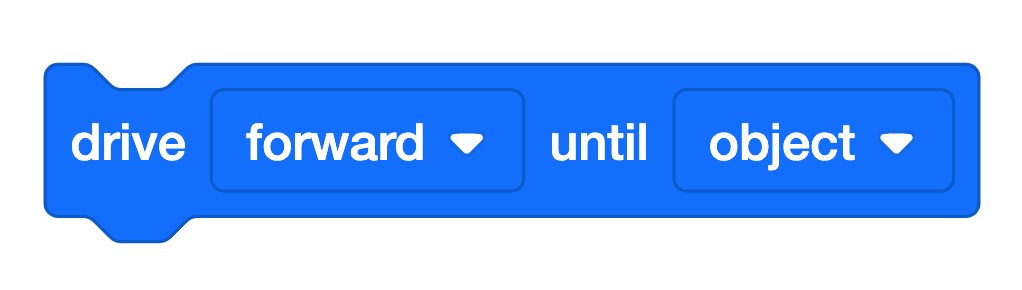
[Drive until] block -
DistributeDistribute
one 123 Robot, a computer or tablet to access VEXcode 123, and a 123 Field with the starting location marked, and the obstacle in place, for the demonstration. Use a light or white-colored paper or object for the "obstacle." The Eye Sensor uses infrared light to detect objects, and since dark-colored objects absorb infrared light, it is difficult for the Eye Sensor to detect them. Students will collect their 123 Robots and devices after the demonstration is complete.
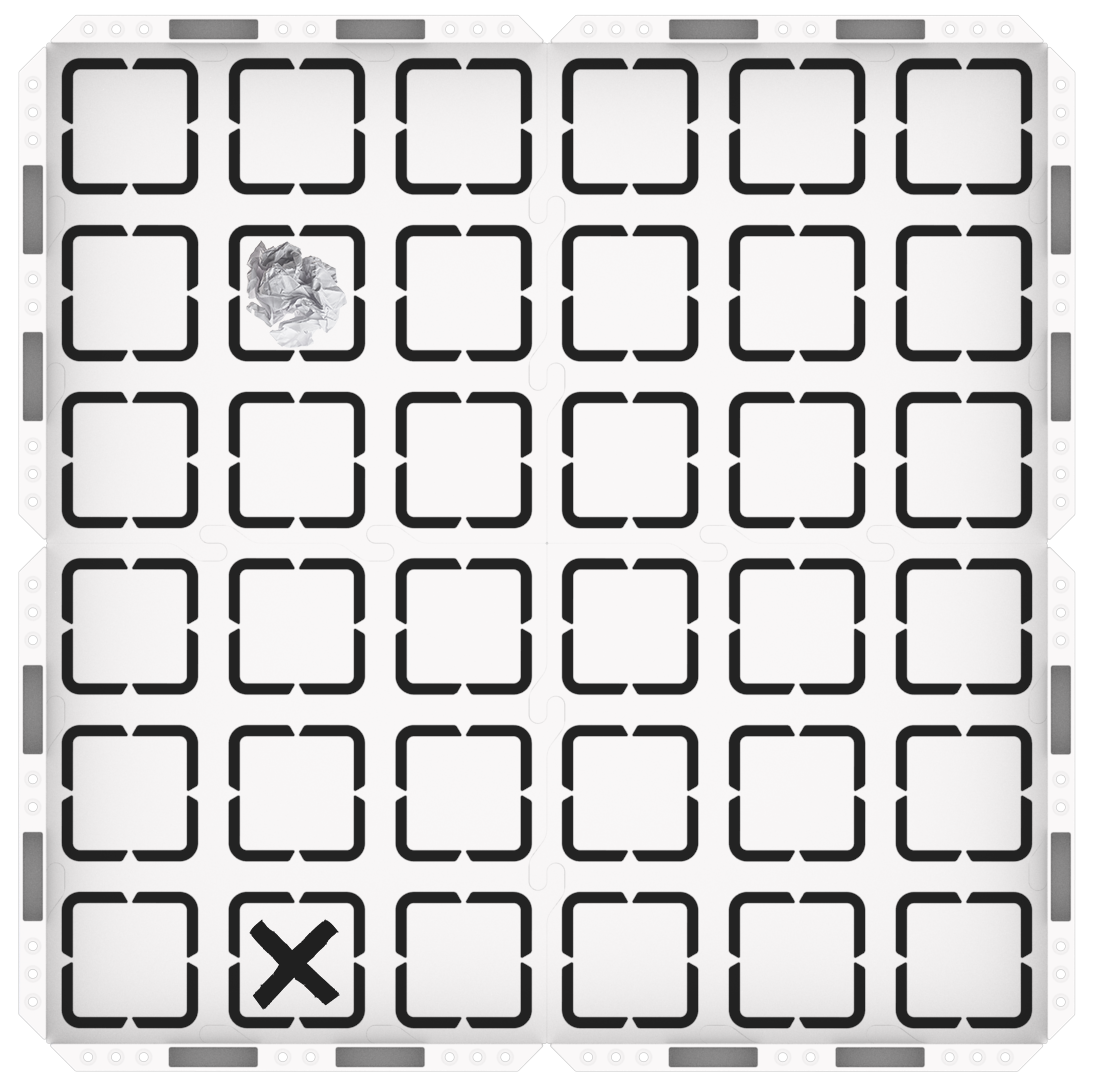
123 Field setup -
Wake the 123 Robot, as shown in the animation below, and place it on the starting location, facing the obstacle, on the 123 Field. Note that this animation includes sound.
Video file - Connect the 123 Robot to the computer or tablet. For support in connecting your 123 Robot to your computer or tablet, see the device-specific articles in this section of the VEX Library.
-
-
FacilitateFacilitate
building and testing the project with students, using VEXcode 123.
Drag the [Drive until] block into the Workspace, and attach it to the {When started} block.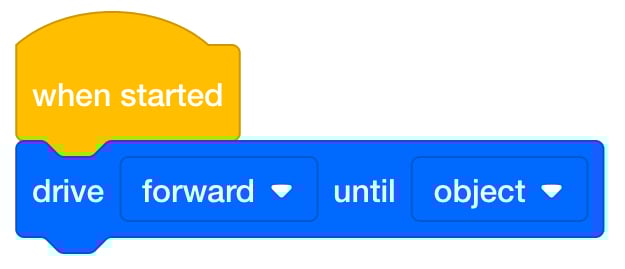
Add [Drive until] Block -
Start the project, and have students observe the behavior of the 123 Robot. View the animation below to see the robot drive until it reaches the obstacle once the project is started.
Video file - As you test the project, ask questions about how the Eye Sensor is working in this situation. How do you think the Eye Sensor can detect the obstacle? What if we moved the 123 Robot, what do you think would happen?
- Restart the project several times, and move the 123 Robot to different locations, closer or further from the obstacle, or not in the path of the obstacle. Be sure to point out that the Eye Sensor needs to face the obstacles in order to successfully detect them.
-
- OfferOffer positive reinforcement for students’ observation, listening, and self-regulation throughout the demonstration.

Teacher Troubleshooting
- If you’re having trouble detecting an obstacle - Try using light-colored paper or objects as the obstacles. The Eye Sensor uses infrared light to detect objects, and since dark-colored objects absorb infrared light, it makes it very difficult for the Eye Sensor to detect them.
- Make sure that students reset the obstacles - After each group tests their project on the 123 Field, make sure that they put the obstacles back in place for the next group. You can mark the locations of the obstacles with a dry erase marker on the Field, to make this process easier.
Facilitation Strategies
- Take Turns - Throughout the Lab, students should take turns in their groups. Suggestions for facilitating this include:
- Alternate between building the code in VEXcode 123 and placing the 123 Robot on the Field and starting the project. Students can swap roles with their partner between Play Part 1 and Play Part 2, so that both members of the group have a chance to use the computer or tablet.
- Identify at the start of Play how the turn-taking will work, so that students can be prepared for when they will have a turn with the computer or tablet, and when their turn will be over.
- Try a new starting position - If students detect the obstacle right away in Play Part 1, have them move the 123 Robot to a new starting location and try again, to experiment with object detection more. Does the Eye Sensor still detect the same obstacle? Does it detect something different? Why do they think that is?