
Session 6 Your First V5 Match
It's time to prepare for your first VEX V5 Robotics Competition match! In this session, you will learn about the structure of a match so that you can be prepared for what will happen when you get to the Field at a competition. You'll use VEXcode V5 and the Competition Template to create your first project for a competition match, and learn how to start the project on your Controller.
Before you begin, make sure you have the following ready:
- A built Hero Bot
- Charged controller and batteries
- An assembled and set up VEX V5 Robotics Competition Override Competition Field
- VEXcode V5
- An engineering notebook
What is the structure of a VEX V5 Robotics Competition match?
The Competition Template accounts for the three main components of a match:
- Pre-Auton / Set Up Mode: Here the team can code actions such as calibrating a gyro, setting variables, or other device settings. These blocks will run immediately when the program is started, before the autonomous portion of the match begins.
- Autonomous Mode: The first 15 seconds of a match is the autonomous period. Here, your robot performs coded behaviors, and driver control is disabled. You can earn an extra point based on your robot's ability to score in this part of the match.
- User Control Mode: The remaining 1 minute 45 seconds is where you drive your robot in the match. Here your robot runs the code that allows the driver to control the robot during the competition.
The Competition Template is required to be used when competing in a VEX V5 Robotics Competition match. Watch the video below about using the Competition Template to prepare for a match.
In this video you will learn about:
- Where to access and open the Competition Template in VEXcode V5.
- What each of the stacks in the Competition Template are for.
- How to configure your Controller in VEXcode V5 for your driving preferences.
- How to run the Competition Template project on your Controller to simulate a match.
Activity: Build Your Competition Template
Now that you know what the Competition Template is, it's your turn to build and test your own. 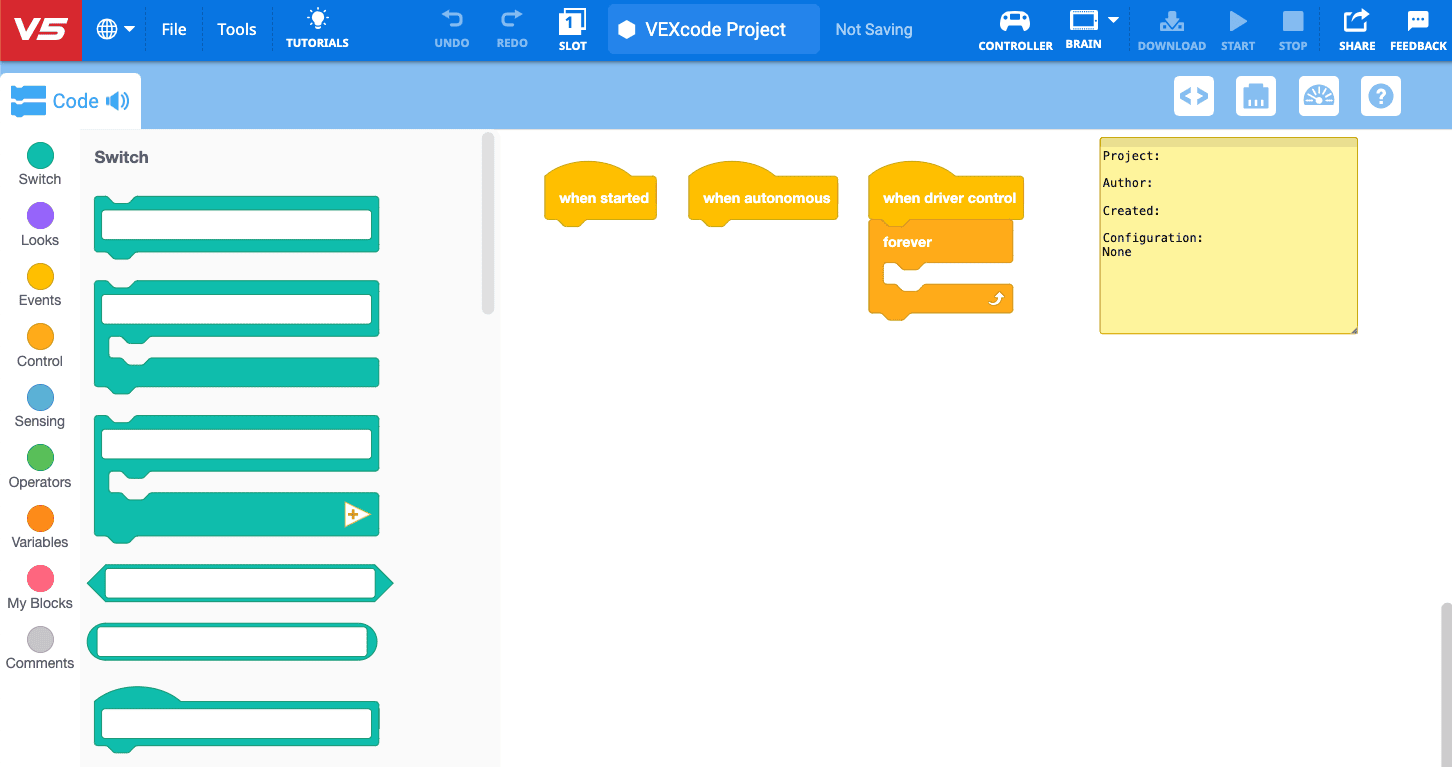
Use this task card (Google doc / .pdf / .docx) to guide you through building and testing your project.
- Review the sections of the Competition Template with this article.
- For help with configuring your Controller in VEXcode V5, read this article
- If you need help testing your Competition Template, follow the steps in this article.
- To learn more about the blocks in the VEXcode V5 Toolbox, use the VEXcode API Reference.
As you work, perform a Student-Centered Check. Ask yourselves in each area: are we the ones doing the work?
- Robot: Are we designing, building, testing, coding, and improving our robot?
- Teamwork: Are we making our strategy, gameplay, and competition decisions?
- Notebook: If we keep one, are we the ones writing our decisions, iterations, learning, successes, and failures?
All Yes: the work is ours. Any No: it is not yet ours.
Now is a good time to look at the 'Engineering Design Process – Optimize' section of the Engineering Notebook Rubric and talk as a team about what sets the exemplary, proficient, developing, and beginning levels apart in the 'Code is documented' row. The Student-Friendly version covers the same thing in plainer language in the ‘Showing our code’ row if you need it.
Have fun getting ready for your first match!
Select Next Session > to move on to the next session.